

From my experience with Melio, it stands out as a straightforward and practical payment platform tailored for small businesses. Its ability to pay vendors via bank transfer or credit card, even mailing checks when necessary, makes it versatile for diverse vendor needs. The integration with QuickBooks further simplifies bookkeeping. However, the trade-off is that credit card payments come with fees, and bank transfers can take several days to process, which may impact urgent payments. Overall, Melio is an excellent choice for small businesses seeking to streamline bill payments and manage cash flow efficiently.
Melio Payment Platform for Small Business Invoicing and Bill Pay
Melio is a payment platform designed for small businesses to pay bills and manage invoices easily via bank transfers or credit cards, including the ability to pay vendors who only accept checks.
- Best for
- Small Business Bill Payments
- Key capability
- Pay Vendors by Bank Transfer or Credit Card
Your actions


Do you recommend this tool?
What is Melio?
Melio is a payment platform designed to simplify how small businesses pay their bills and manage invoices. It provides an easy-to-use interface for sending payments to vendors via bank transfers or credit cards, even if the vendor only accepts checks. Melio aims to streamline accounts payable processes and improve cash flow management for small businesses.
Key features of Melio
Melio offers features such as bill payment via bank transfer or credit card, invoice management, payment scheduling, vendor management, and integration with accounting software like QuickBooks. It supports payments to any vendor, regardless of their payment method preferences.
Pay Vendors by Bank Transfer or Credit Card
Send payments electronically or by mailed check on behalf of your business.
Invoice and Bill Management
Organize and track bills and invoices in one platform.
Payment Scheduling
Schedule payments to optimize cash flow and meet due dates.
Accounting Software Integration
Sync payments and bills with QuickBooks for streamlined bookkeeping.
No Fees for Bank Transfers
Make bank transfer payments without transaction fees.
Pros and cons of Melio
Pros
- Easy to use interface for small businesses
- Supports payments via bank transfer and credit card
- No fees for bank transfer payments
- Integration with QuickBooks for accounting
- Ability to pay vendors who only accept checks
Cons
- Credit card payments incur processing fees
- Limited to English language support
- Payment processing times can be several days for bank transfers
Key use cases for Melio
Small Business Bill Payments
Allows small businesses to pay vendors and suppliers easily via bank transfer or credit card.
Invoice Payment Management
Enables businesses to send and receive payments on invoices efficiently.
Accounts Payable Automation
Streamlines accounts payable processes by digitizing and automating bill payments.
Cash Flow Management
Helps businesses manage cash flow by scheduling payments and extending payment terms.
How Melio works
- 1
Create an Account
Sign up on Melio’s website or mobile app to start managing your payments.
- 2
Add Vendors
Input your vendors’ payment details, including bank account or mailing address.
- 3
Upload or Enter Bills
Add bills manually or upload invoices to Melio for payment processing.
- 4
Choose Payment Method
Select to pay via bank transfer or credit card, even if the vendor accepts only checks.
- 5
Schedule or Send Payment
Send payments immediately or schedule them for a later date to manage cash flow.
Who is using Melio
Small business owners
Freelancers and contractors
Accounting professionals
Bookkeepers
Vendors and suppliers
Melio pricing
Free
$0
Free to use for bank transfer payments; fees apply for credit card payments.
Plans and prices are as published by the vendor and can change. Check the official site before you buy. Open the pricing page (opens in a new tab)
Frequently asked questions about Melio
Yes, Melio is free for bank transfer payments. Credit card payments incur a processing fee.
Yes, Melio can mail a check to your vendor on your behalf.
Yes, Melio integrates with QuickBooks Online to sync payments and invoices.
Bank transfers typically take 3-5 business days; credit card payments are faster.
It depends on your specific needs and how you plan to use the tool. The official website and documentation are the best sources for the latest details.
Yes, it can help with that use case depending on how you configure it and what features are available. You’ll get the best results with clear inputs and a defined goal.
Integration support depends on the tool and its available connectors or API. Check the official documentation or integrations page to confirm what is supported.
Sign in to review this tool.
Sign In to ReviewNo reviews yet
Be the first to share how this tool worked for you.
Ask about pricing, limits, or how it compares — or answer someone else.
Sign In to AskNo questions yet
Have a question about using or paying for this tool? Be the first to ask.
Featured on TiorAI



Alternative Tools
Explore similar AI tools that might fit your needs

Subscription
Bill.com
Bill.com is a cloud-based platform that automates accounts payable and receivable workflows, enabling businesses to process invoices, approve payments, and sync with accounting software efficiently.
More AI Finance & Accounting Tools tools
Other tools in the same category, for when this one is not quite the fit.

Free Trial
Auto Market Scanner
Auto Market Scanner is a web platform that automates stock market scanning using customizable technical filters to help traders identify potential trades quickly.

Contact for pricing
Keenai Wealth
Keenai Wealth is an AI-powered financial planning platform that provides personalized investment advice, portfolio optimization, and retirement planning tools to help users manage their wealth effectively.
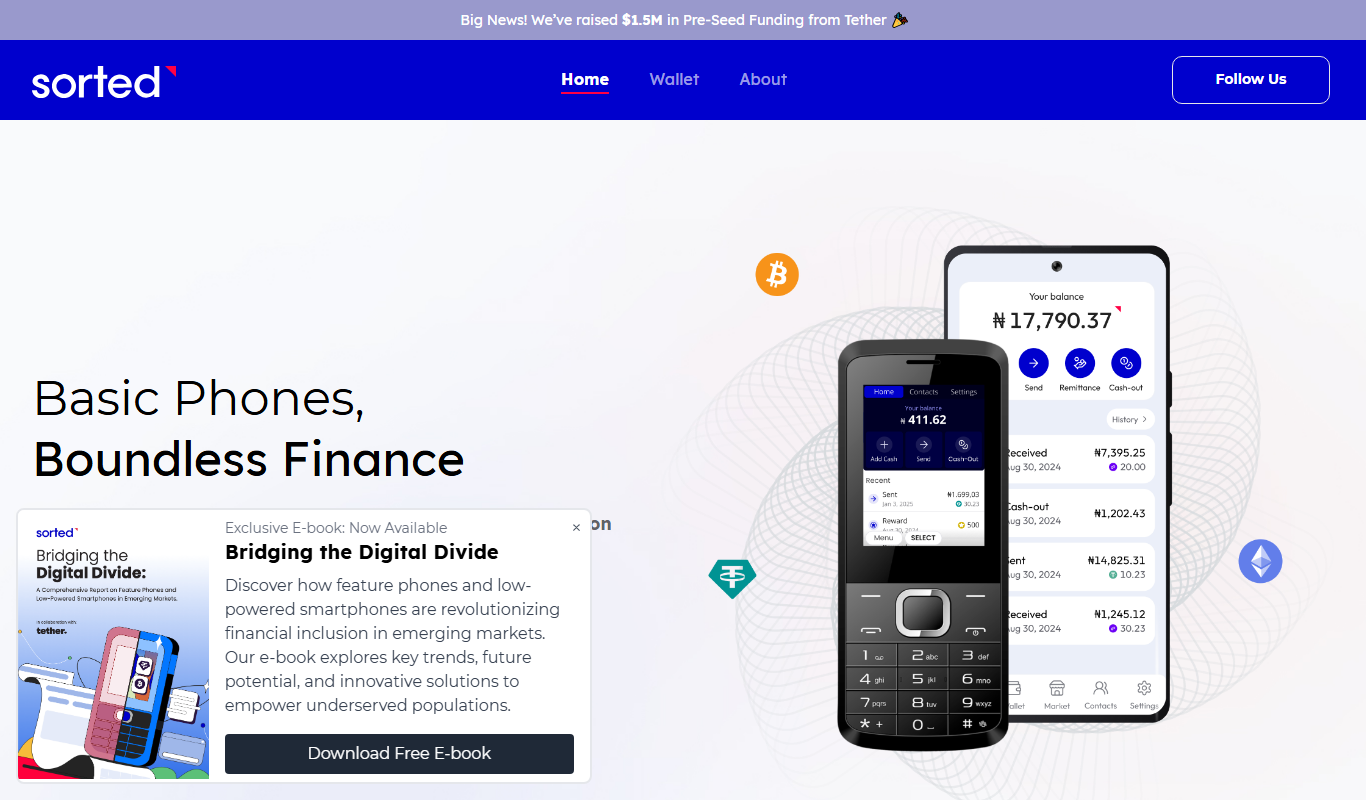
Free
Sorted Wallet
Sorted Wallet is a web-based cryptocurrency portfolio tracker that aggregates multiple wallets and exchanges, providing real-time portfolio valuation, performance analysis, and tax reporting tools.

Free
Credit Chip
Credit Chip is a free mobile app that provides real-time credit score monitoring, detailed credit reports, and instant alerts for suspicious credit activity to help users manage their personal finances securely.

Free
Coinfeeds
Coinfeeds is a web-based platform that aggregates real-time cryptocurrency news and social media updates, offering customizable alerts to help users stay informed about market trends and events.

Freemium
Taxly.ai
Taxly.ai is an AI-driven platform that automates tax filing and compliance by extracting data from financial documents, filling tax forms, and providing personalized tax advice for individuals and small businesses.

Freemium
CanTax
CanTax is an AI-driven tax filing software designed to help small businesses and freelancers automate tax preparation, identify deductions, and ensure compliance with tax laws.

Freemium
TaxGPT: Your AI Tax Assistant
TaxGPT is an AI-powered tax assistant that helps individuals and small businesses prepare taxes, receive personalized advice, and review tax documents for accuracy.