

From my experience with MegaPortal for macOS, I found it excels at providing robust privacy through end-to-end encryption while maintaining user-friendly file management. The seamless syncing and secure sharing features make it a reliable choice for individuals and small businesses prioritizing data security. However, the lack of integrated collaboration tools and somewhat higher pricing for larger plans may be a drawback for teams needing more than storage. Overall, if you want a secure, cross-platform cloud storage solution with strong privacy controls, MegaPortal delivers solid performance.
MegaPortal for macOS Review - Secure Cloud Storage and File Sharing App
MegaPortal for macOS is a secure cloud storage app offering end-to-end encryption, real-time file syncing, and easy file sharing across devices.
- Best for
- Secure Cloud Storage
- Key capability
- End-to-End Encryption

What is MegaPortal for macOS?
MegaPortal for macOS is a dedicated desktop application that provides users with secure cloud storage and file sharing capabilities. Developed by Mega Limited, it emphasizes privacy through end-to-end encryption, ensuring that only users have access to their data. The app integrates seamlessly with the Mega cloud service, allowing users to upload, download, sync, and share files directly from their Mac computers.
Key features of MegaPortal for macOS
MegaPortal offers encrypted cloud storage, real-time file synchronization, secure link sharing with customizable permissions, and cross-platform compatibility. It supports large file uploads and downloads, making it suitable for both personal and professional use cases requiring privacy and convenience.
End-to-End Encryption
All files are encrypted locally before upload, ensuring privacy and security.
Real-Time Sync
Automatic synchronization keeps files updated across all connected devices.
Secure Link Sharing
Share files with password protection, expiration dates, and download limits.
Large Storage Options
Offers generous free storage with paid plans for expanded capacity.
Cross-Platform Support
Available on macOS, Windows, Linux, iOS, Android, and web browsers.
Pros and cons of MegaPortal for macOS
Pros
- Strong end-to-end encryption for privacy
- Generous free storage compared to competitors
- Cross-platform availability including macOS
- Easy-to-use interface with drag-and-drop support
- Flexible sharing options with security controls
Cons
- Paid plans can be pricier than some alternatives
- No built-in office suite or collaboration editing tools
- Sync speed depends on internet connection quality
Key use cases for MegaPortal for macOS
Secure Cloud Storage
Store files safely in the cloud with end-to-end encryption to protect sensitive data.
File Sharing and Collaboration
Easily share files and folders with others via secure links and control access permissions.
Cross-Platform Access
Access your files seamlessly across macOS, mobile devices, and web browsers.
Backup and Sync
Automatically sync files between devices and back up important data to the cloud.
Large File Transfers
Send and receive large files quickly without size limitations typical of email attachments.
How MegaPortal for macOS works
-
1
Download and Install
Get the MegaPortal app from the official website and install it on your macOS device.
-
2
Create or Log In to Your Account
Sign up for a free Mega account or log in to access your cloud storage.
-
3
Upload and Sync Files
Drag and drop files or folders into the app to upload and sync them securely to the cloud.
-
4
Share Files Securely
Generate encrypted sharing links with customizable permissions to share files with others.
-
5
Access Files Anywhere
Use the app or web interface on any device to access your synced files anytime.
Who is using MegaPortal for macOS
Privacy-conscious individuals
Freelancers and remote workers
Small to medium businesses
Creative professionals handling large files
Users needing secure file sharing
MegaPortal for macOS pricing
Free
$0/month
15 GB of encrypted cloud storage with basic features.
Pro Lite
$5.69/month
400 GB storage with increased transfer limits and priority support.
Pro I
$11.39/month
2 TB storage with enhanced sharing and collaboration tools.
Pro II
$22.79/month
8 TB storage for power users and businesses.
Pro III
$45.59/month
16 TB storage with maximum transfer and advanced features.
Plans and prices are as published by the vendor and can change. Check the official site before you buy. Open the pricing page (opens in a new tab)
Frequently asked questions about MegaPortal for macOS
Yes, MegaPortal offers a free plan with 15 GB of storage, with paid plans available for more space and features.
MegaPortal uses end-to-end encryption, meaning files are encrypted on your device before upload, and only you hold the keys.
Yes, you can share encrypted links with anyone, even if they don’t have a Mega account.
Yes, it supports real-time synchronization of folders between your Mac and the cloud.
This tool is designed to help users accomplish its core tasks more efficiently. It is typically used by individuals or teams looking to improve productivity and workflow.
Yes, it can help with that use case depending on how you configure it and what features are available. You’ll get the best results with clear inputs and a defined goal.
Pricing depends on the plan and included features. For the most accurate and up-to-date details, check the official pricing page.
Sign in to review this tool.
No reviews yet
Be the first to share how this tool worked for you.
Ask about pricing, limits, or how it compares — or answer someone else.
No questions yet
Have a question about using or paying for this tool? Be the first to ask.
Featured on TiorAI



Alternative Tools
Explore similar AI tools that might fit your needs

Free
Dropbox
Dropbox is a cloud storage service that enables secure file storage, sharing, and syncing across devices with collaboration features for teams.

Free
pCloud
pCloud is a secure cloud storage and file sharing service that offers client-side encryption, cross-platform synchronization, and flexible pricing including lifetime plans.
Free
Sync.com
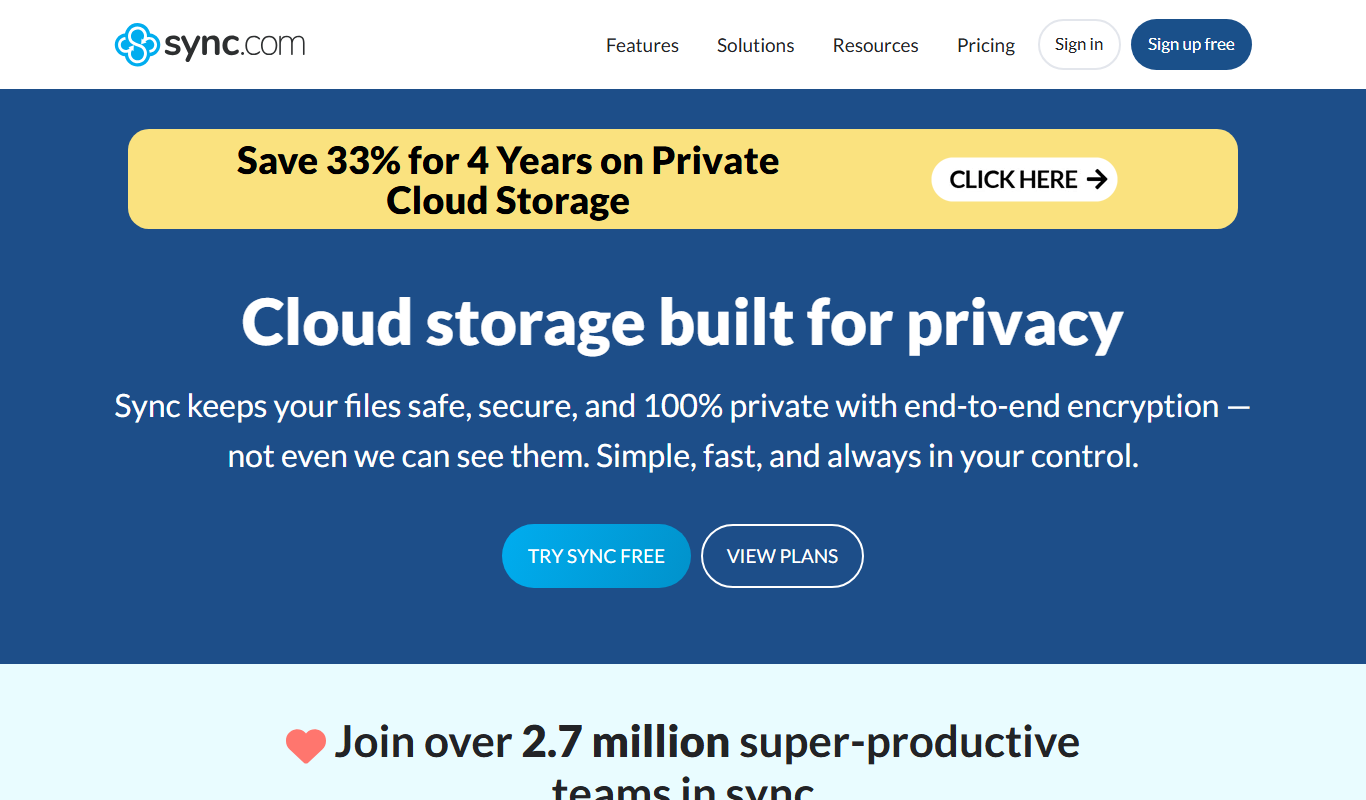
Sync.com is a secure cloud storage and file sharing platform that uses end-to-end encryption to protect user data, offering privacy-focused backup and collaboration features across multiple devices.
More AI Vector Graphics Tools tools
Other tools in the same category, for when this one is not quite the fit.

Freemium
VectorShift
VectorShift is an AI-driven platform that streamlines vector data processing and geospatial analysis through automated cleaning, custom workflows, and API integration.

Freemium
VisualizeAI
VisualizeAI is a web-based AI-powered data visualization platform that enables users to create interactive dashboards, integrate multiple data sources, and leverage AI insights for better data analysis.

Custom Pricing
rsipvision.com
RSIP Vision provides AI-driven medical imaging solutions that assist healthcare professionals in analyzing images, improving diagnostic accuracy, and streamlining workflows through custom AI models and integration.

Freemium
VDraw AI
VDraw AI is a web-based vector drawing tool that uses AI to assist designers in creating precise and colorful vector graphics quickly without software installation.

Free
Visily 2.0
Visily 2.0 is a web-based UI design tool that enables rapid prototyping and real-time collaboration with AI-powered design suggestions, ideal for teams and non-designers.

Free Trial
Arch-E
Arch-E is an AI-driven architecture design platform that automates building plan creation, helping architects generate detailed blueprints faster and more efficiently.

Free
octo.ai
Octo.ai is an AI-powered chatbot platform that helps businesses automate customer support and workflows by building intelligent chatbots with natural language understanding and helpdesk integration.

Free
Vectorizer AI
Vectorizer AI is an online tool that uses artificial intelligence to convert raster images into scalable vector graphics (SVG), enabling easy resizing and editing for design projects.