

From my experience with LoomLetter, I found it excels at streamlining the email writing process by generating personalized drafts that save significant time. The integration via Chrome extension makes it convenient to use directly within familiar email clients like Gmail. It’s particularly well-suited for sales professionals and customer support teams who need to maintain consistent and timely communication. However, the tool currently supports only English and requires Chrome, which may limit some users. Overall, if you want to boost your email productivity with AI-driven automation and follow-ups, LoomLetter delivers practical and effective solutions.
LoomLetter AI Email Assistant for Efficient and Personalized Email Writing
LoomLetter is an AI-driven email assistant that automates personalized email drafting and follow-up sequences to improve communication efficiency.
Your actions

Do you recommend this tool?
What is LoomLetter?
LoomLetter is an AI-powered email assistant designed to help users write personalized, professional emails faster. By leveraging artificial intelligence, it automates the drafting process, enabling users to create engaging emails for sales, support, follow-ups, and general communication without starting from scratch.
Key use cases for LoomLetter
Personalized Email Writing
Generate customized emails quickly using AI to improve engagement and save time.
Email Follow-ups
Automate and draft follow-up emails to maintain communication without manual effort.
Sales Outreach
Create persuasive and targeted sales emails to increase response rates.
Customer Support Communication
Draft clear and empathetic responses to customer inquiries efficiently.
Team Collaboration
Share email templates and drafts within teams to maintain consistent messaging.
How LoomLetter works
- 1
Install and Sign Up
Add the LoomLetter Chrome extension and create an account on the platform.
- 2
Connect Email Account
Link your email provider to enable seamless email drafting and sending.
- 3
Generate Email Drafts
Input key details or context, and LoomLetter’s AI creates personalized email drafts.
- 4
Customize and Send
Edit the AI-generated email as needed, then send directly from your email client.
- 5
Automate Follow-ups
Set up automated follow-up sequences to maintain engagement without manual effort.
LoomLetter pricing
Free
$0/month
Basic access with limited AI-generated emails and features.
Pro
$15/month
Unlimited AI email drafts, follow-up automation, and premium templates.
Plans and prices are as published by the vendor and can change. Check the official site before you buy. Open the pricing page (opens in a new tab)
Frequently asked questions about LoomLetter
Yes, LoomLetter integrates with major email providers like Gmail and Outlook via its Chrome extension.
Absolutely, you can edit and personalize any AI-generated draft before sending.
The Free plan has limits on the number of AI-generated emails, while the Pro plan offers unlimited usage.
LoomLetter processes your data securely and does not store your email content beyond what is necessary for AI generation.
It depends on your specific needs and how you plan to use the tool. The official website and documentation are the best sources for the latest details.
It depends on your specific needs and how you plan to use the tool. The official website and documentation are the best sources for the latest details.
Pricing depends on the plan and included features. For the most accurate and up-to-date details, check the official pricing page.
Sign in to review this tool.
Sign In to ReviewNo reviews yet
Be the first to share how this tool worked for you.
Ask about pricing, limits, or how it compares — or answer someone else.
Sign In to AskNo questions yet
Have a question about using or paying for this tool? Be the first to ask.
Featured on TiorAI



Alternative Tools
Explore similar AI tools that might fit your needs

Free Trial
Mailshake
Mailshake is a cloud-based platform that automates personalized cold email campaigns and multi-channel sales outreach to help businesses generate leads and increase sales efficiency.
More AI Newsletter Tools tools
Other tools in the same category, for when this one is not quite the fit.

Free Trial
Auto Mailer
Auto Mailer is an AI-driven email automation tool designed to help marketing and sales teams automate personalized email campaigns, follow-ups, and analytics to improve engagement and conversions.

Free
ArXiv Pulse
ArXiv Pulse is a free service that sends customizable email alerts featuring the newest research papers published on arXiv.org, helping users stay informed about academic developments.

Freemium
Tugan.ai
Tugan.ai is an AI-powered platform that generates marketing and sales copy, including emails, ads, and landing page content, to help businesses create persuasive content faster.

Free
AI Art Weekly
AI Art Weekly is a free weekly newsletter delivering curated news, tools, and creative projects related to AI-generated art.

Free
AI Curious
AI Curious is an AI writing assistant that helps users generate and refine content efficiently using advanced AI technology, primarily supporting English language content creation.
Enterprise
Mosaik
Mosaik is a web-based platform that enables journalists and media organizations to collaboratively create, edit, and publish news stories, fostering transparency and audience engagement.

Freemium
Easy Save AI
Easy Save AI is an AI-driven platform that automates document processing by extracting data from PDFs and images, enabling efficient workflow automation and secure storage.
Freemium
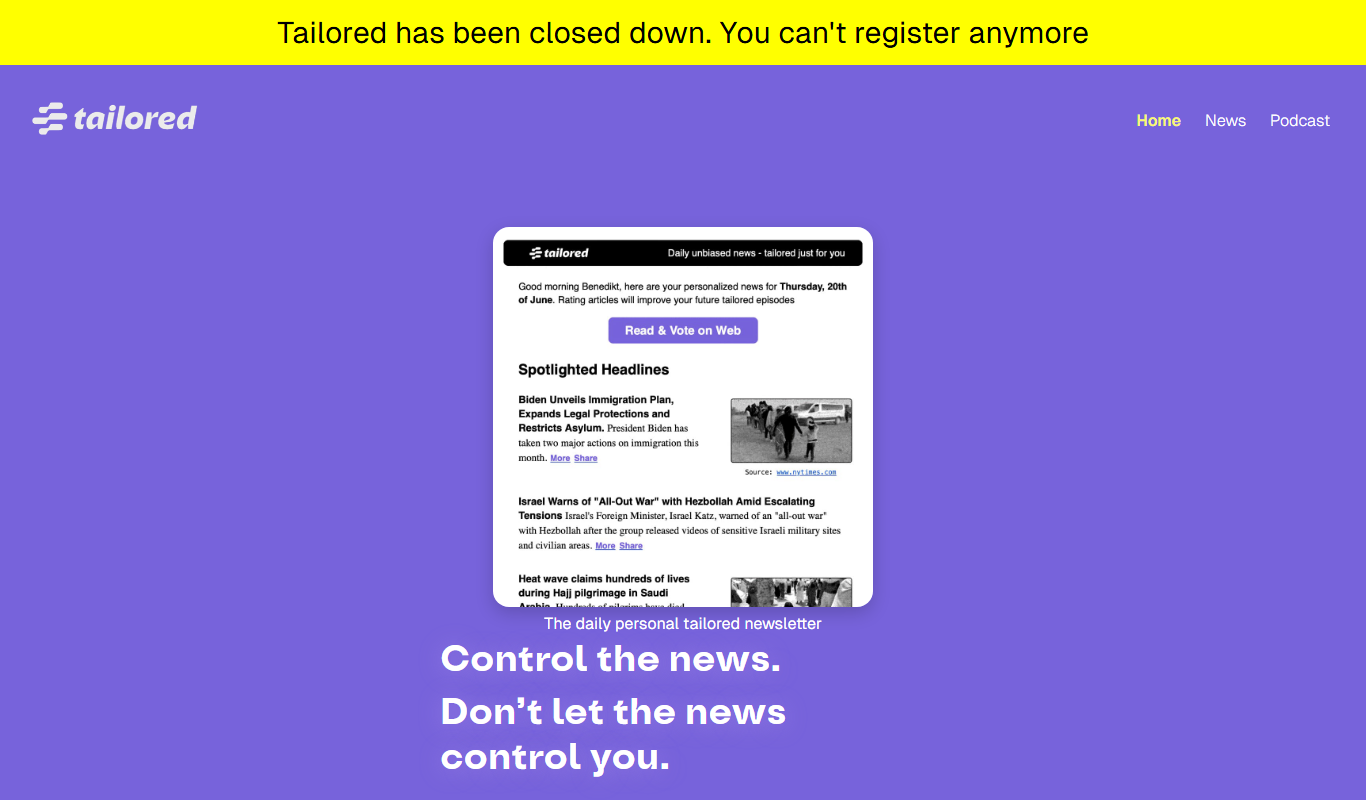
Tailored Pod
Tailored Pod is an AI-driven platform that converts text scripts into natural-sounding podcast episodes, enabling users to create and publish audio content quickly without recording equipment.