

From my experience with Easy Save AI, I found it excels at automating the tedious and error-prone task of document data extraction. The platform’s AI models handle diverse document types with impressive accuracy, significantly reducing manual workload. It’s particularly well-suited for small to medium businesses and teams in finance or legal sectors that manage large volumes of paperwork. However, the tool currently supports only English and lacks a mobile app, which may limit accessibility for some users. Overall, if your goal is to streamline document workflows and improve data accuracy, Easy Save AI offers a practical and secure solution.
Easy Save AI Review - AI-Powered Document Management and Automation Tool
Easy Save AI is an AI-driven platform that automates document processing by extracting data from PDFs and images, enabling efficient workflow automation and secure storage.
- Best for
- Automated Document Processing
- Key capability
- AI-Powered Data Extraction
Your actions
Save Easy Save AI, follow its updates and vote on it — everything stays in your account.
Sign in or create a free account
What is Easy Save AI?
Easy Save AI is an AI-powered document management and automation platform designed to simplify the handling, extraction, and organization of digital documents. It leverages advanced machine learning algorithms to automate data extraction from PDFs, images, and scanned documents, reducing manual effort and improving accuracy. The tool is ideal for businesses looking to streamline document workflows, enhance compliance, and improve data accessibility.
Key features of Easy Save AI
Easy Save AI offers automated document processing, intelligent data extraction, customizable workflow automation, and secure cloud-based storage. Its AI models adapt to various document formats and layouts, enabling efficient handling of invoices, contracts, receipts, and more.
AI-Powered Data Extraction
Automatically identifies and extracts key information from diverse document types.
Custom Workflow Automation
Allows users to create tailored automation rules to fit specific business processes.
Cloud Storage and Security
Securely stores documents with encryption and access controls.
Multi-format Support
Supports PDFs, images, and scanned documents for versatile document handling.
Pros and cons of Easy Save AI
Pros
- Automates tedious document processing tasks
- Supports multiple document formats
- Customizable workflows enhance flexibility
- Secure cloud storage with encryption
Cons
- Limited language support (English only)
- No mobile app available currently
Key use cases for Easy Save AI
Automated Document Processing
Automatically extract, categorize, and save data from various document types including PDFs and images.
Workflow Automation
Streamline repetitive tasks by integrating AI-powered document handling into business workflows.
Data Extraction for Compliance
Extract critical data points from documents to ensure regulatory compliance and accurate record-keeping.
Digital Archiving
Organize and archive documents efficiently with AI-driven tagging and search capabilities.
How Easy Save AI works
- 1
Upload Documents
Users upload PDFs, images, or scanned files to the Easy Save AI platform.
- 2
AI Data Extraction
The AI analyzes documents to extract relevant data fields automatically.
- 3
Review and Customize
Users review extracted data and customize workflows or tagging as needed.
- 4
Save and Integrate
Processed documents and data are saved securely and can be integrated with other business systems.
Who is using Easy Save AI
Small to medium businesses
Accounting and finance teams
Legal professionals
Compliance officers
Administrative staff
Easy Save AI pricing
Free
$0/month
Basic access with limited document processing and storage.
Pro
$49/month
Expanded processing limits, advanced features, and priority support.
Enterprise
Custom pricing
Tailored solutions with dedicated support and integration options.
Plans and prices are as published by the vendor and can change. Check the official site before you buy. Open the pricing page (opens in a new tab)
Frequently asked questions about Easy Save AI
It supports PDFs, images, and scanned documents for data extraction and processing.
Yes, the platform uses encryption and strict access controls to protect your data.
Yes, users can create custom automation rules to fit their specific business needs.
It depends on your specific needs and how you plan to use the tool. The official website and documentation are the best sources for the latest details.
Yes, it can help with that use case depending on how you configure it and what features are available. You’ll get the best results with clear inputs and a defined goal.
Data handling and security practices vary by provider. Review the official privacy policy to understand how your data is stored and used.
Sign in to review this tool.
Sign In to ReviewNo reviews yet
Be the first to share how this tool worked for you.
Ask about pricing, limits, or how it compares — or answer someone else.
Sign In to AskNo questions yet
Have a question about using or paying for this tool? Be the first to ask.
Featured on TiorAI



Alternative Tools
Explore similar AI tools that might fit your needs

Free Trial
Docparser
Docparser is a cloud-based tool that automates data extraction from PDFs and scanned documents using customizable parsing templates and OCR, enabling businesses to streamline document workflows.
More AI Artificial Intelligence Tools tools
Other tools in the same category, for when this one is not quite the fit.

Custom Pricing
symphonyai.com
SymphonyAI provides enterprise AI on its Eureka AI platform for Retail/CPG, Financial Services, Industrial and Media.

Freemium
AI Lens For Power BI
Power BI AI Lens is an AI-powered tool that integrates with Microsoft Power BI to provide automated data insights, natural language querying, and enhanced reporting capabilities.

Free
Futurepedia – Find The Best AI Tools & Software
Futurepedia is a free online directory that helps users discover, compare, and learn about a wide range of AI tools and software across various industries.

Freemium
DocumentPro
DocumentPro is an AI-driven document automation platform that extracts and processes data from documents to streamline business workflows.

Freemium
LegalGraph – AI Based Legal Assistant
LegalGraph is an AI-powered legal assistant that automates contract review and legal document analysis by extracting key clauses, identifying risks, and providing actionable insights through a secure web platform.

Free
Towards AI Jobs
Towards AI Jobs is a free, specialized job board focusing on AI, machine learning, and data science roles worldwide, offering job seekers and employers a targeted platform.
Free
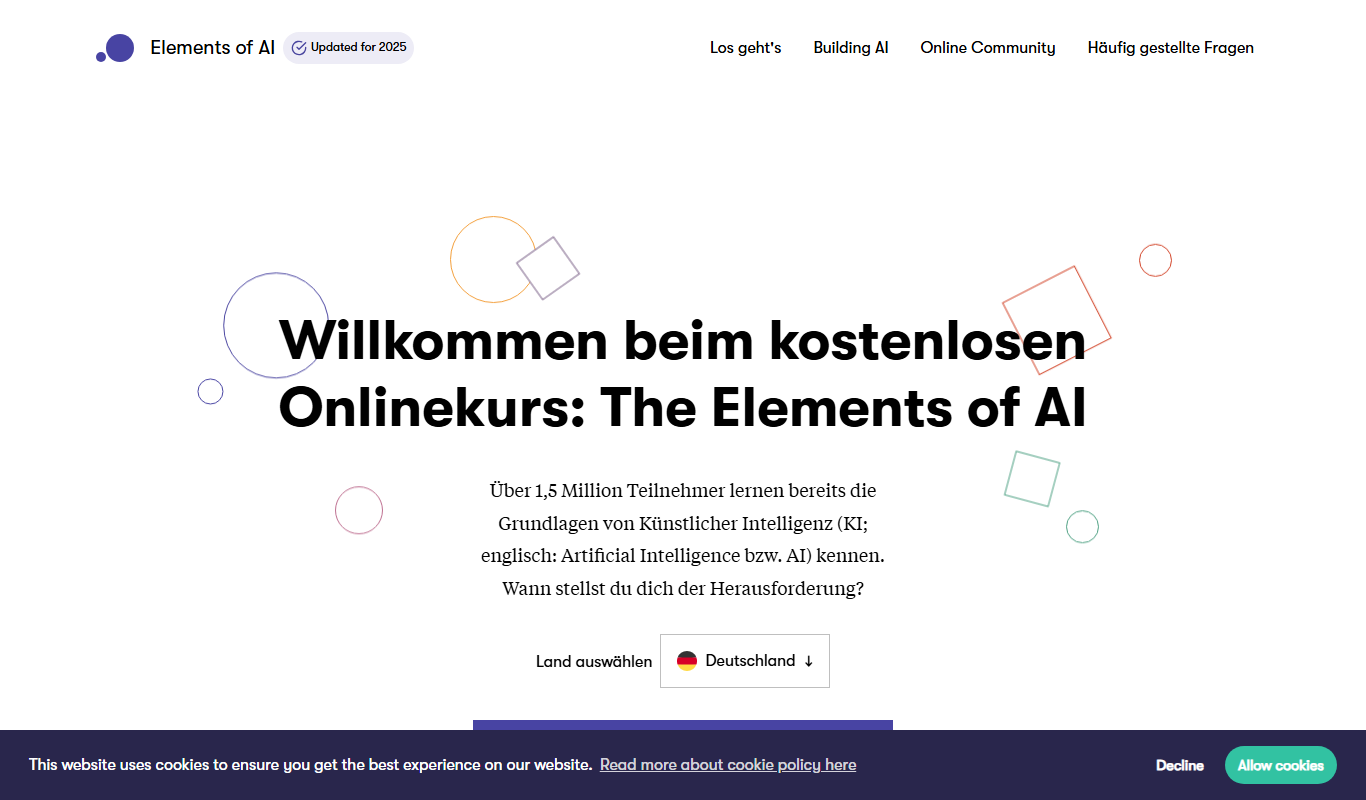
elementsofai.de
Elements of AI is a free, self-paced online course created by the University of Helsinki and Reaktor that teaches foundational AI concepts to beginners and professionals without requiring programming skills.

Freemium
Stratpilot
Stratpilot is an AI-powered strategic planning platform that helps businesses analyze data, simulate scenarios, and develop effective strategies to improve decision-making and performance.