

From my experience with LinkedIn TLDR, I found it excels at quickly condensing lengthy LinkedIn posts into digestible summaries, which is a real time-saver for busy professionals. The tool’s simplicity and free access make it highly accessible without any barriers like sign-ups. However, it is limited to English content and only works with LinkedIn posts, so it may not cover all your summarization needs. Overall, if you frequently engage with LinkedIn content and want to grasp key insights faster, LinkedIn TLDR delivers straightforward and effective results.
LinkedIn TLDR - AI-Powered LinkedIn Post Summarizer for Quick Insights
LinkedIn TLDR is a free AI-powered web tool that summarizes LinkedIn posts by extracting key points, helping users quickly understand lengthy content.
- Best for
- Quick LinkedIn Post Summaries
- Key capability
- AI-Powered Summarization

Do you recommend this tool?
What is LinkedIn TLDR?
LinkedIn TLDR is a free web-based AI tool designed to automatically summarize LinkedIn posts. It helps users quickly digest lengthy or complex posts by generating concise summaries, enabling faster consumption of professional content on LinkedIn.
Key features of LinkedIn TLDR
The tool offers instant summarization of LinkedIn posts by simply pasting the post URL or content. It focuses on extracting key points, saving users time and effort in reading long posts.
AI-Powered Summarization
Uses artificial intelligence to extract and condense key information from LinkedIn posts.
Simple Web Interface
Easy-to-use web platform requiring no installation or account creation.
Free to Use
Accessible at no cost with unlimited usage.
Pros and cons of LinkedIn TLDR
Pros
- Free and easy to use with no sign-up required
- Saves time by condensing lengthy LinkedIn posts
- Accessible via any web browser
Cons
- Supports only English language content
- Limited to LinkedIn posts; no support for other platforms
- No mobile app or browser extension available
Key use cases for LinkedIn TLDR
Quick LinkedIn Post Summaries
Generate concise summaries of lengthy LinkedIn posts to save time and quickly grasp key points.
Content Curation
Efficiently curate and share summarized LinkedIn content with your network or team.
Research and Networking
Understand insights from LinkedIn posts faster to enhance professional research and networking.
How LinkedIn TLDR works
- 1
Input LinkedIn Post URL or Text
Paste the URL of the LinkedIn post or the post content into the tool’s input field.
- 2
Generate Summary
The AI processes the input and produces a concise summary highlighting the main ideas.
- 3
Review and Use
Read the summary to quickly understand the post or share it with others.
Who is using LinkedIn TLDR
Professionals active on LinkedIn
Content curators and social media managers
Researchers and analysts
Busy individuals seeking quick insights
LinkedIn TLDR pricing
Free
$0
Unlimited access to LinkedIn post summarization features.
Plans and prices are as published by the vendor and can change. Check the official site before you buy. Open the pricing page (opens in a new tab)
Frequently asked questions about LinkedIn TLDR
No, LinkedIn TLDR is free to use and does not require any registration.
Yes, you can summarize any publicly accessible LinkedIn post by providing its URL or content.
The AI aims to capture the main points, but summaries may vary depending on post complexity.
It depends on your specific needs and how you plan to use the tool. The official website and documentation are the best sources for the latest details.
Some tools offer a free plan or trial with limited features. Availability can vary, so confirm on the official website.
Yes, it can help with that use case depending on how you configure it and what features are available. You’ll get the best results with clear inputs and a defined goal.
Sign in to review this tool.
Sign In to ReviewNo reviews yet
Be the first to share how this tool worked for you.
Ask about pricing, limits, or how it compares — or answer someone else.
Sign In to AskNo questions yet
Have a question about using or paying for this tool? Be the first to ask.
Featured on TiorAI



More AI Content Summarization Tools tools
Other tools in the same category, for when this one is not quite the fit.

Free
AIScriptReader
AIScriptReader is an AI tool that analyzes and summarizes scripts to help content creators improve clarity and engagement.

Free
XspaceGPT
XspaceGPT is an AI tool that transcribes and summarizes Twitter Spaces audio, enabling users to quickly access key insights and repurpose content.
Free
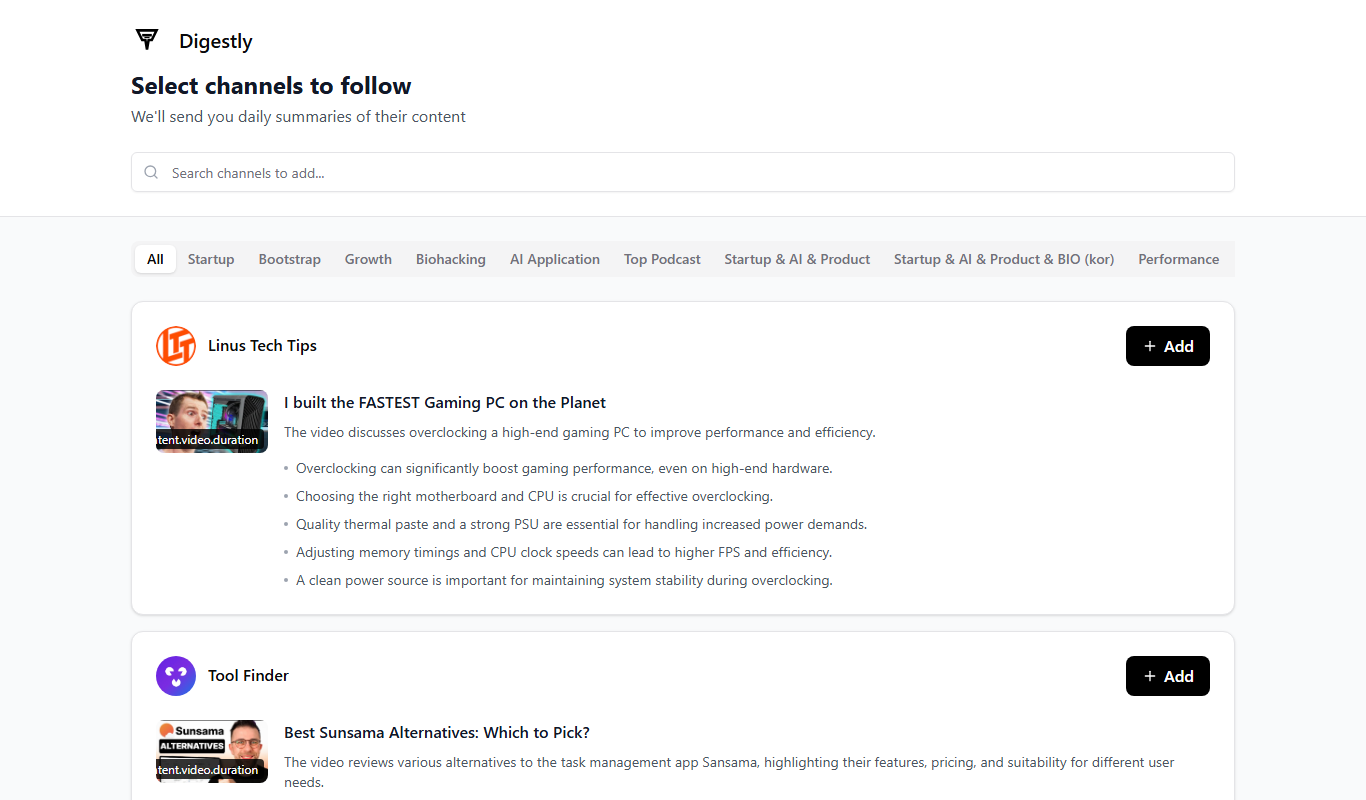
Digestly
Digestly is an AI-driven tool that summarizes long texts into concise, clear summaries to help users save time and improve content comprehension.

Free
Particle
Particle is an AI-driven news aggregation and summarization tool that provides personalized, concise news summaries and daily briefings tailored to user interests.

Freemium
InstaNews.ai
InstaNews.ai is an AI-powered platform that aggregates news from multiple sources in real time and provides concise AI-generated summaries to help users stay informed efficiently.
Freemium
Digestly
Digestly is an AI tool that automatically summarizes long-form content into concise, readable summaries to help users save time and improve understanding.
Free
Sumz: Ai powered website summarizer
Sumz is an AI tool that summarizes website content by extracting key points from any URL, providing quick and concise summaries to save reading time.
Freemium
DailyReadsAI
DailyReadsAI is an AI-driven news aggregation tool that provides personalized daily news summaries and briefings tailored to user interests, helping users stay informed efficiently.