

XspaceGPT Review: AI-Powered Twitter Space Summarizer and Insights Tool
XspaceGPT is an AI tool that transcribes and summarizes Twitter Spaces audio, enabling users to quickly access key insights and repurpose content.
- Best for
- Twitter Space Summarization
- Key capability
- AI-Powered Transcription
Save XspaceGPT, follow its updates and vote on it — everything stays in your account.
Sign in or create a free account

What is XspaceGPT?
XspaceGPT is an AI-powered web tool designed to transcribe and summarize Twitter Spaces audio conversations. It helps users quickly understand the main topics and insights from live or recorded Twitter Spaces by converting spoken content into text and generating concise summaries. This tool is particularly useful for content creators, marketers, and social media managers who want to repurpose or analyze Twitter Space discussions efficiently.
Key features of XspaceGPT
XspaceGPT offers real-time transcription of Twitter Space audio, AI-generated summaries highlighting key points, and easy export options for transcripts and summaries. The tool simplifies content consumption and repurposing by transforming lengthy audio into digestible text formats.
AI-Powered Transcription
Automatically convert Twitter Space audio into accurate, readable text transcripts.
Concise Summaries
Generate brief summaries that capture the main ideas and highlights of the conversation.
User-Friendly Interface
Simple web-based platform requiring no downloads or complex setup.
Export Options
Download transcripts and summaries for offline use or content repurposing.
Pros and cons of XspaceGPT
Pros
- Easy to use with no installation
- Saves time by summarizing lengthy audio
- Supports content repurposing
- Affordable pricing options
Cons
- No live real-time transcription yet
- Dependent on audio quality for accuracy
Key use cases for XspaceGPT
Twitter Space Summarization
Automatically generate concise summaries of Twitter Space conversations to quickly grasp key points.
Transcription of Live Audio
Convert live or recorded Twitter Space audio into readable text transcripts for easy review and sharing.
Content Repurposing
Use transcripts and summaries to create blog posts, social media content, or newsletters from Twitter Spaces.
Social Media Engagement
Enhance engagement by providing accessible summaries and transcripts to followers who missed the live session.
Research and Analysis
Analyze Twitter Space discussions for trends, sentiment, and insights using AI-generated text outputs.
How XspaceGPT works
- 1
Access the Website
Visit the XspaceGPT website to start using the tool without any installation.
- 2
Input Twitter Space Link
Provide the URL of the Twitter Space you want to transcribe and summarize.
- 3
AI Processes Audio
The tool uses AI to transcribe the audio and generate a summary of the conversation.
- 4
Review and Export
View the transcript and summary, then export or share the content as needed.
Who is using XspaceGPT
XspaceGPT pricing
Plus
$9.9/user per month
Up to 10 Spaces per month, download Twitter Spaces to MP3, transcription, AI summary, mindmap, premium content library, upload audio files.
Pro
$14.9/user per month
Up to 60 Spaces per month; includes all Plus features.
Custom
$49.9/user per month
For Spaces hosts: unlimited transcription after each Space ends (auto-triggered), all Space content on one page, transcripts emailed to subscribers, subscriber reminders, dedicated 1-on-1 support.
Plans and prices are as published by the vendor and can change. Check the official site before you buy. Open the pricing page (opens in a new tab)
Frequently asked questions about XspaceGPT
Currently, XspaceGPT processes recorded Twitter Spaces rather than live real-time transcription.
Transcription accuracy depends on audio quality, but the AI provides clear and readable text in most cases.
Yes, you only need the Twitter Space URL; no login or Twitter account is required.
This tool is designed to help users accomplish its core tasks more efficiently. It is typically used by individuals or teams looking to improve productivity and workflow.
It depends on your specific needs and how you plan to use the tool. The official website and documentation are the best sources for the latest details.
Yes, it can help with that use case depending on how you configure it and what features are available. You’ll get the best results with clear inputs and a defined goal.
Conclusion
Twitter Spaces can be downloaded and explored as transcripts, AI-generated summaries and mind maps, with the service powered by GPT-5. Each Space gets an AI abstract, highlights and a timeline, plus a speaker summary of the highlights from each speaker. Spaces can also be played online or downloaded to MP3, and separate audio files can be uploaded for transcription.
Content creators, social media managers and podcasters can use it to turn Spaces into blog posts, social media content or newsletters. Its interface comes in three languages, and transcribed text can be transformed into multiple languages. No free plan appears on the pricing page: Plus covers up to 10 Spaces a month, Pro up to 60, and a Custom plan for Spaces hosts transcribes automatically after each Space ends.
Sources
Sign in to review this tool.
Sign In to ReviewNo reviews yet
Be the first to share how this tool worked for you.
Ask about pricing, limits, or how it compares — or answer someone else.
Sign In to AskNo questions yet
Have a question about using or paying for this tool? Be the first to ask.
Featured on TiorAI



More AI Content Summarization Tools tools
Other tools in the same category, for when this one is not quite the fit.

Particle
Particle is an AI-driven news aggregation and summarization tool that provides personalized, concise news summaries and daily briefings tailored to user interests.
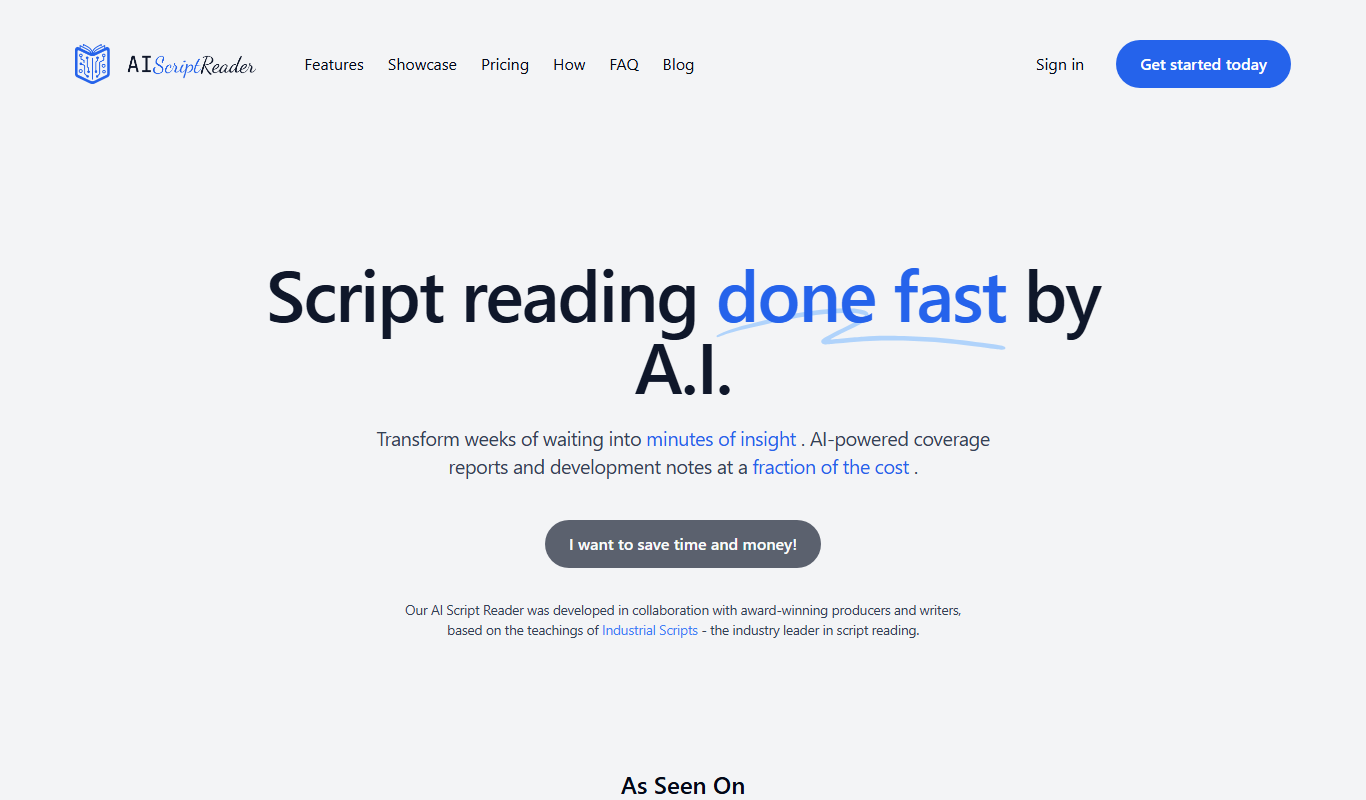
AIScriptReader
AIScriptReader is an AI tool that analyzes and summarizes scripts to help content creators improve clarity and engagement.

InstaNews.ai
InstaNews.ai is an AI-powered platform that aggregates news from multiple sources in real time and provides concise AI-generated summaries to help users stay informed efficiently.

AskNews
AskNews is an AI-driven news aggregation platform that provides real-time, concise summaries of news articles from multiple sources, helping users stay informed quickly and efficiently.

TailoredRead
TailoredRead is an AI reading assistant that creates personalized summaries of articles and documents, helping users save time and focus on key information.