

From my experience with Limnr AI, I found it excels at simplifying the creation of professional visual content through AI-powered automation and an intuitive interface. The platform is particularly well-suited for marketers and small business owners who need to produce consistent branding and social media graphics without extensive design skills. However, as a web-only tool, it lacks offline capabilities, and its subscription pricing might be a consideration for smaller teams. Overall, if you want to speed up your visual content creation with AI assistance, Limnr AI offers a solid, user-friendly solution.
Limnr AI Review: AI-Powered Visual Content Creation for Marketers
Limnr AI is a web platform that uses artificial intelligence to help marketers and content creators design professional visual content quickly and easily with customizable templates and brand asset management.
- Best for
- Marketing Campaigns
- Key capability
- AI-Powered Design Automation
Do you recommend this tool?
What is Limnr AI?
Limnr AI is a web-based platform that leverages artificial intelligence to simplify and accelerate the creation of visual content. It is designed to help marketers, designers, and content creators generate high-quality graphics, branding materials, and social media visuals without needing advanced design skills.
Key features of Limnr AI
Limnr AI offers AI-driven design automation, customizable templates, brand asset management, and export options tailored for various digital channels. Its intuitive interface allows users to create professional visuals efficiently.
AI-Powered Design Automation
Automatically generate design elements and layouts based on user input and preferences.
Template Library
Access a wide range of customizable templates for different marketing and branding purposes.
Brand Asset Management
Store and manage logos, colors, and fonts to maintain brand consistency.
Multi-Format Export
Export visuals in formats optimized for web, social media, and print.
Pros and cons of Limnr AI
Pros
- User-friendly interface with AI assistance
- Wide variety of customizable templates
- Brand asset management for consistency
Cons
- Limited offline capabilities as a web-only platform
- Pricing may be high for small teams or individuals
Key use cases for Limnr AI
Marketing Campaigns
Create engaging visual content quickly to support digital marketing campaigns.
Social Media Content
Generate eye-catching graphics and visuals optimized for social media platforms.
Branding Materials
Design consistent brand visuals such as logos, banners, and promotional images.
Presentation Graphics
Produce professional-quality visuals to enhance presentations and pitches.
How Limnr AI works
- 1
Sign Up
Create an account on Limnr’s website to access the platform.
- 2
Select a Template or Start from Scratch
Choose from a variety of AI-powered templates or create your own design.
- 3
Customize Visuals
Use AI suggestions and editing tools to tailor graphics to your brand and campaign needs.
- 4
Export and Share
Download your visuals in multiple formats or share directly to social media platforms.
Who is using Limnr AI
Marketing agencies
Social media managers
Small business owners
Content creators
Brand managers
Limnr AI pricing
Free Trial
$0
Limited access to features for a trial period to evaluate the platform.
Pro
$29/month
Full access to all features, unlimited exports, and priority support.
Plans and prices are as published by the vendor and can change. Check the official site before you buy. Open the pricing page (opens in a new tab)
Frequently asked questions about Limnr AI
No, Limnr AI is designed for users of all skill levels, providing AI assistance to simplify design.
Yes, you can upload and manage your logos, colors, and fonts within the platform.
Limnr AI supports common formats such as PNG, JPEG, and PDF optimized for various uses.
This tool is designed to help users accomplish its core tasks more efficiently. It is typically used by individuals or teams looking to improve productivity and workflow.
It depends on your specific needs and how you plan to use the tool. The official website and documentation are the best sources for the latest details.
Pricing depends on the plan and included features. For the most accurate and up-to-date details, check the official pricing page.
Sign in to review this tool.
Sign In to ReviewNo reviews yet
Be the first to share how this tool worked for you.
Ask about pricing, limits, or how it compares — or answer someone else.
Sign In to AskNo questions yet
Have a question about using or paying for this tool? Be the first to ask.
Featured on TiorAI



More AI Design & Creative Tools tools
Other tools in the same category, for when this one is not quite the fit.
Free
FreePlanTour
FreePlanTour is a free, browser-based floor plan design tool that allows users to create and save detailed home and office layouts without any software installation.

Freemium
Morphlin
Morphlin is an AI-powered art generation tool that enables users to create unique digital images through image morphing and style transfer techniques on a user-friendly web platform.
Free
AI YouTube Thumbnails
AI YouTube Thumbnails is an AI-driven web tool that helps YouTube creators generate custom, optimized thumbnails quickly without design skills.
Freemium
TileMaker
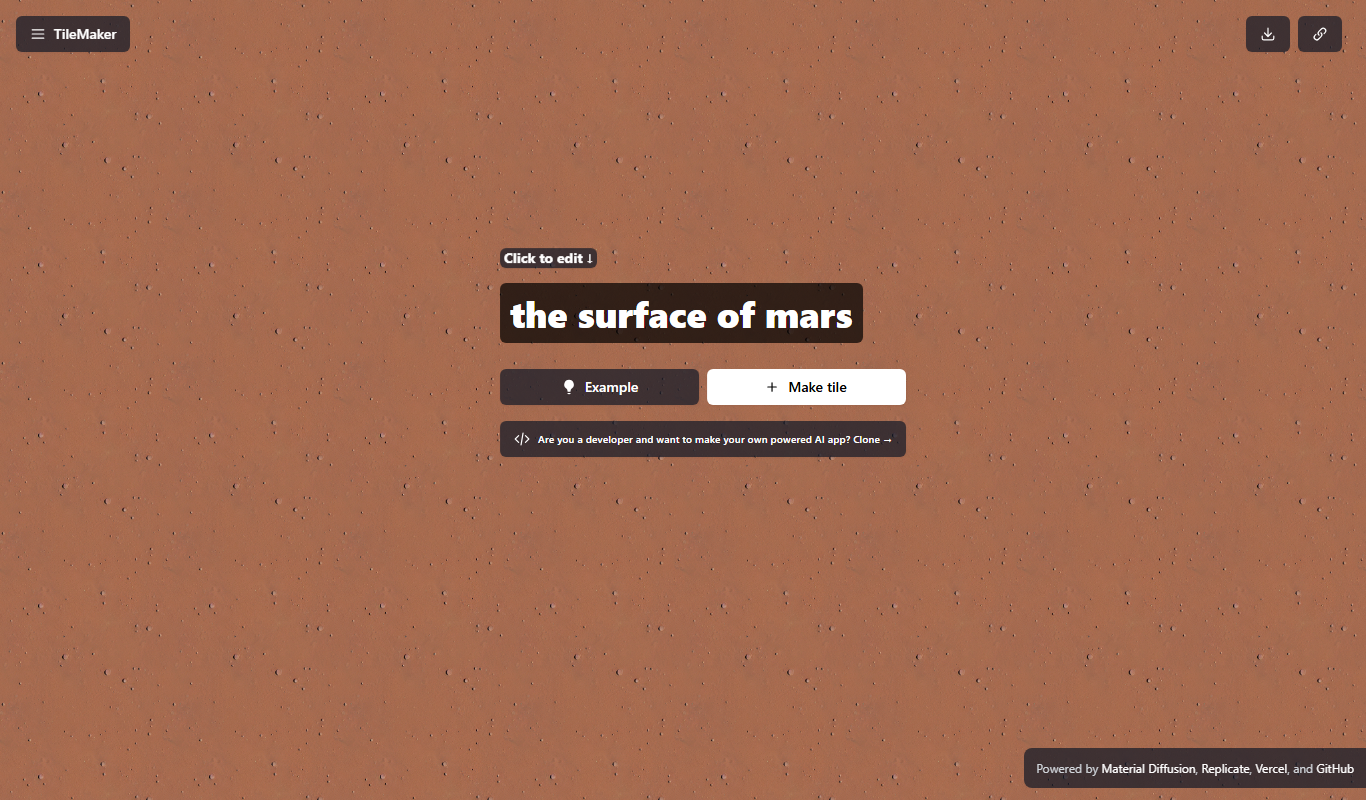
TileMaker is a design app that helps users create and visualize custom tile layouts with accurate measurements and export options for project planning.

Freemium
Sloyd
Sloyd is a web-based AI-assisted 3D modeling tool designed to help game developers and designers quickly create customizable low-poly 3D assets with ease.

Free
ai-dog.net
AI-Dog.net is a web-based AI image generator specialized in creating unique dog images from text prompts, offering multiple artistic styles and easy sharing options.

Free Trial
Tattoo Canvas
Tattoo Canvas is a web-based digital tattoo design software that provides tattoo artists with vector-based tools, customizable brushes, and stencil creation features to create and present professional tattoo artwork.

Free
svgtrace.com
svgtrace.com is a free web-based tool that converts raster images like PNG or JPG into scalable SVG vector graphics using automatic tracing algorithms.