

AI Photo Editor and Portrait Enhancer App for Stunning Images
Lensa is a mobile app that uses AI to automatically enhance portraits and selfies by smoothing skin, improving facial features, and editing backgrounds, available on iOS and Android with free and premium plans.
- Best for
- Portrait Enhancement
- Key capability
- AI Portrait Retouching
Save lensa.app, follow its updates and vote on it — everything stays in your account.
Sign in or create a free account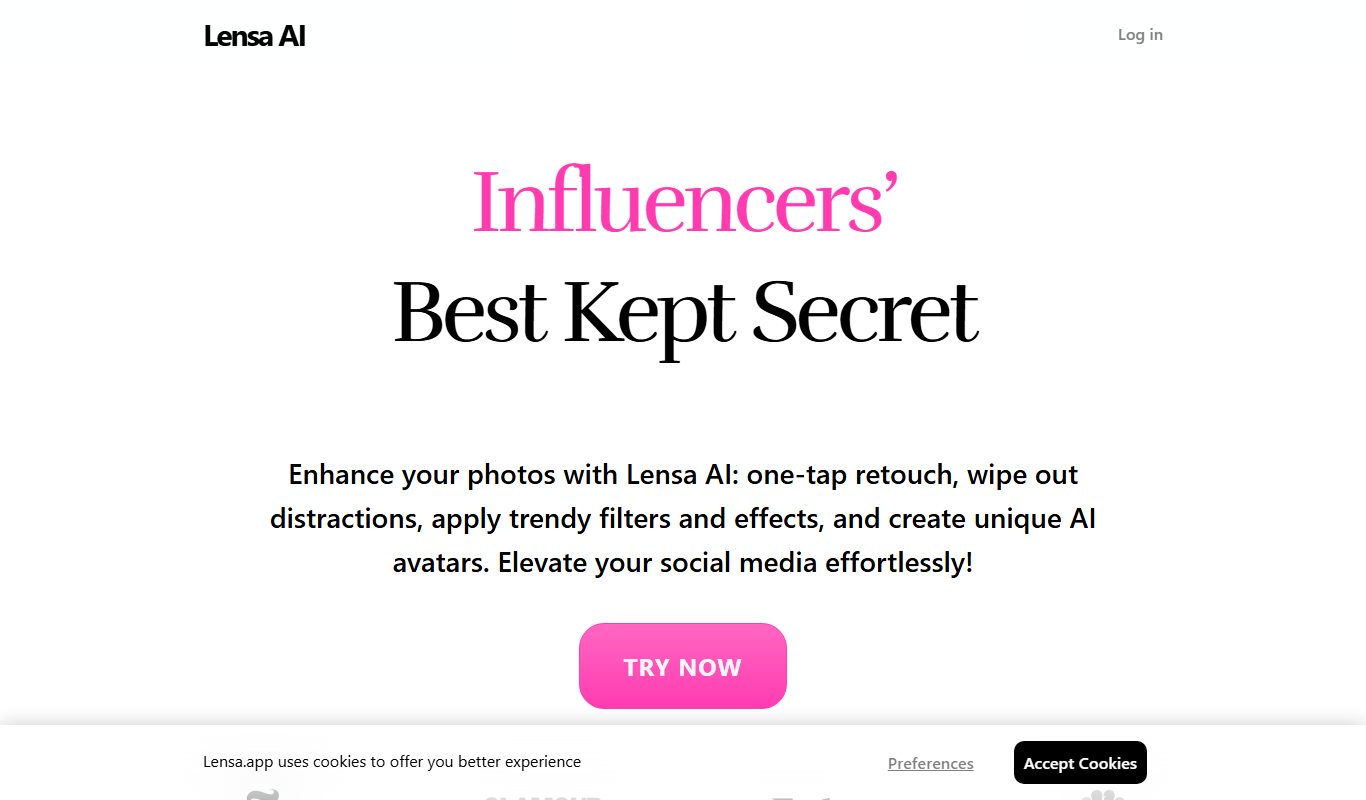
What is lensa.app?
Lensa is an AI-powered photo editing app designed to enhance portraits and selfies effortlessly. It uses advanced machine learning algorithms to retouch facial features, smooth skin, adjust lighting, and modify backgrounds. The app aims to provide users with professional-quality photo enhancements without requiring manual editing skills.
Key features of lensa.app
Lensa offers a suite of AI-driven features including automatic skin retouching, eye enhancement, background replacement or blur, and a variety of creative filters. Its intuitive interface allows users to quickly improve their photos for social media or personal use.
AI Portrait Retouching
Automatically smooth skin, remove blemishes, and enhance facial features.
Background Blur and Replacement
Easily blur or swap backgrounds to create professional-looking portraits.
Creative AI Filters
Apply artistic filters powered by AI to stylize photos uniquely.
User-Friendly Interface
Simple and intuitive controls designed for quick photo editing.
High-Resolution Export
Save edited photos in high quality suitable for printing or sharing.
Pros and cons of lensa.app
Pros
- Easy-to-use AI portrait enhancement
- Effective background blur and replacement
- Wide range of creative filters
- High-quality export options
- Available on major mobile platforms
Cons
- Full features require paid subscription
- Limited editing control for advanced users
- Primarily focused on portraits, less effective on other photo types
Key use cases for lensa.app
Portrait Enhancement
Automatically improve selfies and portraits by smoothing skin, enhancing eyes, and adjusting lighting.
Background Editing
Replace or blur backgrounds to create professional-looking photos without complex manual editing.
Creative Filters
Apply artistic and AI-powered filters to transform photos into stylized images.
Social Media Content Creation
Quickly enhance photos for posting on Instagram, Facebook, and other social platforms.
Photo Retouching
Remove blemishes, adjust facial features, and fine-tune images with intuitive AI tools.
How lensa.app works
- 1
Download and Install
Get the Lensa app from the iOS App Store or Google Play Store.
- 2
Upload a Photo
Select a portrait or selfie from your device’s gallery to edit.
- 3
Apply AI Enhancements
Use automatic retouching tools to smooth skin, enhance eyes, and adjust lighting.
- 4
Edit Background
Choose to blur or replace the background with AI-powered options.
- 5
Save and Share
Export the enhanced photo and share it on social media or save it locally.
Who is using lensa.app
lensa.app pricing
Free
$0
Basic editing features with limited access and watermark on exports.
Premium
$7.99/month
Full access to all features, no watermarks, unlimited edits, and HD exports.
Plans and prices are as published by the vendor and can change. Check the official site before you buy. Open the pricing page (opens in a new tab)
Frequently asked questions about lensa.app
Lensa offers a free version with limited features and watermarked exports. Full features require a premium subscription.
Lensa is available on both iOS and Android devices.
While optimized for portraits, you can edit other photos but some AI features work best on faces.
Photos are processed on your device or securely on servers; privacy policies apply as stated by Prisma Labs.
It depends on your specific needs and how you plan to use the tool. The official website and documentation are the best sources for the latest details.
Some tools offer a free plan or trial with limited features. Availability can vary, so confirm on the official website.
Yes, it can help with that use case depending on how you configure it and what features are available. You’ll get the best results with clear inputs and a defined goal.
Yes, it can help with that use case depending on how you configure it and what features are available. You’ll get the best results with clear inputs and a defined goal.
Conclusion
On iOS or Android, the workflow starts with a portrait or selfie from the device’s gallery. Automatic retouching then smooths skin, enhances eyes and adjusts lighting, while background tools blur or replace what sits behind the subject. The aim is professional-quality photo enhancements without requiring manual editing skills. AI filters can also stylize photos, and finished images are saved locally or shared on social media.
Social media influencers and casual smartphone photographers are the core users, along with anyone wanting quick portrait enhancements. Other photos can be edited too, though the page notes that some AI features work mainly on faces. Advanced users get limited editing control.
Sources
Sign in to review this tool.
Sign In to ReviewNo reviews yet
Be the first to share how this tool worked for you.
Ask about pricing, limits, or how it compares — or answer someone else.
Sign In to AskNo questions yet
Have a question about using or paying for this tool? Be the first to ask.
Featured on TiorAI



More AI Ai Tools tools
Other tools in the same category, for when this one is not quite the fit.
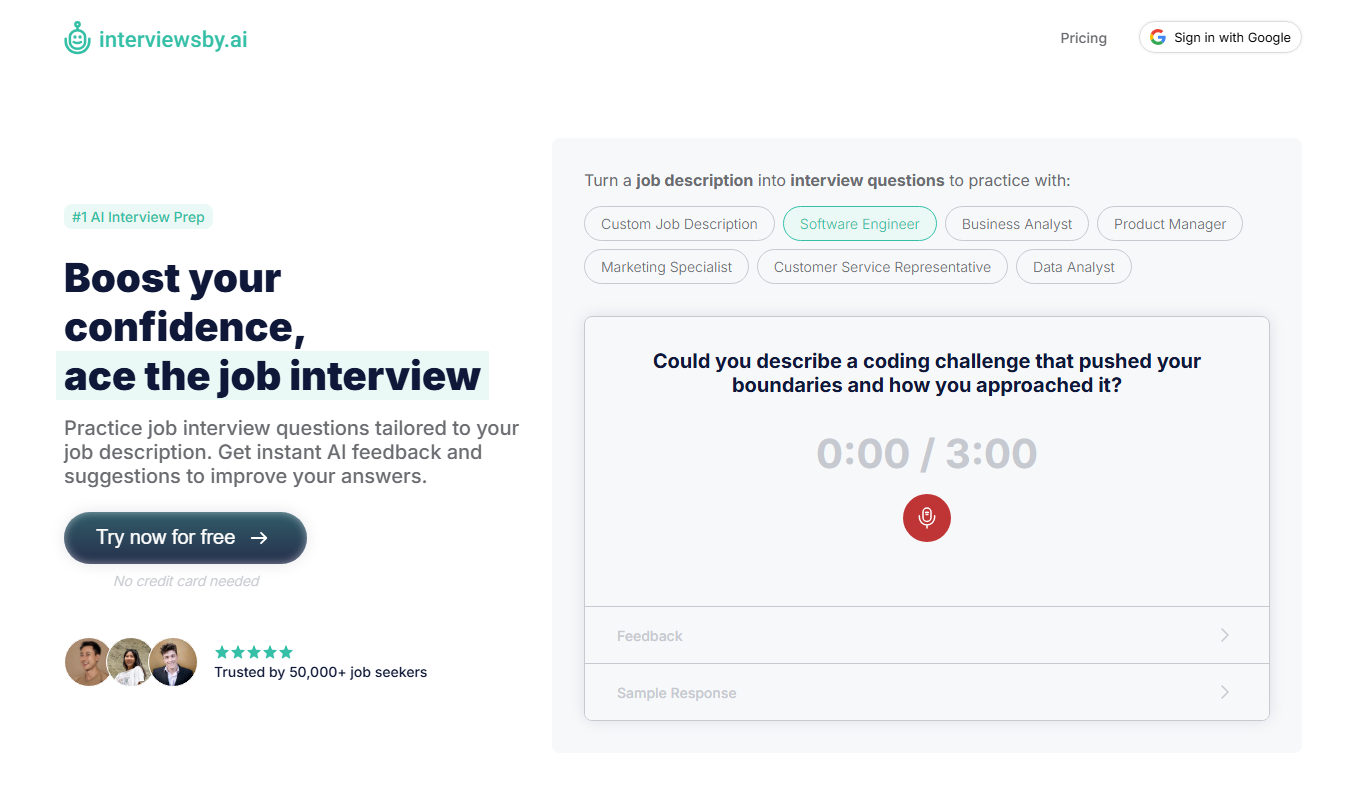
Interviews by AI
Interviews by AI is a web-based platform that uses artificial intelligence to simulate job interviews by generating tailored questions and providing personalized feedback to help users improve their interview skills.

Wonderin Resume AI
Wonderin Resume AI is an AI-powered resume builder that helps job seekers create professional, ATS-optimized resumes quickly using customizable templates and intelligent content suggestions.

Recruitcrafts
Recruitcrafts is an AI-driven recruitment platform that automates candidate sourcing, resume screening, and interview scheduling to help recruiters hire faster and more efficiently.

Sage Cooking
Sage Cooking is an AI-powered web tool that generates personalized recipes based on your dietary preferences, restrictions, and available ingredients to simplify meal planning and inspire cooking creativity.

Infinite Meals
Infinite Meals is a free AI-based meal planner that generates personalized healthy meal plans tailored to your dietary preferences, allergies, and nutritional goals.

REimagine Home
REimagine Home is an AI-driven platform that transforms your room photos into virtual interior design makeovers, helping you visualize new furniture and decor styles quickly and easily.

Free AI QR Code Generator by MyQRCode
MyQRCode is a web-based QR code generator for restaurants, vCards, events and businesses, with custom designs, editable links, logos and colors.

AIQRHub
AIQRHub is an online tool that uses AI to turn the QR code for a URL into an artistic QR code in a preset style.