

From my experience with LazyApply, it excels at significantly reducing the time and effort required to apply for multiple jobs online. The automation of bulk applications combined with resume and cover letter management makes it particularly well-suited for job seekers who want to maximize their reach without repetitive manual work. However, the tool is limited to supported job platforms and may not handle complex application forms perfectly. Overall, if you need to streamline your job search and apply efficiently, LazyApply delivers solid results with an easy-to-use interface.
LazyApply Automated Job Application Tool for Faster Job Searches
LazyApply is a web tool that automates job applications on platforms like LinkedIn and Indeed, allowing users to apply to multiple jobs quickly by managing resumes and cover letters and tracking applications in one dashboard.
- Best for
- Automated Job Applications
- Key capability
- Bulk Job Application Automation
Your actions
Save LazyApply, follow its updates and vote on it — everything stays in your account.
Sign in or create a free account
What is LazyApply?
LazyApply is a web-based automation tool designed to streamline and accelerate the job application process. It enables users to apply to numerous job postings across popular job boards like LinkedIn and Indeed automatically, reducing the manual effort typically involved in submitting applications.
Key features of LazyApply
Key features include automated bulk job applications, resume and cover letter management, application tracking, and integration with major job platforms to enhance job search productivity.
Bulk Job Application Automation
Apply to hundreds of jobs automatically, saving hours of manual work.
Multi-Resume and Cover Letter Support
Upload and manage multiple documents to tailor applications per job.
Integration with Popular Job Boards
Supports LinkedIn, Indeed, and other major job platforms for seamless application.
Application Tracking Dashboard
Organize and track all your job applications in one place.
User-Friendly Interface
Simple setup and intuitive controls for users of all experience levels.
Pros and cons of LazyApply
Pros
- Significantly reduces time spent on job applications
- Supports multiple resumes and cover letters
- Easy to use with minimal setup
- Tracks applications in one dashboard
- Affordable premium pricing
Cons
- Limited to supported job platforms
- Automation may not cover complex application forms
- Requires internet connection and browser compatibility
Key use cases for LazyApply
Automated Job Applications
Automatically apply to multiple job listings on platforms like LinkedIn and Indeed with minimal manual input.
Resume and Cover Letter Management
Manage and upload multiple resumes and cover letters to tailor applications efficiently.
Job Search Efficiency
Save time by automating repetitive application tasks, allowing job seekers to focus on interview preparation.
Application Tracking
Keep track of applied jobs and statuses in one place for better organization.
How LazyApply works
- 1
Sign Up
Create an account on LazyApply’s website to access the dashboard.
- 2
Upload Resumes and Cover Letters
Add multiple resumes and cover letters to customize applications.
- 3
Set Application Preferences
Configure filters and preferences for job types and locations.
- 4
Start Automated Applications
Launch the automation to apply to selected job listings across supported platforms.
- 5
Track Applications
Monitor the status of your applications within the LazyApply dashboard.
Who is using LazyApply
Job seekers looking to apply to many jobs quickly
Recent graduates entering the job market
Career changers needing efficient application processes
Recruitment agencies managing multiple candidates
Freelancers seeking multiple contract opportunities
LazyApply pricing
Free
$0/month
Limited number of automated applications per month with basic features.
Premium
$9.99/month
Unlimited applications, priority support, and advanced customization options.
Plans and prices are as published by the vendor and can change. Check the official site before you buy. Open the pricing page (opens in a new tab)
Frequently asked questions about LazyApply
LazyApply currently supports LinkedIn, Indeed, and several other popular job boards.
Yes, LazyApply uses secure methods to submit applications and respects platform policies.
Yes, you can upload multiple resumes and cover letters and select which to use per application.
LazyApply offers a free plan with limited features; premium plans can be tested with a money-back guarantee.
It depends on your specific needs and how you plan to use the tool. The official website and documentation are the best sources for the latest details.
It depends on your specific needs and how you plan to use the tool. The official website and documentation are the best sources for the latest details.
Yes, it can help with that use case depending on how you configure it and what features are available. You’ll get the best results with clear inputs and a defined goal.
Yes, it can help with that use case depending on how you configure it and what features are available. You’ll get the best results with clear inputs and a defined goal.
Sign in to review this tool.
Sign In to ReviewNo reviews yet
Be the first to share how this tool worked for you.
Ask about pricing, limits, or how it compares — or answer someone else.
Sign In to AskNo questions yet
Have a question about using or paying for this tool? Be the first to ask.
Featured on TiorAI



More AI Career Tools tools
Other tools in the same category, for when this one is not quite the fit.
Free
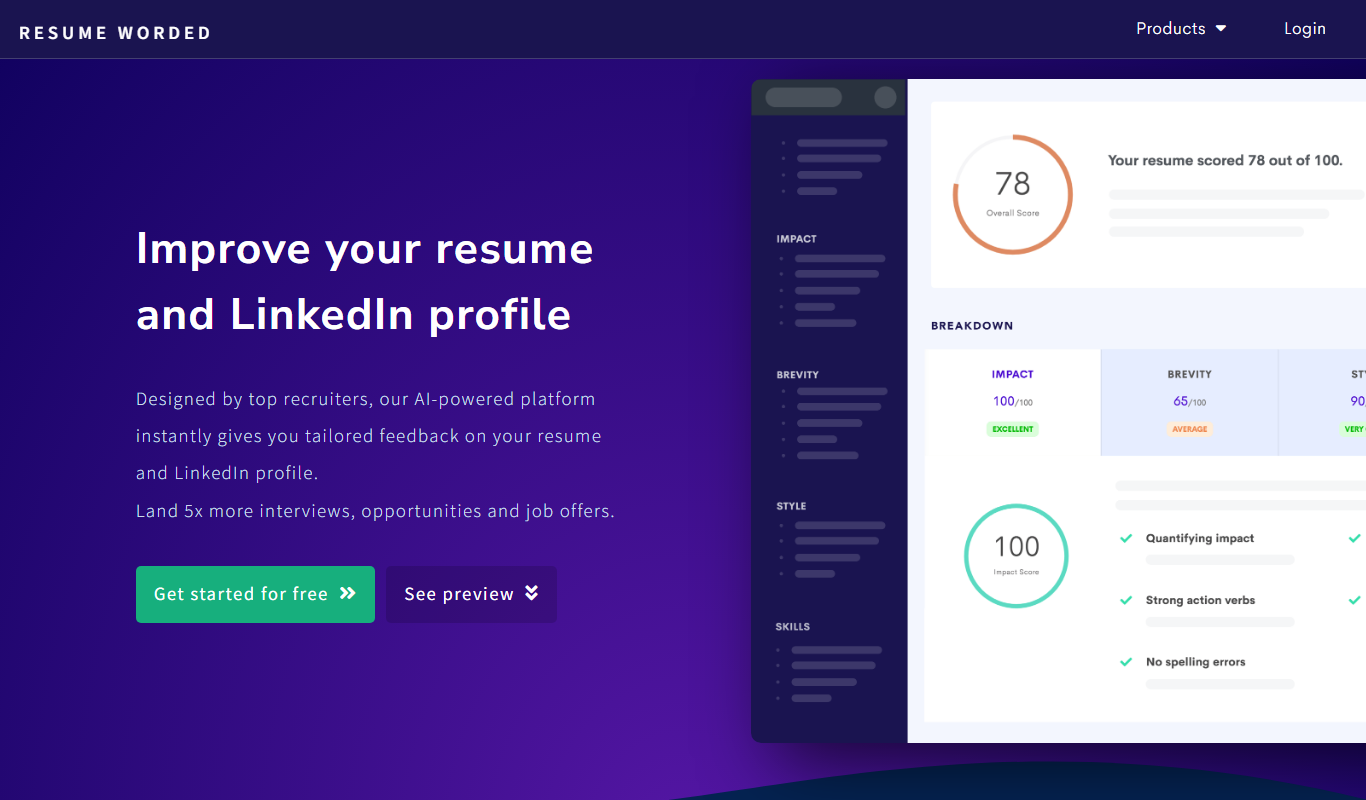
Resume Worded
Resume Worded is an AI-powered platform that analyzes and scores your resume and LinkedIn profile, providing actionable feedback to improve your job application materials and increase interview chances.

Free
AI Resume Checker
AI Resume Checker is an online tool that uses artificial intelligence to analyze resumes for formatting, keyword optimization, and ATS compatibility to help job seekers improve their chances of getting hired.
Free
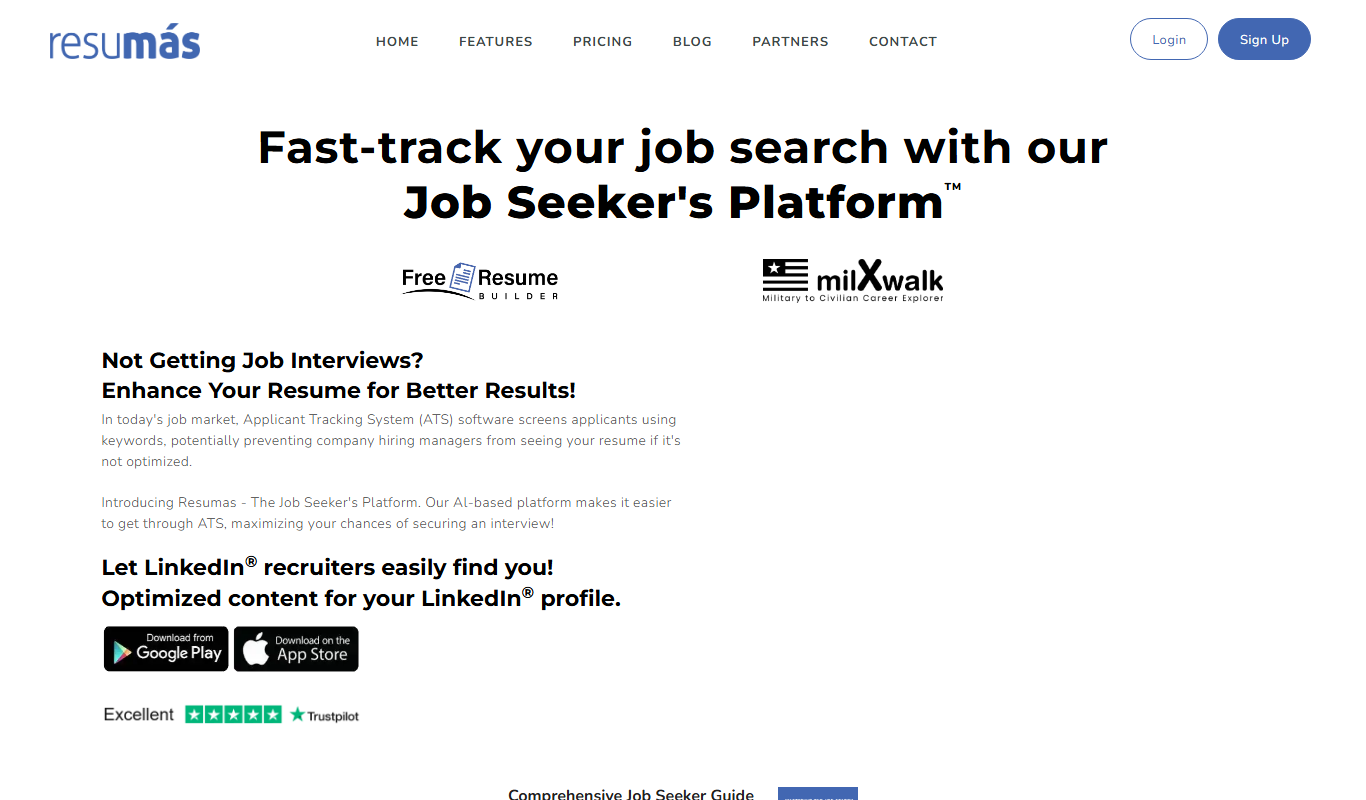
resumas.com
Resumas.com is an AI-powered online resume builder that helps users create professional, ATS-optimized resumes and cover letters quickly and easily.

Freemium
ResumeOptimizerPro
ResumeOptimizerPro is an AI-driven web tool that helps job seekers build and optimize resumes for ATS compatibility and keyword relevance to improve job application success.
Freemium
Resume Rewrite
Resume Rewrite is an AI-based platform that helps users rewrite and optimize resumes for clarity and ATS compatibility, improving job application success.

Freemium
MyCVCreator
MyCVCreator is an online platform that helps users create professional resumes and cover letters using customizable templates, supporting multiple languages and offering both free and premium plans.
Free
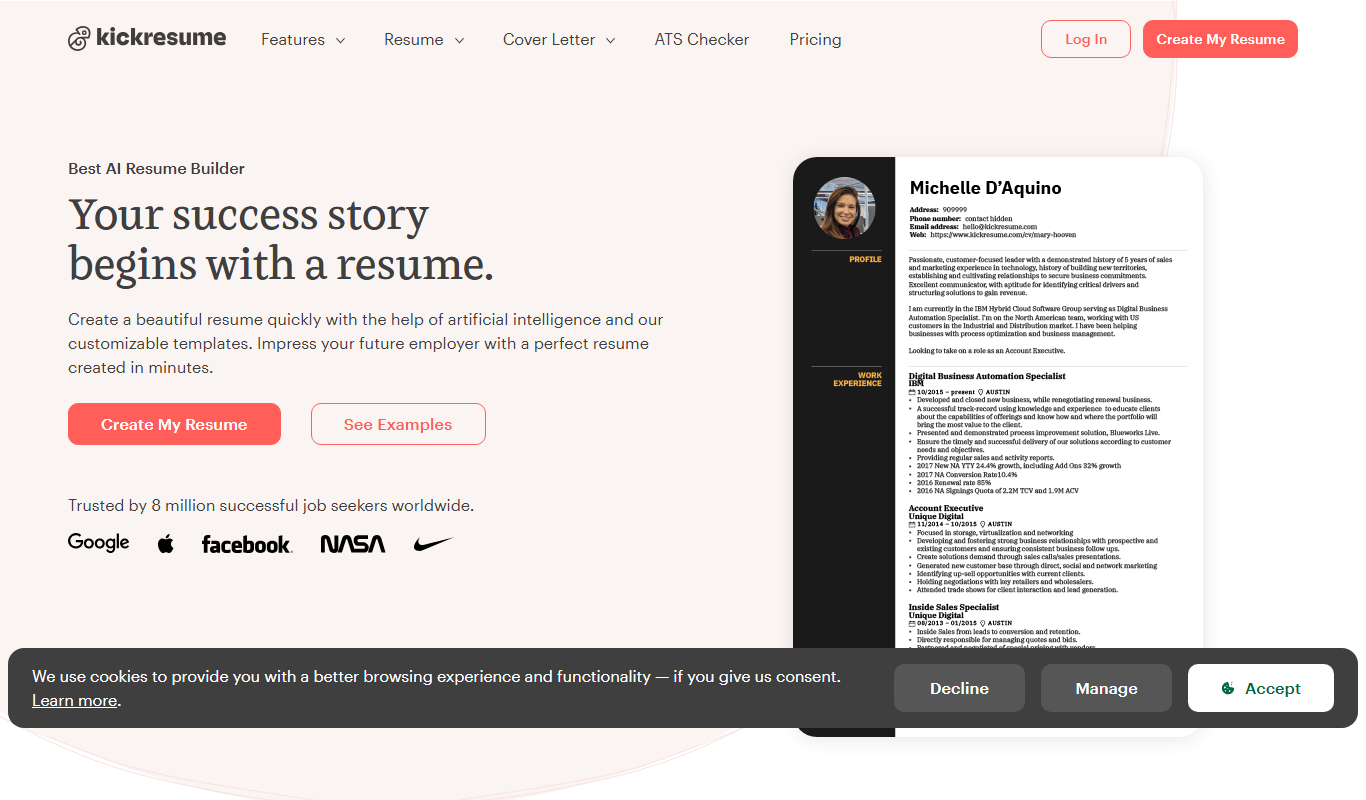
Kickresume
Kickresume is an online platform that helps users create professional resumes and cover letters using customizable templates and AI-powered content suggestions, designed to improve job application success.
Free
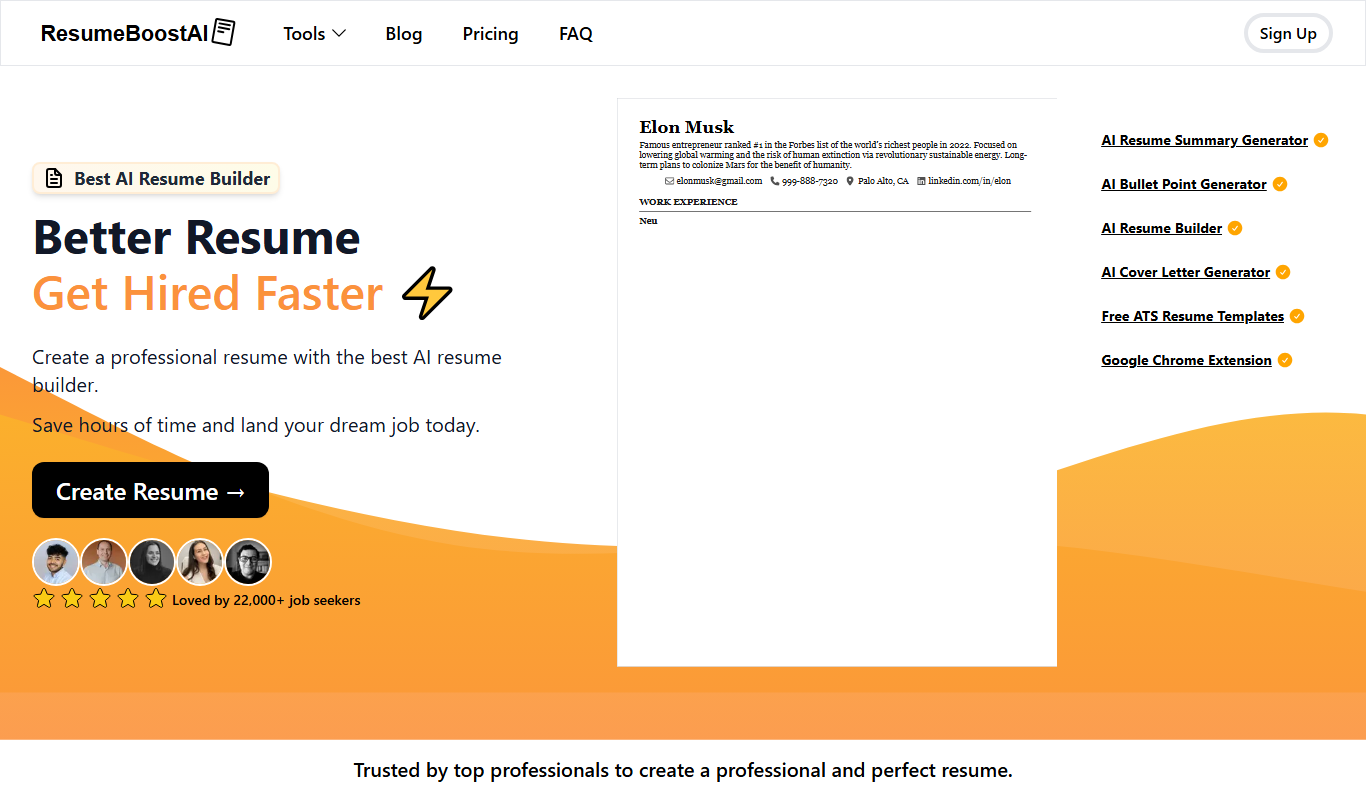
ResumeBoostAI
ResumeBoostAI is an AI-driven online tool that helps users create optimized resumes and cover letters tailored for job applications, featuring ATS compatibility and professional templates.