

From my experience with Kolors Virtual Try On AI, I found it excels at delivering a realistic and responsive virtual try-on experience that can significantly enhance online apparel shopping. The platform’s flexible API and widget integration make it accessible for a wide range of e-commerce sites, and its AI-powered fit adjustment adds a layer of personalization that improves shopper confidence. However, the pricing details are not fully transparent upfront, which may require direct contact for budgeting. Overall, if you are an online fashion retailer looking to reduce returns and boost conversions through augmented reality, Kolors offers a solid, practical solution.
Kolors Virtual Try On AI - Realistic Online Virtual Try-On Software
Kolors Virtual Try On AI is an augmented reality software that enables online shoppers to virtually try on clothing and accessories in real-time, improving purchase confidence and reducing returns.
- Best for
- Online Apparel Try-On
- Key capability
- Real-Time AR Try-On
Your actions


Do you recommend this tool?
What is Kolors Virtual Try On AI?
Kolors Virtual Try On AI is an augmented reality software solution designed to enable online shoppers to virtually try on apparel and accessories. Using AI and AR technologies, it overlays digital clothing on a user’s image or video in real-time, providing a realistic preview of how products will look when worn. This tool is primarily aimed at e-commerce platforms and fashion retailers seeking to enhance customer experience and reduce product returns.
Key features of Kolors Virtual Try On AI
The tool offers real-time virtual try-on capabilities, easy integration via API or web widgets, support for various apparel types, and customization options for brands. It leverages AI for accurate garment fitting and realistic visualization, improving shopper confidence and engagement.
Real-Time AR Try-On
Enables instant virtual fitting of apparel and accessories with realistic visualization.
API and Widget Integration
Flexible integration options for seamless embedding into e-commerce platforms.
Multi-Product Support
Supports a wide range of clothing types including tops, dresses, and accessories.
Custom Branding
Allows brands to customize the interface to match their visual identity.
AI-Powered Fit Adjustment
Uses AI algorithms to adjust garment fit according to user body shape and movements.
Pros and cons of Kolors Virtual Try On AI
Pros
- Realistic and responsive virtual try-on experience
- Flexible integration options with API and widgets
- Supports a wide range of apparel and accessories
- Customizable branding to match retailer identity
- Helps reduce return rates and increase conversions
Cons
- Pricing details are not publicly transparent and require contact
- Limited language support currently focused on English
- No dedicated mobile app; primarily web-based
Key use cases for Kolors Virtual Try On AI
Online Apparel Try-On
Allows customers to virtually try on clothes and accessories to see how they look before purchasing.
E-commerce Conversion Optimization
Helps online retailers reduce return rates and increase sales by providing realistic product visualization.
Fashion Retail Marketing
Enables brands to engage customers with interactive AR experiences on their websites or apps.
Virtual Fitting Rooms
Creates a virtual fitting room experience for customers to try multiple products quickly and conveniently.
How Kolors Virtual Try On AI works
- 1
Integration
Retailers integrate Kolors Virtual Try On AI into their websites or apps using provided APIs or widgets.
- 2
User Interaction
Customers access the virtual try-on feature, allowing them to see apparel overlaid on their live image or uploaded photo.
- 3
Real-Time Visualization
The AI processes the user’s image and fits the selected clothing item realistically in real-time.
- 4
Purchase Decision
Users can view multiple items virtually, helping them make informed purchase decisions.
Who is using Kolors Virtual Try On AI
Online fashion retailers
E-commerce businesses
Fashion brands and marketers
Small to large apparel stores
Digital marketing agencies
Kolors Virtual Try On AI pricing
Free Trial
$0 for 14 days
Access to core features with limited usage to evaluate the platform.
Standard
Contact for pricing
Full feature access with scalable usage suitable for small to medium retailers.
Enterprise
Custom pricing
Tailored solutions with dedicated support and advanced customization for large brands.
Plans and prices are as published by the vendor and can change. Check the official site before you buy. Open the pricing page (opens in a new tab)
Frequently asked questions about Kolors Virtual Try On AI
The tool supports various apparel including tops, dresses, jackets, and accessories like hats and glasses.
It uses AI and augmented reality to overlay digital garments onto a live or uploaded image of the user in real-time.
Yes, it offers API and widget options designed to integrate with most major e-commerce platforms.
Yes, Kolors offers a 14-day free trial to test the platform’s features.
It depends on your specific needs and how you plan to use the tool. The official website and documentation are the best sources for the latest details.
Integration support depends on the tool and its available connectors or API. Check the official documentation or integrations page to confirm what is supported.
Some tools offer a free plan or trial with limited features. Availability can vary, so confirm on the official website.
Sign in to review this tool.
Sign In to ReviewNo reviews yet
Be the first to share how this tool worked for you.
Ask about pricing, limits, or how it compares — or answer someone else.
Sign In to AskNo questions yet
Have a question about using or paying for this tool? Be the first to ask.
Featured on TiorAI



Alternative Tools
Explore similar AI tools that might fit your needs

Custom Pricing
Vue.ai
Vue.ai is an AI-driven retail automation platform that uses computer vision and machine learning to automate product tagging, enable visual search, and personalize customer shopping experiences.
More AI E-Commerce Tools tools
Other tools in the same category, for when this one is not quite the fit.

Free Trial
Activazon
Activazon is an AI-powered Amazon product research tool that helps sellers discover profitable products, analyze competitors, and track sales trends to optimize their Amazon business.

One-time purchase
Ecomadpro
Ecomadpro is an AI-driven platform that automates the creation and optimization of Facebook and Instagram ads for e-commerce businesses, helping users generate effective ad copy and improve campaign performance.

Free to browse
CEOBuySell.com
CEOBuySell.com is an online marketplace that connects buyers and sellers of established online businesses, offering verified listings, brokerage services, and secure transaction support.

Free Trial
Trellis
Trellis is an Amazon-focused SEO tool that helps sellers find relevant keywords, analyze competitors, and optimize product listings to improve search rankings and sales performance.

Contact for pricing
V-retail
V-retail is a platform that enables businesses to build immersive 3D virtual stores accessible through web browsers and VR devices, enhancing online shopping experiences.
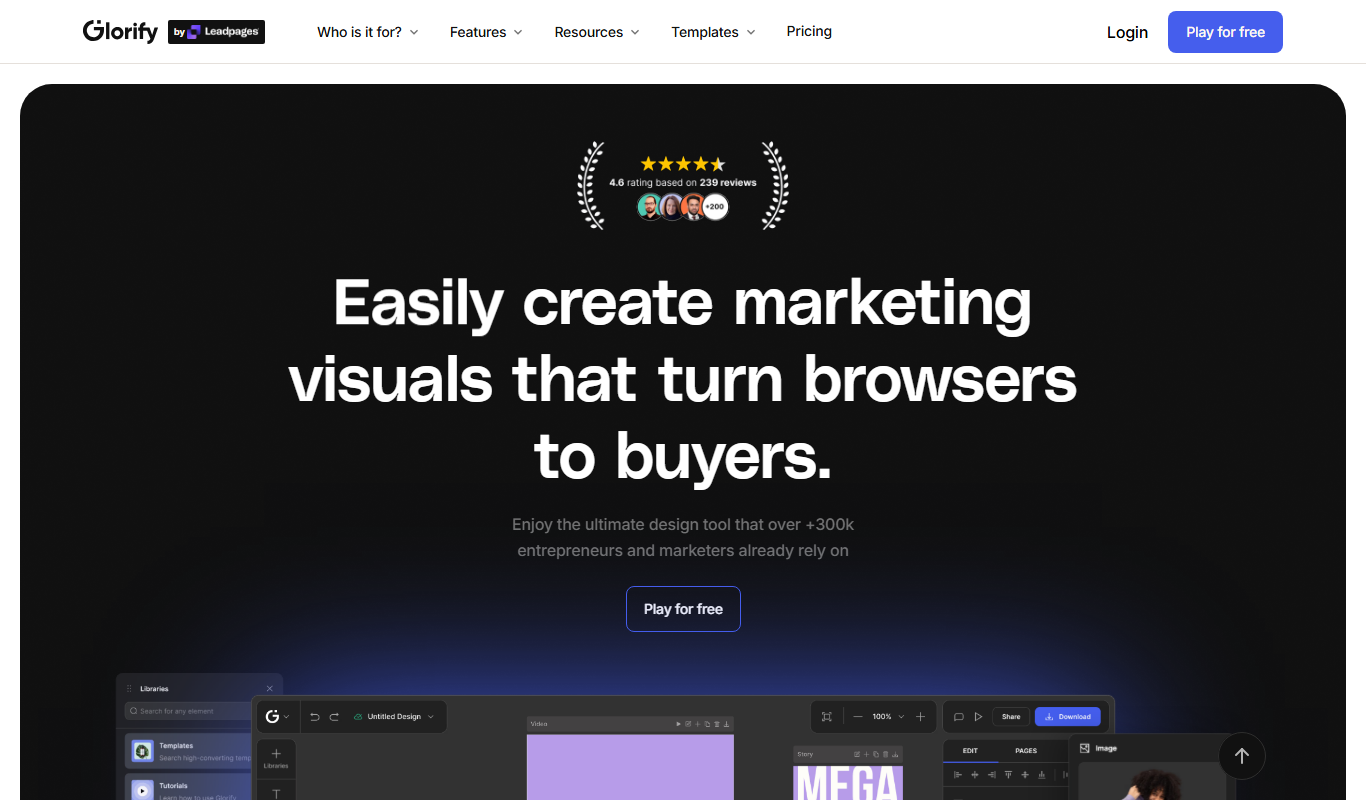
Free
glorifyapp.com
Glorify is a web-based design tool focused on helping e-commerce businesses create product mockups and marketing visuals easily using templates and drag-and-drop editing.
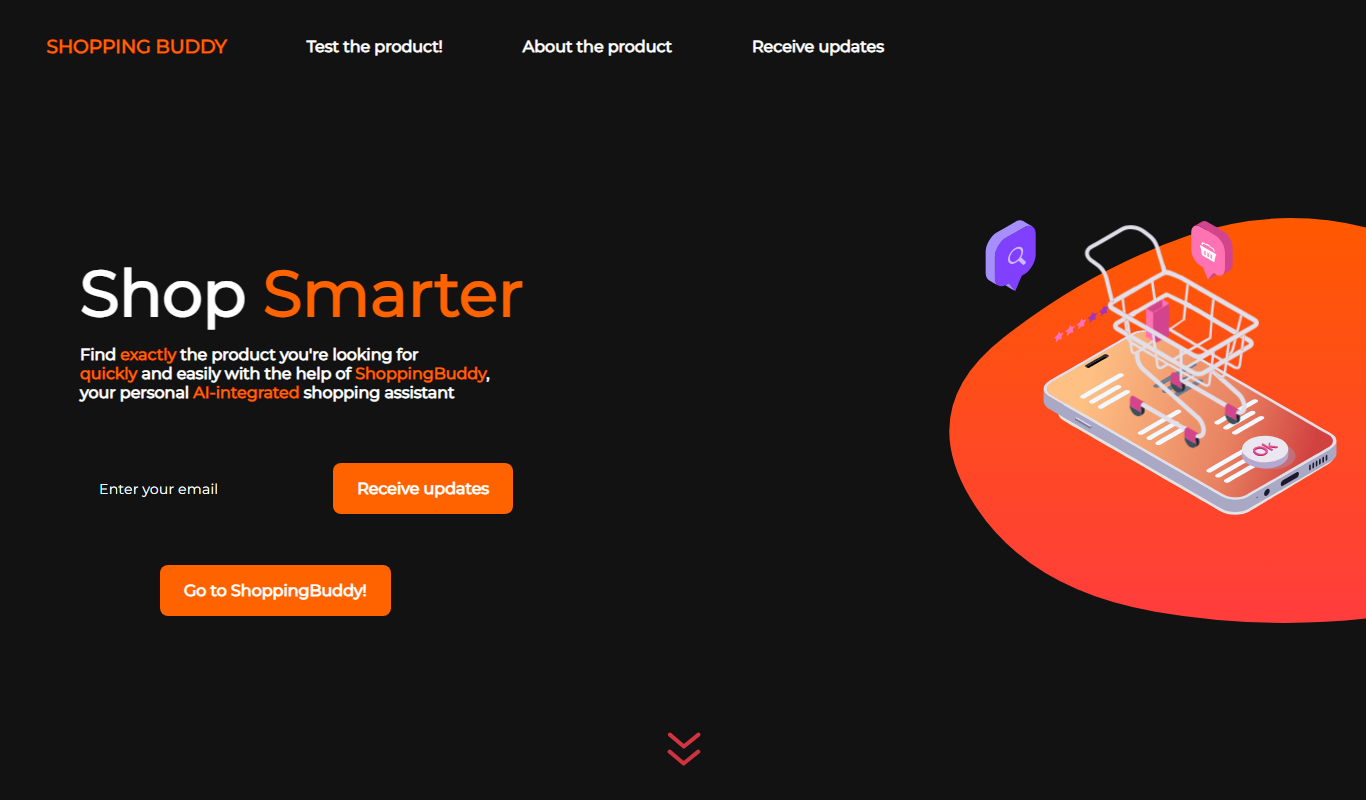
Free
ShoppingBuddy
ShoppingBuddy is an AI shopping assistant that helps users find personalized deals, automatically applies coupons, and compares prices across multiple online retailers to maximize savings.

Freemium
EPAGESTORE.AI
EPAGESTORE.AI is an AI-powered platform that simplifies creating and managing e-commerce stores for small businesses without coding skills.