

Knowledge AI YouTube video summarizer for learning
Knowledge AI summarizes any YouTube video with AI, producing segmented summaries, key concepts and question and answer sets for faster learning.
- Best for
- Lecture review
- Key capability
- Comprehensive summaries
Save Knowledge AI, follow its updates and vote on it — everything stays in your account.
Sign in or create a free account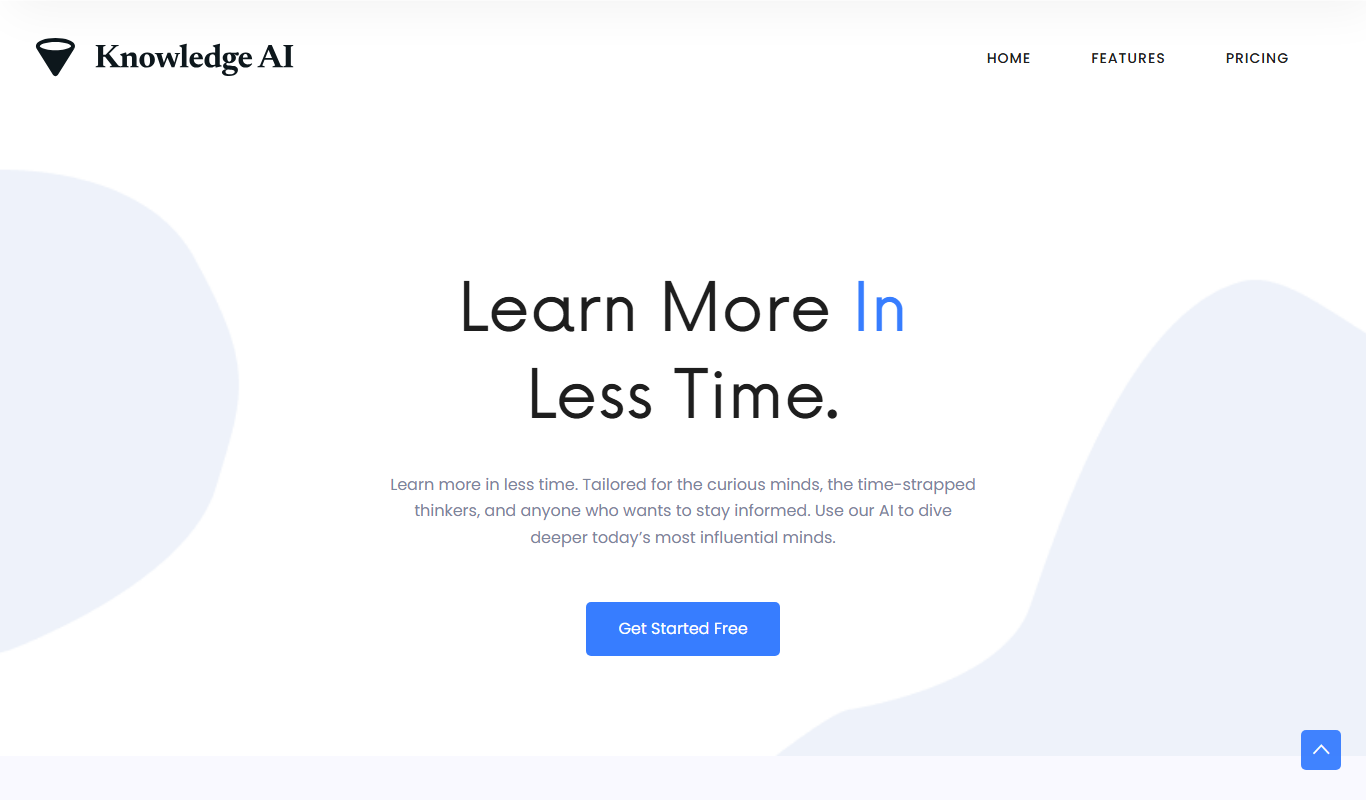
What is Knowledge AI?
Knowledge AI is an AI-powered learning tool that summarizes YouTube videos, from complex lectures to quick tutorials. It produces segmented summaries, extracts key concepts and keywords and generates key questions and answers, for curious minds and time-strapped learners who want to stay informed.
Key features of Knowledge AI
Knowledge AI creates comprehensive and segmented summaries of YouTube videos, extracts key concepts and keywords and generates 8-10 key questions and answers per video.
Comprehensive summaries
AI summaries of any YouTube video, from complex lectures to quick tutorials.
Key concepts and keywords
Extract the main concepts and keywords from videos.
Segmented summaries
Summaries split by section for tutorials, guides and educational content.
Questions and answers
8-10 key questions and answers generated from each video.
User Analytics
Provides insights into search behavior and content usage.
Pros and cons of Knowledge AI
Pros
- Turns long videos into short summaries
- Question and answer sets for review
- Free Basic plan
- Scalable for large organizations and data volumes
Cons
- Free plan is limited to 10 credits daily
- Upload size limits depend on the plan
- Primarily targeted at enterprise customers, less suited for small teams
Key use cases for Knowledge AI
Lecture review
Summarize complex lectures into concise notes.
Tutorial sections
Use segmented summaries for specific sections of tutorials and guides.
Technical videos
Extract key concepts and terms from technical video material.
Self-testing
Review and reinforce content with generated questions and answers.
How Knowledge AI works
- 1
Sign up free
Create a free account.
- 2
Pick a video
Choose any YouTube video to summarize.
- 3
Read the summary
Review the segmented summary, key concepts and keywords.
- 4
Review with questions
Use the 8-10 generated questions and answers.
Who is using Knowledge AI
Knowledge AI pricing
Basic
$0/month
10 credits daily, 5 MB file size upload limit, audio summaries.
Pro
$5/month
Unlimited credits, 10 MB file size upload limit, audio summaries.
Premium
$10/month
Unlimited credits, 200 MB file size upload limit, audio summaries.
Plans and prices are as published by the vendor and can change. Check the official site before you buy. Open the pricing page (opens in a new tab)
Frequently asked questions about Knowledge AI
Any YouTube video, from complex lectures to quick tutorials.
Curious minds, time-strapped thinkers and anyone who wants to stay informed.
Yes. It generates 8-10 key questions and answers from each video.
Yes. The Basic plan is free with 10 credits daily.
Yes. Summaries are segmented for specific sections of tutorials, guides and educational content.
Conclusion
Any YouTube video, from a complex lecture to a quick tutorial, can be condensed here into an AI summary. Summaries are segmented by section, so a single part of a tutorial or guide is easy to digest, and the main concepts and keywords are pulled out for technical material. Each video also gets 8-10 key questions and answers for review.
Curious minds and time-strapped thinkers who want to stay informed are the intended audience, and featured summaries cover long podcast interviews as well as lessons. A free Basic plan gives a small number of daily credits, while the two low-cost paid tiers remove the credit cap and raise the upload size limit.
Sources
Sign in to review this tool.
Sign In to ReviewNo reviews yet
Be the first to share how this tool worked for you.
Ask about pricing, limits, or how it compares — or answer someone else.
Sign In to AskNo questions yet
Have a question about using or paying for this tool? Be the first to ask.
Featured on TiorAI



Alternative Tools
Explore similar AI tools that might fit your needs

Guru
Guru is a knowledge management platform that enables teams to capture, verify, and share accurate information in real time, improving collaboration and customer support.

Bloomfire
Bloomfire is a cloud-based knowledge management software that helps teams capture, organize, and share information efficiently with AI-powered search and analytics.

Slab
Slab is a knowledge management and team collaboration software that helps organizations centralize and share internal knowledge through an intuitive wiki interface, real-time collaboration, and powerful search.
More AI Education & Learning Tools tools
Other tools in the same category, for when this one is not quite the fit.

knowt.com
Knowt.com is an AI-driven study tool that converts your notes or any text into interactive flashcards and summaries to enhance learning efficiency.

Terrakotta
Terrakotta is the all-in-one prospecting platform for commercial real estate brokers: source leads, make calls and deliver personalized AI voicemails.
plat.ai
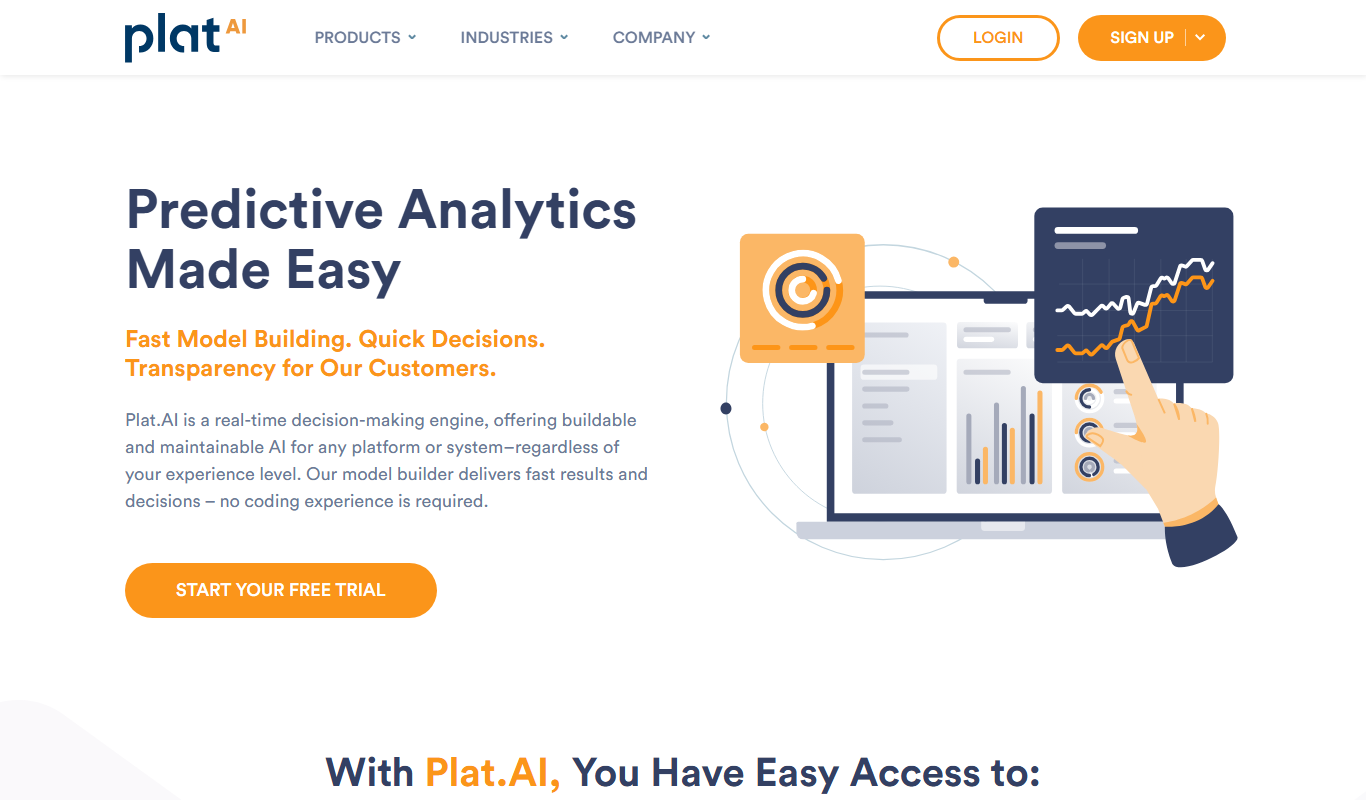
plat.ai is a comprehensive AI development platform that enables users to build, train, deploy, and manage custom machine learning models with scalable infrastructure and API integration.

Quino
Quino is the LMS that marks every exam: courses, lessons, online exams and diplomas, with AI that marks handwritten answers in seconds and writes tests from your notes.

MockTok
MockTok is an AI mock interview app with 50+ interactive questions, follow-up questions, job post analysis, multi-stage interviews, feedback and AI extracted cases.

ModelBench AI
ModelBench compares 180+ models side by side in an interactive playground and turns experiments into testable prompts that run as benchmarks at scale.
Mapify
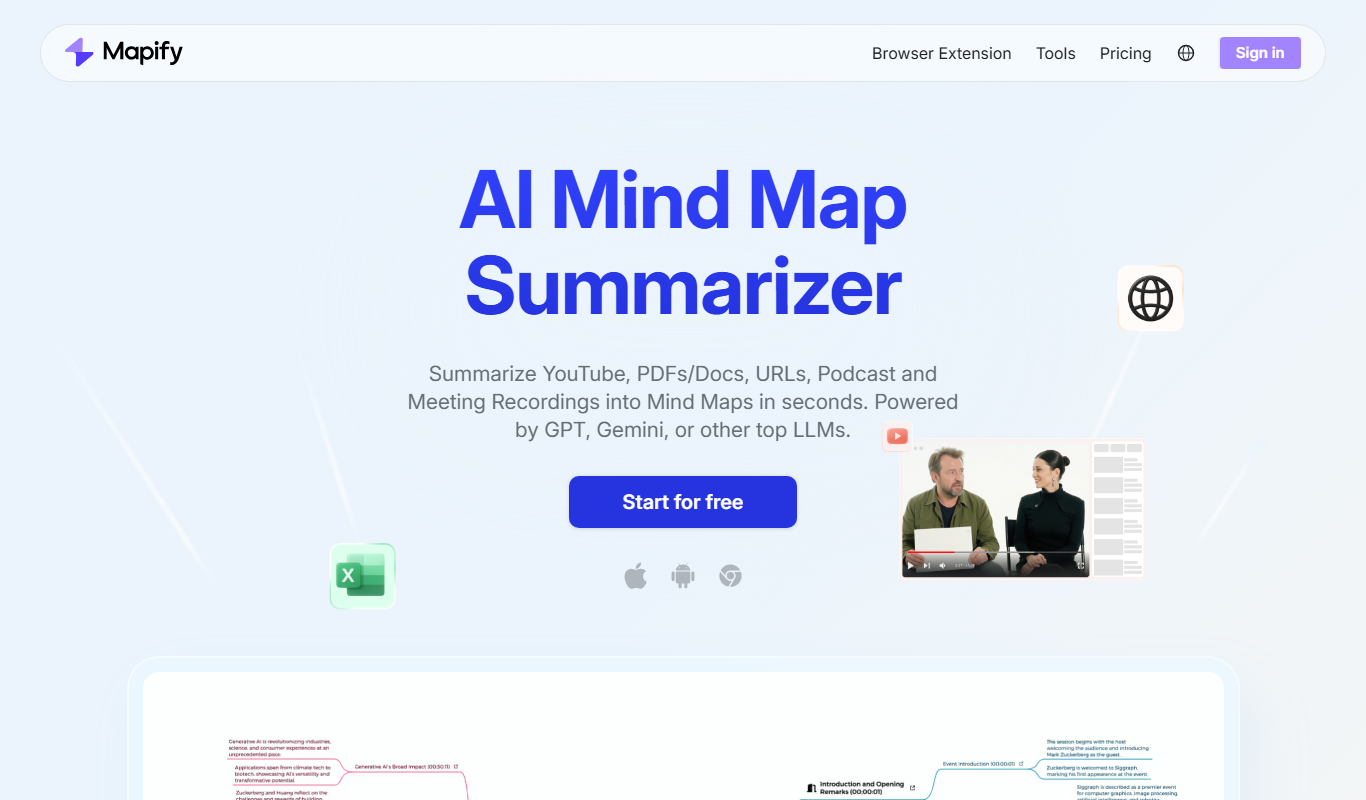
Mapify is an AI mind map summarizer that turns PDFs, YouTube videos, webpages and recordings into structured mind maps.

Heuristica
Heuristica is an AI learning platform that creates concept maps, flashcards, quizzes, summaries and study notes from PDFs, YouTube videos and websites.