

From my experience with Kidtime, it stands out for its straightforward approach to managing children’s screen time and app usage. The app’s remote control features and detailed activity reports make it easy for parents to stay informed and enforce healthy digital habits. While the free plan offers basic functionality, upgrading to Premium unlocks a comprehensive suite of controls suitable for families with multiple devices. However, the lack of a dedicated desktop app for children’s devices may limit some use cases. Overall, Kidtime is a reliable choice for parents seeking an intuitive and effective parental control solution.
Kidtime App Review: Best Parental Control & Screen Time Management Tool
Kidtime is a parental control app that helps parents manage and monitor their children's device usage by setting screen time limits, blocking inappropriate content, and providing usage reports.
- Best for
- Manage Children's Screen Time
- Key capability
- Screen Time Scheduling
Your actions
Save Kidtime, follow its updates and vote on it — everything stays in your account.
Sign in or create a free account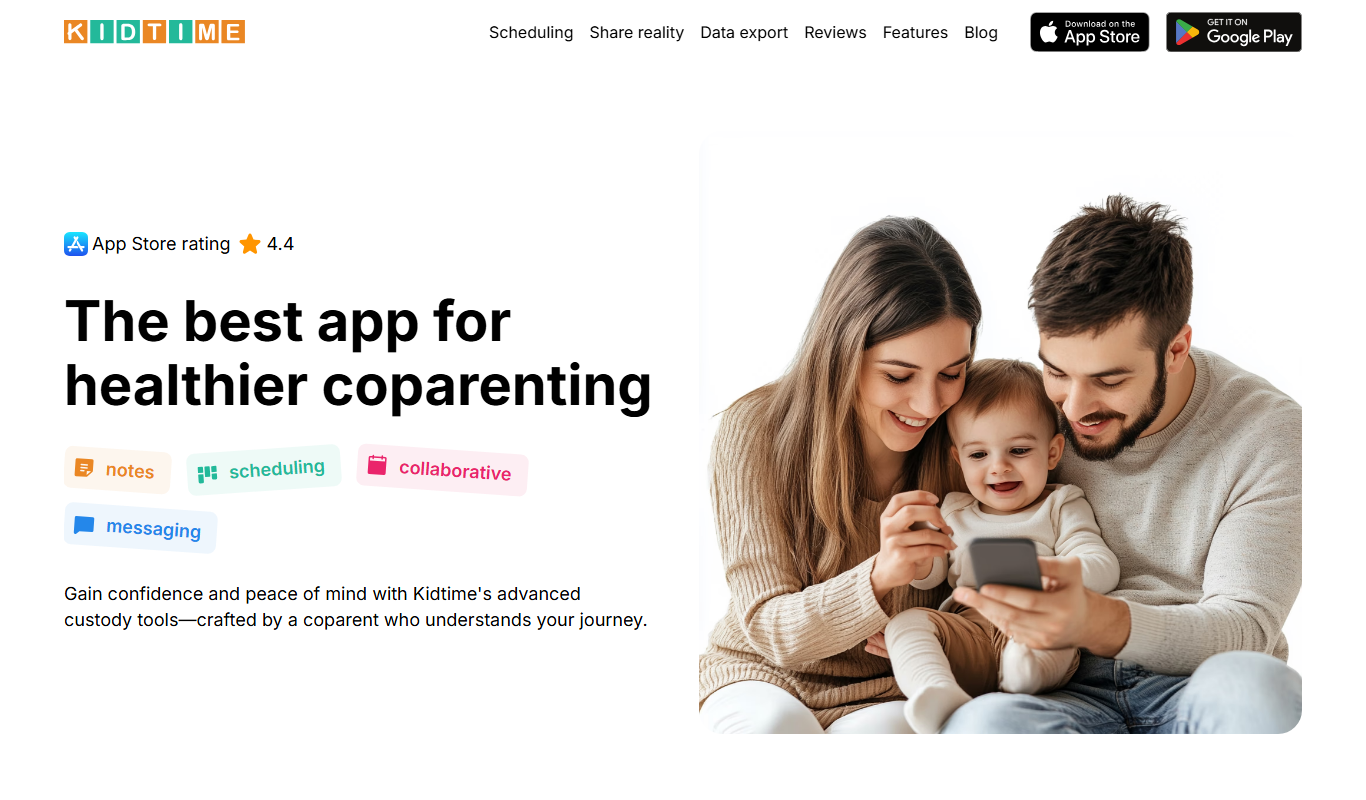
What is Kidtime?
Kidtime is a parental control app designed to help families manage and monitor their children’s device usage. It provides tools for setting screen time limits, blocking inappropriate content, and tracking app usage to promote healthy digital habits and ensure child safety online.
Key features of Kidtime
Kidtime offers comprehensive parental controls including screen time scheduling, app monitoring, content filtering, remote device locking, and detailed activity reports, all accessible through an easy-to-use interface on mobile and web platforms.
Screen Time Scheduling
Set specific time windows when device usage is allowed or blocked.
App Usage Monitoring
Track which apps are used and for how long to ensure appropriate use.
Content Filtering
Block access to inappropriate apps and websites automatically.
Remote Locking
Lock or unlock devices remotely to enforce breaks or focus time.
Activity Reports
Receive detailed summaries of device usage to stay informed.
Pros and cons of Kidtime
Pros
- User-friendly interface suitable for non-technical parents
- Comprehensive screen time and app monitoring features
- Remote device control for flexible management
Cons
- Limited features on the free plan
- No dedicated desktop app for child devices
Key use cases for Kidtime
Manage Children's Screen Time
Parents can set daily screen time limits and schedules to help children develop healthy device habits.
Monitor App Usage
Track which apps children use and for how long to ensure appropriate content consumption.
Block Inappropriate Content
Filter and block apps or websites that are not suitable for children.
Receive Usage Reports
Get detailed reports on children's device activity to stay informed and adjust controls as needed.
Remote Device Control
Parents can remotely lock or unlock devices to enforce breaks or study time.
How Kidtime works
- 1
Install Kidtime
Download and install the Kidtime app on both the parent’s and child’s devices.
- 2
Create an Account
Sign up and create a parent profile to manage child devices.
- 3
Add Child Devices
Link your child’s devices to your account for monitoring and control.
- 4
Set Screen Time Rules
Configure daily limits, schedules, and app restrictions according to your family’s needs.
- 5
Monitor and Adjust
Review usage reports and adjust settings remotely as needed.
Who is using Kidtime
Parents of young children
Guardians managing multiple devices
Families seeking digital wellbeing tools
Educational institutions monitoring student device use
Kidtime pricing
Free
$0/month
Basic parental controls with limited features and device support.
Premium
$7.99/month
Full access to all features including unlimited devices, detailed reports, and advanced controls.
Plans and prices are as published by the vendor and can change. Check the official site before you buy. Open the pricing page (opens in a new tab)
Frequently asked questions about Kidtime
Yes, Kidtime supports both iOS and Android devices.
Yes, the Premium plan allows you to manage multiple devices under one parent account.
Kidtime primarily supports mobile devices but offers a web dashboard for parents to monitor and control settings.
Kidtime offers a free plan with basic features; check their website for any current Premium trial offers.
It depends on your specific needs and how you plan to use the tool. The official website and documentation are the best sources for the latest details.
Some tools offer a free plan or trial with limited features. Availability can vary, so confirm on the official website.
Yes, it can help with that use case depending on how you configure it and what features are available. You’ll get the best results with clear inputs and a defined goal.
Yes, it can help with that use case depending on how you configure it and what features are available. You’ll get the best results with clear inputs and a defined goal.
Sign in to review this tool.
Sign In to ReviewNo reviews yet
Be the first to share how this tool worked for you.
Ask about pricing, limits, or how it compares — or answer someone else.
Sign In to AskNo questions yet
Have a question about using or paying for this tool? Be the first to ask.
Featured on TiorAI



Alternative Tools
Explore similar AI tools that might fit your needs

Free
Qustodio
Qustodio is a parental control software that helps parents manage screen time, filter internet content, block apps, and track their children's location across multiple devices.
More AI Parenting Tools tools
Other tools in the same category, for when this one is not quite the fit.
Free Trial
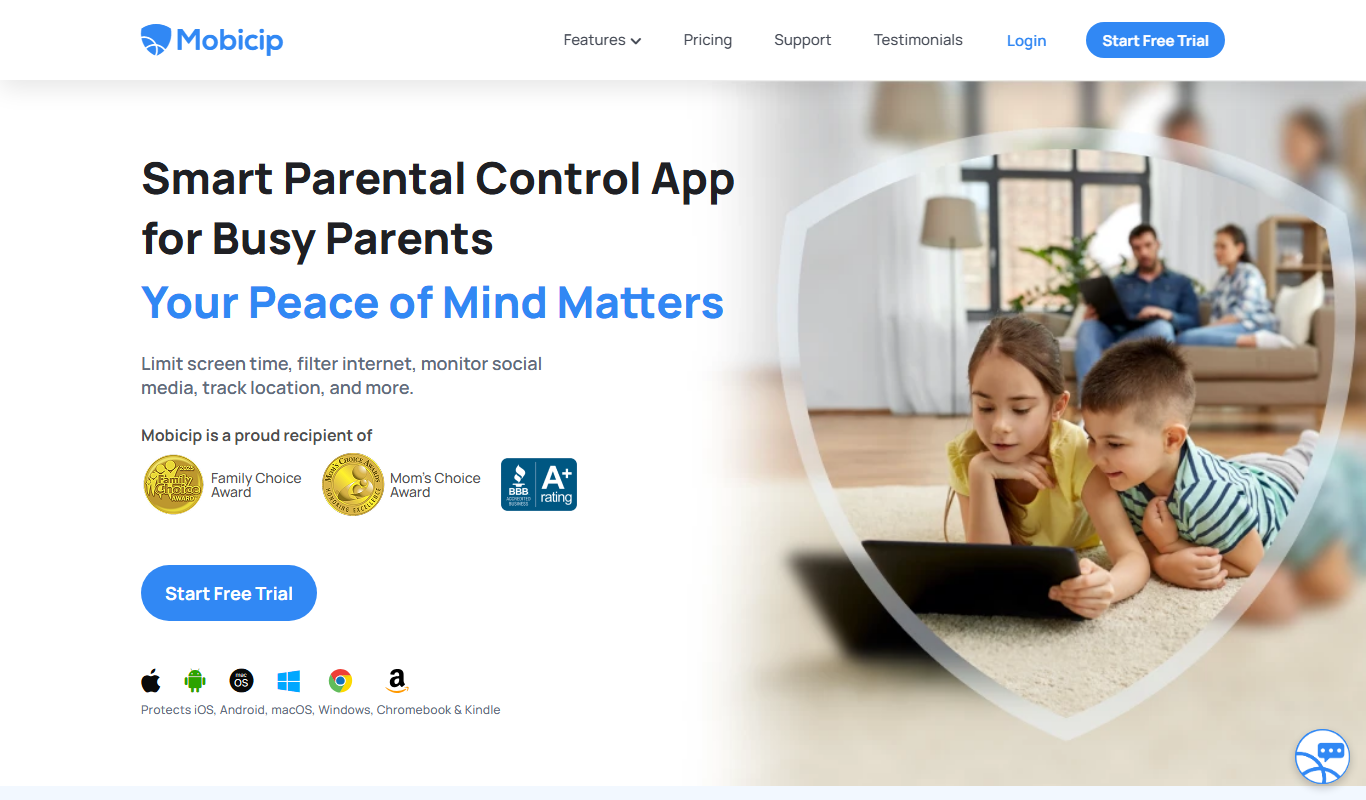
Mobicip
Mobicip is a parental control app that helps parents filter internet content, manage screen time, monitor app usage, and track their children's location across multiple devices.
Free Trial
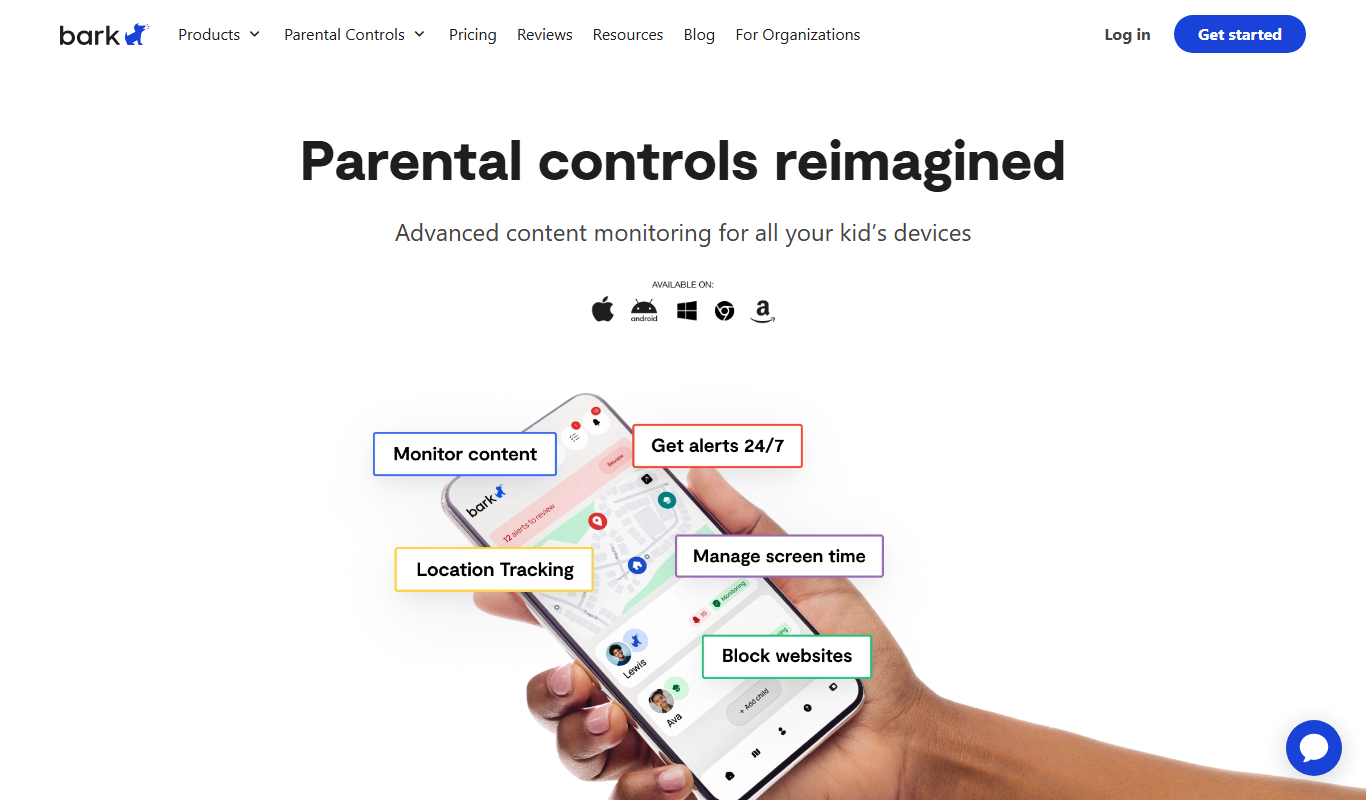
Bark
Bark is a parental control app that monitors children's online activity using AI to detect cyberbullying, threats, and inappropriate content, while offering screen time management and content filtering.
Free
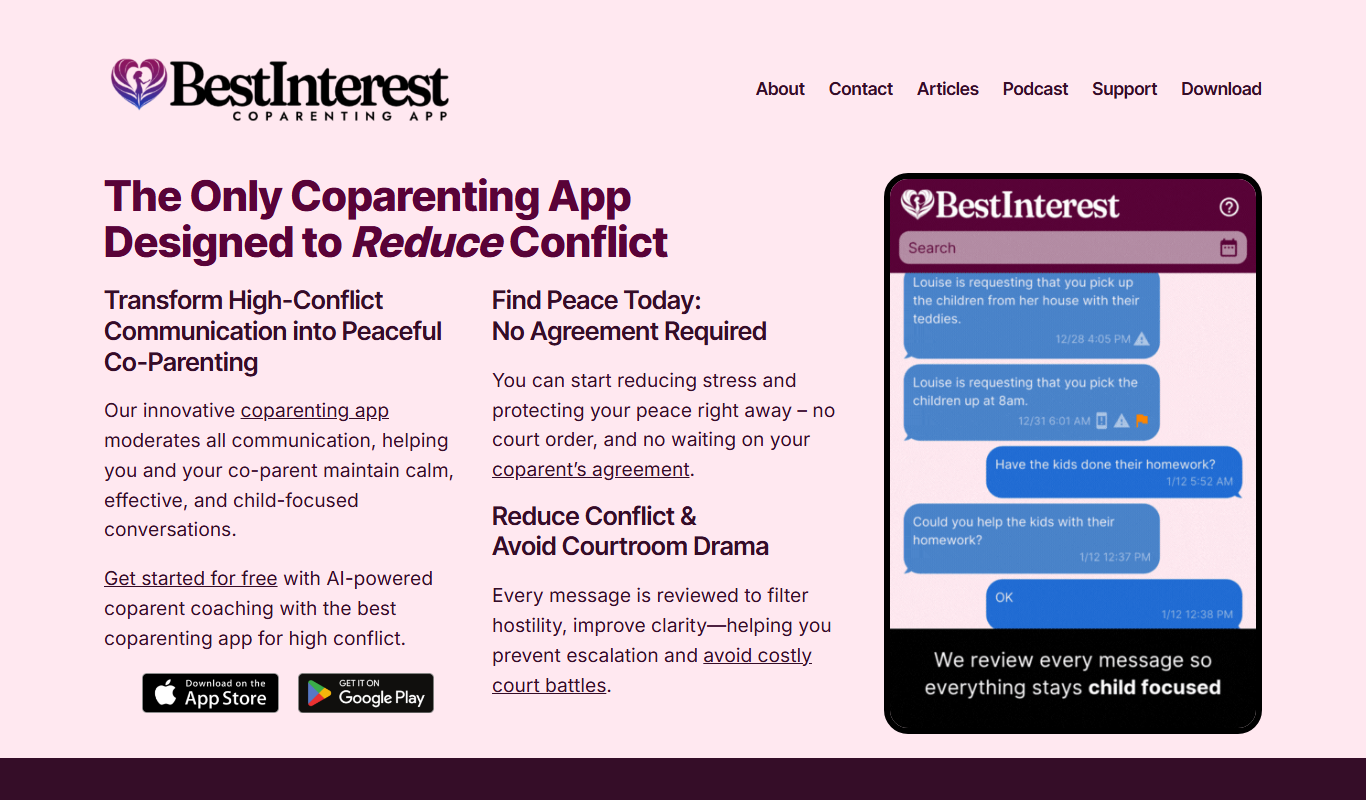
BestInterest for Coparents
BestInterest for Coparents is a co-parenting app that helps separated parents coordinate schedules, communicate securely, and manage expenses to reduce conflict and focus on their children's well-being.

Free
Height Estimator
Height Estimator is a free online tool that predicts an individual's adult height using current age, gender, and height data based on scientific formulas.

One-time purchase
Lizzy Sleep
Lizzy Sleep weighted blankets provide deep pressure stimulation to improve sleep quality and reduce anxiety by applying gentle, evenly distributed weight over the body.

Freemium
Autismify
Autismify is an AI-based speech therapy platform designed to help children with autism improve communication through personalized exercises and progress tracking.

Free
Fantasaur
Fantasaur is an AI-powered writing assistant designed to help users generate creative stories, content, and overcome writer’s block through AI-driven suggestions and prompts.

Free
SantaAI
SantaAI is a web-based AI chatbot platform that enables users to create personalized conversational agents for automating customer interactions and improving engagement.