

Kami PDF Reader - Collaborative PDF Annotation and Document Management Tool
Kami PDF Reader is a cloud-based platform that enables users to annotate, highlight, and collaborate on PDF documents in real time, with integrations for education and business workflows.
- Best for
- Educational Collaboration
- Key capability
- Real-Time Collaboration
Save Kami PDF Reader, follow its updates and vote on it — everything stays in your account.
Sign in or create a free account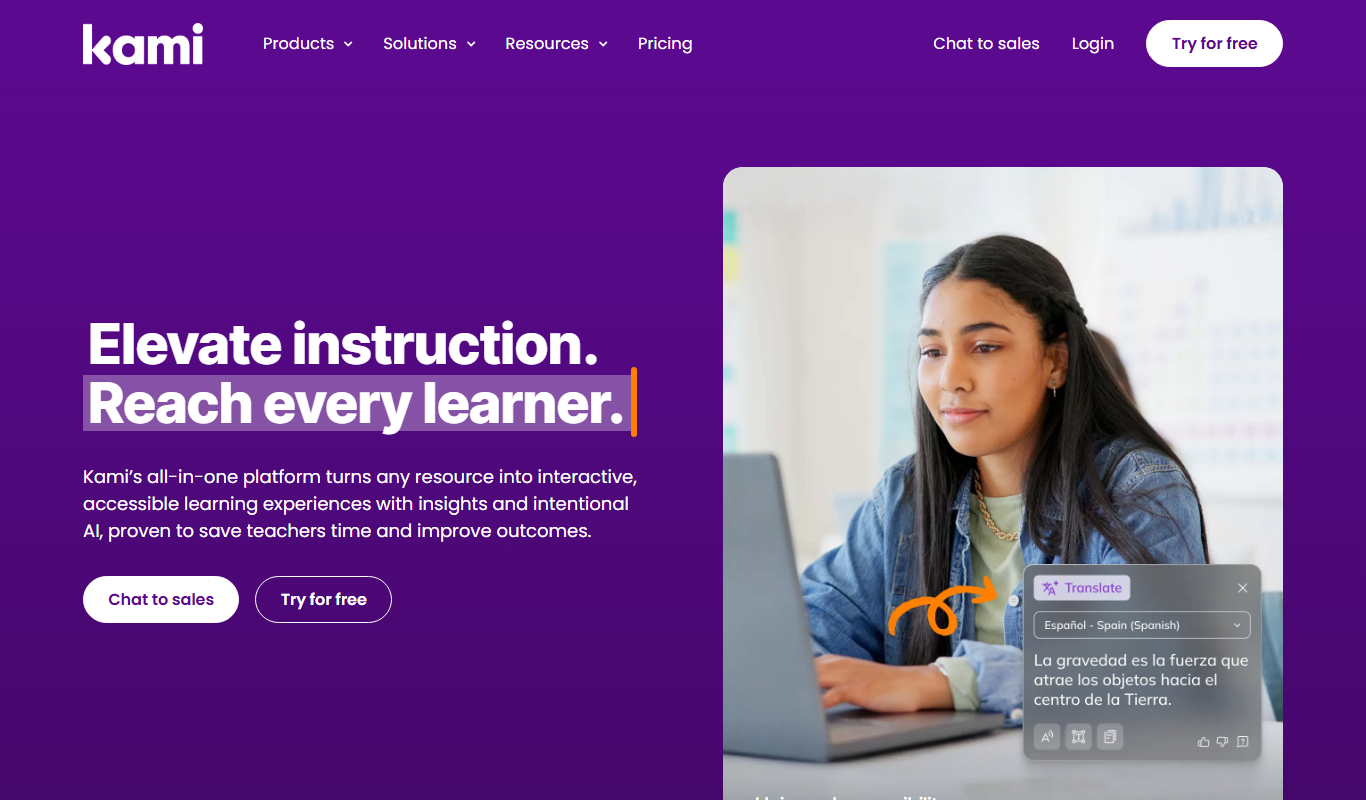
What is Kami PDF Reader?
Kami PDF Reader is a cloud-based PDF and document annotation platform designed to facilitate collaboration, annotation, and digital document management. It integrates with popular learning management systems and cloud storage services, enabling users to read, highlight, comment, and markup PDFs and other document types in real time. Its tools support educational environments, business workflows, and individual productivity by making document interaction seamless and interactive.
Key features of Kami PDF Reader
Kami offers a comprehensive set of annotation tools including text highlighting, freehand drawing, text boxes, voice comments, and shape insertion. It supports real-time collaboration, integrates with Google Drive and Microsoft OneDrive, and provides accessibility features such as text-to-speech. The platform is accessible via web browsers, Chrome extensions, and mobile apps, making it versatile for various user needs.
Real-Time Collaboration
Multiple users can annotate and comment on documents simultaneously.
Wide Range of Annotation Tools
Includes text highlighting, freehand drawing, shapes, text boxes, and voice comments.
Cloud Integration
Seamlessly connects with Google Drive, Microsoft OneDrive, and learning management systems.
Accessibility Features
Supports text-to-speech and other tools to aid diverse learners.
Cross-Platform Availability
Accessible via web browsers, Chrome extension, iOS, and Android apps.
Pros and cons of Kami PDF Reader
Pros
- Intuitive and user-friendly interface
- Strong collaboration features for education
- Wide range of annotation tools
- Good integration with cloud storage and LMS
- Cross-platform accessibility
Cons
- Some advanced features require paid subscription
- Limited offline functionality
- Mobile app features are less comprehensive than desktop/web
Key use cases for Kami PDF Reader
Educational Collaboration
Teachers and students use Kami to annotate, highlight, and collaborate on PDFs and other documents in real time.
Document Annotation
Professionals and individuals annotate PDFs with text, drawings, comments, and voice notes for review and feedback.
Remote Learning
Supports remote classrooms by enabling interactive assignments and feedback through digital documents.
Business Document Management
Teams collaborate on contracts, reports, and presentations with shared annotations and version control.
Accessibility and Reading Support
Offers text-to-speech and other accessibility features to support diverse learning needs.
How Kami PDF Reader works
- 1
Upload or Open Document
Users upload PDFs or open documents from cloud storage or learning platforms.
- 2
Annotate and Collaborate
Use annotation tools to highlight, comment, draw, or add voice notes. Collaborate with others in real time.
- 3
Save and Share
Save annotated documents back to cloud storage or share links with collaborators or students.
Who is using Kami PDF Reader
Kami PDF Reader pricing
Basic
$0/month
Basic annotation tools with limited collaboration features.
Teacher Plan
$149
Everything in Basic plus all 40+ tools, Google Classroom, Schoology, Canvas and Microsoft Teams integrations, onboarding and priority support.
Pro
$12/month or $85/year
Everything in Basic plus access to all tools and features, unlimited collaborators, unlimited pages and priority support.
School/District
Custom pricing
Enterprise-grade features and management for educational institutions.
Work
$25/month
Everything in Pro plus onboarding and training, a dedicated account manager, custom plan sharing and Bates numbering.
Plans and prices are as published by the vendor and can change. Check the official site before you buy. Open the pricing page (opens in a new tab)
Frequently asked questions about Kami PDF Reader
Yes, Kami offers a free plan with basic annotation tools and limited collaboration.
Yes, Kami integrates seamlessly with Google Classroom and other learning management systems.
Kami has apps for both iOS and Android, as well as a web and Chrome extension version.
Yes, Kami supports real-time collaborative annotation.
It depends on your specific needs and how you plan to use the tool. The official website and documentation are the best sources for the latest details.
Some tools offer a free plan or trial with limited features. Availability can vary, so confirm on the official website.
Yes, it can help with that use case depending on how you configure it and what features are available. You’ll get the best results with clear inputs and a defined goal.
It depends on your specific needs and how you plan to use the tool. The official website and documentation are the best sources for the latest details.
Conclusion
Documents come in by upload or straight from cloud storage and learning platforms, and are then highlighted, commented on, drawn on or given voice notes. Annotation happens in real-time collaboration, and the finished file is saved back to cloud storage or shared as a link with collaborators or students. It connects with Google Drive, Microsoft OneDrive and Google Classroom, and includes text-to-speech among its accessibility features.
Educators and students are the core audience, including remote learners, while business professionals managing documents use the same annotation tools. Access is through web browsers, a Chrome extension, and iOS and Android apps. A free Basic plan covers core annotation, while paid options include the Teacher Plan at $149, Pro at $12 per month or $85 per year, and Work at $25 per month.
Sources
Sign in to review this tool.
Sign In to ReviewNo reviews yet
Be the first to share how this tool worked for you.
Ask about pricing, limits, or how it compares — or answer someone else.
Sign In to AskNo questions yet
Have a question about using or paying for this tool? Be the first to ask.
Featured on TiorAI



Alternative Tools
Explore similar AI tools that might fit your needs
PDFescape
PDFescape is a web-based PDF editor and form filler that allows users to edit, annotate, and fill PDF documents online or via desktop app with free and paid plans.

Foxit PDF Editor
Foxit PDF Editor is a professional PDF software that enables users to edit, annotate, convert, and secure PDF documents on Windows, Mac, web, and mobile platforms.
More Business Management tools
Other tools in the same category, for when this one is not quite the fit.
Polar Cloud
Polar Cloud is a cloud platform that allows users to remotely control 3D printers, manage print files, and collaborate on projects through a web interface, ideal for education and makerspaces.

PillPack
PillPack is an online pharmacy service that delivers medications in pre-sorted packets by dose and time, coordinates with insurance, and provides pharmacist support to simplify medication management.
PillRem
PillRem is a medication scanner and pill reminder app for iPhone and iPad that fills in name, dose and expiry from any pill box, with smart reminders, family profiles and iCloud sync.

Ministry Designs
Ministry Designs is a specialized website builder offering custom themes and tools tailored for churches and ministries, including sermon management and online giving integration.

edu720
edu720 is a cloud-based learning management system designed to help organizations create, deliver, and track online training and educational courses efficiently.
Interact
Interact is a web-based quiz maker that helps marketers create interactive quizzes to generate leads, engage audiences, and drive marketing funnels without coding.

ExamFX
ExamFX is an online platform offering state-specific insurance licensing exam prep courses, practice exams, and continuing education resources for insurance professionals.

Boson Exam Environment
Boson Exam Environment is a software platform offering realistic practice exams and simulations for IT certification candidates to prepare effectively by mimicking actual exam conditions and providing detailed answer explanations.