

Invoice2go Review: Easy Invoicing and Expense Tracking for Small Businesses
Invoice2go is a cloud-based invoicing and expense management software that helps small businesses create invoices, track expenses, and accept payments easily via web and mobile apps.
- Best for
- Invoice Creation
- Key capability
- Customizable Invoice Templates
Save Invoice2go, follow its updates and vote on it — everything stays in your account.
Sign in or create a free account
What is Invoice2go?
Invoice2go is a cloud-based invoicing and expense management software designed for small businesses and freelancers. It simplifies billing by allowing users to create, send, and track invoices from any device. The platform also supports expense tracking and payment processing, helping businesses maintain organized financial records and get paid faster.
Key features of Invoice2go
Invoice2go offers easy invoice creation, customizable templates, expense tracking, integrated payment options, client management, and detailed financial reporting. Its mobile apps enable invoicing on the go, making it convenient for businesses that operate remotely or in the field.
Customizable Invoice Templates
Choose from various templates and personalize invoices with logos and branding.
Mobile Invoicing
Create and send invoices directly from iOS or Android devices.
Integrated Payment Processing
Accept credit card and ACH payments online to speed up cash flow.
Expense Management
Track and categorize business expenses for accurate bookkeeping.
Client Database
Store client contact details and invoice history for easy access.
Financial Reporting
Access detailed reports to analyze business performance and cash flow.
Pros and cons of Invoice2go
Pros
- User-friendly interface suitable for non-accountants
- Mobile apps enable invoicing anywhere
- Integrated payment options speed up collections
- Comprehensive expense tracking and reporting
- Customizable invoice templates
Cons
- Limited advanced accounting features compared to full ERP systems
- Pricing can be high for very small businesses with minimal invoicing needs
- No built-in payroll or tax filing capabilities
Key use cases for Invoice2go
Invoice Creation
Generate professional invoices quickly on desktop or mobile to bill clients accurately.
Expense Tracking
Track and categorize business expenses to maintain clear financial records.
Payment Processing
Accept payments online through integrated payment gateways to get paid faster.
Client Management
Manage client contacts and invoice history in one place for streamlined communication.
Financial Reporting
Access reports on income, expenses, and outstanding invoices to monitor business health.
How Invoice2go works
- 1
Sign Up
Create an account on Invoice2go’s website or mobile app to get started.
- 2
Set Up Business Profile
Enter your business details, customize invoice templates, and add payment options.
- 3
Create and Send Invoices
Generate invoices using templates, add client info, and send via email or SMS.
- 4
Track Payments and Expenses
Monitor invoice status and log expenses to keep financials up to date.
- 5
Generate Reports
Review income, expenses, and outstanding payments through built-in reports.
Who is using Invoice2go
Invoice2go pricing
Starter
$5.99/month
Starter plan at $5.99 per month.
Professional
$9.99/month
Professional plan at $9.99 per month.
Premium
$39.99/month
Premium plan at $39.99 per month.
Plans and prices are as published by the vendor and can change. Check the official site before you buy. Open the pricing page (opens in a new tab)
Frequently asked questions about Invoice2go
Yes, Invoice2go offers apps for both iOS and Android devices for invoicing on the go.
Yes, it integrates with payment gateways to accept credit card and ACH payments.
Invoice2go offers a 30-day free trial.
Yes, you can customize invoice templates with your logo, colors, and business details.
It depends on your specific needs and how you plan to use the tool. The official website and documentation are the best sources for the latest details.
Some tools offer a free plan or trial with limited features. Availability can vary, so confirm on the official website.
Yes, it can help with that use case depending on how you configure it and what features are available. You’ll get the best results with clear inputs and a defined goal.
Some tools offer a free plan or trial with limited features. Availability can vary, so confirm on the official website.
Conclusion
Invoices are generated from templates customized with a logo, colors and business details, then sent to clients via email or SMS. Credit card and ACH payments can be accepted online, and invoice status and business expenses are tracked alongside. Built-in reports show income, expenses and outstanding payments.
Invoices can also be created and sent directly from iOS or Android devices. It is designed for freelancers and solo entrepreneurs, field service professionals, and consultants and contractors, while advanced accounting features are limited compared to full ERP systems.
Plans are Starter at $5.99, Professional at $9.99 and Premium at $39.99 per month, with a 30-day free trial.
Sources
Sign in to review this tool.
Sign In to ReviewNo reviews yet
Be the first to share how this tool worked for you.
Ask about pricing, limits, or how it compares — or answer someone else.
Sign In to AskNo questions yet
Have a question about using or paying for this tool? Be the first to ask.
Featured on TiorAI



More Business Management tools
Other tools in the same category, for when this one is not quite the fit.

Tailor Brands
Tailor Brands offers LLC formation services alongside its logo maker for small businesses.

Airbnb Experiences
Airbnb Experiences is a platform for booking unique local tours and activities hosted by locals worldwide, offering travelers authentic cultural and adventure experiences beyond traditional accommodations.

Pogo Travel
Pogo Travel is an AI-driven platform that generates personalized travel itineraries based on your preferences, travel dates, and interests, offering collaborative planning and offline access.
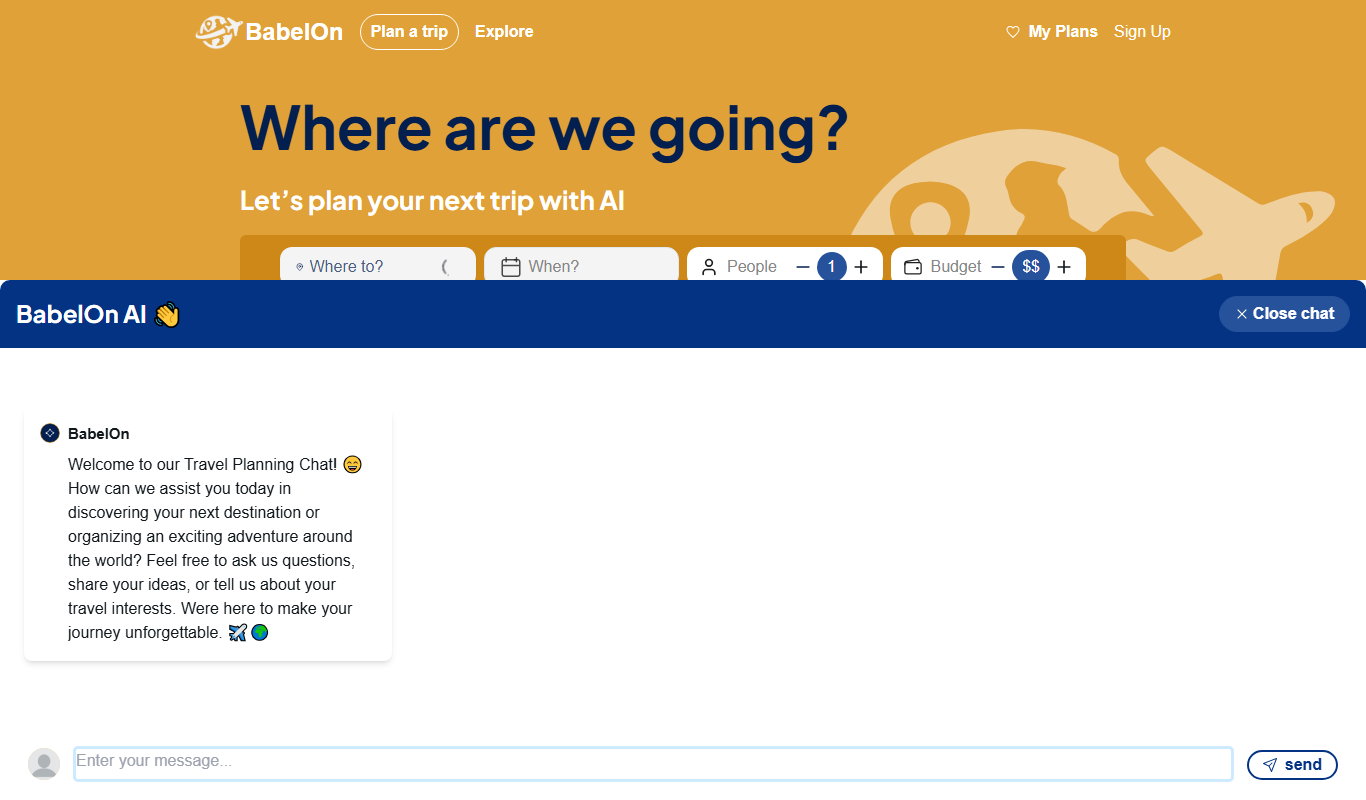
BabelOn
BabelOn is an AI-driven travel planning tool that generates personalized itineraries and helps organize all aspects of your trip in one place.

Furkot
Furkot is a web-based trip planner that helps users create multi-stop routes, optimize travel paths, schedule accommodations and activities, and share itineraries for efficient road trip planning.

Road Trip Navigator
Road Trip Navigator is a web-based tool that helps travelers plan multi-stop road trips by optimizing routes, managing itineraries, and visualizing trips on interactive maps.

Wanderlog
Wanderlog is a travel planning app that helps users create detailed itineraries, optimize travel routes, collaborate with others, and manage travel budgets via web and mobile platforms.

Veraset
Veraset provides privacy-compliant, high-quality location data via API and web platform to support marketing, retail, and urban planning analytics.