

From my experience with Infografix, I found it excels at simplifying the creation of professional infographics without requiring design expertise. The drag-and-drop editor combined with a rich template library makes it accessible for marketers, educators, and small business owners alike. However, the free plan is somewhat limited, and some advanced features require a paid subscription. Overall, if you need to quickly produce clear and attractive visual content for presentations or social media, Infografix offers a practical and user-friendly solution.
Infografix Visual Content Maker for Infographics and Data Visualization
Infografix is a web-based tool that enables users to create professional infographics and data visualizations easily using customizable templates and a drag-and-drop editor.
- Best for
- Marketing Content Creation
- Key capability
- Drag-and-Drop Editor
Your actions

Do you recommend this tool?
What is Infografix?
Infografix is a web-based infographic and data visualization tool designed to help users create professional and visually appealing graphics easily. It offers a variety of customizable templates and design elements to simplify the process of turning complex data into understandable visuals without requiring advanced design skills.
Key features of Infografix
Infografix provides a drag-and-drop editor, a rich library of templates and icons, customizable charts and graphs, and export options in multiple formats. It focuses on enabling quick creation of infographics tailored for marketing, education, and business reporting.
Drag-and-Drop Editor
Intuitive interface allowing easy placement and customization of design elements.
Template Library
Extensive collection of professionally designed templates for various infographic styles.
Data Visualization Tools
Customizable charts and graphs to represent data clearly and attractively.
Export Options
Supports multiple export formats including PNG, JPEG, and PDF for versatile use.
Collaboration Features
Options to share projects with team members for feedback and joint editing.
Pros and cons of Infografix
Pros
- User-friendly drag-and-drop interface
- Wide variety of customizable templates
- Good export format options
- Suitable for non-designers
- Collaboration capabilities
Cons
- Limited free plan features
- No mobile app available
- Some advanced features require Pro subscription
Key use cases for Infografix
Marketing Content Creation
Create engaging infographics to enhance marketing campaigns and social media posts.
Educational Materials
Design clear and visually appealing infographics for teaching and presentations.
Business Reporting
Visualize data and reports to communicate insights effectively to stakeholders.
Social Media Graphics
Produce shareable visual content optimized for various social media platforms.
How Infografix works
- 1
Sign Up
Create a free account on the Infografix website to access the design tools.
- 2
Select a Template
Choose from a wide range of pre-designed infographic templates suited to your needs.
- 3
Customize Design
Use the drag-and-drop editor to add text, images, charts, and icons, adjusting colors and layouts.
- 4
Export and Share
Download your infographic in formats like PNG, JPEG, or PDF, or share it directly online.
Who is using Infografix
Marketing professionals
Educators and trainers
Small business owners
Content creators
Data analysts
Infografix pricing
Free
$0/month
Access to basic templates and design tools with limited exports.
Pro
$12/month
Full access to all templates, unlimited exports, and premium features.
Plans and prices are as published by the vendor and can change. Check the official site before you buy. Open the pricing page (opens in a new tab)
Frequently asked questions about Infografix
Yes, Infografix is designed for users of all skill levels with easy-to-use templates and tools.
You can export your infographics as PNG, JPEG, or PDF files.
Yes, Infografix offers a free plan with limited features and exports.
Yes, the platform supports sharing and collaboration features for teams.
It depends on your specific needs and how you plan to use the tool. The official website and documentation are the best sources for the latest details.
Some tools offer a free plan or trial with limited features. Availability can vary, so confirm on the official website.
Yes, it can help with that use case depending on how you configure it and what features are available. You’ll get the best results with clear inputs and a defined goal.
Sign in to review this tool.
Sign In to ReviewNo reviews yet
Be the first to share how this tool worked for you.
Ask about pricing, limits, or how it compares — or answer someone else.
Sign In to AskNo questions yet
Have a question about using or paying for this tool? Be the first to ask.
Featured on TiorAI



Alternative Tools
Explore similar AI tools that might fit your needs
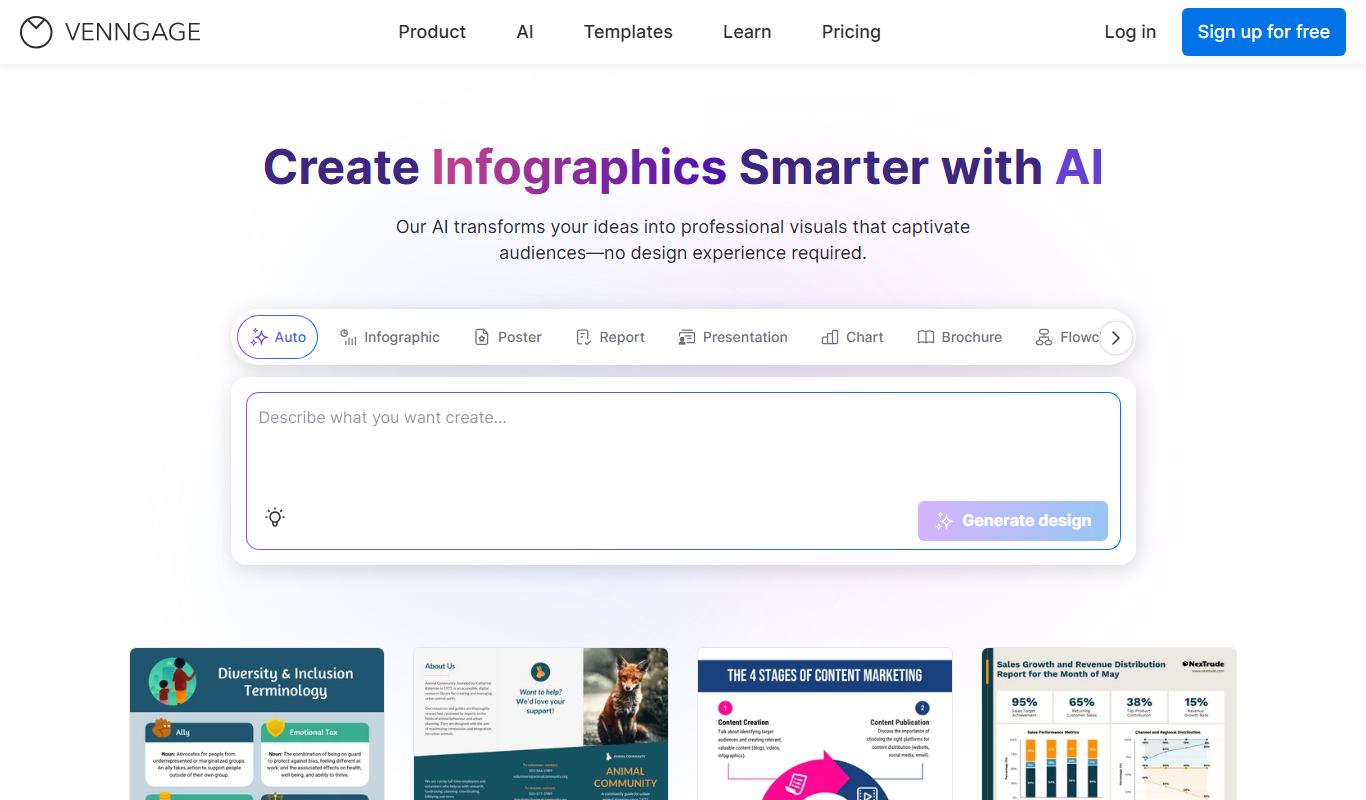
Free
Venngage
Venngage is a web-based infographic and design tool that allows users to create professional visual content such as infographics, presentations, and marketing materials using customizable templates and an easy drag-and-drop editor.
More AI Diagram Generator tools
Other tools in the same category, for when this one is not quite the fit.

Freemium
Dezyn
Dezyn is an AI-driven web-based design tool that helps users quickly create UI/UX prototypes, wireframes, and mockups by automating design generation and enabling collaboration.

Freemium
draft1.ai
draft1.ai is an AI-powered writing assistant that helps users generate and edit content efficiently through AI-driven drafting and editing features.

Free
ChartDB
ChartDB is an open source time series database designed for efficient storage and querying of large-scale metrics and monitoring data. It supports high ingestion rates, SQL-like queries, and integrates with visualization tools like Grafana.

Freemium
MyMap.AI
MyMap.AI is a web platform that uses AI to help businesses create interactive maps from location data quickly and without technical skills.

Free
Splotch
Splotch is an AI-powered tool that generates unique digital artwork from text prompts, offering style customization and high-resolution downloads for creative projects.
Free
Diagram.chat
Diagram.chat is a free, web-based diagramming tool that enables users to create flowcharts, mind maps, and other diagrams easily with real-time collaboration and export features.

Freemium
Superflex
Superflex is an AI-driven content automation platform that helps marketers generate, optimize, and scale marketing content efficiently, focusing on SEO and campaign personalization.

Freemium
Xmind AI
Xmind AI is a mind mapping software that integrates AI to help users generate ideas, organize thoughts, and collaborate effectively across devices.