

From my experience exploring inBuild, I found it excels at simplifying AI model creation for users without coding expertise. The no-code interface and automated training pipelines make it accessible for businesses wanting custom AI solutions quickly. However, the lack of publicly available pricing and limited technical stack details may require direct contact for full evaluation. Overall, if you need a platform to build and deploy AI models tailored to your data without deep technical overhead, inBuild offers a practical and user-friendly option.
inBuild AI Platform for Custom AI Model Development and Deployment
inBuild is a no-code AI platform that allows users to create, train, and deploy custom AI models by integrating their own data sources without requiring programming skills.
- Best for
- Custom AI Model Creation
- Key capability
- No-Code AI Model Builder
Your actions

Do you recommend this tool?
What is inBuild?
inBuild is an AI platform designed to simplify the creation, training, and deployment of custom AI models. It targets businesses and developers who want to build AI solutions tailored to their unique data and requirements without the need for deep technical expertise in machine learning.
Key features of inBuild
inBuild offers no-code AI model building, seamless data integration, automated training workflows, and easy deployment options, enabling faster AI adoption and operationalization.
No-Code AI Model Builder
Create AI models through an intuitive drag-and-drop interface without programming.
Automated Training Pipelines
Streamline model training with automated workflows that optimize performance.
Data Source Integration
Connect multiple data sources to enrich training datasets.
Scalable Deployment
Deploy AI models at scale with flexible integration options including APIs.
Pros and cons of inBuild
Pros
- User-friendly no-code interface
- Supports integration of multiple data sources
- Automated model training pipelines
- Flexible deployment options
Cons
- Pricing details are not publicly available
- Limited information on supported tech stack
Key use cases for inBuild
Custom AI Model Creation
Build tailored AI models suited to specific business needs without extensive coding.
AI Model Deployment
Deploy AI models quickly and efficiently to production environments.
Data Integration
Integrate various data sources to train and improve AI models.
No-Code AI Development
Enable users with limited technical skills to create AI solutions through an intuitive interface.
How inBuild works
- 1
Sign Up
Create an account on the inBuild platform to access AI development tools.
- 2
Upload Data
Import your datasets from various sources to train your AI model.
- 3
Build Model
Use the platform’s no-code interface to configure and train your custom AI model.
- 4
Deploy Model
Deploy the trained model to production environments via API or other integration methods.
Who is using inBuild
Small to medium businesses
Enterprises seeking custom AI solutions
Data scientists looking for rapid prototyping
Non-technical users interested in AI
inBuild pricing
Custom Pricing
Contact for pricing
Pricing tailored to business needs and usage.
Plans and prices are as published by the vendor and can change. Check the official site before you buy. Open the pricing page (opens in a new tab)
Frequently asked questions about inBuild
No, inBuild is designed with a no-code interface to enable users without programming experience to build AI models.
Yes, inBuild supports integration with various data sources to train your models effectively.
Models can be deployed via APIs or other integration methods supported by the platform.
This tool is designed to help users accomplish its core tasks more efficiently. It is typically used by individuals or teams looking to improve productivity and workflow.
Yes, it can help with that use case depending on how you configure it and what features are available. You’ll get the best results with clear inputs and a defined goal.
It depends on your specific needs and how you plan to use the tool. The official website and documentation are the best sources for the latest details.
Sign in to review this tool.
Sign In to ReviewNo reviews yet
Be the first to share how this tool worked for you.
Ask about pricing, limits, or how it compares — or answer someone else.
Sign In to AskNo questions yet
Have a question about using or paying for this tool? Be the first to ask.
Featured on TiorAI



Alternative Tools
Explore similar AI tools that might fit your needs

Free
Runway ML
Runway ML is a cloud platform offering AI-powered video and image editing tools, enabling creators to automate complex tasks like green screen removal and style transfer, with real-time collaboration and API integration.
More AI Document Extraction tools
Other tools in the same category, for when this one is not quite the fit.

Free
PDF AI Sheet
PDF AI Sheet is a web-based AI tool that automates extracting and analyzing data from PDF documents, enabling easy export to Excel and other formats.

Free
Bank Statement Converter
Bank Statement Converter is an online tool that converts PDF bank statements into Excel and CSV formats, enabling easy data extraction and financial management.
Free Trial
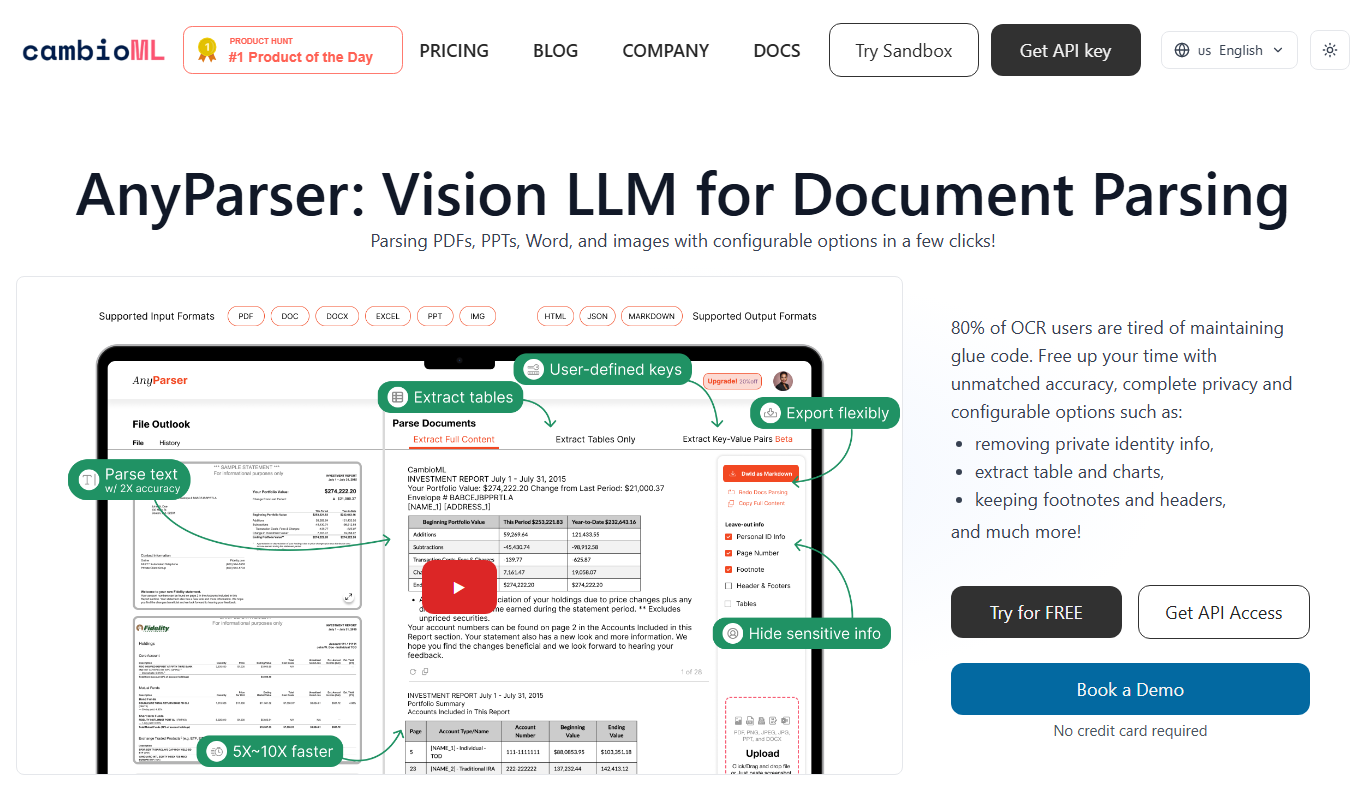
AnyParser
AnyParser is an AI-powered tool that automates extraction of structured data from unstructured documents like PDFs and emails using no-code parser training and OCR technology.

Freemium
DocumentPro
DocumentPro is an AI-driven document automation platform that extracts and processes data from documents to streamline business workflows.

Freemium
serina
Serina AI is an AI-powered meeting assistant that transcribes meetings in real-time, generates concise summaries, and extracts action items to improve team productivity.

Free
Skrape
Skrape AI is a no-code web scraping platform that uses AI to simplify data extraction, offering scheduling, API access, and multi-format exports for automation and integration.
Custom Pricing
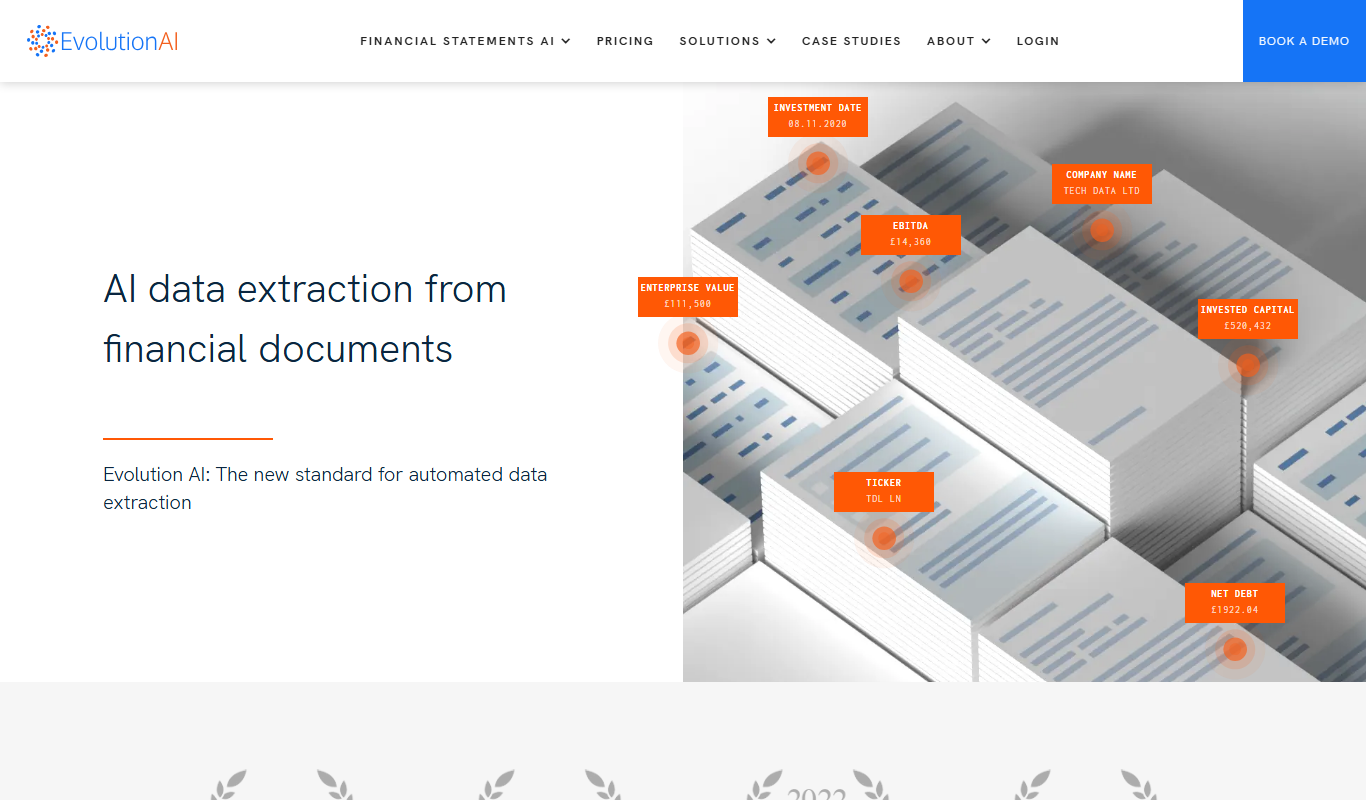
Evolution AI
Evolution AI is a UK-based data labeling platform that combines human expertise with AI tools to provide accurate annotations for text, image, audio, and video data, supporting machine learning and AI training projects.

Free Trial
formx ai
FormX AI is an AI-driven platform that automates data extraction from documents like invoices and forms using advanced OCR and machine learning, enabling faster and more accurate document processing.