

Convert Photos to Cartoon Online Free with Imagetocartoon Tool
Imagetocartoon is a free web-based tool that uses AI to convert photos into cartoon-style images instantly without registration.
- Best for
- Social Media Profile Pictures
- Key capability
- Instant AI Cartoon Conversion
Save Imagetocartoon, follow its updates and vote on it — everything stays in your account.
Sign in or create a free account

What is Imagetocartoon?
Imagetocartoon is a free online tool that converts your photos into cartoon-style images instantly. It uses AI-powered algorithms to transform ordinary pictures into artistic cartoon renditions without requiring any software installation or technical skills.
Key features of Imagetocartoon
The tool offers quick and easy photo-to-cartoon conversion with no registration required. It supports various image formats and delivers high-quality cartoon images suitable for social media, creative projects, and fun personal use.
Instant AI Cartoon Conversion
Transforms photos into cartoons quickly using AI technology.
No Registration Required
Use the tool freely without creating an account or providing personal information.
Supports Multiple Image Formats
Accepts common image formats like JPG, PNG for upload.
High-Quality Output
Generates clear and visually appealing cartoon images.
Completely Free to Use
No cost or subscription needed to access all features.
Pros and cons of Imagetocartoon
Pros
- Easy and fast photo to cartoon conversion
- No signup or payment required
- High-quality cartoon images
- Accessible via any web browser
Cons
- Limited customization options for cartoon style
- No mobile app or desktop software available
- Lack of detailed information about privacy and data handling
Key use cases for Imagetocartoon
Social Media Profile Pictures
Create unique cartoon-style avatars for social media profiles to stand out.
Creative Content Creation
Transform photos into cartoons for blog posts, marketing materials, or personal projects.
Gifts and Personalized Items
Generate cartoon images from photos to use on personalized gifts like mugs, t-shirts, or cards.
Fun and Entertainment
Easily convert photos to cartoons for entertainment and sharing with friends.
How Imagetocartoon works
- 1
Upload Photo
Select and upload a photo from your device to the Imagetocartoon website.
- 2
Automatic Cartoon Conversion
The AI algorithm processes the image and converts it into a cartoon style instantly.
- 3
Download Cartoon Image
Preview and download the cartoon version of your photo in high resolution.
Who is using Imagetocartoon
Imagetocartoon pricing
Free
$0
Unlimited free photo to cartoon conversions with no hidden fees.
Plans and prices are as published by the vendor and can change. Check the official site before you buy. Open the pricing page (opens in a new tab)
Frequently asked questions about Imagetocartoon
No, the tool is completely free and does not require registration.
You can upload common formats such as JPG and PNG.
There is no stated limit; users can convert as many photos as they like.
The website does not specify licensing terms, so check usage rights before commercial use.
Some tools offer a free plan or trial with limited features. Availability can vary, so confirm on the official website.
It depends on your specific needs and how you plan to use the tool. The official website and documentation are the best sources for the latest details.
Yes, it can help with that use case depending on how you configure it and what features are available. You’ll get the best results with clear inputs and a defined goal.
Conclusion
A photo uploaded from the user’s device is converted into a cartoon style instantly, and the cartoon version can be previewed and downloaded in high resolution. There is no cost, and no account or personal information is required.
Typical uses are cartoon avatars for social media profiles, visuals for blog posts or marketing materials, and designs for personalized gifts like mugs or t-shirts. That range can make it relevant for social media users and for small businesses creating personalized products. The website does not specify licensing terms, so usage rights are worth checking before commercial use.
Sources
Sign in to review this tool.
Sign In to ReviewNo reviews yet
Be the first to share how this tool worked for you.
Ask about pricing, limits, or how it compares — or answer someone else.
Sign In to AskNo questions yet
Have a question about using or paying for this tool? Be the first to ask.
Featured on TiorAI



Alternative Tools
Explore similar AI tools that might fit your needs

PhotoCartoon.net
PhotoCartoon.net is a free online AI tool that converts photos into cartoon-style images instantly without registration.
More AI Cartoon Generator tools
Other tools in the same category, for when this one is not quite the fit.
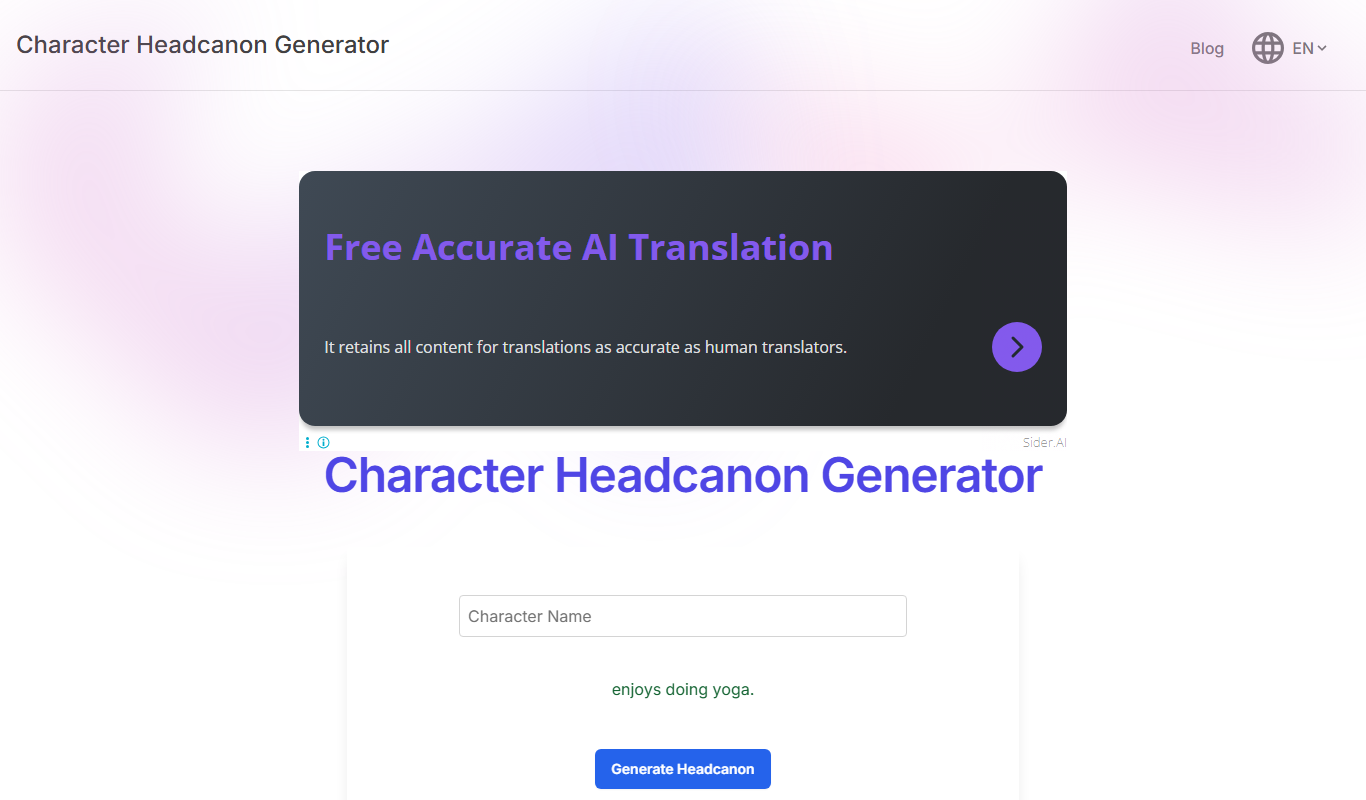
Headcanon Generator
Headcanon Generator is a free web tool that creates random, creative character traits and story ideas to inspire writers and fans.
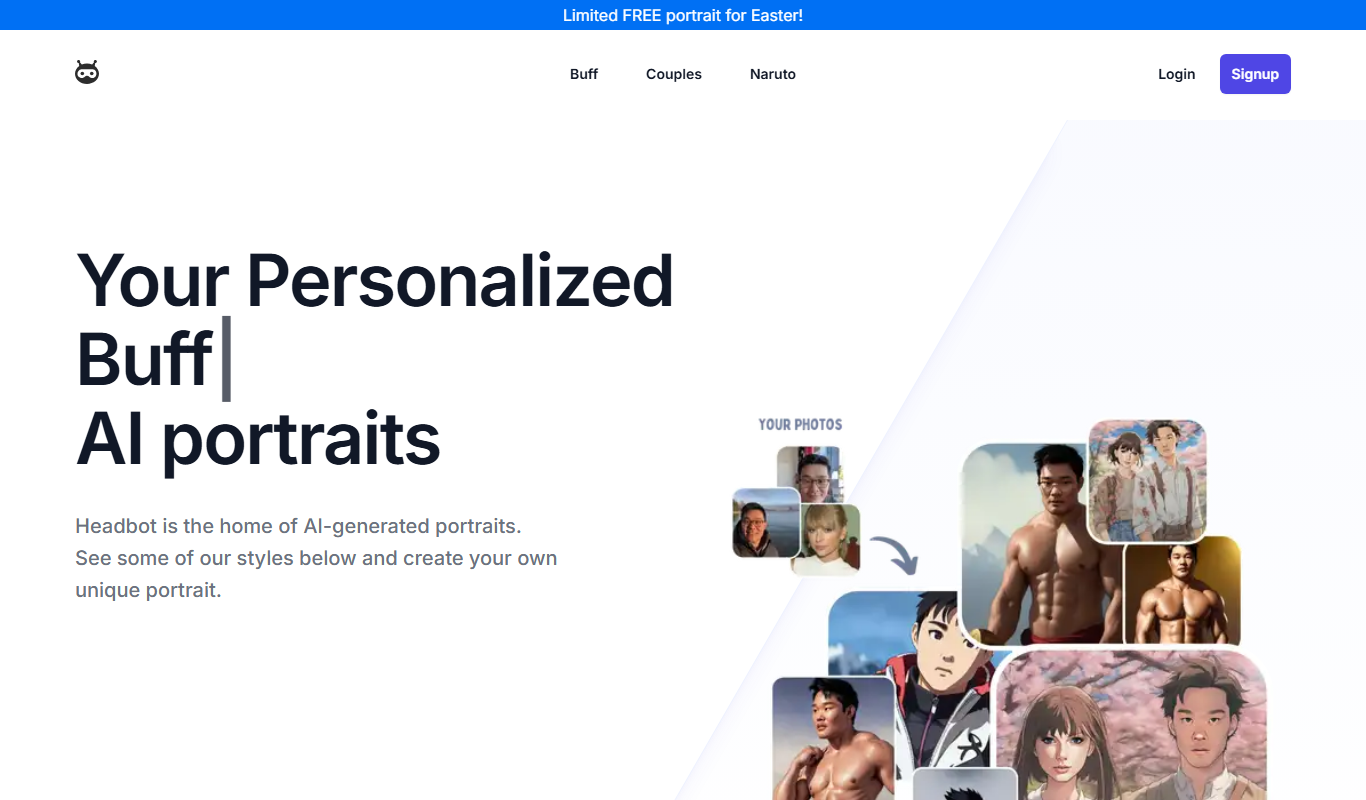
Headbot
Headbot is an AI-powered chatbot platform that automates customer interactions on websites, helping businesses improve support and engagement through conversational AI.
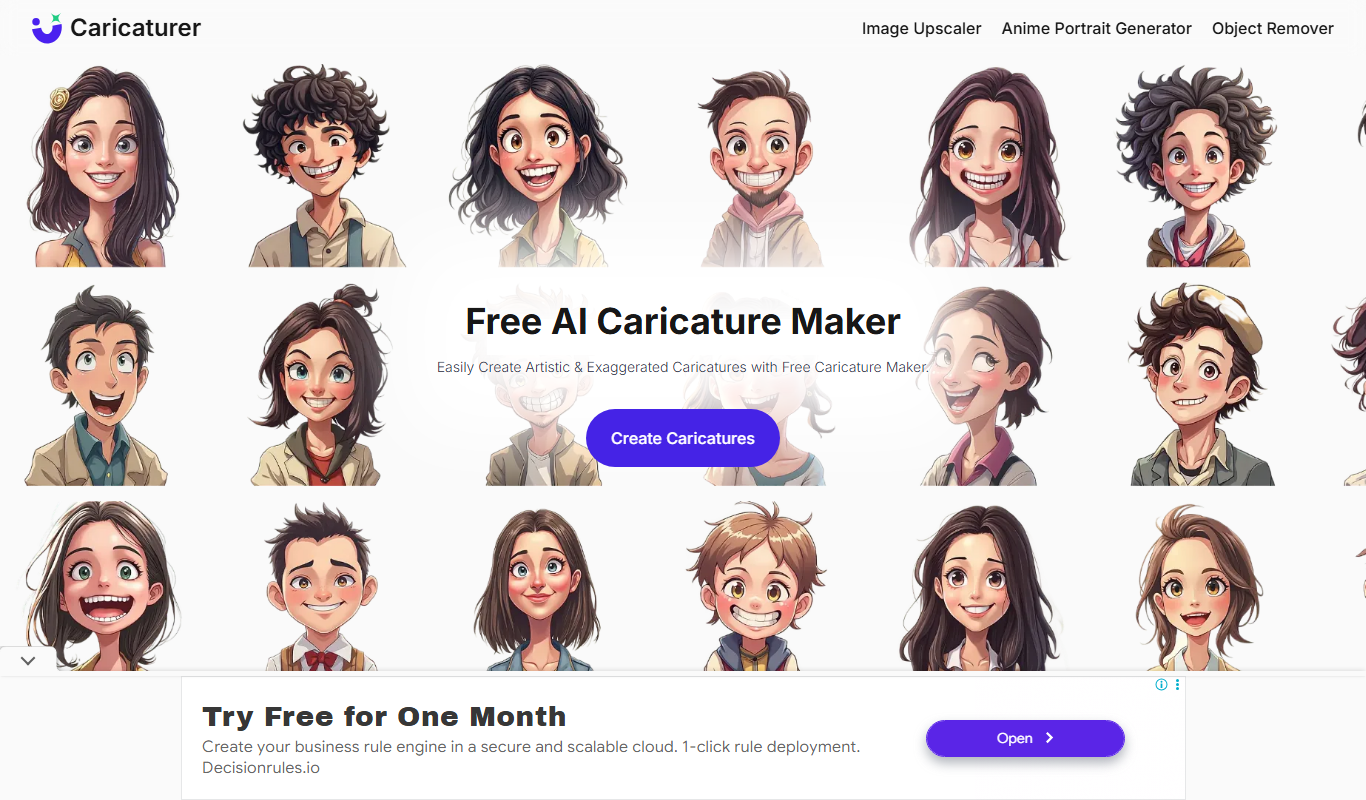
Caricaturer.io
Caricaturer.io is an AI-based web tool that transforms photos into stylized caricature portraits quickly and easily, offering multiple styles and high-resolution downloads with a premium plan.

AI Cartoon Generator
AI Cartoon Generator is a web tool that converts photos into cartoon avatars using AI technology, offering multiple styles and easy downloads.
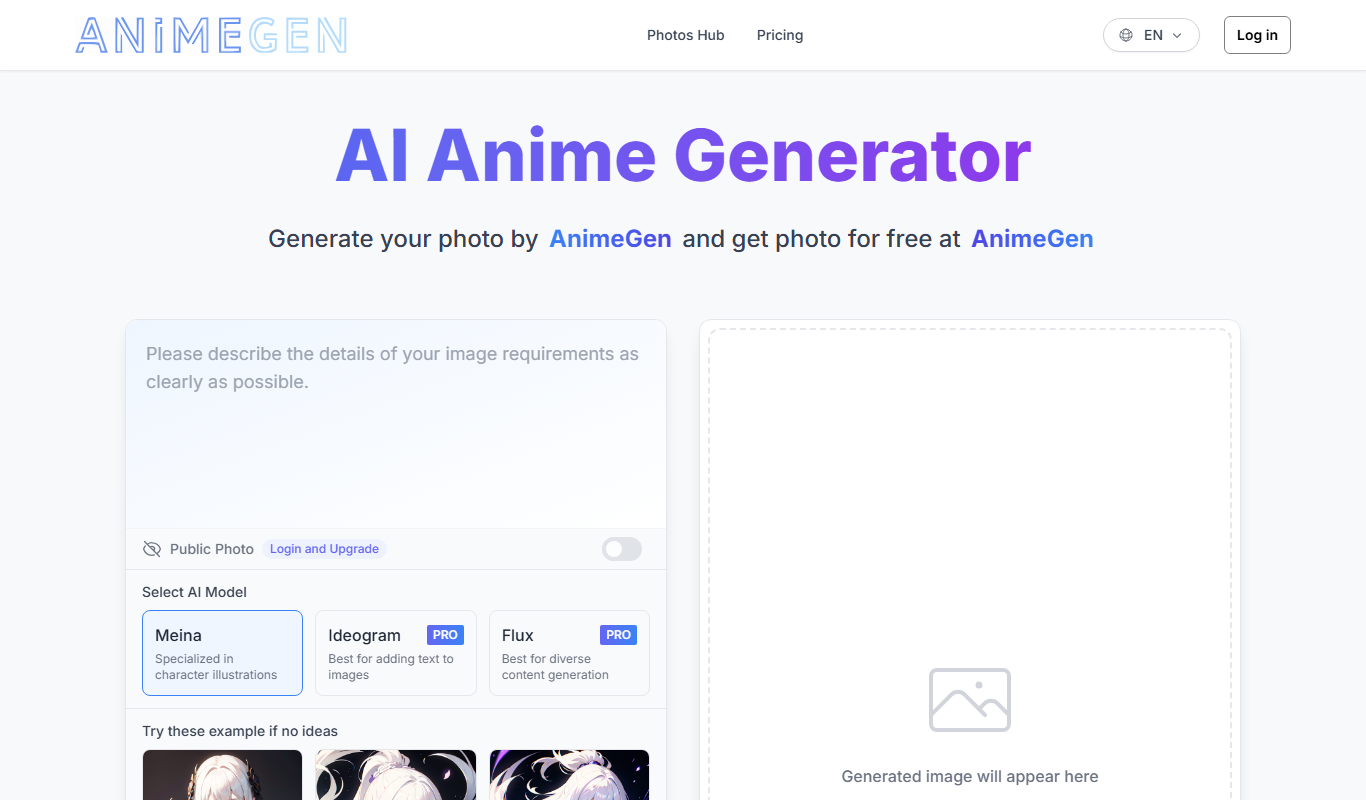
AnimeGen – Anime Image Generator
AnimeGen is a free web-based AI tool that generates anime-style images from text prompts, enabling users to create custom anime art quickly and easily.

Disney Pixar AI Image Generator
The Disney Pixar AI Image Generator is a free web tool that creates images styled after Pixar animations using AI technology.

Mage
Mage is an open-source AI platform that enables users to build, automate, and monitor custom data workflows with integrated AI models, designed for data engineers and analytics teams.

IconKit
IconKit is a web-based AI tool that generates custom icons quickly for branding and design projects, offering easy customization and multiple export formats.