

From my experience with Image Generator AI, I found it excels at quickly producing high-quality images from simple text prompts, making it accessible for users without design backgrounds. The platform’s straightforward interface and affordable subscription make it a practical choice for content creators and marketers needing custom visuals on demand. However, the tool currently supports only English prompts and offers basic editing features, which may limit flexibility for some users. Overall, if you want an easy-to-use AI image generation tool for creative projects or marketing, Image Generator AI delivers solid, reliable results.
Image Generator AI Review – AI-Based Image Creation Tool Features & Pricing
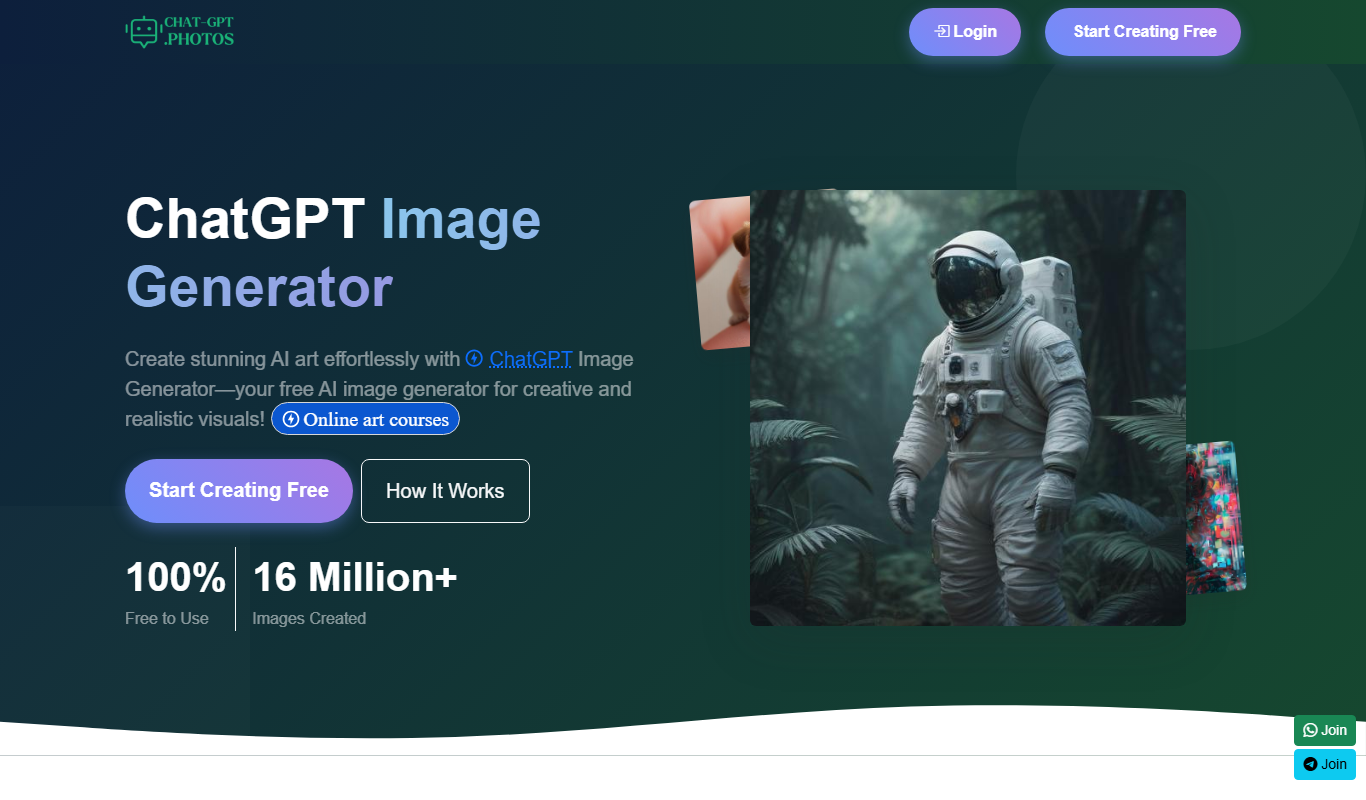
Image Generator AI is a web platform that uses artificial intelligence to generate unique images from user-provided text prompts, suitable for creative and commercial use.
- Best for
- Creative Content Generation
- Key capability
- Text-to-Image Generation

Do you recommend this tool?
What is Image Generator AI?
Image Generator AI is a web-based artificial intelligence tool designed to create unique, high-quality images from text prompts. It leverages advanced AI models to synthesize visuals that can be used across various creative and professional applications. The platform aims to simplify image creation by automating the design process, making it accessible to users without graphic design expertise.
Key features of Image Generator AI
The tool offers intuitive text-to-image generation, allowing users to input descriptive prompts and receive custom images. It supports multiple styles and themes, enabling tailored outputs. Additional features include image editing options, high-resolution downloads, and a user-friendly interface optimized for quick iterations.
Text-to-Image Generation
Create images from detailed text descriptions using AI-powered synthesis.
Multiple Style Options
Choose from various artistic styles to customize the look and feel of generated images.
High-Resolution Output
Download images in high resolution suitable for professional use.
User-Friendly Interface
Simple and intuitive platform design for easy navigation and quick image creation.
Image Editing Tools
Basic editing features to refine generated images without external software.
Pros and cons of Image Generator AI
Pros
- Easy to use with no design skills required
- Produces high-quality, customizable images
- Affordable subscription pricing
- Quick generation times
- Supports commercial use of images
Cons
- Limited language support (English only)
- No mobile app available
- Editing tools are basic compared to dedicated software
Key use cases for Image Generator AI
Creative Content Generation
Generate unique images for marketing materials, social media posts, and digital content without needing graphic design skills.
Concept Art and Design
Create concept art visuals quickly to aid in brainstorming and project visualization.
Advertising and Branding
Produce custom images tailored to brand identity for advertising campaigns.
Educational Materials
Develop illustrative images for presentations, tutorials, and educational content.
Prototype Visualization
Visualize product ideas or prototypes with AI-generated imagery to support development and pitching.
How Image Generator AI works
- 1
Enter Text Prompt
Users provide a descriptive text prompt that outlines the desired image content.
- 2
AI Processes Prompt
The AI model interprets the prompt and generates a corresponding image using deep learning techniques.
- 3
Review and Edit
Users can review the generated image and apply edits or request new variations.
- 4
Download Image
Once satisfied, users download the high-resolution image for their projects.
Who is using Image Generator AI
Content creators
Marketing professionals
Small business owners
Educators
Graphic designers seeking quick prototypes
Image Generator AI pricing
Free Trial
$0
Limited number of image generations to test the platform features.
Monthly Subscription
$19.99/month
Unlimited image generations with access to all features and high-resolution downloads.
Plans and prices are as published by the vendor and can change. Check the official site before you buy. Open the pricing page (opens in a new tab)
Frequently asked questions about Image Generator AI
Yes, images generated through Image Generator AI can be used for commercial purposes according to the platform’s licensing terms.
The free trial has a limited number of generations, while the subscription plan offers unlimited image creation.
Detailed and descriptive prompts yield the best results, specifying style, objects, colors, and mood.
Currently, the platform supports English prompts only.
It depends on your specific needs and how you plan to use the tool. The official website and documentation are the best sources for the latest details.
Yes, it can help with that use case depending on how you configure it and what features are available. You’ll get the best results with clear inputs and a defined goal.
Pricing depends on the plan and included features. For the most accurate and up-to-date details, check the official pricing page.
Sign in to review this tool.
Sign In to ReviewNo reviews yet
Be the first to share how this tool worked for you.
Ask about pricing, limits, or how it compares — or answer someone else.
Sign In to AskNo questions yet
Have a question about using or paying for this tool? Be the first to ask.
Featured on TiorAI



More AI Artificial Intelligence Tools tools
Other tools in the same category, for when this one is not quite the fit.

Freemium
EasyTrip AI
EasyTrip AI is an AI-driven travel planner that generates customized trip itineraries based on your travel dates, destinations, and preferences, helping you organize your trip efficiently.

Freemium
Travel Itinerary AI
Travel Itinerary AI is an AI-powered web tool that creates personalized travel itineraries based on your preferences, helping you plan and manage trips efficiently.

Free
NilgAI Travel
NilgAI Travel is an AI-driven travel planning tool that creates personalized itineraries based on your preferences, travel dates, and budget, helping you efficiently plan trips worldwide.

Custom Pricing
sentiance.com
Sentiance is an AI-powered platform that transforms sensor and contextual data into actionable behavioral insights, enabling businesses to understand user behavior and deliver personalized experiences in real-time.

Contact for pricing
ODESIS
ODESIS is an AI-driven analytics platform that helps businesses transform data into actionable insights through machine learning, visualization, and predictive analytics.

Contact for pricing
QUINETICS
Quinetics is an AI platform that provides businesses with advanced data analytics, workflow automation, and custom machine learning model development to optimize operations and decision-making.

Free
aigclist
AIGCList is a free online directory that aggregates and categorizes AI tools, providing detailed information, user reviews, and AI industry news to help users discover and compare AI solutions.

Free
AI Tool Center
AI Tool Center is a free online directory that helps users discover, compare, and review AI tools across various categories and industries.