

From my experience with Image AI App, I found it excels at making AI-generated image creation accessible to users without technical skills. The straightforward web interface and quick rendering times make it a practical choice for marketers and creatives needing fast visuals. However, the free tier limits daily usage, and subscription details could be clearer, which might affect heavy users. Overall, if you want to experiment with AI art or generate concept images quickly without complex setups, Image AI App delivers solid, user-friendly results.
Image AI App - AI-Powered Image Generation and Editing Tool Online
Image AI App is a web platform that uses AI to generate images from text descriptions, enabling users to create unique visuals quickly and easily without design skills.
- Best for
- Creative Image Generation
- Key capability
- Text-to-Image Generation
Your actions
Save Image AI App, follow its updates and vote on it — everything stays in your account.
Sign in or create a free account

What is Image AI App?
Image AI App is a web-based platform that uses artificial intelligence to generate images from textual descriptions. It enables users to create unique and creative visuals by simply typing prompts, making image creation accessible without graphic design expertise.
Key features of Image AI App
The tool offers AI-powered text-to-image generation, allowing users to input descriptive prompts and receive high-quality images. It supports various styles and customization options to tailor the output. The platform is user-friendly and requires no installation.
Text-to-Image Generation
Convert textual descriptions into unique, AI-generated images.
Multiple Style Options
Choose from different artistic styles to customize the look of generated images.
User-Friendly Interface
Simple web interface that requires no technical skills or software installation.
Fast Image Rendering
Quick generation of images to streamline creative workflows.
Pros and cons of Image AI App
Pros
- Easy to use with no technical skills required
- Generates creative and unique images quickly
- Accessible directly via web browser without installation
Cons
- Limited free usage with daily caps
- Subscription pricing details are not fully transparent
- Customization options may be basic compared to advanced tools
Key use cases for Image AI App
Creative Image Generation
Generate unique images from text prompts for art, design, or inspiration.
Marketing and Social Media Content
Create custom visuals quickly to enhance social media posts and marketing materials.
Concept Visualization
Visualize ideas and concepts rapidly without needing advanced graphic design skills.
Personal Projects
Produce personalized artwork or images for blogs, presentations, or personal use.
How Image AI App works
- 1
Enter Text Prompt
Users type a descriptive phrase or sentence describing the desired image.
- 2
AI Processes Prompt
The AI model interprets the text and generates an image based on the description.
- 3
Review and Download
Users can view the generated image, make adjustments if available, and download the final result.
Who is using Image AI App
Graphic designers seeking quick concept visuals
Content creators and social media marketers
Artists exploring AI-assisted creativity
Small businesses needing affordable image creation
Image AI App pricing
Free
$0/month
Limited number of image generations per day with basic features.
Subscription
Varies
Access to unlimited image generations, higher resolution outputs, and priority processing.
Plans and prices are as published by the vendor and can change. Check the official site before you buy. Open the pricing page (opens in a new tab)
Frequently asked questions about Image AI App
You can try some features without an account, but creating one unlocks more options and saves your work.
Usage rights depend on the subscription plan; check the terms of service for commercial use permissions.
Detailed and descriptive prompts yield better and more accurate image results.
It depends on your specific needs and how you plan to use the tool. The official website and documentation are the best sources for the latest details.
Some tools offer a free plan or trial with limited features. Availability can vary, so confirm on the official website.
Yes, it can help with that use case depending on how you configure it and what features are available. You’ll get the best results with clear inputs and a defined goal.
Sign in to review this tool.
Sign In to ReviewNo reviews yet
Be the first to share how this tool worked for you.
Ask about pricing, limits, or how it compares — or answer someone else.
Sign In to AskNo questions yet
Have a question about using or paying for this tool? Be the first to ask.
Featured on TiorAI



More AI Design & Creative Tools tools
Other tools in the same category, for when this one is not quite the fit.

Freemium
REimagine Home
REimagine Home is an AI-driven platform that transforms your room photos into virtual interior design makeovers, helping you visualize new furniture and decor styles quickly and easily.

Free
QRCode AI
QRCode AI is a web-based tool that uses artificial intelligence to help users create customized, branded QR codes with design options like logo integration and color adjustments.

Free
ImagineQR – gameofprompts.ai
ImagineQR is a free web-based tool by GameOfPrompts that generates QR codes enhanced with AI-generated images, perfect for creative marketing and social media use.
Free
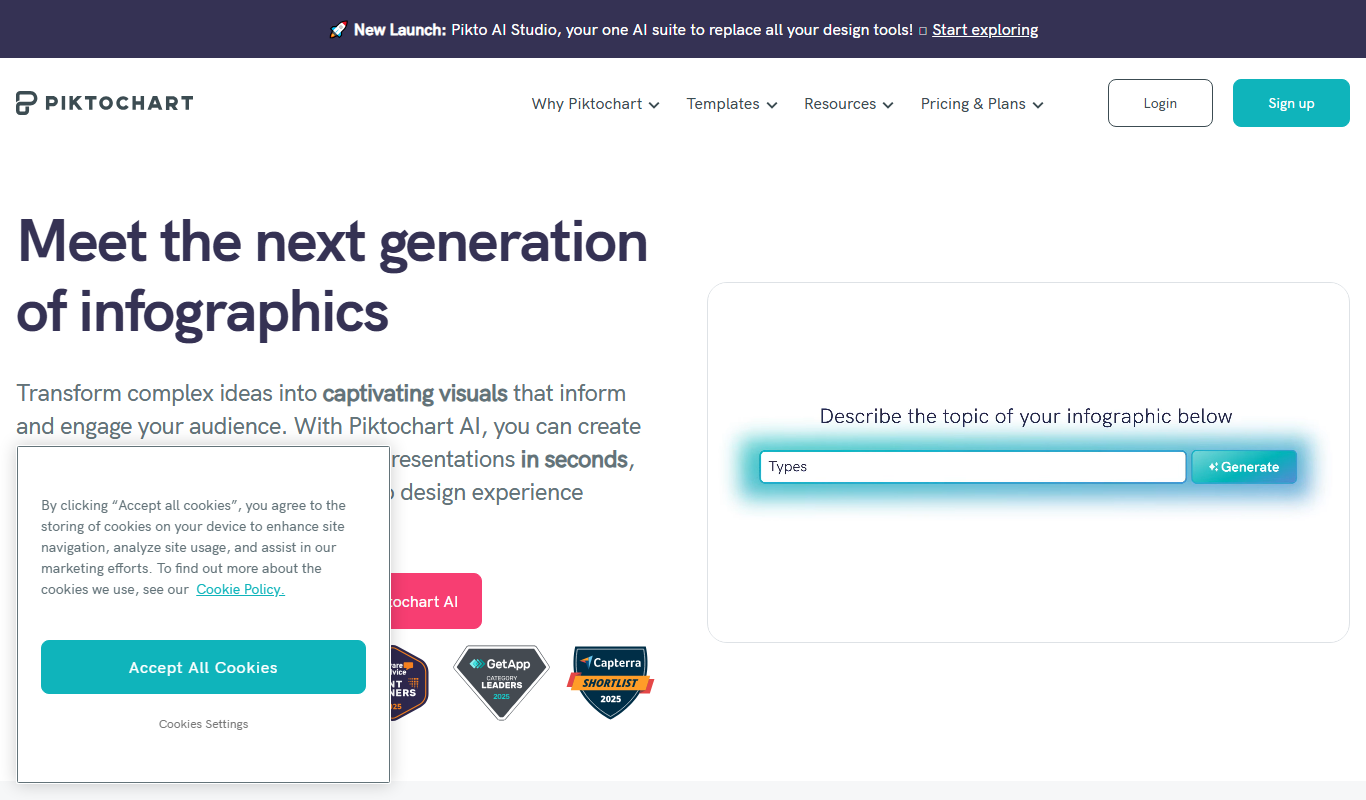
Piktochart
Piktochart is a web-based tool that helps users create infographics, presentations, and reports using customizable templates and an easy drag-and-drop editor.

One-time purchase
Midjourney Prime & Style
Midjourney Prime & Style is a Notion template that automates your Midjourney prompts and manages your image library.

Free
A1 Art
A1 Art is a web-based AI image generator that creates digital artwork from text prompts, offering free and subscription plans for users.
Free
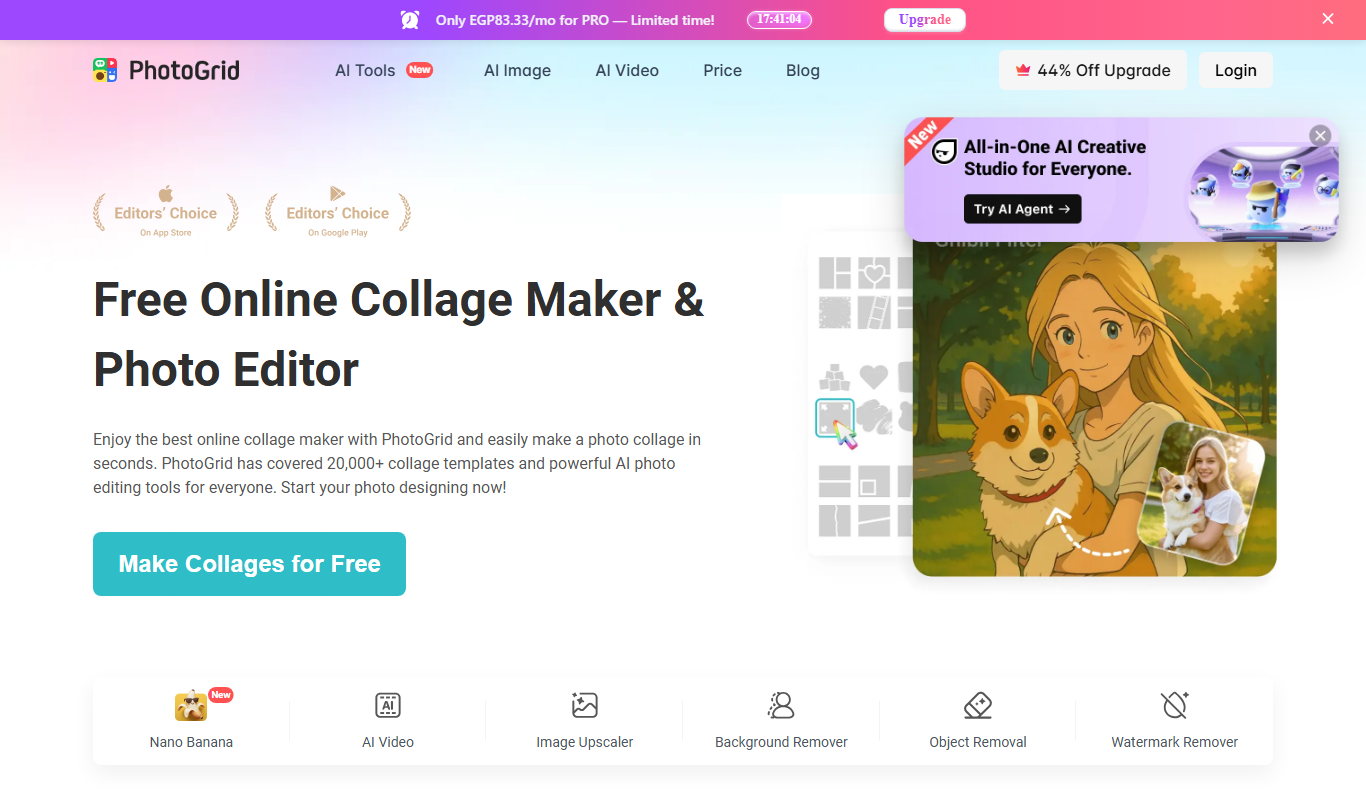
PhotoGrid | Collage Maker
PhotoGrid is a mobile and web app that allows users to create photo collages, edit images with filters and stickers, and export high-quality designs for social media or printing.
Free
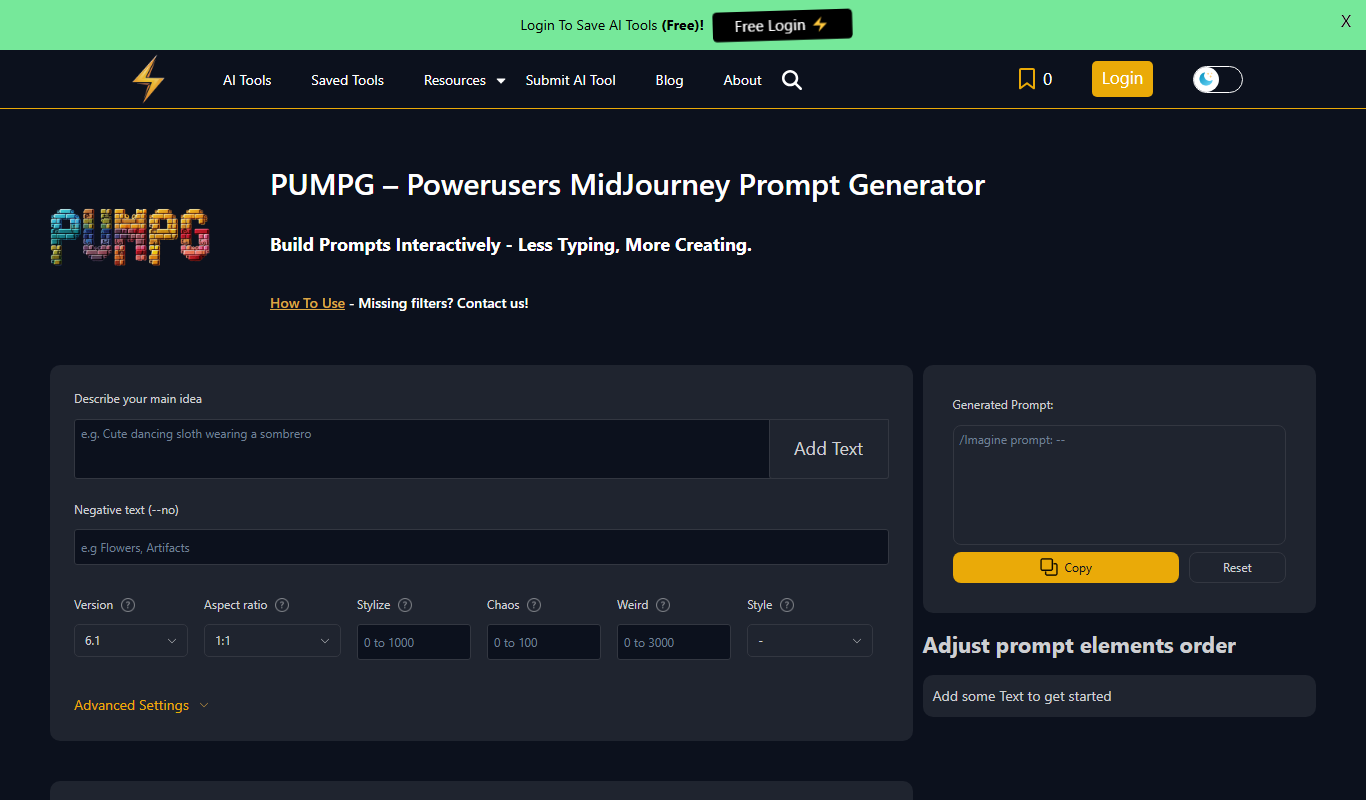
PUMPG – Midjourney Prompt Generator
PUMPG is a free web tool that helps users generate creative and detailed prompts specifically for Midjourney AI image generation, enhancing the quality and uniqueness of AI-generated artwork.