

IDM VTON Online Virtual Try-On Playground
IDM VTON is an online virtual try-on tool that uses a two-stream conditional diffusion model to place garments onto your photo, with a free plan and an Advanced beta plan.
- Best for
- Trying on outfits virtually
- Key capability
- Diffusion-based virtual try-on
Save IDM VTON AI | Virtual Try-on AI, follow its updates and vote on it — everything stays in your account.
Sign in or create a free account
What is IDM VTON AI | Virtual Try-on AI?
IDM VTON is a free online virtual try-on tool that generates clothing swap images. It uses a two-stream conditional diffusion model with attention modules to place a chosen garment onto your photo or onto a model, and it offers a Free plan and an Advanced (beta) plan.
Key features of IDM VTON AI | Virtual Try-on AI
IDM VTON generates virtual try-on images with a two-stream conditional diffusion model and attention modules. Users choose a garment, upload a photo or choose a model, adjust the fitting settings and generate the try-on, across a wide range of clothing types and body types, on desktops and mobile phones.
Diffusion-based virtual try-on
A two-stream conditional diffusion model produces realistic and consistent virtual try-on images.
Attention modules
Attention modules enhance the conditioning of garment images so the garment adapts to the user's body.
Wide range of garments and body types
Designed to handle a wide variety of garments, from casual wear to formal attire, and to adapt to different body types.
Own photo or platform model
Upload a photo of yourself or choose a model from the platform, then adjust the fitting settings.
Pros and cons of IDM VTON AI | Virtual Try-on AI
Pros
- Free plan available
- Works with clothing from casual wear to formal attire
- Accessible on desktops and mobile phones
Cons
- The Free plan is limited to 4 models
- Unlimited usage and face swap are part of the Advanced plan, which is still in beta
Key use cases for IDM VTON AI | Virtual Try-on AI
Trying on outfits virtually
See how a selected garment looks on your own photo before choosing it.
Exploring new looks
Play around with different garments and styles to explore new looks and trends.
Clothing swap images
Generate a variety of clothing swap images on your photo or on a model.
Ecommerce Conversion Optimization
Increases sales by providing a realistic try-on experience that reduces hesitation in online purchases.
How IDM VTON AI | Virtual Try-on AI works
- 1
Choose your garment
Select a piece from the collection of clothing styles on the platform.
- 2
Upload your photo
Upload a photo of yourself or choose a model, and adjust the fitting settings.
- 3
Generate the try-on
The selected garment is transformed onto your photo as a realistic try-on image.
- 4
Experiment and discover
Try different garments and styles to explore new looks and trends from home.
Who is using IDM VTON AI | Virtual Try-on AI
IDM VTON AI | Virtual Try-on AI pricing
Free
$0/month
Virtual try-on with 4 models.
Plans and prices are as published by the vendor and can change. Check the official site before you buy. Open the pricing page (opens in a new tab)
Frequently asked questions about IDM VTON AI | Virtual Try-on AI
It employs diffusion models and attention modules to adapt garments to the user’s photo with high realism and consistency.
Yes, it is designed to work with a wide range of clothing types, from casual wear to formal attire.
Yes, it is accessible on various devices, including desktops and mobile phones.
It depends on your specific needs and how you plan to use the tool. The official website and documentation are the best sources for the latest details.
Integration support depends on the tool and its available connectors or API. Check the official documentation or integrations page to confirm what is supported.
Yes, it can help with that use case depending on how you configure it and what features are available. You’ll get the best results with clear inputs and a defined goal.
Conclusion
Virtual try-on images come from a two-stream conditional diffusion model, with attention modules that adapt the chosen garment to the person in the photo. A session starts by picking a piece from the clothing collection, then uploading a photo or choosing a model from the platform and adjusting the fitting settings. Casual wear and formal attire are both covered, and the tool runs on desktops and mobile phones.
The site frames it as a way to play with different garments and styles and explore new looks from home. Its free plan is limited to 4 models, while the Advanced plan, still in beta, adds unlimited usage, face swap and 14+ models. Payment can be monthly or annual, and a plan can be changed or cancelled anytime.
Sources
Sign in to review this tool.
Sign In to ReviewNo reviews yet
Be the first to share how this tool worked for you.
Ask about pricing, limits, or how it compares — or answer someone else.
Sign In to AskNo questions yet
Have a question about using or paying for this tool? Be the first to ask.
Featured on TiorAI


More AI Image & Visual Tools tools
Other tools in the same category, for when this one is not quite the fit.

Imagga
Imagga is a cloud-based image recognition platform providing APIs for automated image tagging, visual search, and content moderation, helping businesses organize and analyze images efficiently.
Caricaturer.io
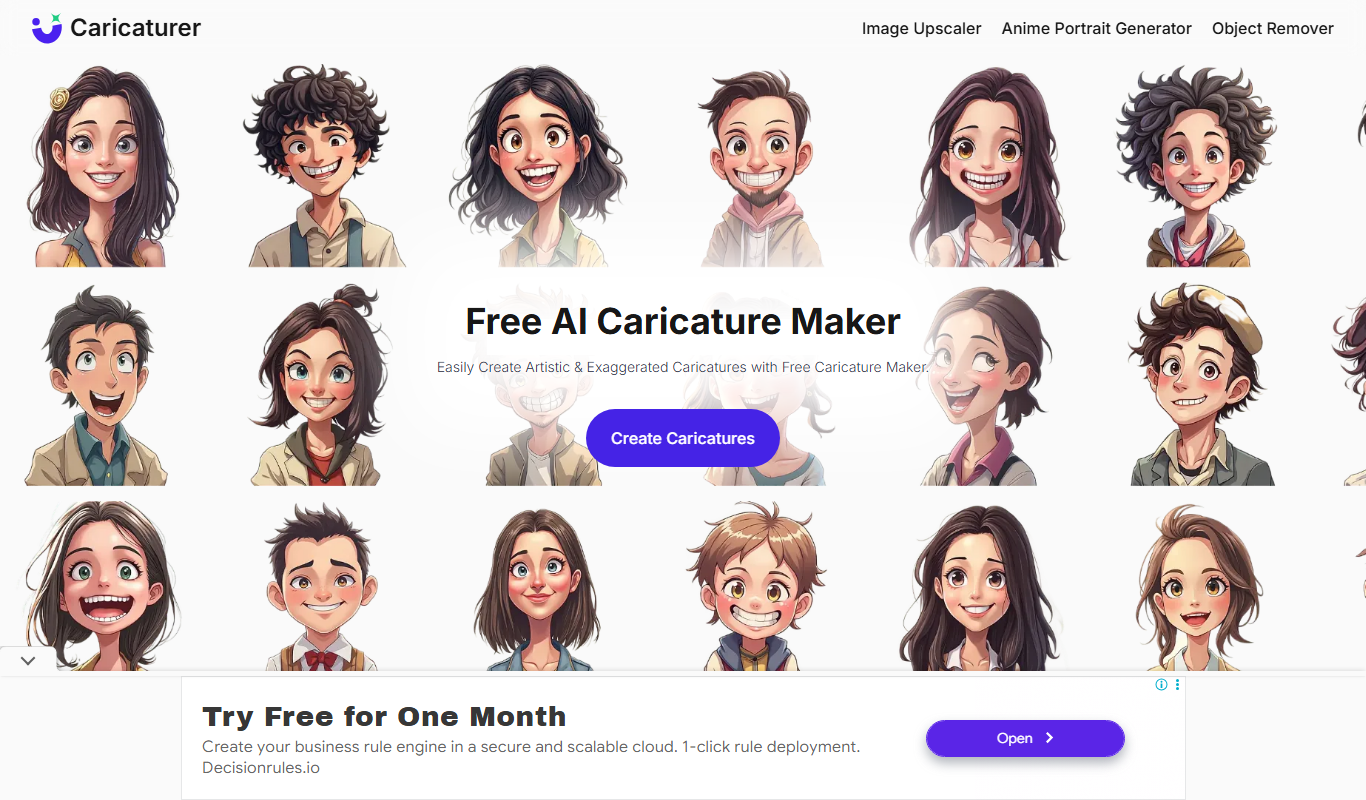
Caricaturer.io is a free AI caricature maker that turns face photos and text prompts into high-resolution, watermark-free caricatures.

AI Cartoon Generator
AI Cartoon Generator is a web tool that turns text descriptions into cartoon and anime-style artwork in 50+ art styles.
AnimeGen – Anime Image Generator
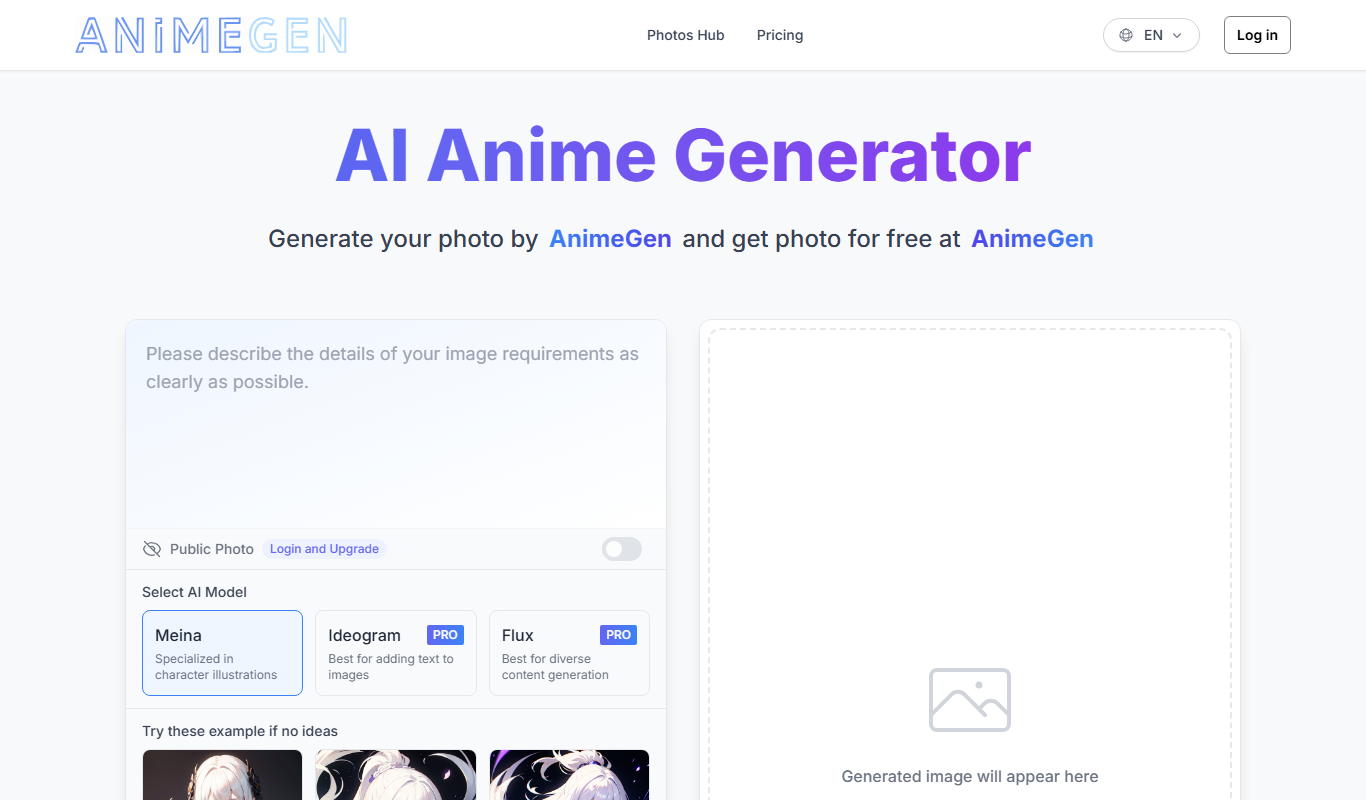
AnimeGen is a web-based AI tool that generates anime-style images from text prompts, with free credits for new users and paid credit plans.

Disney Pixar AI Image Generator
Disney Pixar AI Image Generator is a web tool that turns uploaded images into Disney Pixar and Ghibli-style creations using AI, paid for with credit packages.

Cartoon AI Generator
Cartoon AI Generator is a website that turns text prompts into cartoon images with its AI model, sold with credit packs.

Muse AI Art Generator
Muse AI Art Generator is a web-based platform that uses AI to generate unique digital artworks from user prompts, offering various styles and high-resolution outputs.

Cartoonize
Cartoonize is an online cartoonizer and photo editor that turns photos into artwork, sketches and cartoons with a click.