

From my experience with IconKit.dev, it stands out as a straightforward and effective tool for optimizing and managing SVG icons. Its batch processing feature is particularly useful when handling large icon sets, saving significant time. The interface is clean and user-friendly, making it accessible for both designers and developers. However, the tool focuses exclusively on SVG files, which might limit users working with other icon formats. Overall, if your workflow involves SVG icons and you need a reliable way to optimize and organize them efficiently, IconKit.dev is a solid choice.
IconKit.dev - Efficient SVG Icon Management and Optimization Tool
IconKit.dev is a web tool that helps designers and developers optimize, organize, and export SVG icons efficiently, supporting batch processing and clean SVG code generation.
- Best for
- SVG Icon Optimization
- Key capability
- SVG Optimization

Do you recommend this tool?
What is iconkit.dev?
IconKit.dev is a web-based tool designed to help designers and developers manage, optimize, and organize SVG icons efficiently. It provides features to clean up SVG code, reduce file sizes, and batch process multiple icons, making it easier to maintain consistent and performant icon sets for web and app projects.
Key features of iconkit.dev
IconKit.dev offers SVG optimization, batch processing, icon organization, and export capabilities, all accessible through a user-friendly web interface tailored for both designers and developers.
SVG Optimization
Automatically cleans and compresses SVG files to reduce size and improve performance.
Batch Processing
Process multiple SVG icons simultaneously to save time.
Icon Organization
Create and manage icon collections for better workflow and consistency.
Easy Export
Export icons in various formats ready for use in web and app development.
User-Friendly Interface
Intuitive web interface designed for both designers and developers.
Pros and cons of iconkit.dev
Pros
- Simple and intuitive interface
- Efficient SVG optimization with size reduction
- Supports batch processing for multiple icons
- Helps maintain consistent icon sets
- Free tier available for basic use
Cons
- Limited to SVG format only
- Pricing details and company info are minimal on the website
Key use cases for iconkit.dev
SVG Icon Optimization
Optimize SVG icons by cleaning and compressing them to reduce file size without losing quality.
Icon Management
Organize and manage large collections of SVG icons efficiently within a single platform.
Design System Integration
Integrate optimized icons seamlessly into design systems and development workflows.
Batch Processing
Process multiple SVG files at once to save time and maintain consistency across icon sets.
Export and Download
Export optimized icons in various formats ready for use in web and app projects.
How iconkit.dev works
- 1
Upload SVG Icons
Users upload individual or multiple SVG files to the platform.
- 2
Optimize and Organize
The tool cleans and compresses SVGs, allowing users to organize icons into collections.
- 3
Export Optimized Icons
Users export the optimized icons in desired formats for integration into projects.
Who is using iconkit.dev
UI/UX designers
Frontend developers
Design system managers
Web developers
App developers
iconkit.dev pricing
Free
$0/month
Basic access with limited uploads and optimization features.
Pro
$9/month
Unlimited uploads, batch processing, and advanced optimization options.
Plans and prices are as published by the vendor and can change. Check the official site before you buy. Open the pricing page (opens in a new tab)
Frequently asked questions about iconkit.dev
IconKit.dev primarily supports SVG files for optimization and management.
Yes, the tool supports batch processing to optimize multiple SVG icons simultaneously.
Yes, IconKit.dev offers a free plan with basic features and limited usage.
Yes, you can export optimized icons in various formats suitable for web and app projects.
It depends on your specific needs and how you plan to use the tool. The official website and documentation are the best sources for the latest details.
This tool is designed to help users accomplish its core tasks more efficiently. It is typically used by individuals or teams looking to improve productivity and workflow.
Yes, it can help with that use case depending on how you configure it and what features are available. You’ll get the best results with clear inputs and a defined goal.
Some tools offer a free plan or trial with limited features. Availability can vary, so confirm on the official website.
Sign in to review this tool.
Sign In to ReviewNo reviews yet
Be the first to share how this tool worked for you.
Ask about pricing, limits, or how it compares — or answer someone else.
Sign In to AskNo questions yet
Have a question about using or paying for this tool? Be the first to ask.
Featured on TiorAI



Alternative Tools
Explore similar AI tools that might fit your needs
Free
SVGOMG
SVGOMG is a free web tool that optimizes SVG files by removing unnecessary data, reducing file size while preserving visual quality, improving web performance.
Free
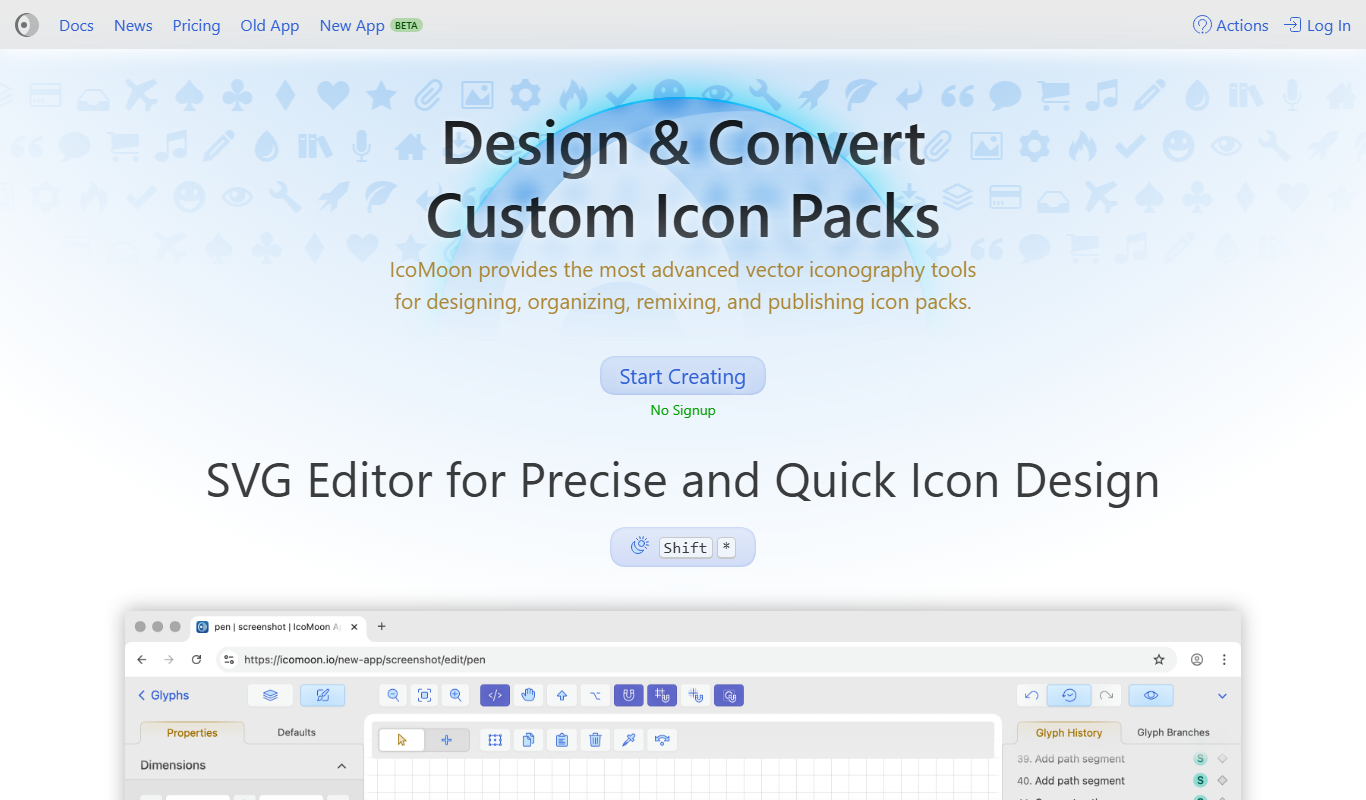
IcoMoon
IcoMoon is a web tool that enables users to create custom icon fonts and manage SVG icons for web and app design projects.

Free
Fontello
Fontello is a free web tool that lets you create custom icon fonts by selecting icons from various open-source sets, customizing glyphs, and downloading font packages for web and UI design.
More Design Tools tools
Other tools in the same category, for when this one is not quite the fit.

Free Trial
Atomica: Simplify Color Workflow
Atomica is a web-based tool that simplifies color workflows by enabling designers and teams to create, organize, and collaborate on color palettes efficiently.

Free
➤ QR Code AI ⌘
QR Code AI is a web platform that uses AI to create customizable and dynamic QR codes with analytics to track scan data.

Freemium
Bookmockup.AI
Bookmockup.AI is an AI-driven web tool that generates realistic 3D book cover mockups from uploaded cover designs, helping authors and designers create professional marketing images quickly and easily.