

From my experience with Hive, I found it excels at providing a straightforward, no-cost solution for visualizing and clustering datasets interactively in a browser. Its open-source nature allows for customization, which is a big plus for technically inclined users. However, the tool is best suited for small to medium datasets due to browser performance constraints, so it may not handle very large data efficiently. Overall, if you need a simple, accessible way to explore data clusters without installing software, Hive delivers solid results.
Hive AI Tool for Data Clustering and Visualization with Open Source Access
Hive is a free, open-source web tool designed for interactive data clustering and visualization, enabling users to explore datasets and identify patterns through various clustering algorithms.
- Best for
- Data Clustering
- Key capability
- Interactive Visualizations
Do you recommend this tool?
What is Hive?
Hive is an open-source web-based tool designed for data clustering and visualization. It enables users to upload datasets and apply clustering algorithms to discover natural groupings within data. The tool emphasizes interactive visualizations to help users better understand complex data relationships.
Key features of Hive
Hive offers interactive clustering visualizations, support for multiple clustering algorithms, and an easy-to-use web interface that requires no installation. It is ideal for data scientists, researchers, and analysts looking for a free and open-source solution for exploratory data analysis.
Interactive Visualizations
Dynamic charts and graphs that allow users to explore data clusters visually.
Multiple Clustering Algorithms
Support for various clustering techniques to suit different data types.
Open Source and Free
Completely free to use with source code available for customization.
Web-Based Interface
Accessible from any modern browser without installation.
Pros and cons of Hive
Pros
- Free and open source with no usage restrictions
- User-friendly web interface requiring no installation
- Interactive and insightful data visualizations
Cons
- Limited scalability for very large datasets
- No official customer support or dedicated helpdesk
- Basic feature set compared to commercial data analysis tools
Key use cases for Hive
Data Clustering
Automatically group similar data points to identify patterns and insights.
Data Visualization
Visualize complex datasets in an intuitive and interactive manner.
Exploratory Data Analysis
Explore datasets visually to understand relationships and distributions.
Machine Learning Research
Use as a tool for experimenting with clustering algorithms and visual outputs.
How Hive works
- 1
Upload Data
Users upload their dataset in supported formats to the Hive web interface.
- 2
Select Clustering Algorithm
Choose from available clustering methods to apply to the data.
- 3
Visualize Clusters
View the resulting clusters through interactive visualizations.
- 4
Analyze and Export
Explore cluster details and export results for further use.
Who is using Hive
Data scientists and analysts
Machine learning researchers
Students and educators in data science
Small businesses exploring data insights
Hive pricing
Free
$0
Full access to all features with no cost.
Plans and prices are as published by the vendor and can change. Check the official site before you buy. Open the pricing page (opens in a new tab)
Frequently asked questions about Hive
Hive primarily supports CSV file uploads for data input.
Hive is best suited for small to medium datasets due to browser performance limitations.
As an open-source project, users with programming knowledge can modify the source code to add or customize algorithms.
This tool is designed to help users accomplish its core tasks more efficiently. It is typically used by individuals or teams looking to improve productivity and workflow.
Some tools offer a free plan or trial with limited features. Availability can vary, so confirm on the official website.
Data handling and security practices vary by provider. Review the official privacy policy to understand how your data is stored and used.
Sign in to review this tool.
Sign In to ReviewNo reviews yet
Be the first to share how this tool worked for you.
Ask about pricing, limits, or how it compares — or answer someone else.
Sign In to AskNo questions yet
Have a question about using or paying for this tool? Be the first to ask.
Featured on TiorAI



Alternative Tools
Explore similar AI tools that might fit your needs

Free
Orange Data Mining
Orange Data Mining is a free, open-source desktop application that enables users to perform data mining and machine learning through an intuitive visual programming interface without requiring coding skills.
Enterprise
KNIME Analytics Platform
KNIME Analytics Platform is an open-source data analytics tool that enables users to build visual workflows for data processing, machine learning, and automation without extensive coding.
More AI Education & Learning Tools tools
Other tools in the same category, for when this one is not quite the fit.

Free
bentolingo
BentoLingo is an AI-driven language learning platform that provides personalized speaking practice and real-time feedback to help users improve fluency in multiple languages.

Free Trial
Testnut
Testnut is an online exam platform that enables secure, scalable assessments with remote proctoring, automated grading, and detailed analytics, suitable for education and corporate use.

Freemium
Testbook.ai
Testbook.ai is an AI-driven platform offering personalized study plans, mock tests, and live classes to help students prepare effectively for competitive exams.

Free
AICamp
AICamp is an AI education platform offering project-based learning to teach AI, machine learning, and data science through hands-on projects and community mentorship.
Free
KidTales
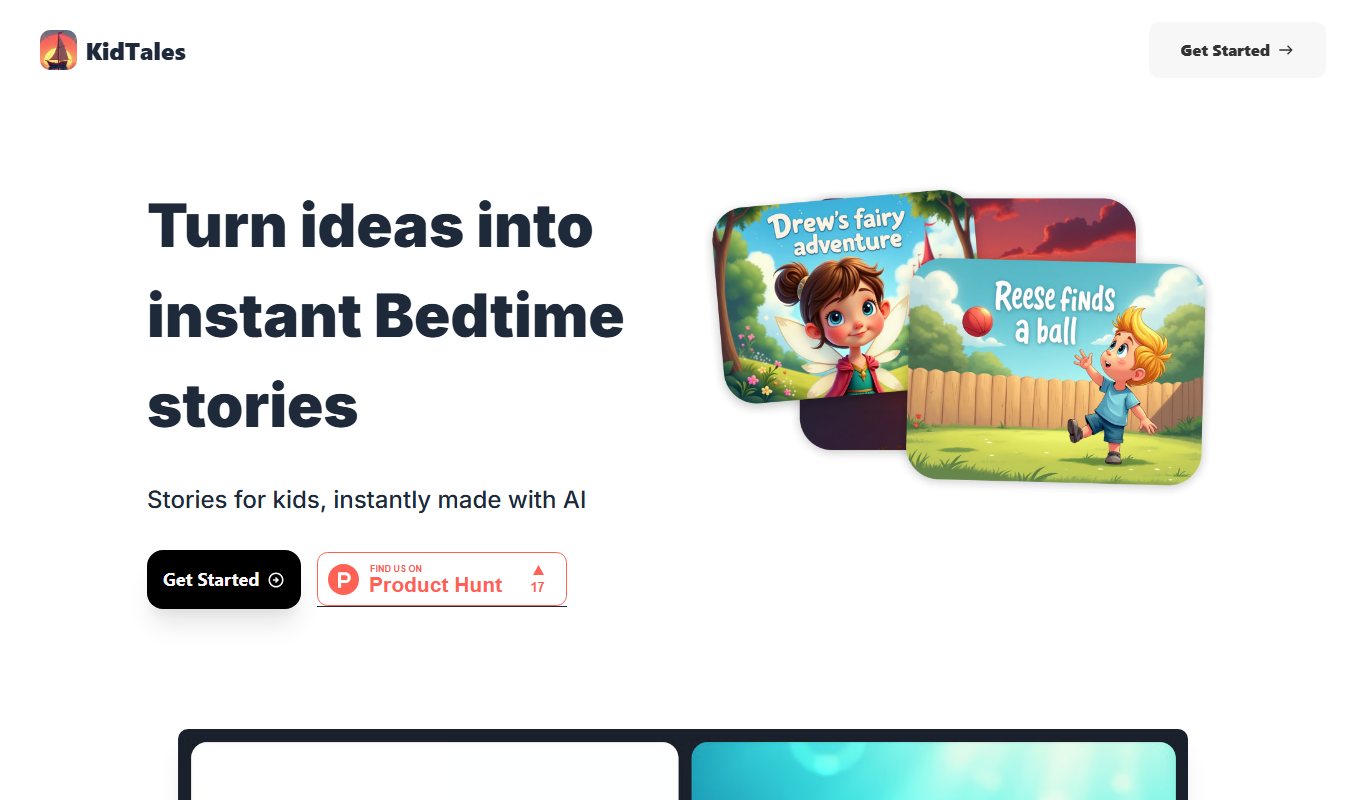
KidTales AI is an online tool that generates personalized, age-appropriate stories for children to support creativity and learning.

Freemium
Mi Cuento Digital
Mi Cuento Digital is an online platform that lets you create personalized digital storybooks for children by adding names, photos, and custom details to engage young readers.

Free
Kidgeni
Kidgeni is an AI-powered tutoring platform designed to provide personalized learning and homework help for children, focusing on core subjects like math and reading through interactive sessions.

Freemium
flAI
flAI is an AI-driven language learning app that provides personalized speaking and writing practice with real-time feedback to help users improve fluency and confidence in multiple languages.