

Hiding Elephant VPN Review - Secure and Private Internet Access Tool
Hiding Elephant is an AI design canvas for generating, editing and scaling on-brand visuals for marketing teams, ecommerce brands and creative agencies.
- Best for
- Brand assets
- Key capability
- Mixed AI/Vector Canvas
Save Hiding Elephant, follow its updates and vote on it — everything stays in your account.
Sign in or create a free account
What is Hiding Elephant?
Hiding Elephant is an AI canvas for design work. It lets marketing teams, ecommerce brands and creative agencies generate, edit and scale on-brand visuals in one workspace that combines AI generation, a vector editor, image tools and workflows.
Key features of Hiding Elephant
Hiding Elephant combines AI image and video generation with a mixed AI and vector canvas, a product and asset catalog linked to brand guides, workflows that process entire product catalogs, image tools such as upscaling, background removal and vectorization, and live collaboration.
Mixed AI/Vector Canvas
Refine product layouts, ad compositions and campaign designs with a full-featured editor next to the AI output.
Product & Asset Catalog
Upload a product catalog with SKUs and link it to brand guides so every generation stays on-brand and on-product.
Workflows
Build visual pipelines that process entire product catalogs: generate, resize, remove backgrounds and export in one run.
Image tools
Upscale images 2x or 4x up to 4K, remove backgrounds with a single action and add sharp detail with AI.
Live collaboration
See teammates' cursors on the canvas in real time and follow their view.
Pros and cons of Hiding Elephant
Pros
- AI output and a full-featured vector editor in one workspace
- Product catalog linked to brand guides keeps generations on-brand
- Workflows process entire product catalogs in one run
- Built-in upscaling, background removal and vectorization
- Unlimited seats from the Pro plan
Cons
- Free plan shows ads, keeps images public and caps generation
- Credits are consumed at different rates depending on model and output size
- Single sign-on is only available on Enterprise
Key use cases for Hiding Elephant
Brand assets
Generate logo concepts, iterate on brand assets and maintain visual consistency.
Ecommerce product visuals
Create on-brand, on-product visuals from a product catalog with SKUs.
Campaign designs
Refine ad compositions and campaign designs next to the AI output.
Batch image processing
Resize, remove backgrounds and export entire product catalogs in one run.
How Hiding Elephant works
- 1
Start free
Explore the platform on the Free plan with no credit card required.
- 2
Generate visuals
Generate images from text, image references and mask edits.
- 3
Refine on the canvas
Refine layouts and designs with the full-featured editor next to the AI output.
- 4
Run workflows and export
Process product catalogs in one run: generate, resize, remove backgrounds and export.
Who is using Hiding Elephant
Hiding Elephant pricing
Free
Free
Ads and public images; generation is capped and not forever free.
Starter
$29/month
100 credits/month, up to 350 images, commercial use, private projects, access to all features.
Pro
$69/month
250 credits/month, up to 850 images, best image and video models, unlimited seats.
Team
$399/month
1,500 credits/month, up to 5,000 images, live multi-user canvas, shared brand and products, unlimited team members.
Go Lite
$5/month
No ads and private images.
Enterprise
Starting at $1,800
SSO and custom terms.
Plans and prices are as published by the vendor and can change. Check the official site before you buy. Open the pricing page (opens in a new tab)
Frequently asked questions about Hiding Elephant
There is a free plan with ads and public images, but generation is capped and it is not forever free.
The Starter and Pro plans include commercial use, private projects and access to all platform features.
Credits are the generation currency. Each AI action, such as generating an image, creating a video scene, upscaling or running a workflow, consumes credits based on the model and output size.
There is no traditional trial period, but the Free plan gives real credits to explore the platform with no credit card required.
It depends on your specific needs and how you plan to use the tool. The official website and documentation are the best sources for the latest details.
Data handling and security practices vary by provider. Review the official privacy policy to understand how your data is stored and used.
Yes, it can help with that use case depending on how you configure it and what features are available. You’ll get the best results with clear inputs and a defined goal.
Some tools offer a free plan or trial with limited features. Availability can vary, so confirm on the official website.
Conclusion
Generation and editing share one surface here, since AI output sits right next to a full-featured vector editor for refining product layouts, ad compositions and campaign designs. Images can be generated from text, image references and mask edits, and the canvas also handles upscaling, background removal and vectorization.
Ecommerce work is a clear focus: a product catalog with SKUs links to brand guides so each generation stays on-brand and on-product. Workflows then process entire catalogs, generating, resizing, removing backgrounds and exporting in one run. Design agencies, marketing teams and content creators are also named, and live collaboration shows teammates’ cursors on the canvas in real time.
Usage is metered in credits, which each AI action consumes according to the model and output size. The free plan comes with ads and public images, and its generation is capped, while paid plans range from Go Lite with no ads up to Team and Enterprise.
Sources
Sign in to review this tool.
Sign In to ReviewNo reviews yet
Be the first to share how this tool worked for you.
Ask about pricing, limits, or how it compares — or answer someone else.
Sign In to AskNo questions yet
Have a question about using or paying for this tool? Be the first to ask.
Featured on TiorAI



More AI Icon Generator tools
Other tools in the same category, for when this one is not quite the fit.

iconGeniusAi
iconGeniusAi is an AI-based tool that generates customizable icons from text prompts, ideal for designers and developers needing quick icon creation.
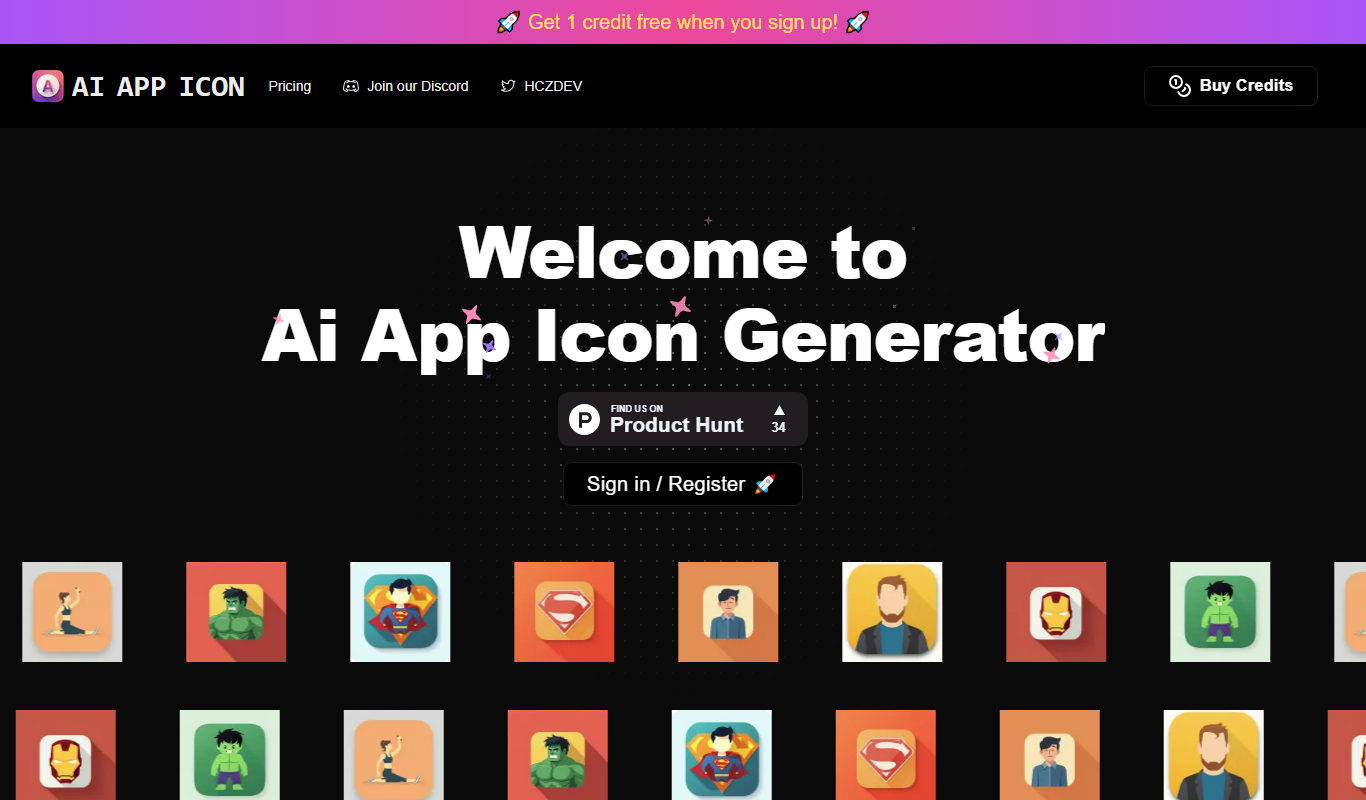
AI App Icon
AI App Icon is a web-based tool that uses artificial intelligence to generate custom, high-quality app icons quickly and easily for mobile applications.

Imagin
Imagin is an AI-powered icon generator that creates custom icons from a short description, a theme color and a chosen style.

IconWizardAI
IconWizardAI is a web-based AI tool that generates custom icons based on user input, offering easy customization and export options for designers and marketers.

AppIcons AI
AppIcons AI is an AI app icon generator that turns an idea into an app icon, lets users explore styles and refine their favorite, and exports a high-resolution PNG.

CandyIcons
CandyIcons is an AI app icon generator with a library of AI-generated icons and a tool to create your own app icons from text in many styles.
Iconify
Iconify is an open source icon framework with over 300,000 vector icons from popular open source icon sets, plus components, plugins and a public API to use them.
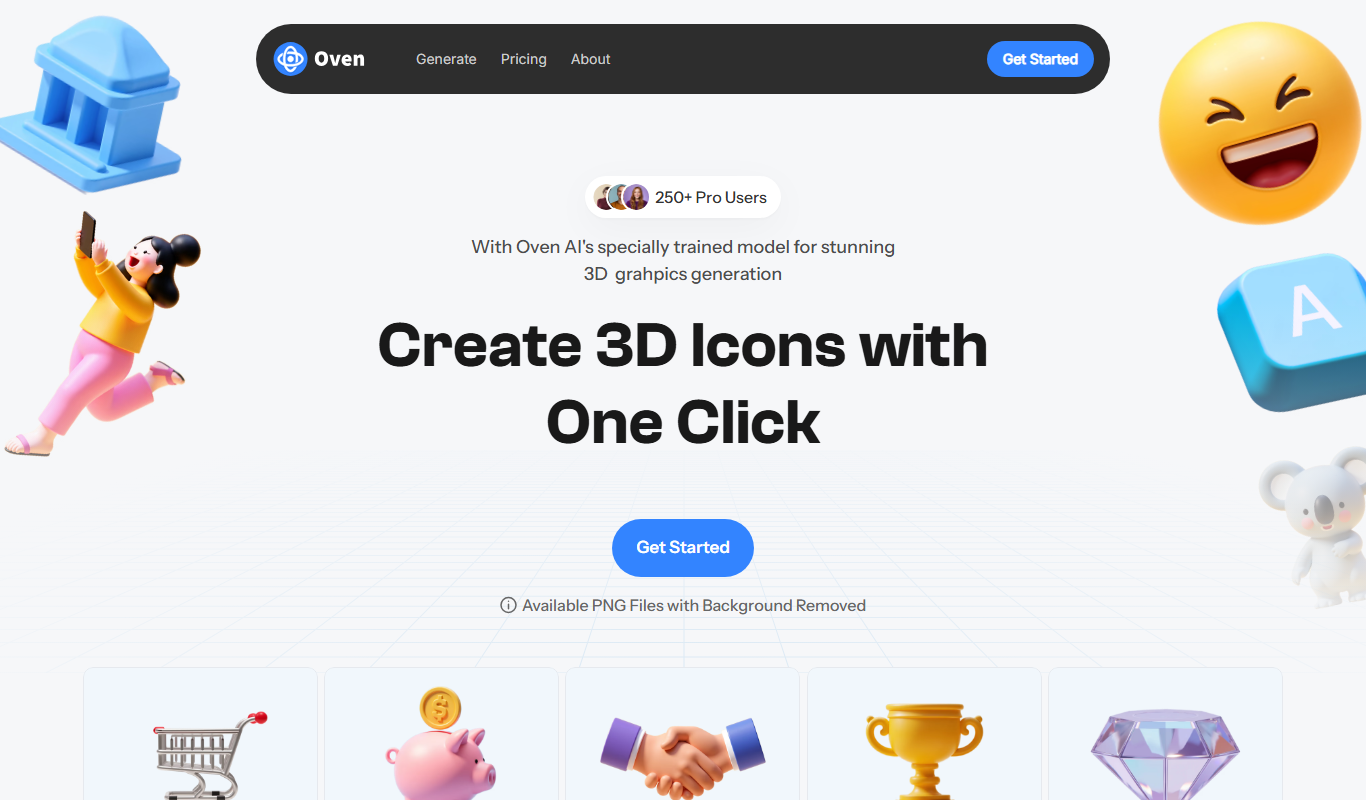
Oven AI
Oven AI creates 3D icons with one click: type a word, pick a style and get a pixel-perfect 3D icon in seconds.