

From my experience with HelpKit AI, I found it excels at simplifying the creation and management of knowledge bases while leveraging AI to automate customer support responses. The platform’s intuitive editor and AI answer suggestions make it easy for teams without technical expertise to maintain up-to-date help content. However, the tool is currently limited to English and web-only access, which might restrict some users. Overall, if you need an AI-powered knowledge base to reduce support workload and improve customer experience, HelpKit AI delivers practical and effective solutions.
HelpKit AI Knowledge Base Software for Customer Support Automation
HelpKit AI is a knowledge base platform that uses artificial intelligence to automate customer support by providing instant, relevant answers and easy content management.
- Best for
- Automated Customer Support
- Key capability
- AI-Powered Answer Suggestions
Your actions
Save HelpKit AI, follow its updates and vote on it — everything stays in your account.
Sign in or create a free account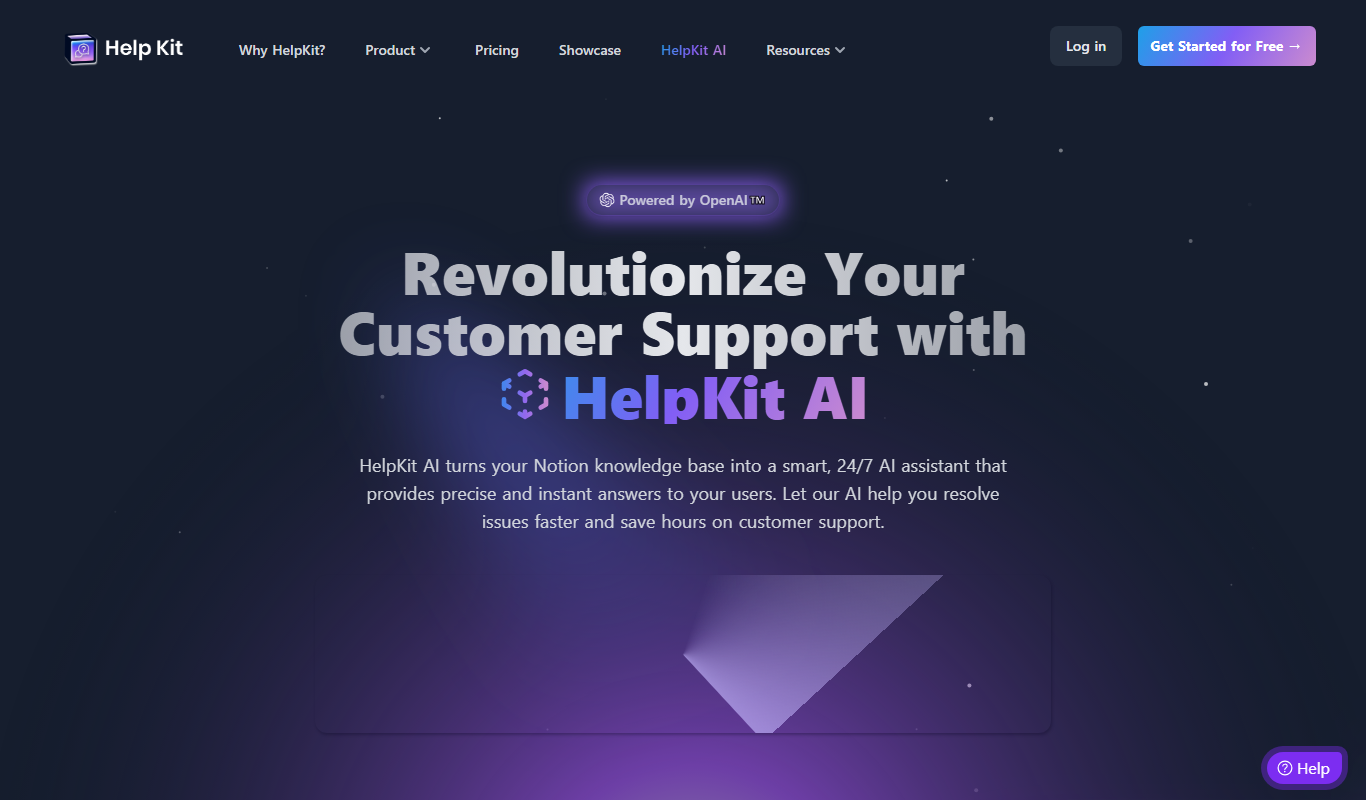

What is HelpKit AI?
HelpKit AI is a knowledge base software that leverages artificial intelligence to automate customer support and streamline help center management. It enables businesses to create, organize, and maintain help articles and FAQs that customers can access instantly. The AI component helps answer customer questions quickly, reducing the workload on support teams and improving user experience.
Key features of HelpKit AI
HelpKit AI offers AI-powered answer suggestions, easy knowledge base creation, content editing tools, and analytics to track customer interactions. It integrates seamlessly with websites to provide instant help and supports team collaboration for content updates.
AI-Powered Answer Suggestions
Automatically generate relevant answers to customer queries using AI.
Easy Knowledge Base Builder
Create and organize help articles with a user-friendly editor.
Customizable Help Widget
Embed a branded help widget on your website for seamless customer access.
Collaboration Tools
Allow multiple team members to contribute and update help content.
Analytics Dashboard
Track customer interactions and identify popular or problematic topics.
Pros and cons of HelpKit AI
Pros
- AI-powered automation reduces support workload
- Intuitive knowledge base creation and editing
- Customizable help widget for seamless integration
- Collaboration features for team content management
- Insightful analytics to improve support content
Cons
- Limited language support (English only)
- No mobile app available, web-only platform
- Fewer third-party integrations compared to competitors
Key use cases for HelpKit AI
Automated Customer Support
Use AI to provide instant answers to customer queries, reducing support tickets and response times.
Knowledge Base Creation
Build and maintain a searchable, organized knowledge base for customers and internal teams.
Content Management
Easily update and manage help articles, FAQs, and documentation with AI-assisted editing.
Team Collaboration
Collaborate with support and product teams to keep help content accurate and up to date.
How HelpKit AI works
- 1
Sign Up
Create an account on HelpKit AI’s website to start building your knowledge base.
- 2
Import or Create Content
Add existing FAQs or write new help articles using the intuitive editor.
- 3
Integrate with Your Website
Embed HelpKit AI’s widget or link your knowledge base to provide instant customer support.
- 4
Leverage AI Assistance
Use AI to automatically suggest answers to customer questions and update content as needed.
- 5
Analyze and Improve
Monitor usage analytics to optimize your help content and support workflows.
Who is using HelpKit AI
Small to medium-sized businesses
Customer support teams
Product managers
Content creators
Startups looking to automate support
HelpKit AI pricing
Free Trial
$0 for 14 days
Full access to all features during the trial period.
Pro
$49/month
Includes unlimited articles, AI answer suggestions, and priority support.
Plans and prices are as published by the vendor and can change. Check the official site before you buy. Open the pricing page (opens in a new tab)
Frequently asked questions about HelpKit AI
Yes, HelpKit AI offers a 14-day free trial with access to all features.
HelpKit AI primarily integrates via embeddable widgets on websites; specific third-party integrations are limited.
No, the platform is designed to be user-friendly for non-technical users.
This tool is designed to help users accomplish its core tasks more efficiently. It is typically used by individuals or teams looking to improve productivity and workflow.
Yes, it can help with that use case depending on how you configure it and what features are available. You’ll get the best results with clear inputs and a defined goal.
Some tools offer a free plan or trial with limited features. Availability can vary, so confirm on the official website.
Sign in to review this tool.
Sign In to ReviewNo reviews yet
Be the first to share how this tool worked for you.
Ask about pricing, limits, or how it compares — or answer someone else.
Sign In to AskNo questions yet
Have a question about using or paying for this tool? Be the first to ask.
Featured on TiorAI


More AI Automation & Workflow Tools tools
Other tools in the same category, for when this one is not quite the fit.

Free Trial
ExcelMaster.ai
ExcelMaster.ai is an Excel AI agent that writes complex formulas, generates VBA, runs Python and cleans data inside Excel.

Free Trial
Manifestly 3.0
Manifestly 3.0 is a workflow automation platform that helps teams create, manage, and optimize recurring tasks and standard operating procedures through customizable checklists, automated scheduling, and real-time progress tracking.

Contact for pricing
serviceaide.com
ServiceAide is an AI-driven platform that automates IT and enterprise service management through virtual agents, automated workflows, and analytics to improve efficiency and user experience.

Free
Pneumatic Workflow
Pneumatic Workflow is a web-based platform that helps teams manage projects and automate workflows with customizable boards, task tracking, and collaboration tools designed for agile methodologies.

Free Trial
SocialBotify
SocialBotify is a web-based platform that automates social media posting and growth by scheduling content across multiple platforms, helping marketers save time and increase engagement.
Freemium
Supercreator AI for OnlyFans
Supercreator is an OnlyFans CRM platform to manage fans, grow sales and keep engagement high.

Freemium
Olly 2.0
Olly is an AI agent for social media engagement with a comment generator, AI response generator, auto reply, viral posts and AI summarizer.

Contact for pricing
LEAFIO AI Retail Platform
LEAFIO is a retail automation platform focused on inventory, assortment and shelf planning rather than customer engagement.