

From my experience with HandyPlugins, it stands out as a practical all-in-one WordPress plugin that simplifies site optimization and customization without overwhelming users with complexity. Its caching and SEO features noticeably improve site speed and search visibility, making it a solid choice for small businesses and bloggers who want effective enhancements without juggling multiple plugins. However, the free version has limited advanced options, so power users might find themselves needing the Pro upgrade. Overall, HandyPlugins delivers a balanced mix of ease and functionality for WordPress site owners looking to boost performance and user experience.
HandyPlugins WordPress Plugin Suite for Custom Site Enhancements and Features
HandyPlugins is a WordPress plugin suite that provides tools for site performance optimization, SEO improvements, and user experience enhancements through an easy-to-use interface.
- Best for
- Website Performance Optimization
- Key capability
- Caching and Performance Optimization

Do you recommend this tool?
What is HandyPlugins?
HandyPlugins is a comprehensive WordPress plugin suite designed to simplify website customization and optimization. It offers a collection of tools that help site owners enhance performance, improve SEO, and add user-friendly features without requiring extensive coding knowledge.
Key features of HandyPlugins
The plugin suite includes features such as caching for faster load times, customizable headers and footers, social sharing buttons, SEO enhancements, and various UI improvements to boost user engagement and site functionality.
Caching and Performance Optimization
Built-in caching mechanisms to reduce page load times and improve overall site speed.
Customizable UI Elements
Add sticky headers, scroll-to-top buttons, and social sharing icons to enhance user interaction.
SEO Tools
Optimize metadata and schema markup to improve search engine visibility.
Easy-to-Use Interface
User-friendly dashboard that allows quick configuration without technical expertise.
Lightweight and Compatible
Designed to work smoothly with most WordPress themes and plugins without slowing down your site.
Pros and cons of HandyPlugins
Pros
- Easy to install and configure
- Combines multiple useful features in one plugin
- Improves site speed and SEO
- Lightweight and fast
- Affordable one-time payment for Pro version
Cons
- Limited advanced features in free version
- Some features may overlap with other plugins
- No dedicated mobile app or API
Key use cases for HandyPlugins
Website Performance Optimization
Improve site speed and loading times using HandyPlugins’ caching and optimization features.
Custom Site Enhancements
Add custom functionalities such as sticky headers, scroll to top buttons, and social sharing tools.
SEO Improvements
Enhance SEO with tools that optimize metadata, schema markup, and site structure.
User Experience Enhancements
Improve navigation and engagement with features like mega menus, custom widgets, and interactive elements.
Easy Plugin Management
Manage multiple site enhancements from a single plugin suite without needing multiple separate plugins.
How HandyPlugins works
- 1
Install and Activate
Download HandyPlugins from the WordPress repository or purchase the premium version, then install and activate it on your WordPress site.
- 2
Configure Settings
Access the plugin dashboard to enable and customize the features you want to use, such as caching, sticky headers, or SEO tools.
- 3
Apply Enhancements
Save your settings and see the improvements take effect immediately on your website without needing to write code.
Who is using HandyPlugins
Small business website owners
WordPress bloggers
Freelance web developers
Digital marketers
Agencies managing multiple WordPress sites
HandyPlugins pricing
Free
$0/month
Access to basic features including caching, sticky header, and social sharing buttons.
Pro
$39 one-time
Unlock advanced features, priority support, and regular updates with a one-time purchase.
Plans and prices are as published by the vendor and can change. Check the official site before you buy. Open the pricing page (opens in a new tab)
Frequently asked questions about HandyPlugins
HandyPlugins is designed to be compatible with most popular WordPress themes, but it’s recommended to test on a staging site to ensure full compatibility.
No, the plugin offers an intuitive interface that allows users to enable and customize features without any coding.
The free version can be used on unlimited sites, while the Pro license terms specify usage limits detailed on their website.
The developers regularly update the plugin to add features, improve performance, and maintain compatibility with WordPress core updates.
It depends on your specific needs and how you plan to use the tool. The official website and documentation are the best sources for the latest details.
Some tools offer a free plan or trial with limited features. Availability can vary, so confirm on the official website.
It depends on your specific needs and how you plan to use the tool. The official website and documentation are the best sources for the latest details.
Sign in to review this tool.
Sign In to ReviewNo reviews yet
Be the first to share how this tool worked for you.
Ask about pricing, limits, or how it compares — or answer someone else.
Sign In to AskNo questions yet
Have a question about using or paying for this tool? Be the first to ask.
Featured on TiorAI



Alternative Tools
Explore similar AI tools that might fit your needs

Paid
WP Rocket
WP Rocket is a premium WordPress caching plugin that improves website speed by implementing page caching, lazy loading, file minification, and database optimization to enhance user experience and SEO.

Free
W3 Total Cache
W3 Total Cache is a WordPress plugin that enhances website speed by caching pages, objects, and database queries, and supports CDN integration to deliver content faster worldwide.
Free
Autoptimize
Autoptimize is a WordPress plugin that optimizes website performance by aggregating, minifying, and caching CSS, JavaScript, and HTML to improve loading speed and SEO.
More Humanizer AI tools
Other tools in the same category, for when this one is not quite the fit.

Free
Mera Monitor
Mera Monitor is a web-based tool that provides real-time website uptime and performance monitoring with alert notifications to help maintain site reliability.

Free
United Market Music
United Market Music is a digital platform that helps independent artists distribute their music worldwide, manage royalties, and promote their releases through marketing tools.

Custom Pricing
Humming
Humming AI is a conversational voice assistant platform that automates customer service and sales calls using natural language processing and integrates with existing telephony and CRM systems.
Custom Pricing
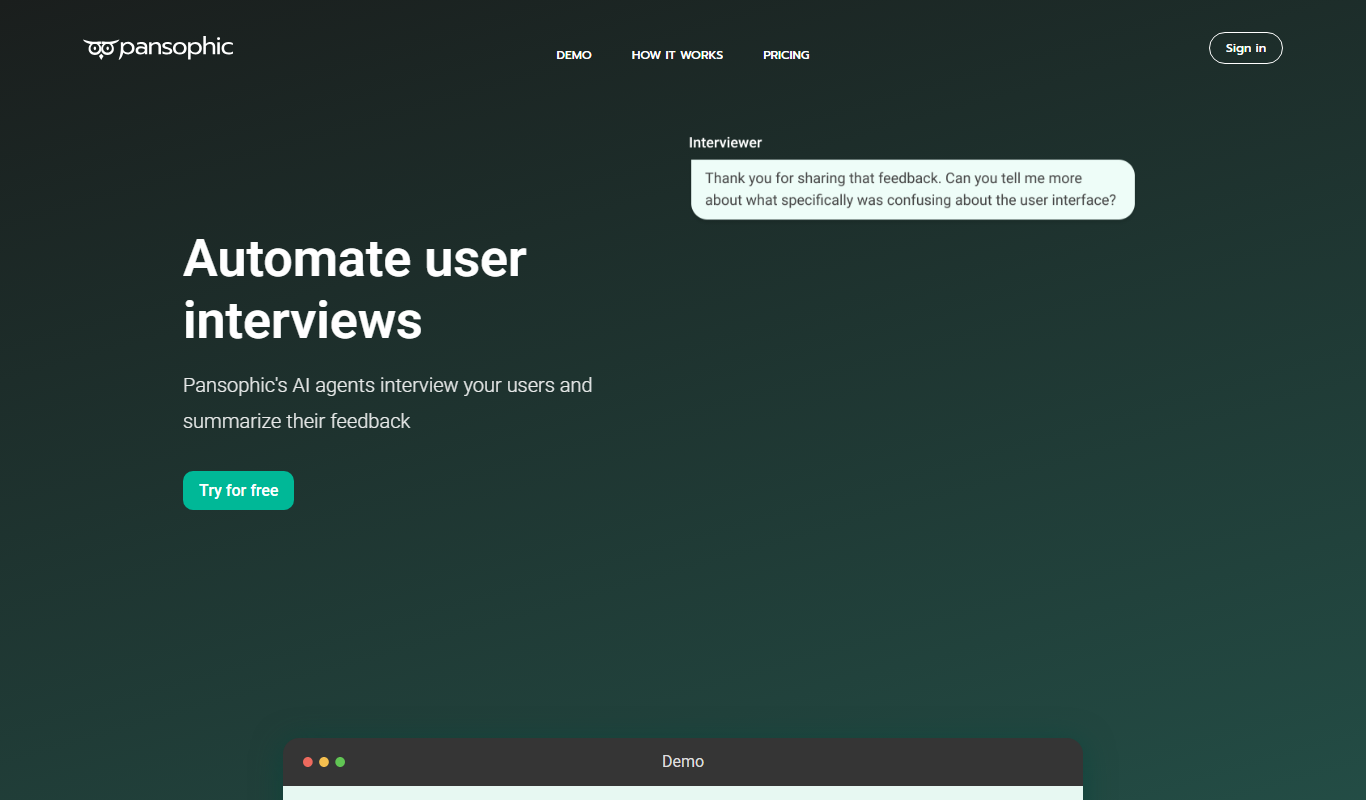
Pansophic
Pansophic is an AI-driven enterprise knowledge management platform that integrates multiple data sources and provides natural language querying and insights to improve organizational decision-making.

Subscription
Humi onboarder
Humi Onboarder is a web-based HR software that automates and streamlines employee onboarding with customizable workflows, digital document management, and progress tracking.
Free
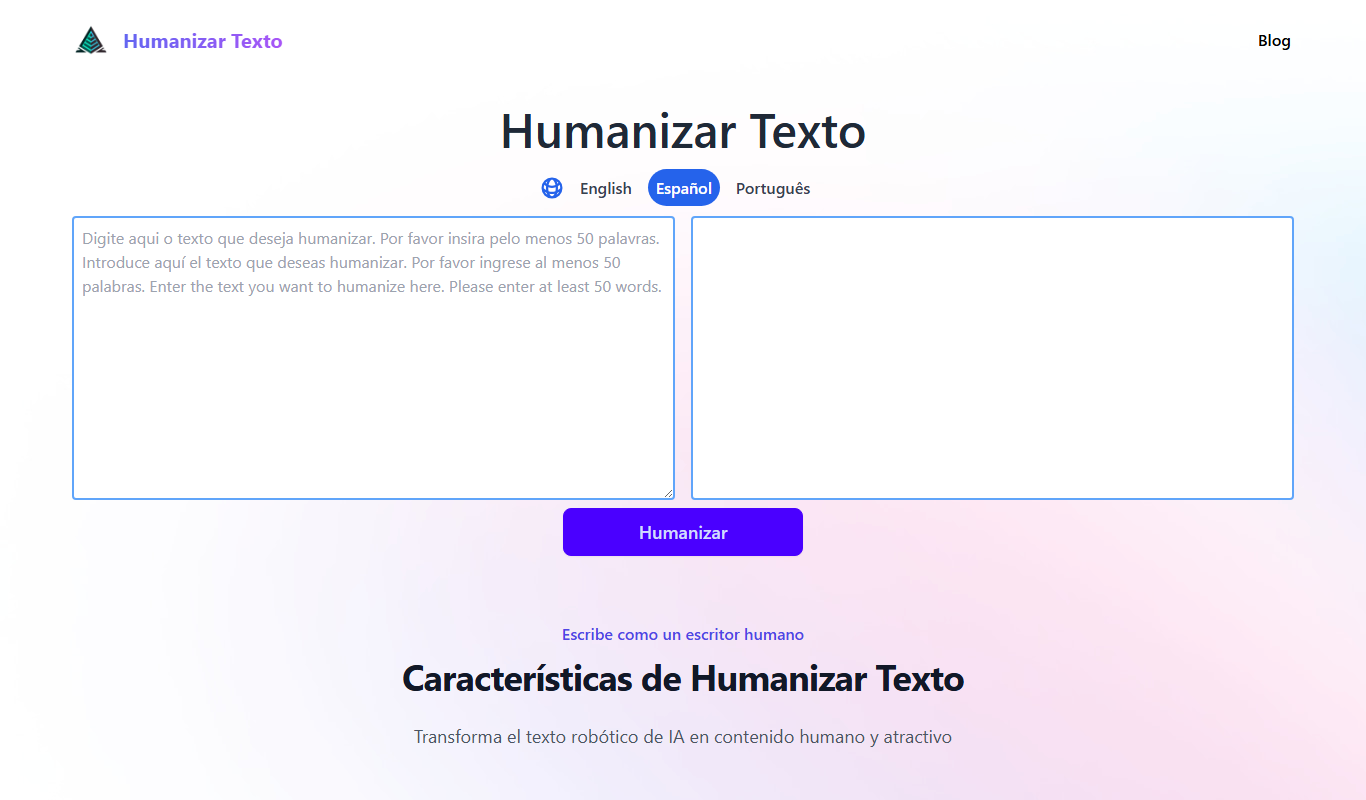
Humanizar Texto
Humanizar Texto is an AI tool that converts artificial Spanish text into natural, fluent, and engaging language, ideal for content creators and marketers.

Free Trial
AIHumanize
AIHumanize is an AI writing tool that generates natural, human-like text for content creation, marketing copy, and SEO optimization with tone customization.
Free
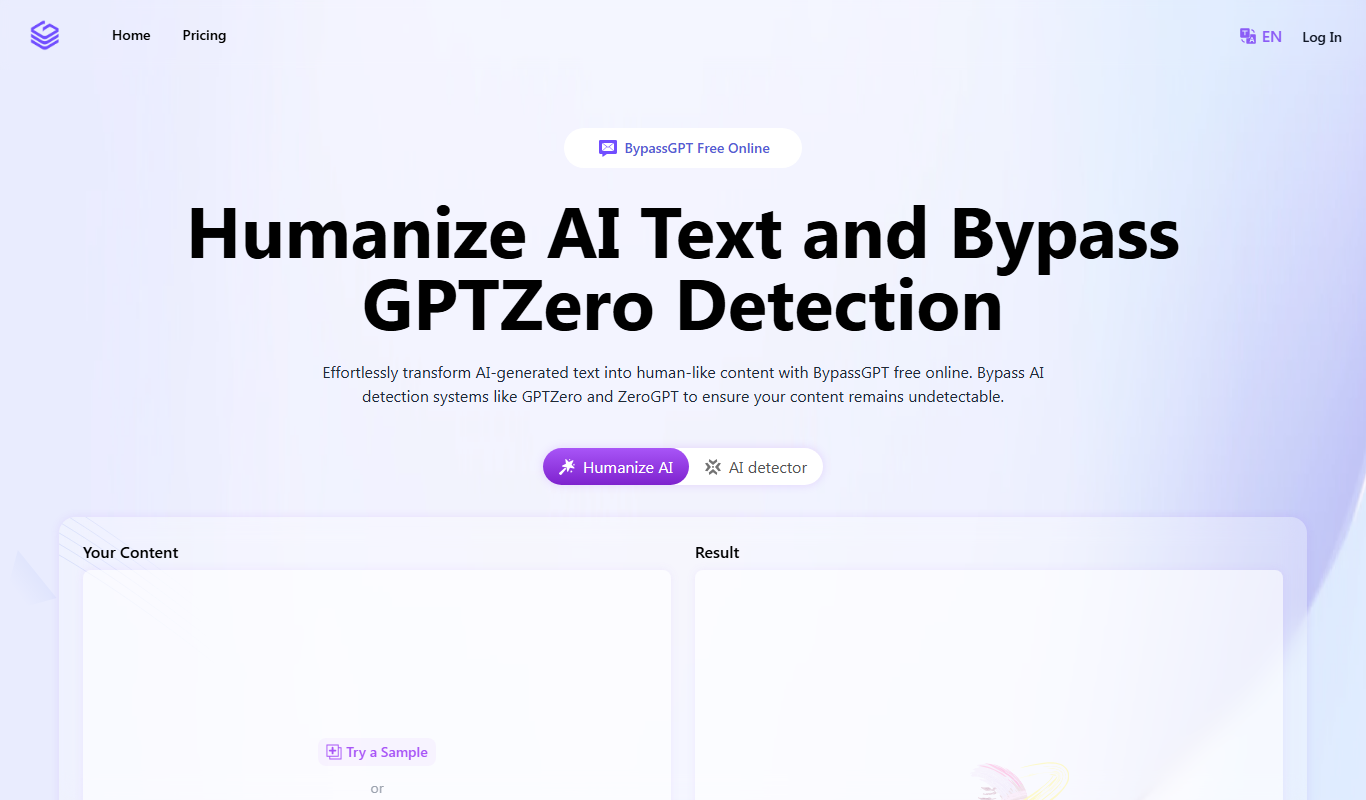
BypassGPT.co: Free AI Text Humanizer
BypassGPT.co is a free web-based AI text humanizer that rewrites AI-generated content into natural, human-like language to improve readability and avoid AI detection.