

WP Rocket WordPress Caching Plugin for Faster Website Performance
WP Rocket is a premium WordPress caching plugin that improves website speed by implementing page caching, lazy loading, file minification, and database optimization to enhance user experience and SEO.
- Best for
- Website Speed Optimization
- Key capability
- Page Caching
Save WP Rocket, follow its updates and vote on it — everything stays in your account.
Sign in or create a free account
What is WP Rocket?
WP Rocket is a premium WordPress caching plugin designed to improve website performance by implementing various caching techniques and optimization features. It helps reduce page load times, enhance user experience, and improve SEO rankings by making WordPress sites faster and more efficient.
Key features of WP Rocket
WP Rocket offers page caching, cache preloading, static file compression, lazy loading of images, database optimization, and integration with CDN services to provide a comprehensive performance boost for WordPress websites.
Page Caching
Creates cached copies of pages to serve visitors faster without querying the database.
Cache Preloading
Automatically generates cached pages to ensure visitors get instant loading.
Static Files Optimization
Minifies and combines CSS, JavaScript, and HTML files to reduce load times.
Lazy Loading
Delays loading of images and iframes until they enter the viewport.
Database Optimization
Cleans up and optimizes the WordPress database to improve performance.
CDN Integration
Easily connects with Content Delivery Networks to serve static assets globally.
Pros and cons of WP Rocket
Pros
- Easy to set up with minimal configuration
- Comprehensive caching and optimization features
- Improves website speed significantly
- Supports lazy loading and CDN integration
- Regular updates and responsive support
Cons
- No free version or trial available
- Premium pricing may be high for small sites
- Some advanced settings can be complex for beginners
Key use cases for WP Rocket
Website Speed Optimization
Improve loading times of WordPress websites by implementing advanced caching mechanisms.
SEO Performance Enhancement
Boost search engine rankings by reducing page load times and improving user experience.
User Experience Improvement
Enhance visitor engagement by delivering faster and smoother website navigation.
Resource Optimization
Minify and combine CSS, JavaScript, and HTML files to reduce server load and bandwidth usage.
Lazy Loading Images
Defer loading of images until they are visible on the screen to speed up initial page rendering.
How WP Rocket works
- 1
Install and Activate
Download WP Rocket and install it as a plugin on your WordPress site.
- 2
Configure Settings
Adjust caching and optimization options via the user-friendly dashboard.
- 3
Enable Features
Activate features like page caching, lazy loading, and file minification.
- 4
Monitor Performance
Use built-in tools or third-party services to track website speed improvements.
Who is using WP Rocket
WP Rocket pricing
Single
$49/year
Use on 1 website with all features and 1 year of updates and support.
Plus
$99/year
Use on 3 websites with all features and 1 year of updates and support.
Multi
$249.95/year
Use on 50 websites, with a 100-website option also available.
Plans and prices are as published by the vendor and can change. Check the official site before you buy. Open the pricing page (opens in a new tab)
Frequently asked questions about WP Rocket
WP Rocket is compatible with most WordPress themes and plugins, but it is recommended to test on a staging site to ensure full compatibility.
No, WP Rocket is a premium plugin and does not offer a free version or trial.
By improving website speed and user experience, WP Rocket can indirectly help improve SEO rankings.
WP Rocket is designed to be user-friendly and works well with default settings, but some advanced features may require basic technical understanding.
It depends on your specific needs and how you plan to use the tool. The official website and documentation are the best sources for the latest details.
Some tools offer a free plan or trial with limited features. Availability can vary, so confirm on the official website.
Yes, it can help with that use case depending on how you configure it and what features are available. You’ll get the best results with clear inputs and a defined goal.
It depends on your specific needs and how you plan to use the tool. The official website and documentation are the best sources for the latest details.
Conclusion
Installed as a plugin on a WordPress site, it creates cached copies of pages so visitors are served without querying the database. Cache preloading generates those cached pages automatically, while CSS, JavaScript and HTML files are minified and combined. Images and iframes are delayed until they enter the viewport.
It targets WordPress website owners, web developers and agencies, as well as e-commerce store operators. Each license covers a set number of websites with 1 year of updates and support, from 1 website on the Single plan up to 50 websites on the Multi plan. Most themes and plugins are compatible, though checking on a staging site first is advised to ensure full compatibility.
Sources
Sign in to review this tool.
Sign In to ReviewNo reviews yet
Be the first to share how this tool worked for you.
Ask about pricing, limits, or how it compares — or answer someone else.
Sign In to AskNo questions yet
Have a question about using or paying for this tool? Be the first to ask.
Featured on TiorAI



More AI SEO Tools tools
Other tools in the same category, for when this one is not quite the fit.

Rank Math
Rank Math is a WordPress SEO plugin that helps optimize website content, perform SEO audits, add schema markup, and track SEO performance to improve search engine rankings.
Lasso
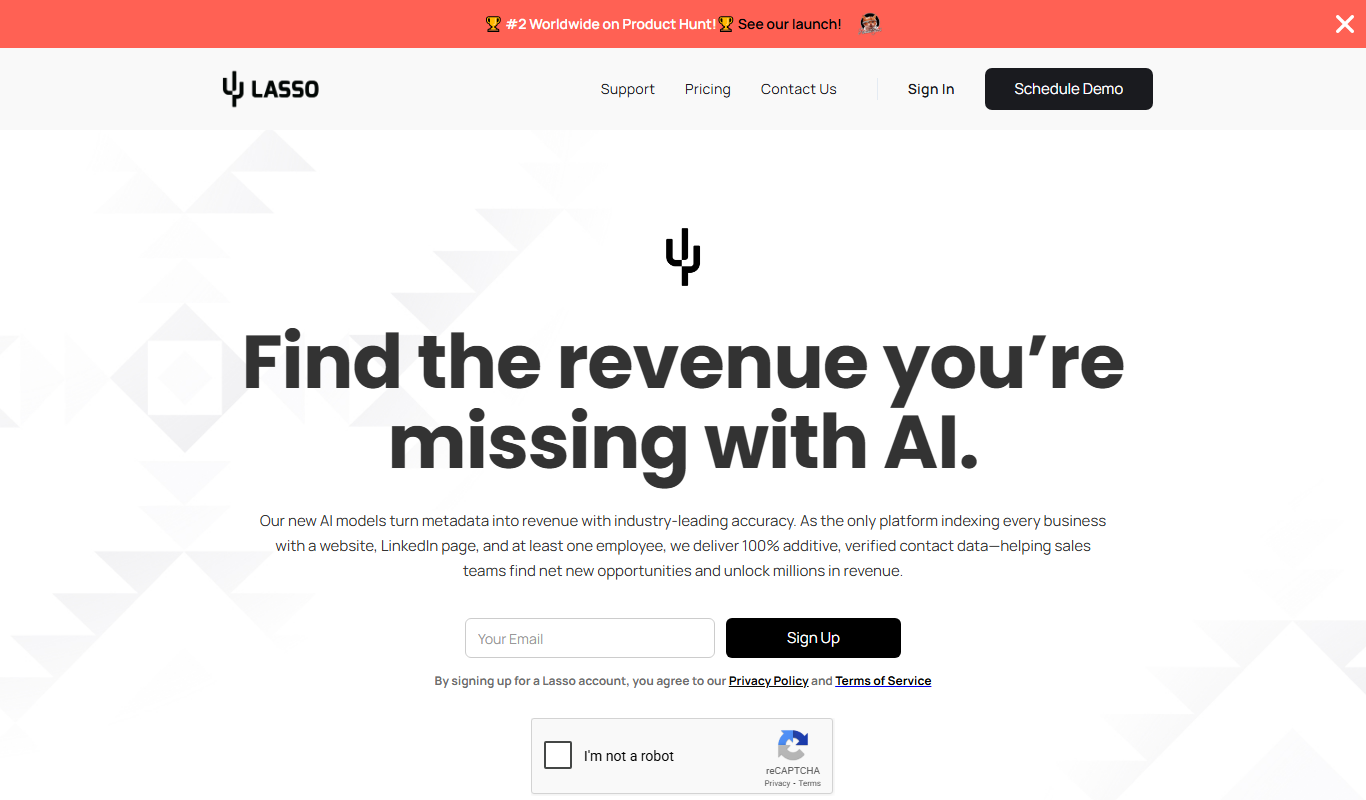
Lasso is an AI-powered affiliate link management tool that helps bloggers and marketers organize, cloak, and track affiliate links to improve SEO and increase monetization.

Siteimprove Accessibility Checker
Siteimprove Accessibility Checker is a tool that automates website accessibility audits to help organizations comply with WCAG and ADA standards by identifying and reporting accessibility issues.

WebFX
WebFX is a full-service digital marketing agency offering SEO, PPC, content marketing, web design, and analytics services to help businesses grow online.

BestReviews
BestReviews is a free online platform offering unbiased product reviews and buying guides to help consumers make informed purchasing decisions.
Niche Scraper
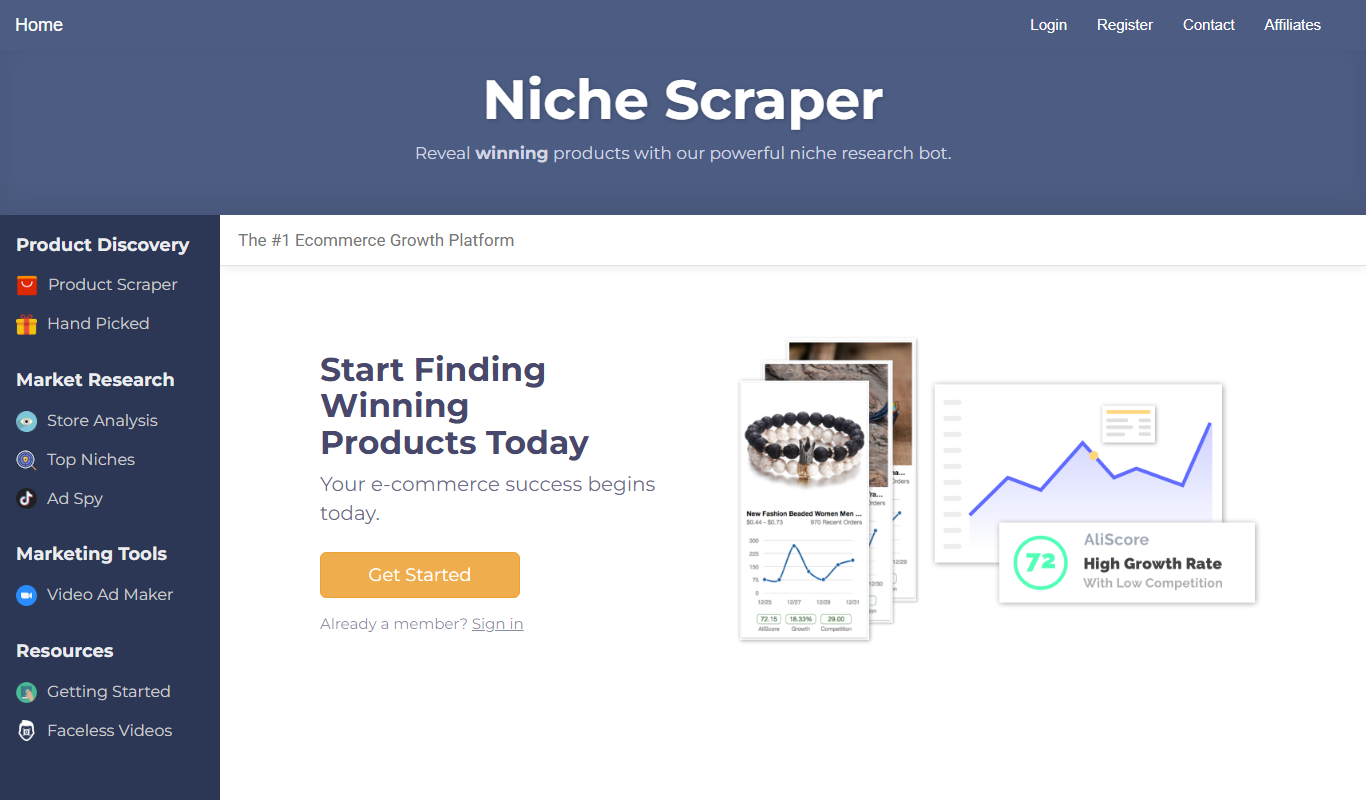
Niche Scraper is a web-based tool that helps dropshipping entrepreneurs find trending products and analyze competitor Shopify stores to build profitable ecommerce businesses.

DataHawk
DataHawk is a marketplace analytics platform for enterprise brands on Amazon, Walmart and Shopify.

DomCop
DomCop is a platform that aggregates expired and auction domains with SEO metrics to help marketers and investors find valuable domains for SEO and marketing purposes.