

From my experience with Had-a Call, I found it excels at automating outbound voice communications with natural-sounding AI interactions. The platform is particularly well-suited for sales and marketing teams looking to scale customer outreach without increasing manual effort. Its real-time monitoring and analytics provide valuable insights to optimize campaigns. However, the limited language support and pricing structure may be a consideration for smaller businesses or those needing multilingual capabilities. Overall, if your goal is to streamline voice engagement with AI-driven automation, Had-a Call offers a robust and practical solution.
Had-a Call AI Calling Platform for Automated Voice Engagement Solutions
Had-a Call is an AI calling platform that automates outbound voice calls using natural language processing to improve customer engagement and operational efficiency.
- Best for
- Automated Customer Outreach
- Key capability
- AI-Powered Voice Interaction
Your actions

Do you recommend this tool?
What is Had-a Call | AI Calling Platform?
Had-a Call is an AI-powered calling platform designed to automate outbound voice communications. It leverages artificial intelligence to conduct natural-sounding phone calls for various business needs such as customer outreach, appointment reminders, lead qualification, and surveys. The platform aims to increase efficiency by reducing manual dialing and enabling scalable voice interactions.
Key features of Had-a Call | AI Calling Platform
Had-a Call offers features including AI-driven voice calls with natural language understanding, customizable call scripts, real-time call monitoring, integration via API, and detailed analytics to track call outcomes and engagement metrics.
AI-Powered Voice Interaction
Natural language processing enables realistic and dynamic conversations.
Customizable Call Scripts
Design tailored dialogues to suit different outreach goals.
Real-Time Call Monitoring
Supervise ongoing calls to ensure quality and intervene if needed.
API Integration
Connect Had-a Call with existing CRM or marketing tools for seamless workflows.
Detailed Analytics
Access comprehensive reports on call success rates, engagement, and feedback.
Pros and cons of Had-a Call | AI Calling Platform
Pros
- Automates repetitive outbound calling tasks efficiently
- Natural-sounding AI voice interactions improve customer experience
- API integration enables workflow automation
- Real-time monitoring allows quality control
- Detailed analytics help optimize campaigns
Cons
- Limited language support currently
- Pricing may be high for small businesses with low call volumes
- No mobile app available, web-based only
Key use cases for Had-a Call | AI Calling Platform
Automated Customer Outreach
Use AI-powered calls to reach customers for marketing, surveys, or notifications without manual dialing.
Appointment Reminders
Send automated voice reminders to reduce no-shows and improve scheduling efficiency.
Lead Qualification
Engage leads with interactive AI calls to qualify prospects before human follow-up.
Customer Support Automation
Handle common customer inquiries via AI calls to free up human agents for complex issues.
Survey and Feedback Collection
Conduct voice surveys automatically to gather customer feedback at scale.
How Had-a Call | AI Calling Platform works
- 1
Create an Account
Sign up on the Had-a Call website to access the platform dashboard.
- 2
Set Up Call Campaign
Upload contact lists and configure call scripts tailored to your use case.
- 3
Launch AI Calls
Initiate automated calls powered by AI to engage your audience.
- 4
Monitor and Analyze
Track call performance and outcomes through real-time analytics.
Who is using Had-a Call | AI Calling Platform
Sales and marketing teams
Customer support departments
Appointment-based businesses
Market research firms
Lead generation agencies
Had-a Call | AI Calling Platform pricing
Starter
$49/month
Basic plan with limited call minutes and essential features.
Professional
$149/month
Expanded call limits, advanced features, and priority support.
Enterprise
Custom pricing
Tailored solutions with unlimited calls, dedicated account management, and custom integrations.
Plans and prices are as published by the vendor and can change. Check the official site before you buy. Open the pricing page (opens in a new tab)
Frequently asked questions about Had-a Call | AI Calling Platform
Yes, Had-a Call allows you to create and modify call scripts to fit your specific outreach needs.
Yes, the platform offers API access to integrate with popular CRM and marketing tools.
Had-a Call offers a demo and may provide trial options; please check their website for current offers.
Currently, Had-a Call supports English for voice calls.
It depends on your specific needs and how you plan to use the tool. The official website and documentation are the best sources for the latest details.
Pricing depends on the plan and included features. For the most accurate and up-to-date details, check the official pricing page.
Integration support depends on the tool and its available connectors or API. Check the official documentation or integrations page to confirm what is supported.
It depends on your specific needs and how you plan to use the tool. The official website and documentation are the best sources for the latest details.
Sign in to review this tool.
Sign In to ReviewNo reviews yet
Be the first to share how this tool worked for you.
Ask about pricing, limits, or how it compares — or answer someone else.
Sign In to AskNo questions yet
Have a question about using or paying for this tool? Be the first to ask.
Featured on TiorAI



Alternative Tools
Explore similar AI tools that might fit your needs

Pay As You Go
Twilio
Twilio is a cloud communications platform providing APIs for SMS, voice, video, and authentication services to integrate programmable communication into applications.

Free Trial
CallRail
CallRail is a call tracking and analytics platform that assigns unique phone numbers to marketing campaigns, records and transcribes calls, and integrates with CRM systems to help businesses measure marketing effectiveness and manage leads.

Free Trial
Aircall
Aircall is a cloud-based VoIP phone system that helps businesses manage inbound and outbound calls with CRM integrations, call routing, and analytics.
More AI Customer Engagement Tools tools
Other tools in the same category, for when this one is not quite the fit.

Contact for pricing
LEAFIO AI Retail Platform
LEAFIO AI Retail Platform is an AI-powered solution designed to enhance retail customer engagement, automate sales processes, and provide real-time analytics for better decision-making.

Custom Pricing
Perks
Perks is a customer loyalty platform from Sri Lanka that enables businesses to create and manage rewards programs to increase customer retention and engagement.

Custom Pricing
OmniChannel
OmniChannel is a unified customer engagement platform by Omni.us that integrates SMS, email, and voice communication to automate marketing, support sales, and enhance customer experience.

Free
Maneki AI
Maneki AI is an AI chatbot platform by Rivo Labs that automates customer support and engagement through customizable conversational workflows and real-time visitor monitoring.

Free
Roast My Spot
Roast My Spot is a free web platform where customers can leave honest reviews about local businesses, helping communities share candid feedback and aiding business owners in reputation management.
Custom Pricing
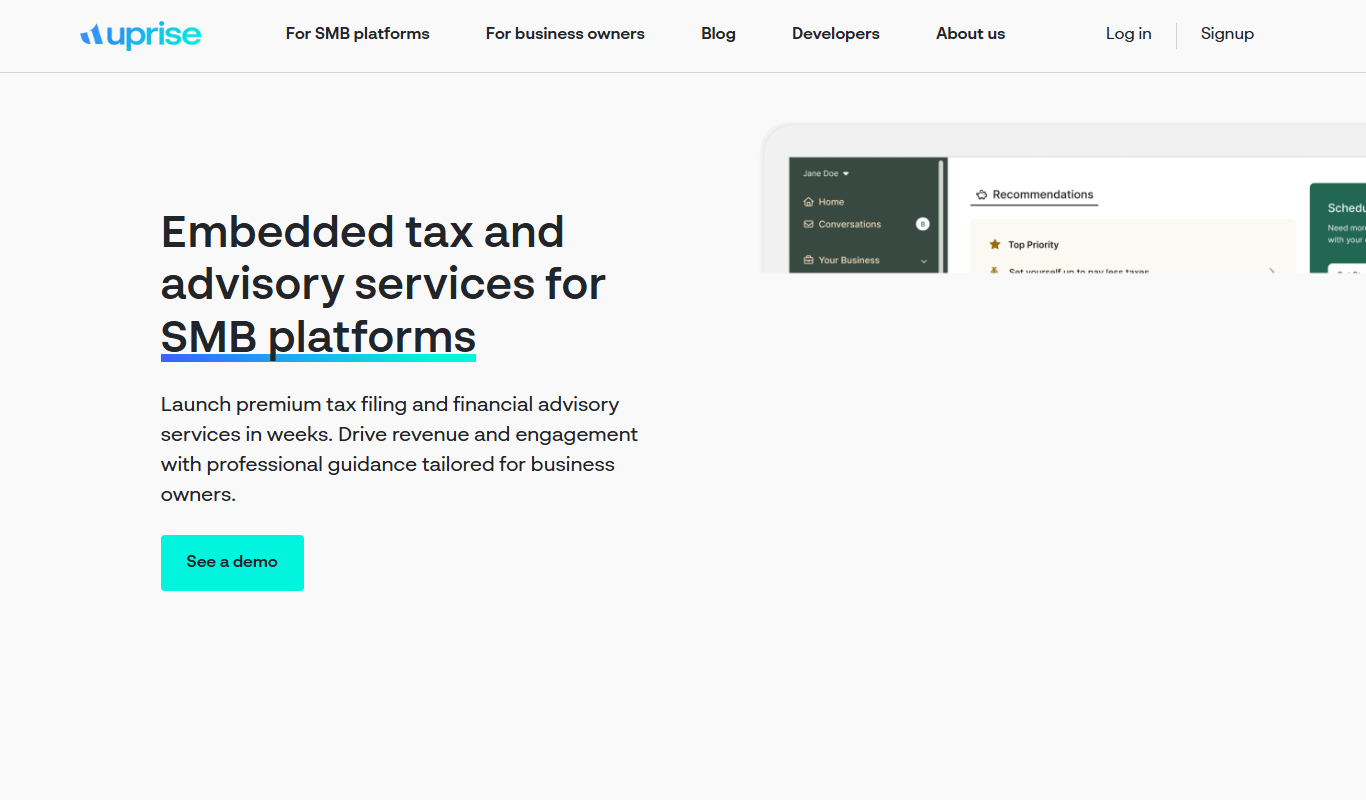
Uprise Embedded
Uprise Embedded is a platform that enables businesses to embed customizable live chat widgets into their websites or applications to provide real-time customer support and proactive engagement.

Free
Text-to-Reward
Text-to-Reward is a free web-based SMS marketing tool that helps businesses create reward-driven text message campaigns to engage customers and increase loyalty.
Free Trial
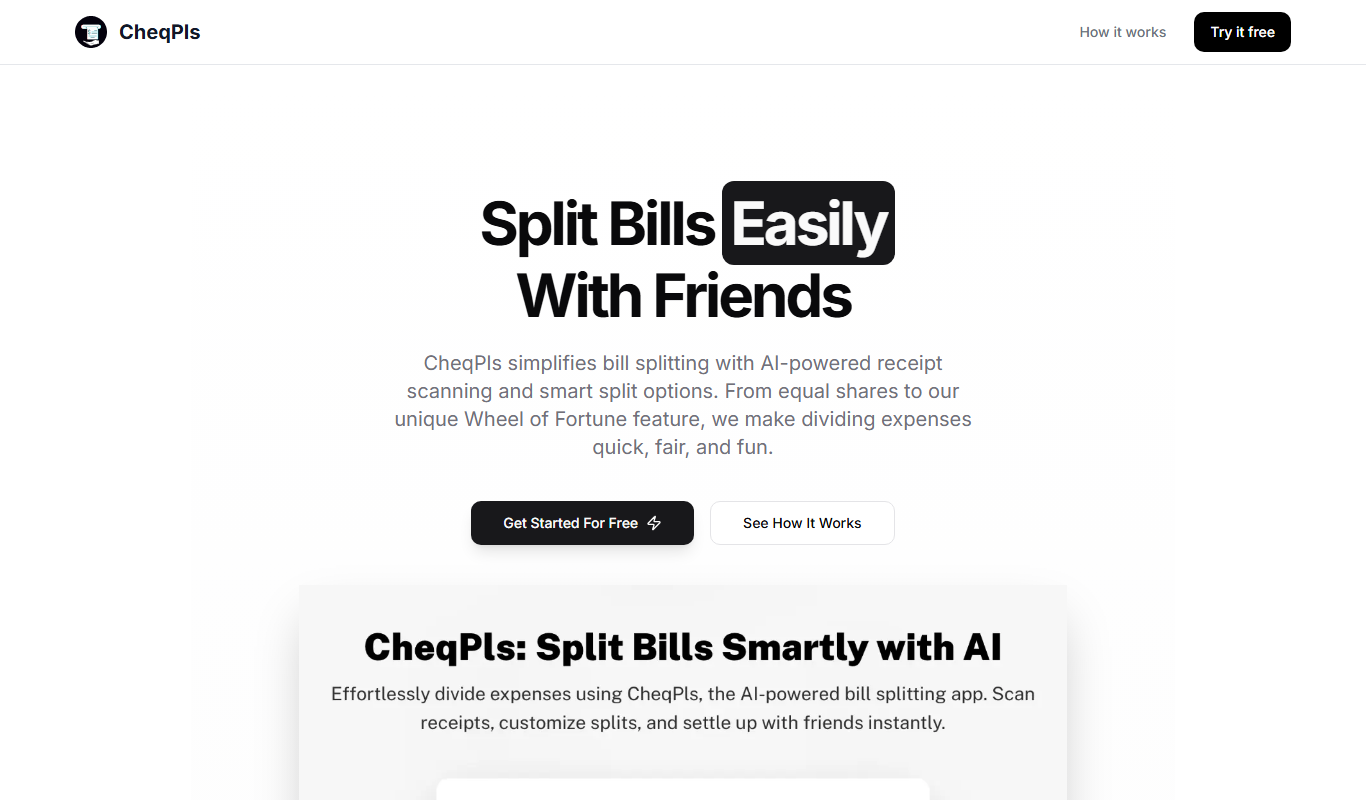
CheqPls
CheqPls is an AI chatbot platform that automates customer support and engagement by interacting with website visitors using conversational AI.