

Collaborative Markdown Editor for Teams and Developers | HackMD Features
HackMD is a web-based collaborative markdown editor that enables teams and individuals to write, share, and collaborate on markdown documents in real time with features like version control and presentation mode.
- Best for
- Team Collaboration
- Key capability
- Real-Time Collaboration
Save HackMD, follow its updates and vote on it — everything stays in your account.
Sign in or create a free accountWhat is HackMD?
HackMD is a web-based collaborative markdown editor designed to help teams and individuals create, share, and manage markdown documents in real time. It combines the simplicity of markdown formatting with powerful collaboration features, making it a popular choice for developers, writers, and project teams who need to work together on documentation, notes, and presentations.
Key features of HackMD
HackMD offers real-time collaborative editing, markdown support, version control, presentation mode, and easy sharing options. It integrates with various platforms and supports exporting documents in multiple formats, enhancing productivity for teams and individuals alike.
Real-Time Collaboration
Multiple users can edit the same document simultaneously with live updates.
Markdown Support
Full support for GitHub-flavored markdown syntax for easy formatting.
Presentation Mode
Convert markdown documents into slide presentations directly within the platform.
Version History
Track changes and revert to previous versions of documents.
Integration and Export
Integrates with GitHub, Slack, and supports exporting to PDF, HTML, and other formats.
Pros and cons of HackMD
Pros
- Intuitive real-time collaborative editing
- Robust markdown support with live preview
- Easy sharing and permission controls
- Supports presentation creation from markdown
- Integrates with popular developer platforms
Cons
- No native offline editing capability
- Limited advanced features on free plan
- Primarily English language support
Key use cases for HackMD
Team Collaboration
Allows multiple users to edit and comment on markdown documents in real time, facilitating seamless teamwork.
Technical Documentation
Ideal for creating and maintaining technical documents, README files, and project wikis with markdown support.
Note Taking
Supports personal and shared note-taking with easy formatting and organization using markdown syntax.
Presentation Creation
Enables users to create slide decks directly from markdown files for presentations.
Content Publishing
Supports exporting and sharing documents publicly or privately, useful for blogs, tutorials, and knowledge bases.
How HackMD works
- 1
Create an Account
Sign up on HackMD’s website using email or third-party authentication.
- 2
Start a New Document
Create a new markdown document from scratch or use templates.
- 3
Collaborate in Real Time
Invite team members to edit and comment on the document simultaneously.
- 4
Organize and Share
Organize documents in folders, set access permissions, and share links publicly or privately.
Who is using HackMD
HackMD pricing
Free
$0/month
Basic features with limited private documents and collaborators.
Prime
$5/seat/month (billed annually)
Increased limits on private documents, collaborators, and advanced features.
Enterprise
Custom pricing
Everything in Prime plus note insights, role-based access control, SSO (SAML, LDAP) login and a custom domain. Aimed at organizations.
Plans and prices are as published by the vendor and can change. Check the official site before you buy. Open the pricing page (opens in a new tab)
Frequently asked questions about HackMD
Yes, HackMD offers a free plan with basic features suitable for individual users.
HackMD is primarily a web-based tool and requires an internet connection for real-time collaboration.
Yes, documents can be exported in formats like PDF, HTML, and markdown.
Absolutely, it supports GitHub-flavored markdown and integrates with developer tools.
This tool is designed to help users accomplish its core tasks more efficiently. It is typically used by individuals or teams looking to improve productivity and workflow.
Some tools offer a free plan or trial with limited features. Availability can vary, so confirm on the official website.
Integration support depends on the tool and its available connectors or API. Check the official documentation or integrations page to confirm what is supported.
Yes, it can help with that use case depending on how you configure it and what features are available. You’ll get the best results with clear inputs and a defined goal.
Conclusion
Documents are written in GitHub-flavored markdown, and several users can edit and comment on the same document simultaneously. A markdown document can also become a slide presentation inside the platform. Version history tracks changes and can revert to previous versions. Folders, access permissions and public or private links handle organization and sharing, and exports cover PDF, HTML and markdown.
Software developers, technical writers and project teams are the intended users, with README files, project wikis and technical documents named as core uses. Beyond the free plan, Prime costs $5 per seat per month on annual billing and Enterprise pricing is custom.
Sources
Sign in to review this tool.
Sign In to ReviewNo reviews yet
Be the first to share how this tool worked for you.
Ask about pricing, limits, or how it compares — or answer someone else.
Sign In to AskNo questions yet
Have a question about using or paying for this tool? Be the first to ask.
Featured on TiorAI



Alternative Tools
Explore similar AI tools that might fit your needs
Typora
Typora is a desktop Markdown editor that provides a seamless live preview experience, allowing users to write and format Markdown documents without switching views. It supports extended Markdown features and exports to multiple formats.
Obsidian
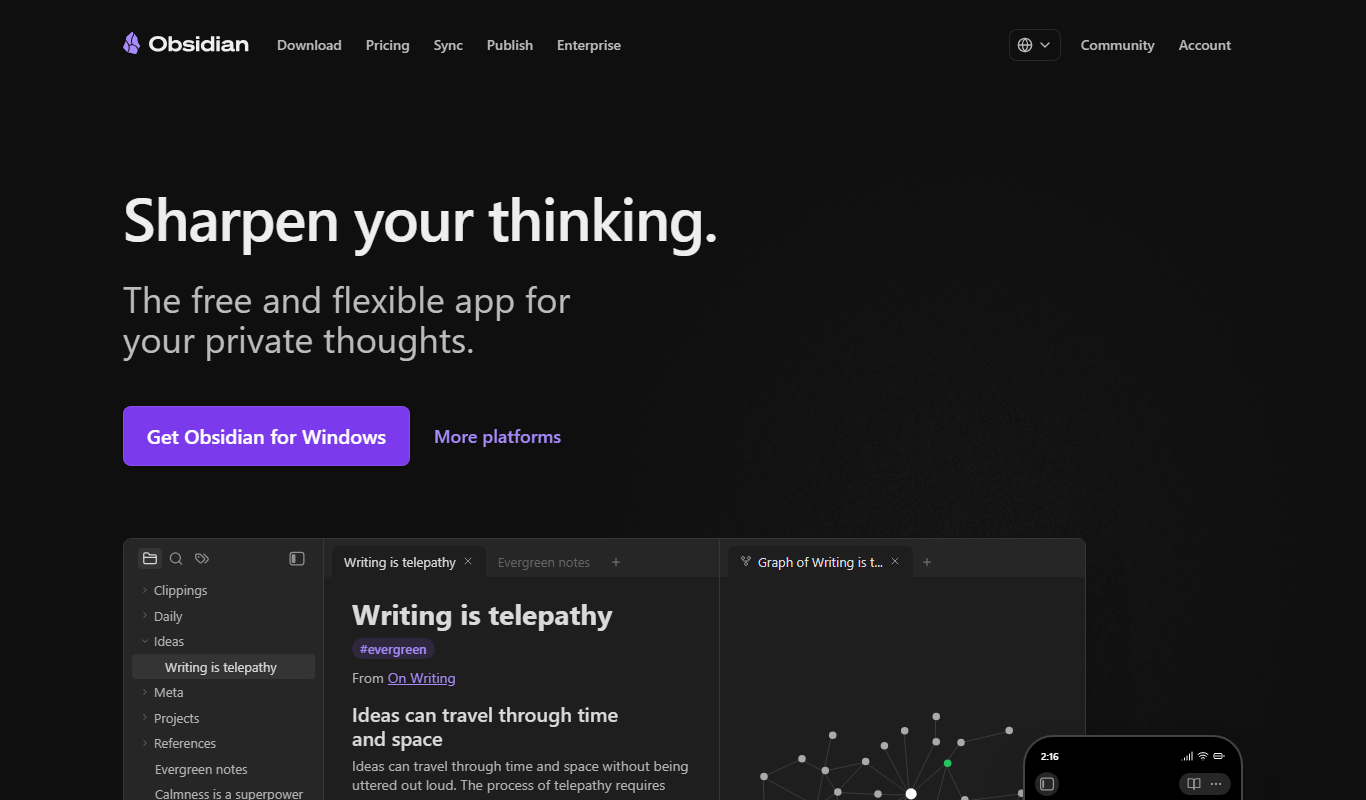
Obsidian is a markdown note-taking app that helps users build a personal knowledge base with linked notes, graph visualization, and extensive customization options.
More Coding & Development tools
Other tools in the same category, for when this one is not quite the fit.

Toolsaday
Toolsaday is an AI content platform with Text Genie, a paraphrasing tool, email and story generators, Novel Studio, text to speech and an image generator.

QuickQR Art
QuickQR Art is a QR Code AI Art Generator for creating, customizing and tracking artistic QR codes, with dynamic QR codes, short links and an API.

Freed AI Medical Scribe
Freed AI Medical Scribe is an AI-driven tool that automates medical note-taking by transcribing and structuring physician-patient conversations, integrating seamlessly with EHR systems to improve clinical workflow.

ApplicantAI
ApplicantAI is an AI recruitment tool that automates resume screening and candidate matching to streamline hiring processes and improve candidate selection accuracy.

CrayEye
CrayEye is a free, open-source mobile app for crafting and sharing multimodal LLM vision prompts that use your camera plus sensor data such as location and weather.
Nightwatch
Nightwatch is a Node.js powered end-to-end testing framework for writing efficient end-to-end tests and running them against W3C WebDriver.
Plandek Intelligent Analytics
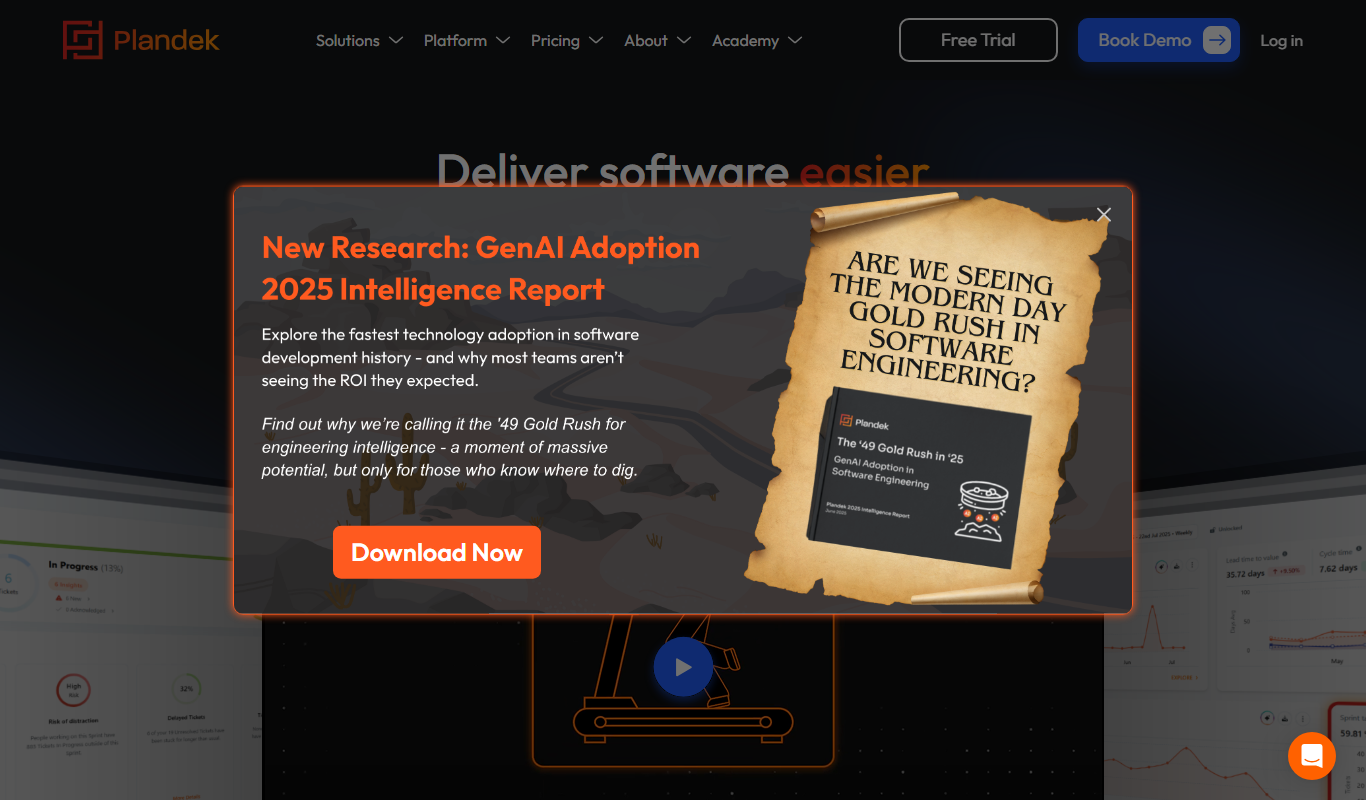
Plandek Intelligent Analytics is a software platform that provides real-time agile delivery metrics, predictive analytics, and comprehensive dashboards by integrating with development tools like Jira and Git to help teams optimize software delivery and DevOps processes.

TestLabs
TestLabs tests your app on 20 real devices for 14 days to meet the Google Play testing policy, with daily reports, device logs and screenshots.