
From my experience with GroupRM, it stands out as a solid solution for organizations seeking to unify groupware and resource management in a single web platform. Its shared calendars and resource booking features simplify scheduling, while integrated messaging and document sharing enhance team collaboration. However, the lack of transparent pricing and limited mobile support may pose challenges for some users. Overall, GroupRM is well-suited for small to medium businesses and teams that prioritize centralized coordination and resource allocation.
GroupRM Review: Groupware and Resource Management Software Features
GroupRM is a web-based groupware and resource management platform designed to help teams collaborate efficiently and manage resources such as rooms and equipment through shared calendars, messaging, and task management features.
What is GroupRM?
GroupRM is a web-based groupware and resource management software designed to streamline team collaboration and optimize resource allocation. It integrates scheduling, communication, and project management tools into a single platform to help organizations improve productivity and coordination.

Key Features of GroupRM
Shared Calendars
Centralized calendars for scheduling events, meetings, and resource bookings.
Resource Booking System
Manage availability and reservations of physical and human resources.
Task and Project Management
Organize tasks, assign responsibilities, and monitor project timelines.
Internal Messaging
Facilitates real-time communication within teams.
Document Management
Store and share files securely within the platform.
Pros and Cons of GroupRM
Pros
- Comprehensive groupware and resource management in one platform
- User-friendly interface with centralized scheduling
- Supports multiple collaboration tools like messaging and document sharing
Cons
- Limited information on pricing publicly available
- No dedicated mobile app currently
- Integration options not extensively documented
Key Use Cases for GroupRM
Team Collaboration
Facilitates communication and coordination among team members through shared calendars, messaging, and task assignments.
Resource Scheduling
Allows organizations to efficiently allocate and schedule resources such as rooms, equipment, and personnel.
Project Management
Supports tracking project progress, deadlines, and deliverables within a centralized platform.
Meeting Coordination
Enables scheduling and managing meetings with integrated calendar and notification features.
Document Sharing
Provides a centralized repository for sharing and managing documents among team members.
How GroupRM Works
-
1
Create an Account
Sign up on the GroupRM website to access the platform.
-
2
Set Up Teams and Resources
Define your teams, add members, and register resources like rooms or equipment.
-
3
Schedule and Assign Tasks
Use the calendar and task modules to plan activities and allocate resources.
-
4
Collaborate and Communicate
Utilize messaging and document sharing features to keep everyone aligned.
-
5
Monitor Progress
Track project milestones and resource usage through dashboards and reports.
Who's Using GroupRM
Small to medium-sized businesses
Project managers
Team leaders
Educational institutions
Non-profit organizations
GroupRM Pricing
Standard
Contact for pricing
Includes core groupware and resource management features suitable for small to medium teams.
Enterprise
Contact for pricing
Advanced features and customization options for larger organizations.
Frequently Asked Questions About GroupRM
Yes, GroupRM is a web-based platform accessible through browsers without local installation.
Integration options are available; please contact GroupRM support for specific integrations.
Currently, GroupRM is optimized for web browsers; mobile app support is limited.
This tool is designed to help users accomplish its core tasks more efficiently. It is typically used by individuals or teams looking to improve productivity and workflow.
It depends on your specific needs and how you plan to use the tool. The official website and documentation are the best sources for the latest details.
It depends on your specific needs and how you plan to use the tool. The official website and documentation are the best sources for the latest details.
Share your review
Reviews are limited to one per logged-in user and are published after moderation.
You need an account to review this tool.
0.0
★
★
★
★
★
0 reviews
5 star
0
4 star
0
3 star
0
2 star
0
1 star
0
No reviews yet
Be the first to share how this tool worked for you.
Questions from the community
Read questions and answers about this tool, or ask your own.
No questions yet
Start the conversation by asking the first question about this tool.
Is this tool helpful?
Alternative Tools
Explore similar AI tools that might fit your needs

Business
Asana
Asana is a cloud-based project management platform that enables teams to organize tasks, track progress, automate workflows, and collaborate effectively across projects.

Free
MeetLess
MeetLess is a web platform that helps teams reduce meeting time by providing structured agendas, real-time collaborative notes, and task assignment features.
Free
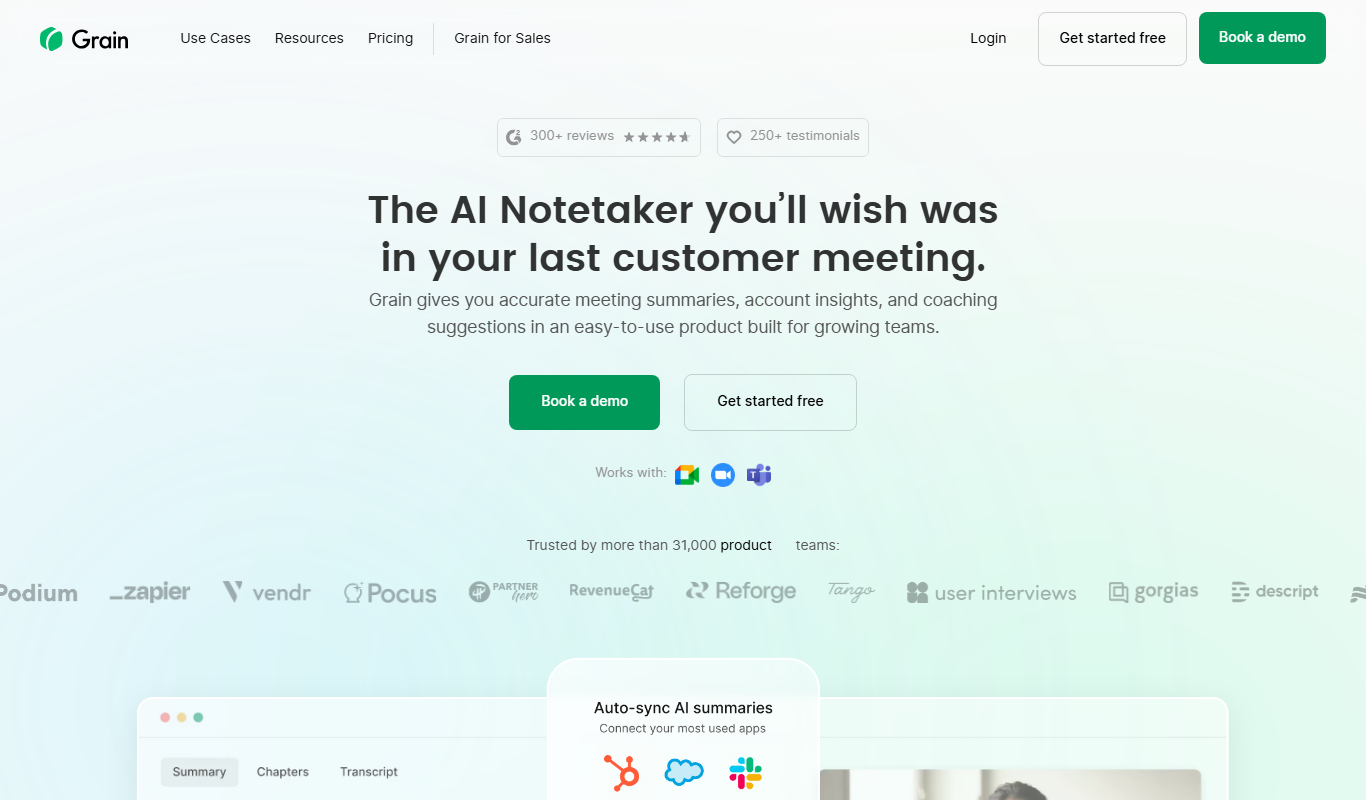
grain.co
Grain.co is a Zoom-integrated meeting recording and transcription tool that automatically captures, transcribes, and allows sharing of video highlights to improve team collaboration.

Free Trial
Mindtown AI
Mindtown AI is an AI-driven knowledge management platform that helps teams organize, search, and share company knowledge efficiently using natural language queries and multi-source integration.
Freemium
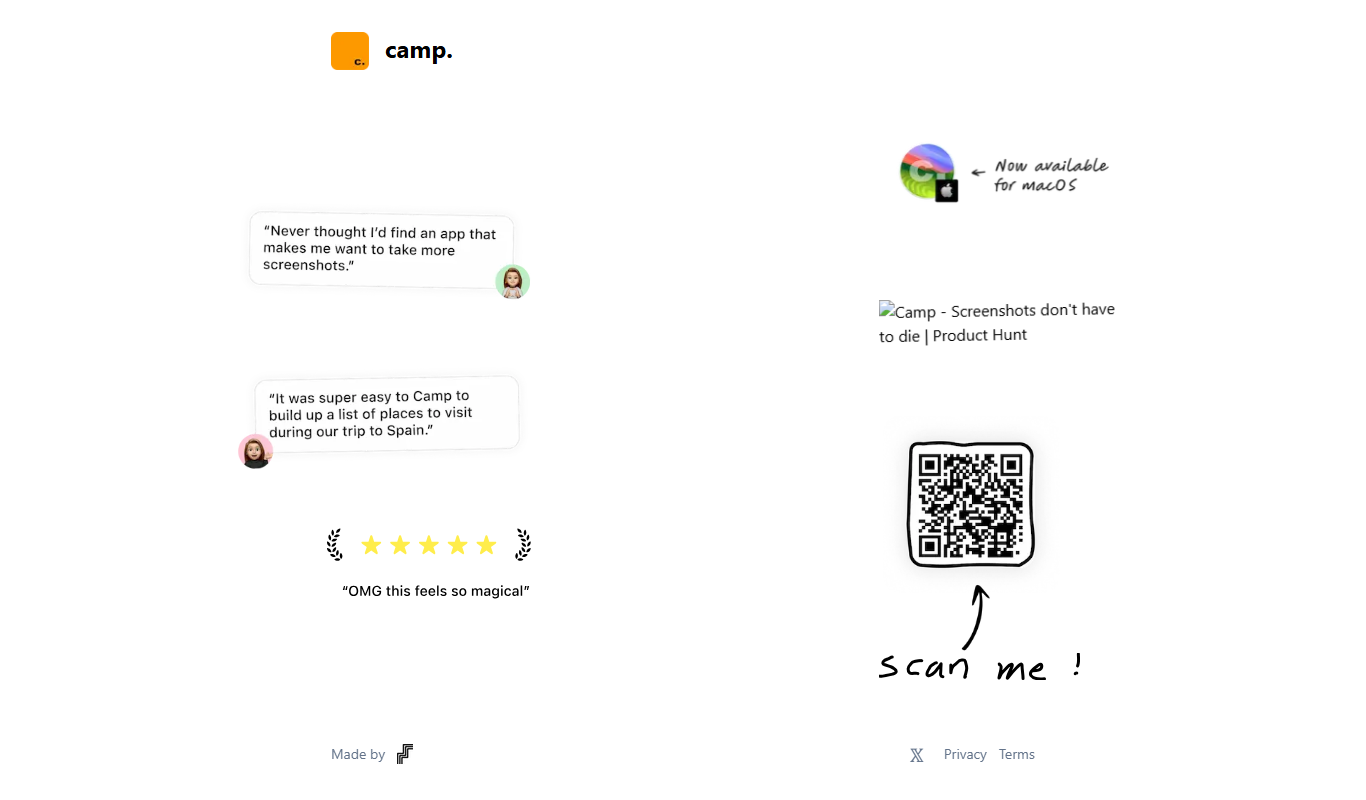
Camp 2.0
Camp 2.0 is a collaborative workspace platform that integrates messaging, project management, and file sharing to help remote teams work efficiently together.

Free
Fabric
Fabric is a web-based platform that helps product teams create, manage, and scale design systems by centralizing UI components, automating updates, and enabling real-time collaboration.

Free
Morgen
Morgen is a web-based calendar app that integrates multiple calendar services to help individuals and teams manage schedules, coordinate meetings, and improve productivity.
Free Trial
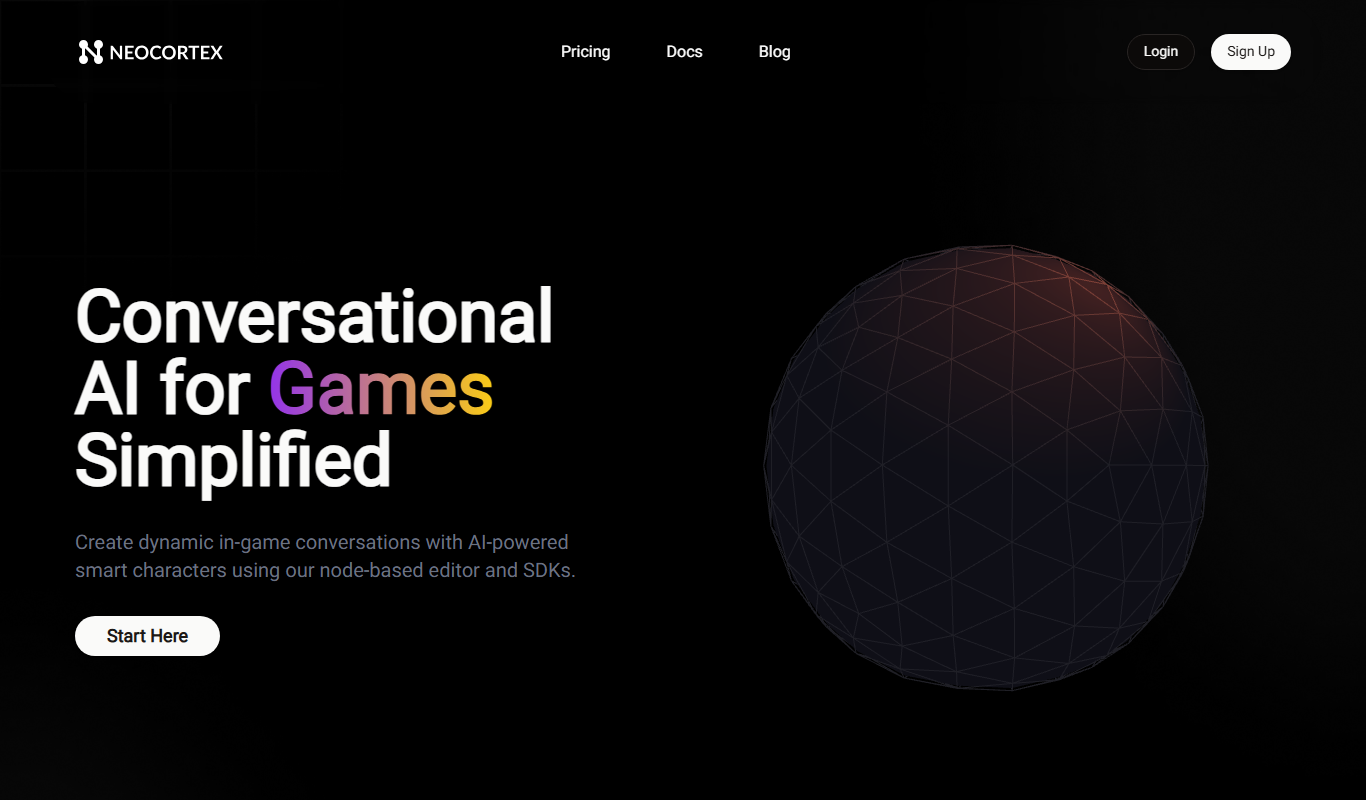
Neocortex
Neocortex is an AI-driven knowledge management platform that centralizes company data and provides fast, accurate search and collaboration tools for teams and enterprises.
Free
MyPaste
MyPaste is a free online pastebin tool that allows users to quickly create and share code snippets or text anonymously with syntax highlighting and optional expiration times.