

From my experience with GPTBox, I found it excels at providing a smooth, native Mac experience for interacting with advanced AI models like GPT-4. The app’s menu bar integration makes it incredibly convenient to access AI assistance without disrupting workflow. It’s particularly well-suited for Mac users who want quick AI-powered help with writing, coding, or brainstorming. However, the need for an OpenAI API key means users must manage API costs separately, and the app is limited to macOS only. Overall, GPTBox is a solid choice if you want a lightweight, efficient AI chat app tailored for Mac.
GPTBox AI Chat App for Mac with GPT-4 and GPT-3.5 Integration
GPTBox is a native Mac application that provides AI chat powered by OpenAI's GPT-4 and GPT-3.5 models, requiring an OpenAI API key and offering fast, menu bar access for Mac users.
- Best for
- AI-Powered Chat Assistance
- Key capability
- Native macOS Experience
Your actions
Save GPTBox, follow its updates and vote on it — everything stays in your account.
Sign in or create a free account
What is GPTBox?
GPTBox is a native macOS application that provides a seamless AI chat experience powered by OpenAI’s GPT-4 and GPT-3.5 models. Designed specifically for Mac users, it offers a fast, lightweight interface to interact with advanced language models without needing a browser. GPTBox enables users to get AI assistance for a variety of tasks including writing, coding, brainstorming, and learning.
Key features of GPTBox
GPTBox features a clean and intuitive interface optimized for macOS, supports multiple GPT models, offers quick access via menu bar, and allows users to maintain chat history. It integrates OpenAI’s API to deliver high-quality AI responses with minimal latency.
Native macOS Experience
Lightweight app designed specifically for Mac with fast startup and smooth performance.
Multiple GPT Model Support
Access both GPT-4 and GPT-3.5 models to balance cost and capability.
Menu Bar Access
Quickly open the chat window from the Mac menu bar without interrupting workflow.
Chat History
Save and review past conversations for reference and continuity.
Customizable Settings
Adjust parameters like temperature and max tokens to tailor AI responses.
Pros and cons of GPTBox
Pros
- Native Mac app with fast and smooth performance
- Supports latest GPT-4 model for advanced AI capabilities
- Easy menu bar access for quick AI interactions
Cons
- Requires OpenAI API key and associated costs
- Limited to macOS platform only
- No offline functionality
Key use cases for GPTBox
AI-Powered Chat Assistance
Engage in natural language conversations with GPT-4 and GPT-3.5 models for brainstorming, coding help, or general queries.
Productivity Enhancement
Use GPTBox to quickly generate ideas, summaries, or draft emails directly from your Mac desktop.
Developer Support
Leverage GPTBox for coding assistance, debugging tips, and code generation using OpenAI's language models.
Learning and Research
Ask complex questions and receive detailed explanations to aid in study or research tasks.
How GPTBox works
- 1
Download and Install
Get GPTBox from the official website or Mac App Store and install it on your Mac.
- 2
Set Up OpenAI API Key
Enter your OpenAI API key within the app to enable AI model access.
- 3
Start Chatting
Open GPTBox from the menu bar and begin typing your questions or prompts.
- 4
Select Model
Choose between GPT-4 or GPT-3.5 models depending on your needs and API subscription.
Who is using GPTBox
Mac users seeking AI chat assistance
Developers needing coding help
Content creators and writers
Students and researchers
Productivity enthusiasts
GPTBox pricing
Free
$0/month
Basic access with limited usage and GPT-3.5 model only.
Pro
$9.99/month
Full access to GPT-4, unlimited usage, and priority support.
Plans and prices are as published by the vendor and can change. Check the official site before you buy. Open the pricing page (opens in a new tab)
Frequently asked questions about GPTBox
Yes, GPTBox requires you to provide your own OpenAI API key to access the AI models.
Currently, GPTBox is only available as a native macOS application.
No, GPTBox requires an internet connection to communicate with OpenAI’s servers.
Chat history is stored locally on your Mac and not sent to any third parties.
It depends on your specific needs and how you plan to use the tool. The official website and documentation are the best sources for the latest details.
Some tools offer a free plan or trial with limited features. Availability can vary, so confirm on the official website.
Yes, it can help with that use case depending on how you configure it and what features are available. You’ll get the best results with clear inputs and a defined goal.
Sign in to review this tool.
Sign In to ReviewNo reviews yet
Be the first to share how this tool worked for you.
Ask about pricing, limits, or how it compares — or answer someone else.
Sign In to AskNo questions yet
Have a question about using or paying for this tool? Be the first to ask.
Featured on TiorAI



Alternative Tools
Explore similar AI tools that might fit your needs

Free
MacGPT
MacGPT is a native macOS application that integrates OpenAI's ChatGPT, providing quick AI chatbot access via the Mac menu bar and customizable shortcuts for enhanced productivity.
More AI Chatbot tools
Other tools in the same category, for when this one is not quite the fit.

Subscription
Open GPT
OpenGPT lets users run a wide range of ChatGPT applications or create their own in seconds, with access sold as a subscription.
Freemium
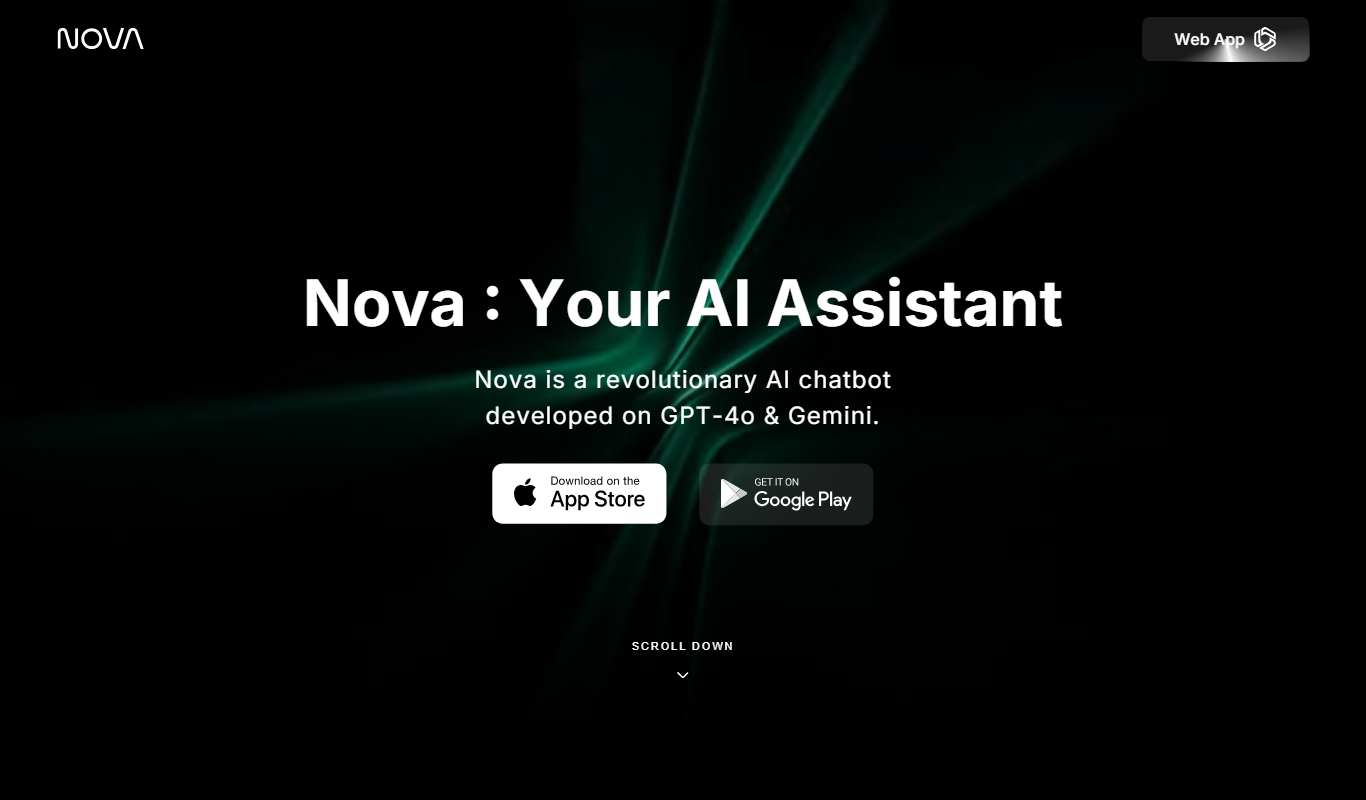
Nova – ChatGPT AI Chatbot
Nova is an AI chatbot powered by ChatGPT technology that helps users automate tasks, generate content, and improve productivity through natural conversational AI available on web and mobile platforms.
Free
Jailbroken ChatGPT
Jailbroken ChatGPT is a web chatbot from AE Studio that bypasses ChatGPT content restrictions and requires the user's own OpenAI API key.

Free
ChatGPT Français (French)
ChatGPT Français is a free web-based AI chatbot designed specifically for French language users to practice conversations, generate content, and support French communication needs.
Free
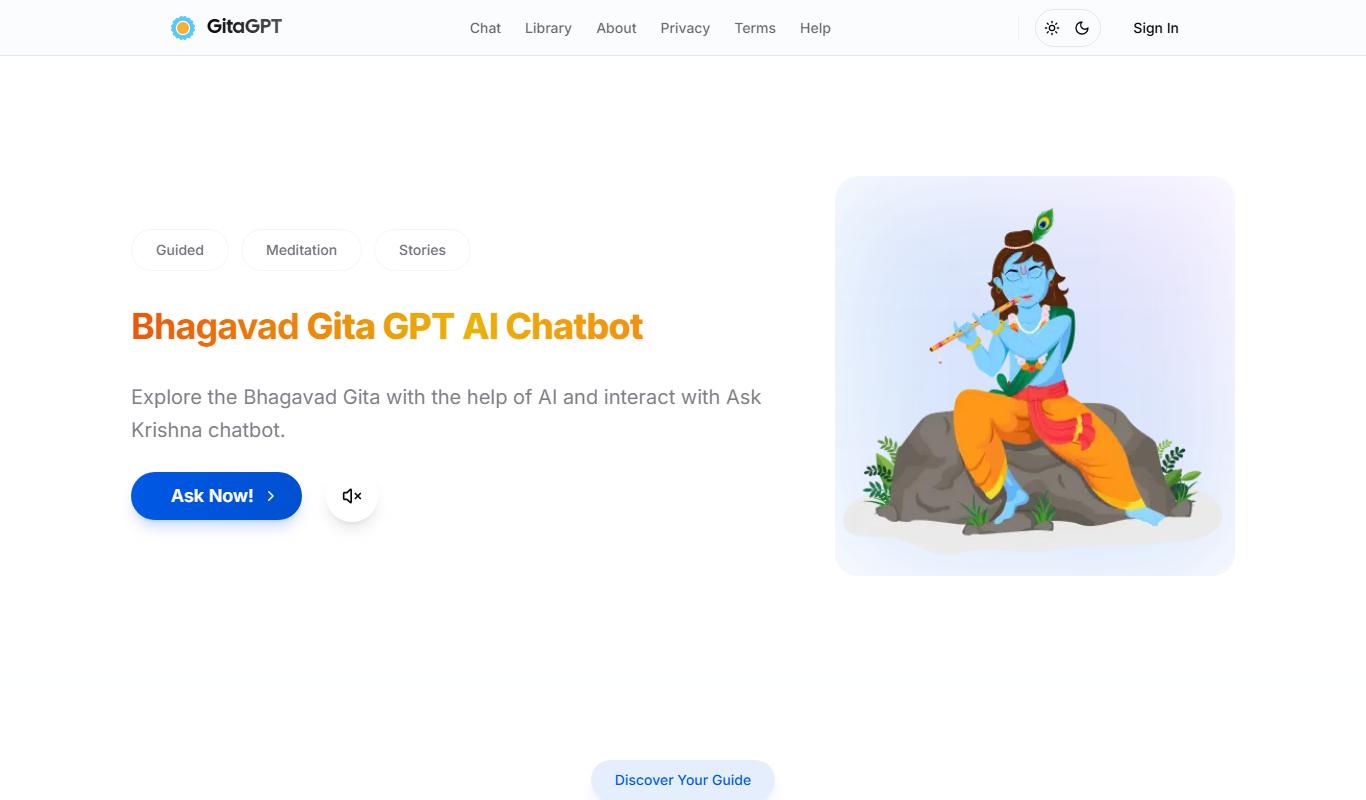
Gita GPT
GitaGPT is an AI spiritual companion that answers life questions with Bhagavad Gita shlokas through 10 spiritual guides in 22+ Indian languages, with a free plan and paid upgrades.
Free
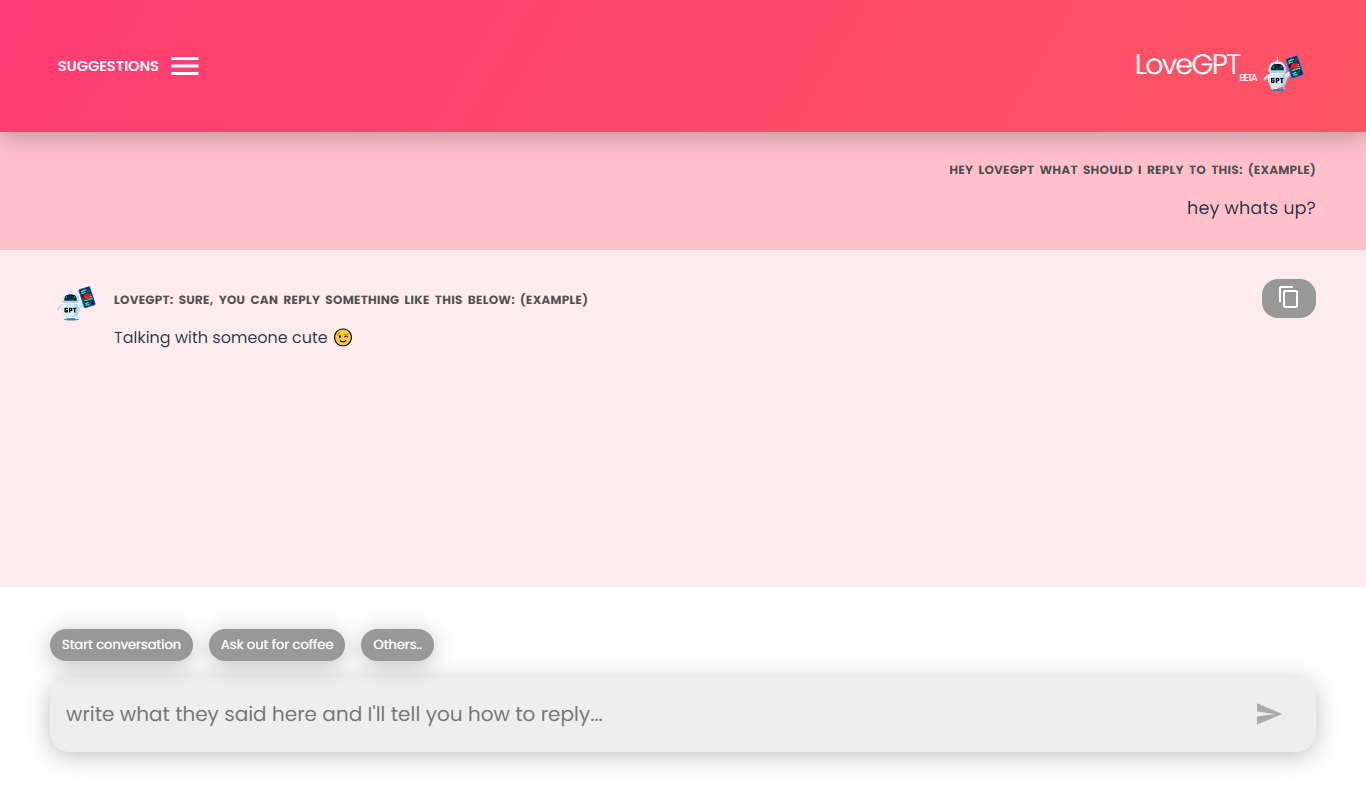
LoveGPT
LoveGPT is a free AI chatbot that provides personalized relationship advice and emotional support through empathetic conversations on its web platform.
Free
NepaliGPT
NepaliGPT is a free AI chatbot designed to understand and generate text in the Nepali language, accessible via a web interface without requiring an account.

Free
Alya
Alya is an AI therapist app. The site lists 22 languages and more than 100 AI models, with downloads on the App Store and Google Play.