

From my experience with GitPrime, it stands out as a robust solution for engineering leaders seeking to quantify and improve developer productivity through data-driven insights. The platform’s ability to analyze Git repository data and visualize key metrics helps teams identify workflow inefficiencies and optimize collaboration. While the pricing and setup may be a barrier for smaller teams, the depth of analytics makes it particularly valuable for medium to large organizations focused on engineering excellence. If your goal is to enhance software delivery with actionable engineering metrics, GitPrime delivers reliable and insightful results.
GitPrime Software Analytics Platform for Developer Productivity Insights
GitPrime is a software analytics tool that analyzes Git repository data to provide insights into developer productivity, code review efficiency, and engineering team performance.
- Best for
- Developer Productivity Analysis
- Key capability
- Developer Productivity Metrics
Do you recommend this tool?
What is GitPrime?
GitPrime is a software analytics platform designed to provide engineering teams and leaders with data-driven insights into developer productivity and codebase health. By analyzing version control data, GitPrime helps organizations understand how their engineering teams work, identify areas for improvement, and make informed decisions to optimize software delivery.
Key features of GitPrime
GitPrime offers comprehensive metrics on code commits, pull requests, code review efficiency, and team collaboration. It visualizes productivity trends, highlights bottlenecks, and supports engineering management with actionable analytics.
Developer Productivity Metrics
Quantify individual and team contributions through commit counts, lines of code, and active days.
Code Review Analytics
Track code review turnaround times and participation to enhance collaboration.
Customizable Dashboards
Tailor dashboards to focus on metrics relevant to your team’s goals and projects.
Trend Analysis
Monitor productivity trends over time to detect improvements or declines.
Integration with Project Management Tools
Combine engineering metrics with project timelines for comprehensive oversight.
Pros and cons of GitPrime
Pros
- Provides deep insights into engineering productivity
- Helps identify bottlenecks in development workflows
- Customizable dashboards for tailored analytics
- Supports multiple Git platforms
- Enables data-driven engineering management decisions
Cons
- Pricing is not transparent and may be costly for small teams
- Primarily focused on Git repositories, limited support for other VCS
- Requires some setup and integration effort
Key use cases for GitPrime
Developer Productivity Analysis
Track and analyze individual and team coding activity to identify productivity trends and bottlenecks.
Engineering Team Performance
Measure engineering output and quality to optimize team workflows and improve delivery timelines.
Code Review Insights
Gain visibility into code review processes to enhance collaboration and code quality.
Project Management Support
Provide data-driven insights to project managers for better sprint planning and resource allocation.
Technical Leadership Reporting
Generate reports and dashboards that help technical leaders make informed decisions about engineering practices.
How GitPrime works
- 1
Connect Version Control Systems
Integrate GitPrime with your existing Git repositories such as GitHub, GitLab, or Bitbucket.
- 2
Data Aggregation and Analysis
GitPrime automatically collects and analyzes commit history, pull requests, and code review data.
- 3
Dashboard Visualization
View detailed dashboards and reports that display productivity metrics and team performance indicators.
- 4
Actionable Insights
Use the insights to identify workflow inefficiencies, improve code quality, and optimize team collaboration.
Who is using GitPrime
Engineering managers
Technical leads
Software development teams
Project managers
CTOs and technical executives
GitPrime pricing
Enterprise
Custom pricing
Tailored plans with advanced analytics and dedicated support for large organizations.
Plans and prices are as published by the vendor and can change. Check the official site before you buy. Open the pricing page (opens in a new tab)
Frequently asked questions about GitPrime
GitPrime supports Git-based repositories including GitHub, GitLab, Bitbucket, and Azure DevOps.
Yes, but it is primarily designed for medium to large engineering teams seeking detailed analytics.
GitPrime uses secure data connections and complies with industry-standard security practices to protect your data.
Yes, GitPrime can integrate with tools like Jira to correlate engineering metrics with project progress.
This tool is designed to help users accomplish its core tasks more efficiently. It is typically used by individuals or teams looking to improve productivity and workflow.
It depends on your specific needs and how you plan to use the tool. The official website and documentation are the best sources for the latest details.
Integration support depends on the tool and its available connectors or API. Check the official documentation or integrations page to confirm what is supported.
Sign in to review this tool.
Sign In to ReviewNo reviews yet
Be the first to share how this tool worked for you.
Ask about pricing, limits, or how it compares — or answer someone else.
Sign In to AskNo questions yet
Have a question about using or paying for this tool? Be the first to ask.
Featured on TiorAI



Alternative Tools
Explore similar AI tools that might fit your needs
Free Trial
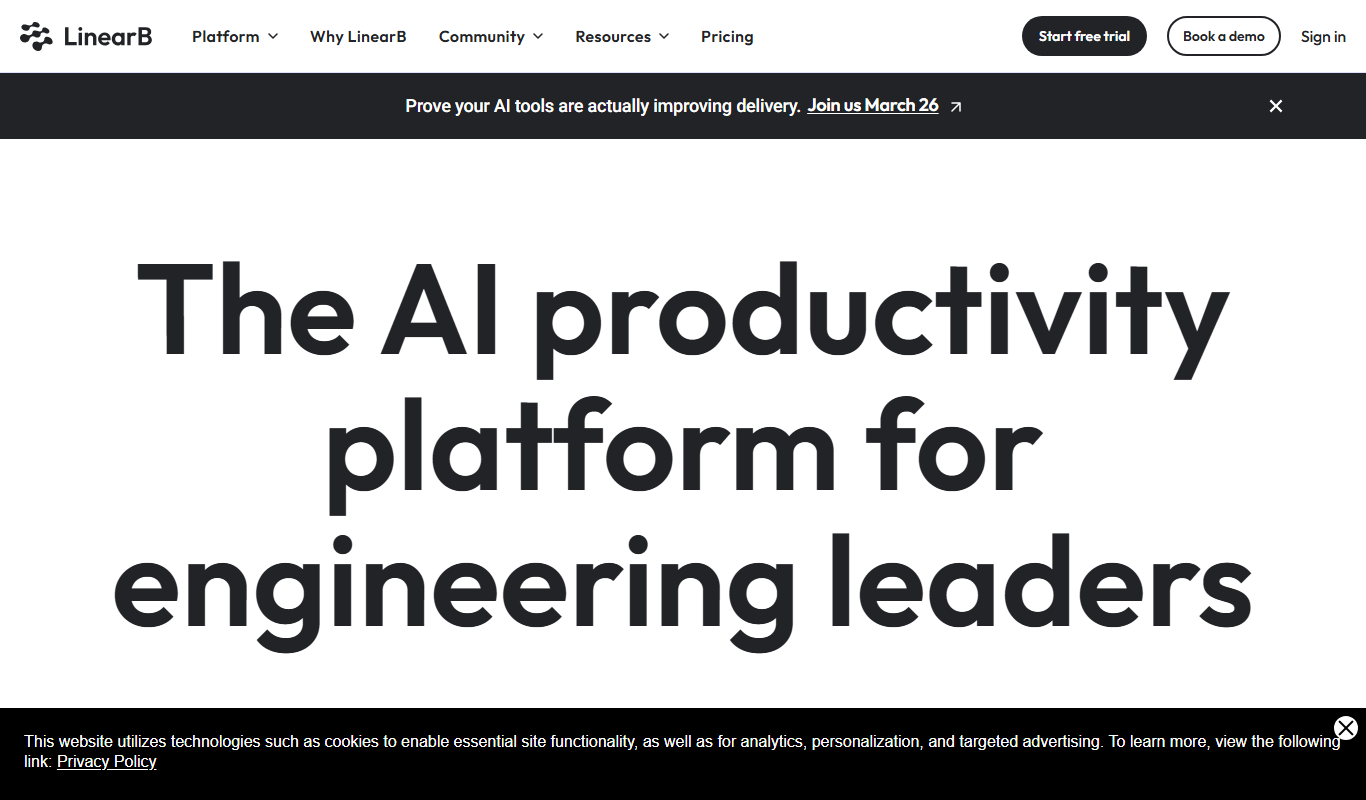
LinearB
LinearB is a software engineering analytics platform that helps DevOps and agile teams monitor and optimize their software delivery processes through real-time metrics and workflow insights.

Free Trial
Waydev
Waydev is an engineering analytics platform that analyzes git data to provide software development teams with insights on productivity, code quality, and agile process efficiency.
More AI Analytics Assistant tools
Other tools in the same category, for when this one is not quite the fit.

Custom Pricing
Veraset
Veraset provides privacy-compliant, high-quality location data via API and web platform to support marketing, retail, and urban planning analytics.

Custom Pricing
Cambridge Mobile Telematics
Cambridge Mobile Telematics provides a mobile telematics platform that uses smartphone sensors and AI to analyze driver behavior, enabling insurers and fleet managers to assess risk, improve safety, and reduce accidents.

Free
RadarBox
RadarBox is a real-time flight tracking platform offering live aircraft positions, flight history, and aviation data accessible via web and mobile apps.

Free
DeFiChain
DeFiChain is a blockchain platform focused on decentralized finance, enabling fast, secure, and low-cost DeFi applications integrated with Bitcoin.
Custom Pricing
Liquidnet
Liquidnet is a global institutional trading platform that connects asset managers and brokers to execute large block equity trades anonymously via a dark pool, providing liquidity and advanced analytics to optimize trade execution.

Free
Yearn Finance
Yearn Finance is a decentralized finance platform that automates yield farming strategies using smart contracts to maximize returns on Ethereum-based crypto assets.
Free
Stock Rover
Stock Rover is an investment research platform that provides advanced stock screening, portfolio analytics, and comprehensive financial data to help investors analyze and manage their investments effectively.

Free
Exolyt
Exolyt is a TikTok analytics tool that helps marketers and influencers track video performance, analyze competitors, and monitor follower growth to optimize TikTok marketing strategies.