

Ghostie sales software with lead enrichment and cold email outreach
Ghostie is all-in-one sales software for small businesses that combines lead extraction and enrichment, cold email outreach and a lead capture chatbot, with a 7-day free trial.
- Best for
- Building lead lists
- Key capability
- Validated lead data
Save ghostie, follow its updates and vote on it — everything stays in your account.
Sign in or create a free accountWhat is ghostie?
Ghostie is all-in-one sales software for small businesses. It finds and enriches leads with validated emails, phone numbers and socials, runs cold email sequences and drip campaigns through your own SMTP sender, collects leads with a website chatbot, and includes an AI article writer that posts to your blog. Plans are billed per user per year, with a free trial that needs no credit card.
Key features of ghostie
Ghostie offers lead extraction and enrichment with validated emails, phone numbers and socials, B2B and B2C company exports, an email finder and email checker API, cold email sequences and newsletter campaigns through connected senders, lead capture chatbots, reviews and social proof widgets, a daily feed of newly registered domains and an AI article writer.
Validated lead data
Accurate emails, phone numbers and socials, enriched and ready to export.
Cold email outreach
Launch cold email sequences and drip campaigns in minutes through your own SMTP.
Lead capture chatbot
Auto-collect leads from your website with a chatbot.
AI article writer
Monitors keywords daily, writes articles and posts them directly to your blog.
New domain feed
Download newly registered domains as a daily lead source, alongside reviews widgets.
Pros and cons of ghostie
Pros
- Replaces separate enrichment tools, email platforms, CRMs and chatbots
- 7-day free trial with no credit card required
- Free enrichment tool with 10 searches a day
Cons
- Outreach requires connecting your own SMTP sender
- The free trial allows only small usage volumes
Key use cases for ghostie
Building lead lists
Find and enrich contacts with validated emails, phone numbers and socials.
Cold email campaigns
Run cold email sequences and drip campaigns from one platform.
Website lead capture
Collect leads automatically with a website chatbot.
Blog content
Have the AI ghostwriter write articles and post them to your blog.
How ghostie works
- 1
Sign up
Create an account with just an email and password, with no payment info.
- 2
Import or prospect
Upload a CSV of domains, names or companies, or start prospecting inside Ghostie.
- 3
Launch outreach
Spin up a sequence, add your SMTP and send.
Who is using ghostie
ghostie pricing
Free Trial
$0
7-day trial for testing, with limited usage; no credit card required.
Solo
$490 / year / user
For startups, with 32000 enrichments per year.
Studio
$790 / year / user
For professional teams, with 64000 enrichments per year.
Business
$990 / year / user
For teams that get a lot done, with unlimited usage.
Plans and prices are as published by the vendor and can change. Check the official site before you buy. Open the pricing page (opens in a new tab)
Frequently asked questions about ghostie
All-in-one sales software for small businesses that covers lead data, enrichment, outreach and lead capture.
Yes. Ghostie offers a 7-day free trial with no credit card required.
Spin up a sequence, connect your SMTP and send.
Yes. Upload a CSV of domains, names or companies, or start prospecting directly inside Ghostie.
Yes. The free enrichment tool finds up to 10 business contacts per company domain, with 10 free searches a day.
Conclusion
Small businesses that juggle separate tools for prospecting and email are the target: Ghostie folds enrichment, email platforms, CRMs and chatbots into one platform. A user uploads a CSV of domains, names or companies, or prospects inside the app, and gets validated emails, phone numbers and socials ready to export. Outreach then runs as cold email sequences and drip campaigns sent through the user’s own SMTP.
Two extras sit beside the sales tools: a chatbot that auto-collects leads, and an AI ghostwriter that monitors keywords, writes articles and posts them to a blog. The company names marketing, SaaS, real estate and consulting businesses among its users. Plans are priced per user per year, and a 7-day free trial needs no credit card but comes with small usage limits.
Sources
Sign in to review this tool.
Sign In to ReviewNo reviews yet
Be the first to share how this tool worked for you.
Ask about pricing, limits, or how it compares — or answer someone else.
Sign In to AskNo questions yet
Have a question about using or paying for this tool? Be the first to ask.
Featured on TiorAI



More AI Content Generation Tools tools
Other tools in the same category, for when this one is not quite the fit.

Fadr
Fadr is a music tech platform with a vocal remover, stem splitter, key and tempo detector, remix and mashup makers, a DJ controller and DrumGPT.

Remagine AI
Remagine AI is a web-based platform that uses artificial intelligence to generate marketing content and automate marketing workflows, helping businesses create SEO-friendly and brand-consistent materials efficiently.
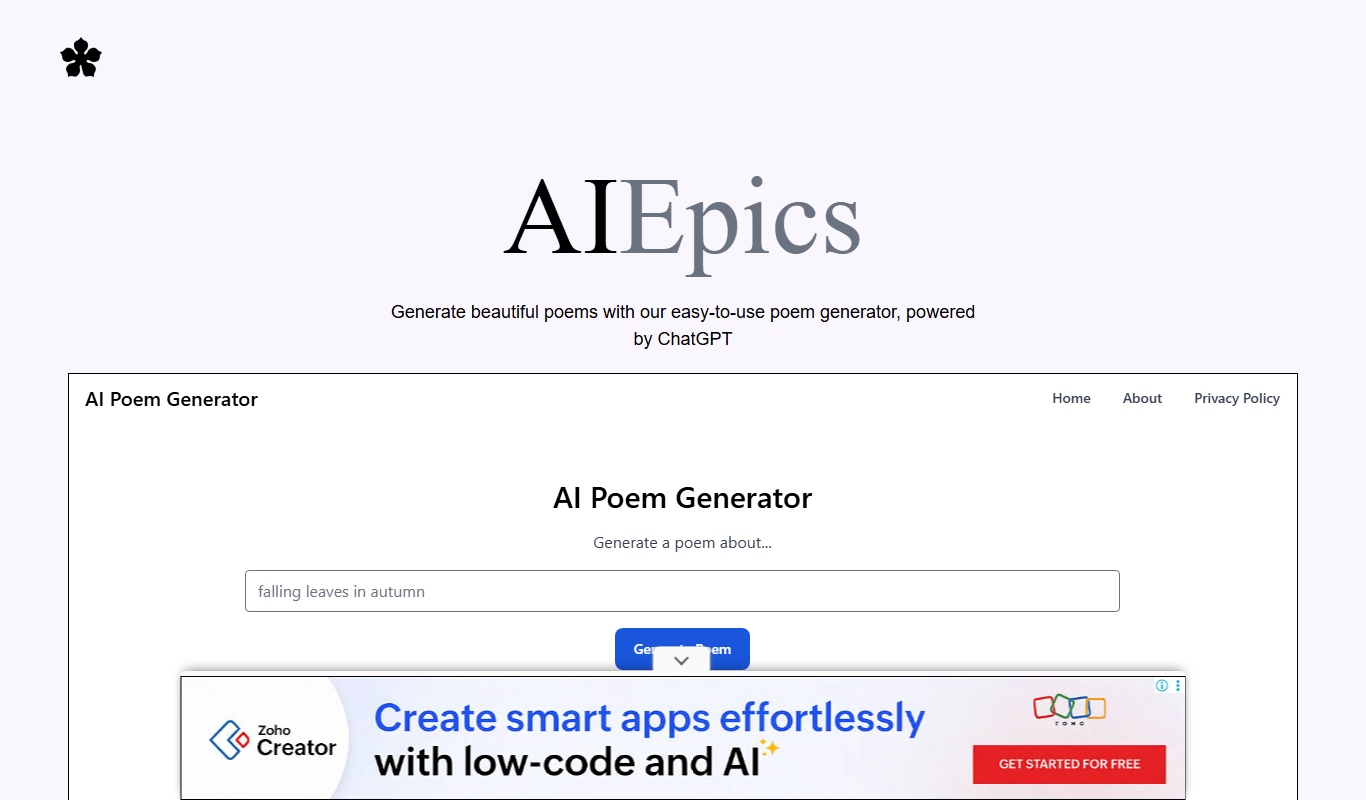
AI Poem Generator
AI Poem Generator is a web tool that creates original poems based on user input themes or keywords using AI technology.

Buzzli
Buzzli uses AI-powered agents to create LinkedIn content, optimize your profile and keep you visible to recruiters, clients and decision-makers.
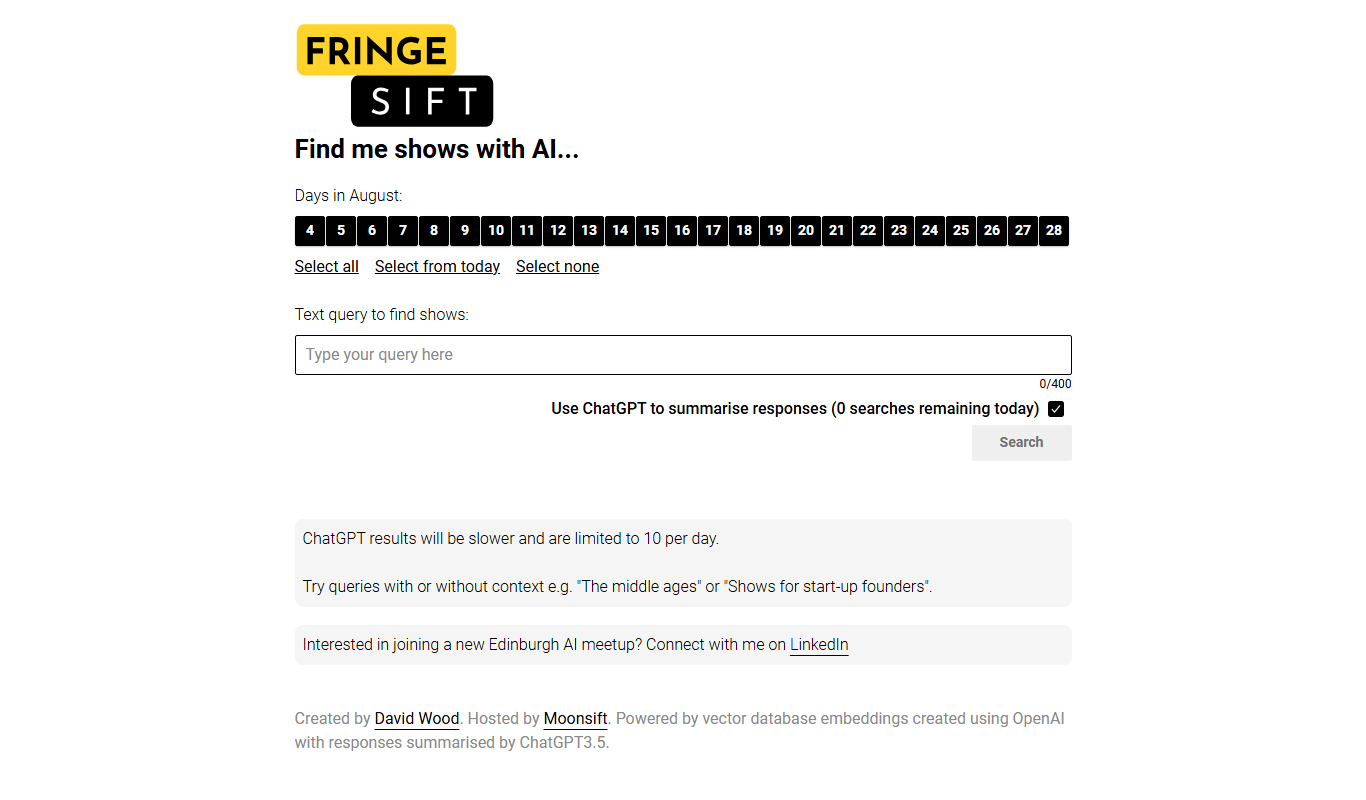
Fringe Sift
FringeSift is an AI search tool that finds Edinburgh Fringe shows from a text query and selected days in August.
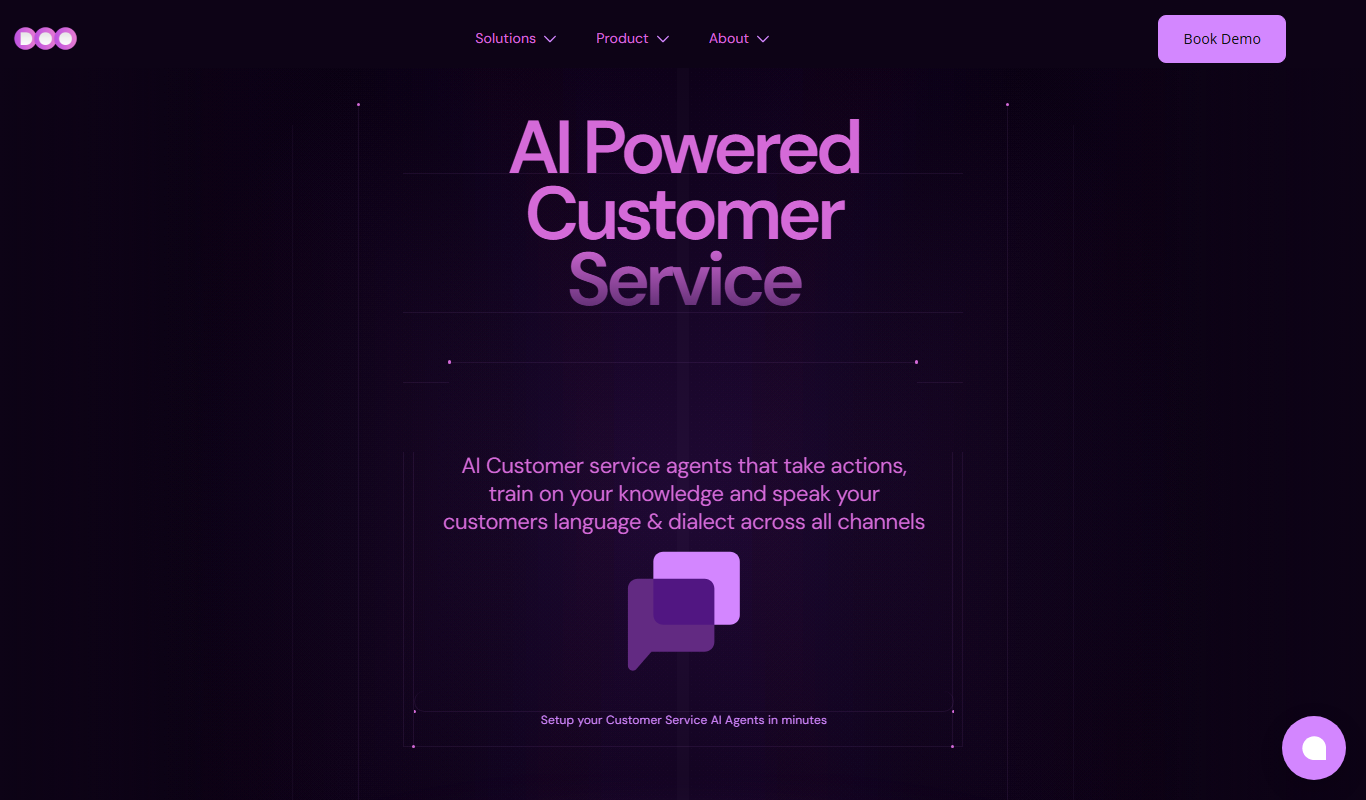
DOO
DOO is an AI customer experience platform: a unified inbox for email, chat, WhatsApp, Instagram and voice, with AI agents that take action and speak your customers' dialect.
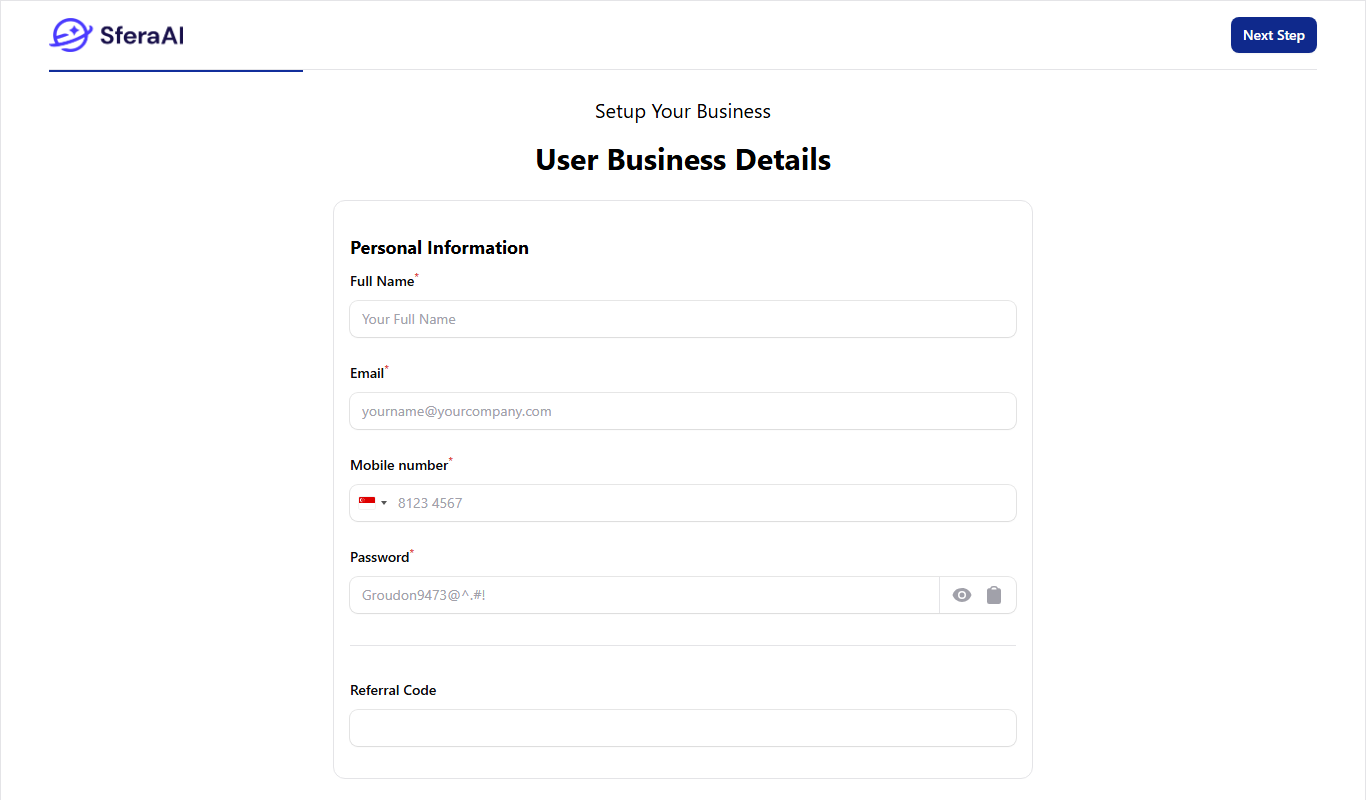
SferaAI
SferaAI is an all-in-one booking system for service businesses: booking website, appointment management, auto reminders, CRM, marketing, loyalty and rewards.
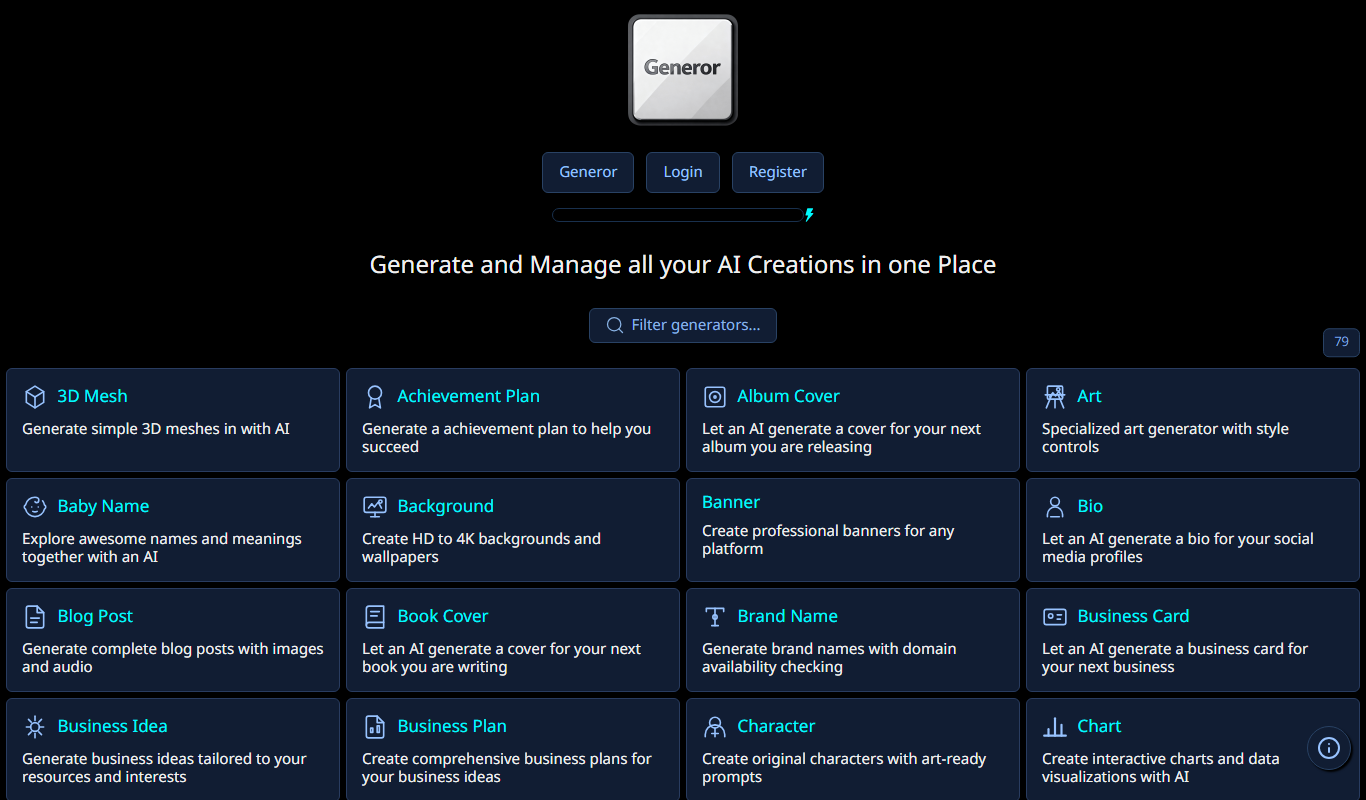
Generor
Generor is an AI generator web app with many generators for images, video, 3D meshes and text, plus a system for storing and sharing what you create.