

From my experience with GetOData, I found it excels at simplifying complex API integrations without requiring any coding knowledge. The platform’s drag-and-drop interface and data transformation capabilities make it accessible for users who want to automate workflows and unify data from multiple sources quickly. It’s particularly well-suited for small businesses and marketing agencies that need to streamline data connectivity without developer resources. However, the platform is primarily web-based and lacks mobile apps, which might limit on-the-go management. Overall, if you need a straightforward no-code solution for API integration and automation, GetOData delivers solid functionality.
GetOData API Integration Platform for Seamless Data Connectivity
GetOData is a no-code platform that simplifies API integration by allowing users to connect, transform, and automate data workflows without coding.
- Best for
- API Integration Without Coding
- Key capability
- No-Code API Integration
Your actions
Save GetOData, follow its updates and vote on it — everything stays in your account.
Sign in or create a free account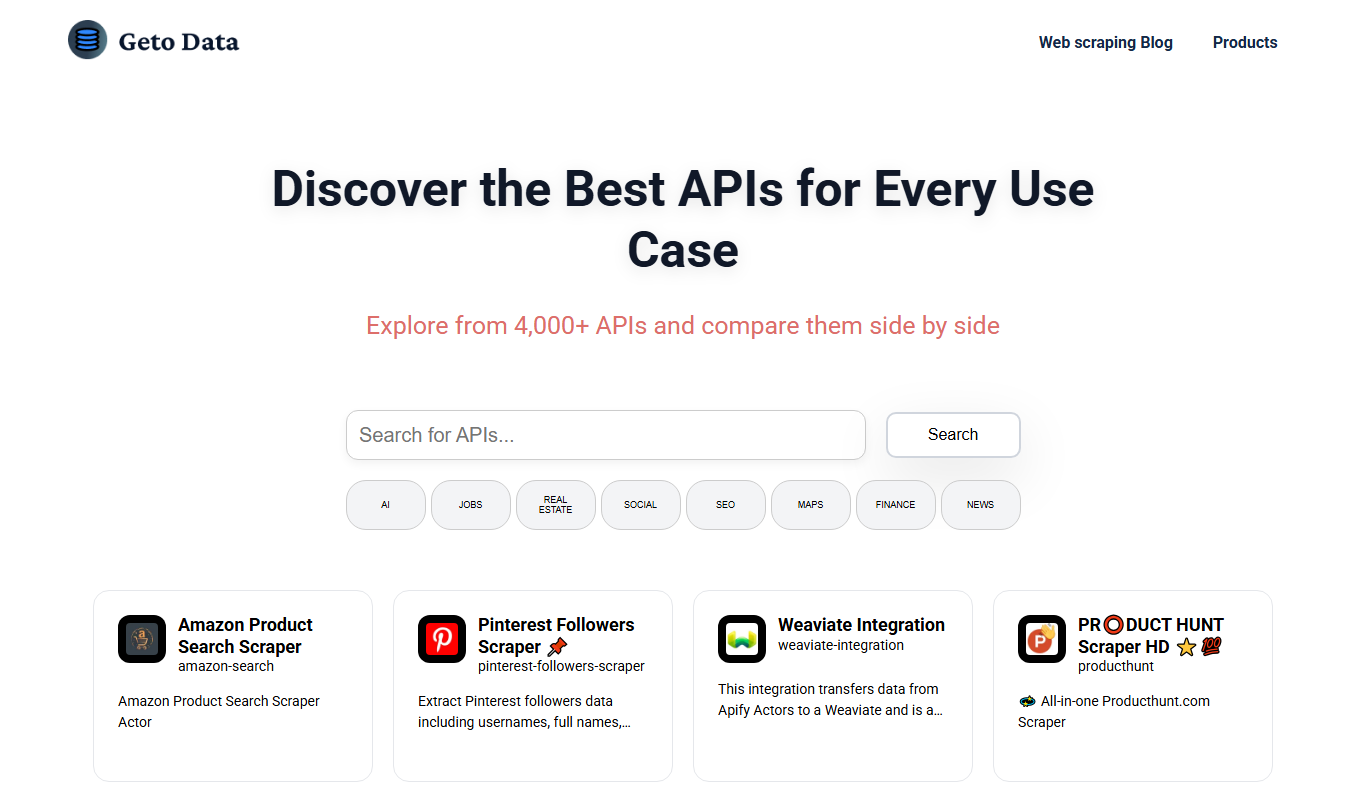

What is GetOData?
GetOData is a no-code API integration platform designed to simplify connecting, aggregating, and automating data workflows across multiple APIs. It enables users to create unified API endpoints and automate data-driven processes without requiring programming skills.
Key features of GetOData
GetOData offers features such as drag-and-drop API connectors, data transformation tools, workflow automation, and the ability to create custom API endpoints that combine data from diverse sources.
No-Code API Integration
Connect and integrate multiple APIs without writing any code.
Data Transformation
Transform and combine data from different sources into unified formats.
Custom API Endpoint Creation
Create tailored API endpoints that aggregate and serve data as needed.
Workflow Automation
Automate tasks and processes triggered by API data changes.
User-Friendly Interface
Intuitive drag-and-drop tools for easy setup and management.
Pros and cons of GetOData
Pros
- No coding required for API integration
- Supports data transformation and aggregation
- User-friendly drag-and-drop interface
- Flexible pricing plans including a free trial
- Enables automation of workflows
Cons
- Limited information on tech stack and integrations
- Primarily web-based, no mobile apps available
Key use cases for GetOData
API Integration Without Coding
Connect various APIs and data sources without writing code, enabling faster development and automation.
Data Aggregation
Aggregate data from multiple APIs into a single, unified endpoint for easier consumption and analysis.
Automation of Workflows
Automate business workflows by integrating APIs and triggering actions based on data changes.
Custom API Creation
Create custom APIs that combine and transform data from different sources to meet specific business needs.
How GetOData works
- 1
Sign Up
Create an account on the GetOData platform to access the dashboard.
- 2
Connect APIs
Use the no-code interface to connect various APIs and data sources.
- 3
Configure Data Flows
Set up data transformations and aggregations to unify data as needed.
- 4
Create Custom Endpoints
Build custom API endpoints that serve combined or transformed data.
- 5
Automate Workflows
Set triggers and actions to automate processes based on API data.
Who is using GetOData
Small to medium businesses
Marketing agencies
Data analysts
Product managers
No-code developers
GetOData pricing
Free Trial
$0 for 14 days
Access to all features for 14 days to evaluate the platform.
Starter
$29/month
Basic API integration features with limited usage.
Professional
$99/month
Advanced features with higher usage limits and priority support.
Enterprise
Custom pricing
Tailored solutions with dedicated support and custom integrations.
Plans and prices are as published by the vendor and can change. Check the official site before you buy. Open the pricing page (opens in a new tab)
Frequently asked questions about GetOData
No, GetOData is designed as a no-code platform, allowing users to integrate APIs without programming.
GetOData supports most RESTful APIs and offers connectors to popular services, with options to connect custom APIs.
Yes, GetOData offers a 14-day free trial with access to all features.
Yes, you can automate workflows by setting triggers and actions based on API data.
This tool is designed to help users accomplish its core tasks more efficiently. It is typically used by individuals or teams looking to improve productivity and workflow.
Data handling and security practices vary by provider. Review the official privacy policy to understand how your data is stored and used.
Data handling and security practices vary by provider. Review the official privacy policy to understand how your data is stored and used.
Pricing depends on the plan and included features. For the most accurate and up-to-date details, check the official pricing page.
Sign in to review this tool.
Sign In to ReviewNo reviews yet
Be the first to share how this tool worked for you.
Ask about pricing, limits, or how it compares — or answer someone else.
Sign In to AskNo questions yet
Have a question about using or paying for this tool? Be the first to ask.
Featured on TiorAI



Alternative Tools
Explore similar AI tools that might fit your needs

Free Trial
Tray.ai
Tray.ai, formerly Tray.io, is an AI-ready iPaaS that helps businesses connect APIs and automate workflows with low-code tools.
More AI Developer & Coding Tools tools
Other tools in the same category, for when this one is not quite the fit.

Free Trial
Low-Code Development and AI
Amoga's Low-Code Development and AI platform enables rapid application building with drag-and-drop tools and AI automation, suitable for users with minimal coding skills.

Free
Blokay
Blokay is an AI builder that turns a prompt into production-ready web components to create dashboards and backoffices.

Free
Locofy.ai
Locofy.ai converts Figma and Penpot designs into frontend code for React, React Native, HTML-CSS, Flutter, Vue, Angular and Next.js.

Free
Webo.AI
Webo.AI is an AI-powered no-code website builder that automates website design and content creation, enabling users to launch responsive websites quickly without coding skills.

Free
BuilderKit
BuilderKit is an AI-driven no-code website builder that enables users to quickly create professional and responsive websites without any coding skills.
Free Trial
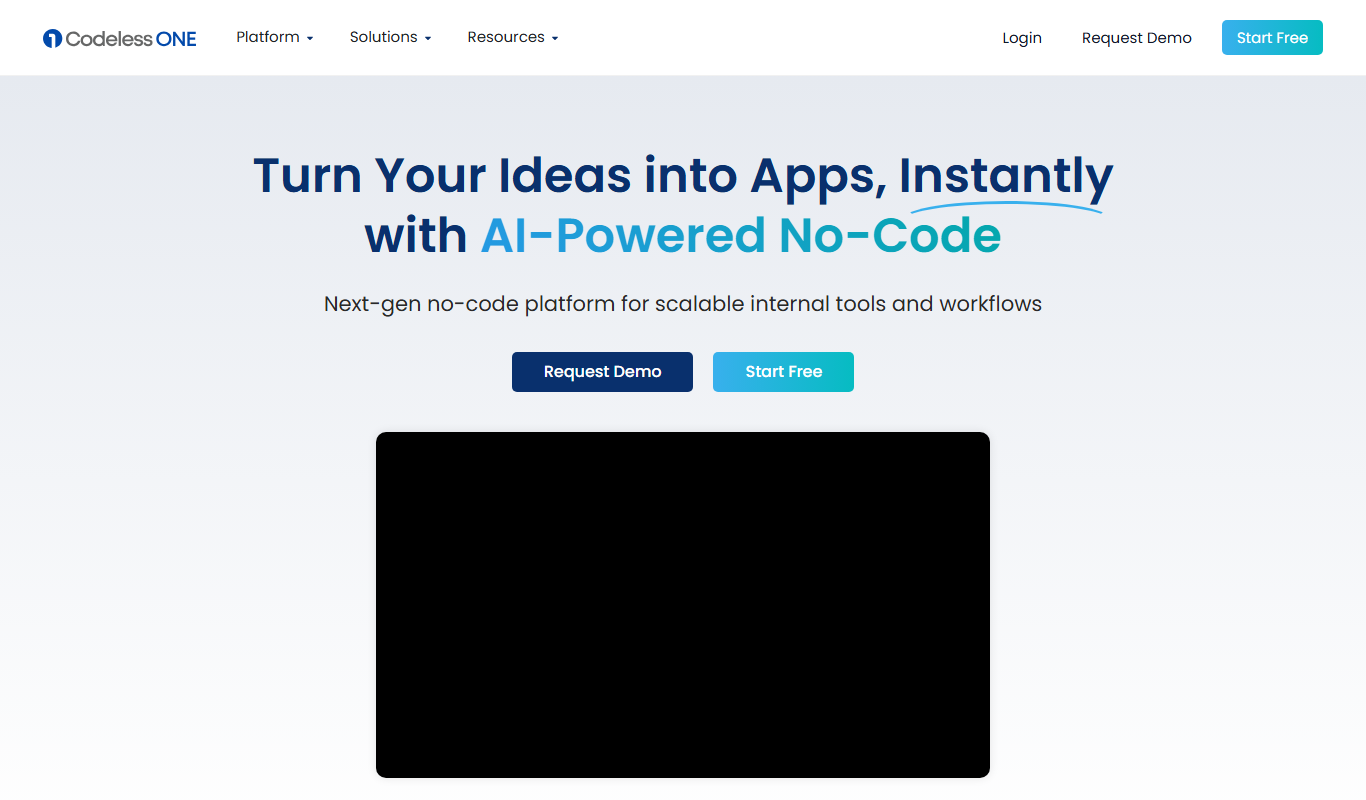
Codeless ONE
Codeless ONE is a no-code platform that allows users to build custom applications and automate workflows using a visual drag-and-drop interface without requiring programming skills.
Free
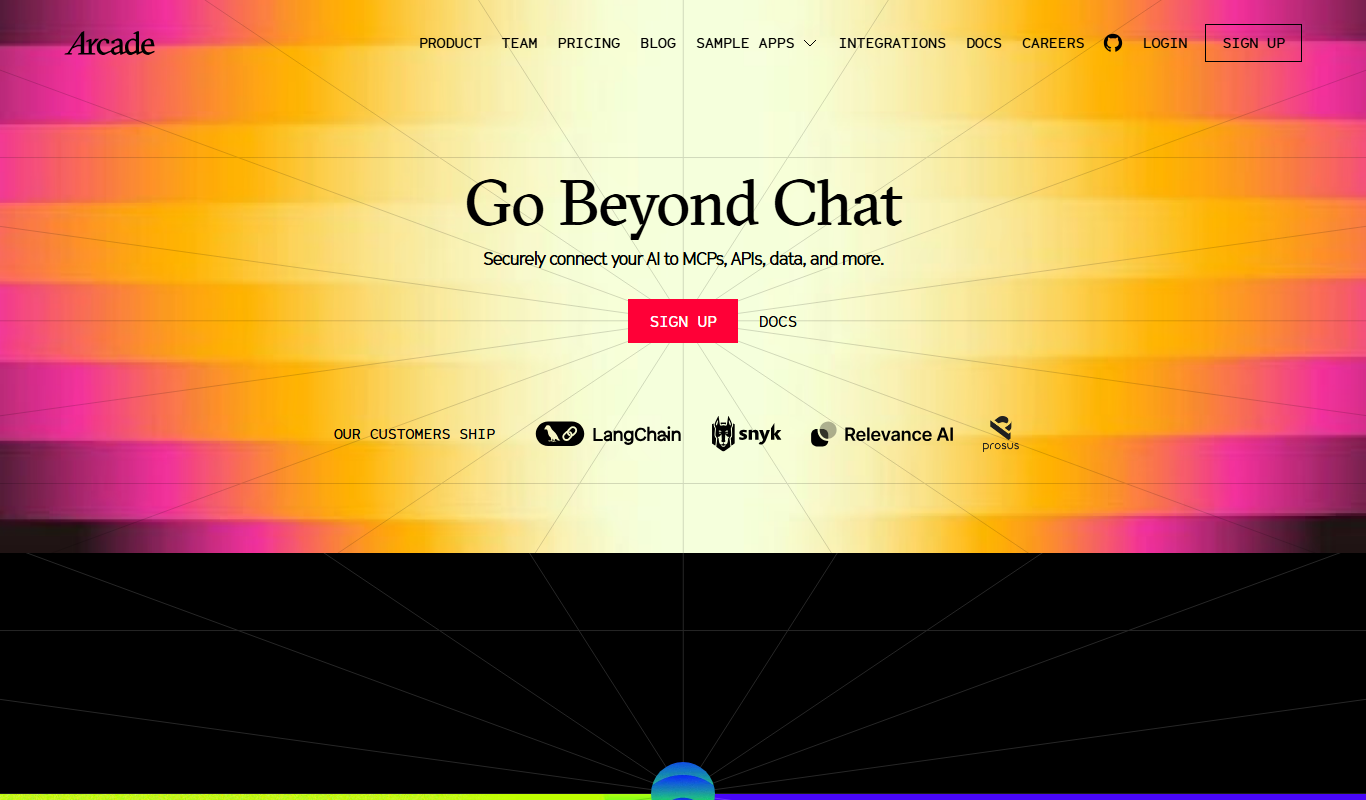
Arcade
Arcade.dev is a no-code platform that allows users to visually build, deploy, and host web applications without writing code, featuring drag-and-drop design, API integrations, and cloud hosting.

Freemium
DrogoAI
DrogoAI is an AI platform that generates and automates code creation from natural language prompts, helping developers speed up software development.