

From my experience with GetContrast.io, I found it excels at integrating security testing seamlessly into DevOps workflows, enabling teams to detect vulnerabilities continuously without disrupting development velocity. Its real-time runtime analysis is particularly valuable for identifying issues that traditional static scans might miss. However, the platform’s pricing model is tailored for enterprises, which may limit accessibility for smaller teams or startups. Overall, if you need a robust, automated security testing solution that fits naturally into CI/CD pipelines and supports API security, GetContrast.io delivers reliable and actionable insights.
GetContrast.io Automated Security Testing Platform for DevOps Teams
GetContrast.io is an automated security testing platform that integrates with DevOps pipelines to provide continuous vulnerability detection and remediation for applications and APIs.
- Best for
- Automated Security Testing
- Key capability
- Continuous Application Security Testing
Your actions
Save getcontrast.io, follow its updates and vote on it — everything stays in your account.
Sign in or create a free account

What is getcontrast.io?
GetContrast.io is an automated security testing platform designed to help development and security teams identify vulnerabilities in applications continuously. It integrates with DevOps workflows to provide real-time, actionable security insights without slowing down software delivery.
Key features of getcontrast.io
The platform offers continuous application security testing, runtime vulnerability detection, API security scanning, and seamless integration with CI/CD pipelines. It provides detailed analytics and reporting to help teams prioritize and remediate risks effectively.
Continuous Application Security Testing
Automated scanning of applications throughout the software development lifecycle.
Runtime Vulnerability Detection
Real-time monitoring to detect vulnerabilities as applications run in production or testing.
API Security Scanning
Specialized scanning to identify security risks in APIs.
DevSecOps Pipeline Integration
Seamless integration with popular CI/CD tools to embed security testing into development workflows.
Comprehensive Reporting and Analytics
Detailed dashboards and reports to track security posture and compliance.
Pros and cons of getcontrast.io
Pros
- Automates security testing without slowing development
- Real-time vulnerability detection during runtime
- Strong integration with DevOps workflows
- Detailed and actionable security reports
Cons
- Pricing is custom and may be expensive for small teams
- Limited public information on tech stack and languages supported
Key use cases for getcontrast.io
Automated Security Testing
Continuously scan applications for vulnerabilities during development and deployment.
DevSecOps Integration
Integrate security testing seamlessly into CI/CD pipelines to enable faster and safer releases.
API Security Assessment
Identify and remediate security risks in APIs with automated scanning and analysis.
Real-time Vulnerability Detection
Detect security issues in real-time during application runtime to reduce risk exposure.
Compliance and Reporting
Generate detailed security reports to support compliance and audit requirements.
How getcontrast.io works
- 1
Install Agent
Deploy the GetContrast agent within your application environment to monitor and analyze security in real-time.
- 2
Integrate with CI/CD
Connect GetContrast to your build and deployment pipelines to automate security testing during development.
- 3
Continuous Scanning
The platform continuously scans your applications and APIs for vulnerabilities during runtime and testing phases.
- 4
Review Findings
Access detailed vulnerability reports and dashboards to understand security risks and remediation steps.
- 5
Remediate Issues
Prioritize and fix identified vulnerabilities to improve your application’s security posture.
Who is using getcontrast.io
DevOps teams
Security engineers
Software development teams
Enterprises with complex applications
Compliance officers
getcontrast.io pricing
Enterprise
Custom pricing
Tailored plans with advanced features and dedicated support for large organizations.
Plans and prices are as published by the vendor and can change. Check the official site before you buy. Open the pricing page (opens in a new tab)
Frequently asked questions about getcontrast.io
Yes, GetContrast integrates with popular CI/CD tools to automate security testing during development.
Yes, the platform includes specialized API security scanning capabilities.
Yes, it provides runtime vulnerability detection to monitor applications in production.
This tool is designed to help users accomplish its core tasks more efficiently. It is typically used by individuals or teams looking to improve productivity and workflow.
Integration support depends on the tool and its available connectors or API. Check the official documentation or integrations page to confirm what is supported.
Integration support depends on the tool and its available connectors or API. Check the official documentation or integrations page to confirm what is supported.
Sign in to review this tool.
Sign In to ReviewNo reviews yet
Be the first to share how this tool worked for you.
Ask about pricing, limits, or how it compares — or answer someone else.
Sign In to AskNo questions yet
Have a question about using or paying for this tool? Be the first to ask.
Featured on TiorAI



Alternative Tools
Explore similar AI tools that might fit your needs

Free
Snyk
Snyk is a security platform designed for developers to find, fix, and monitor vulnerabilities in open source dependencies, container images, and infrastructure as code, integrating directly into developer workflows and CI/CD pipelines.

Enterprise
Veracode
Veracode is a cloud-based application security platform that provides static and dynamic code analysis, software composition analysis, and integrates with DevSecOps pipelines to help organizations identify and remediate software vulnerabilities efficiently.

Custom Pricing
Checkmarx
Checkmarx is a software security platform that provides static application security testing (SAST) and software composition analysis (SCA) to identify vulnerabilities in source code and open source components, integrating seamlessly into DevSecOps pipelines.
More Coding & Development tools
Other tools in the same category, for when this one is not quite the fit.

Free
IPinfo
IPinfo is an IP address data platform providing geolocation, ASN, carrier, and privacy information through an easy-to-use API and web interface.
Free
QuickDBD
QuickDBD is a web-based tool that lets you create database diagrams quickly by typing schema definitions in a simple text format, which it converts into visual ER diagrams in real time.
Free
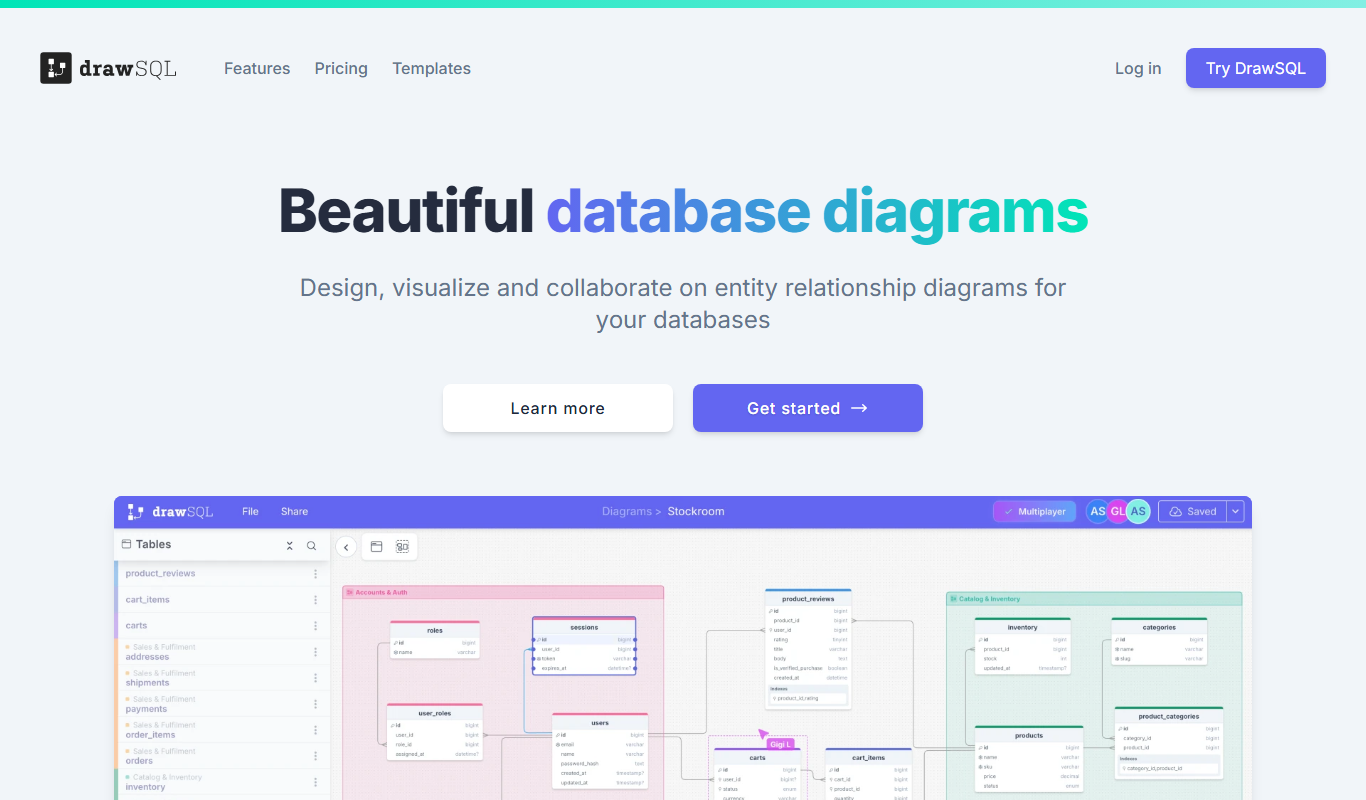
DrawSQL
DrawSQL is a web platform that enables teams to collaboratively design, visualize, and export database schemas using interactive diagrams and real-time editing.
Free
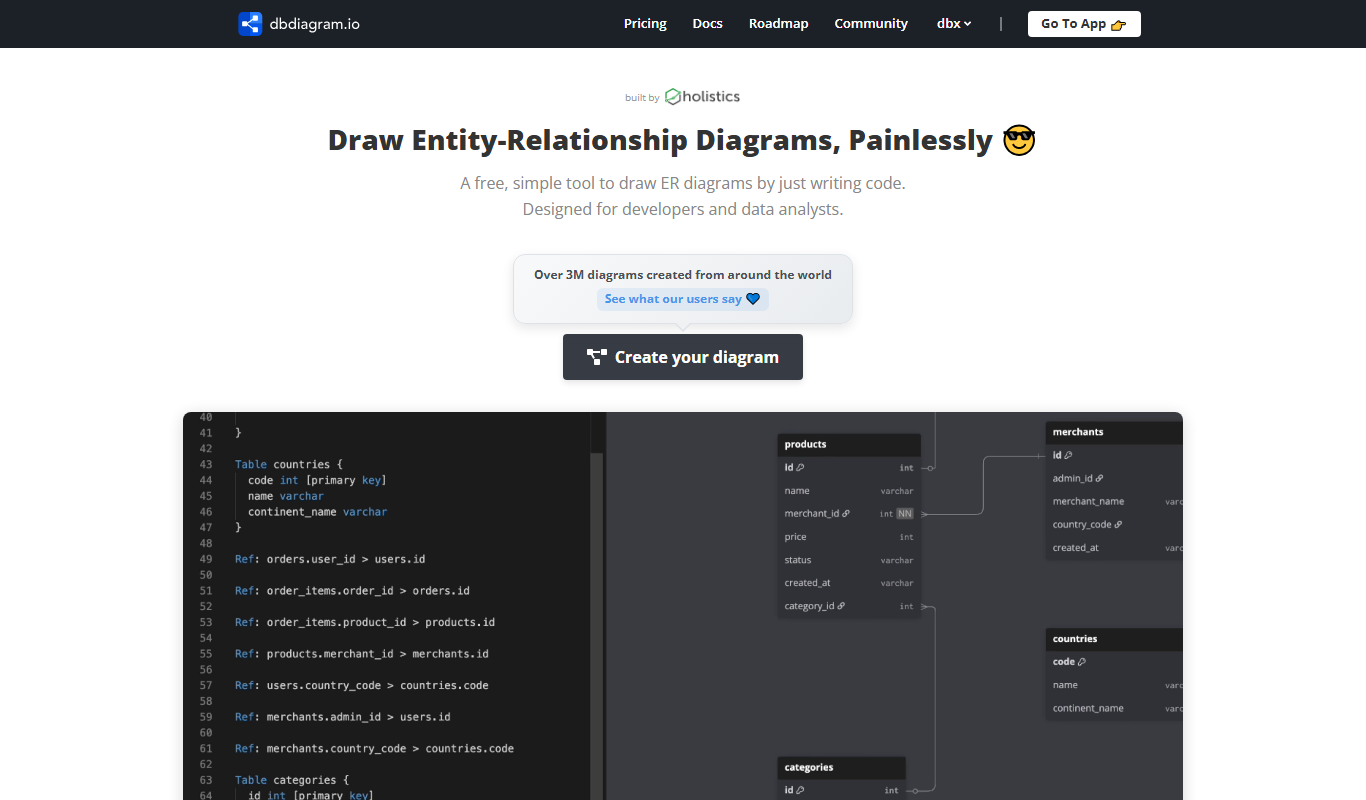
dbdiagram.io
dbdiagram.io is a web-based tool that allows developers and data architects to create, visualize, and share database diagrams using a simple DSL and SQL import/export features.

Free
Open Source Database Designs
Open Source Database Designs offers database schema examples plus an online database designer, an AI generator and SQL converters between MySQL, PostgreSQL and MSSQL.
Free
JokeAPI
JokeAPI is a free RESTful API that provides developers with customizable jokes across multiple categories, supporting content filtering and JSON responses for easy integration.
Free
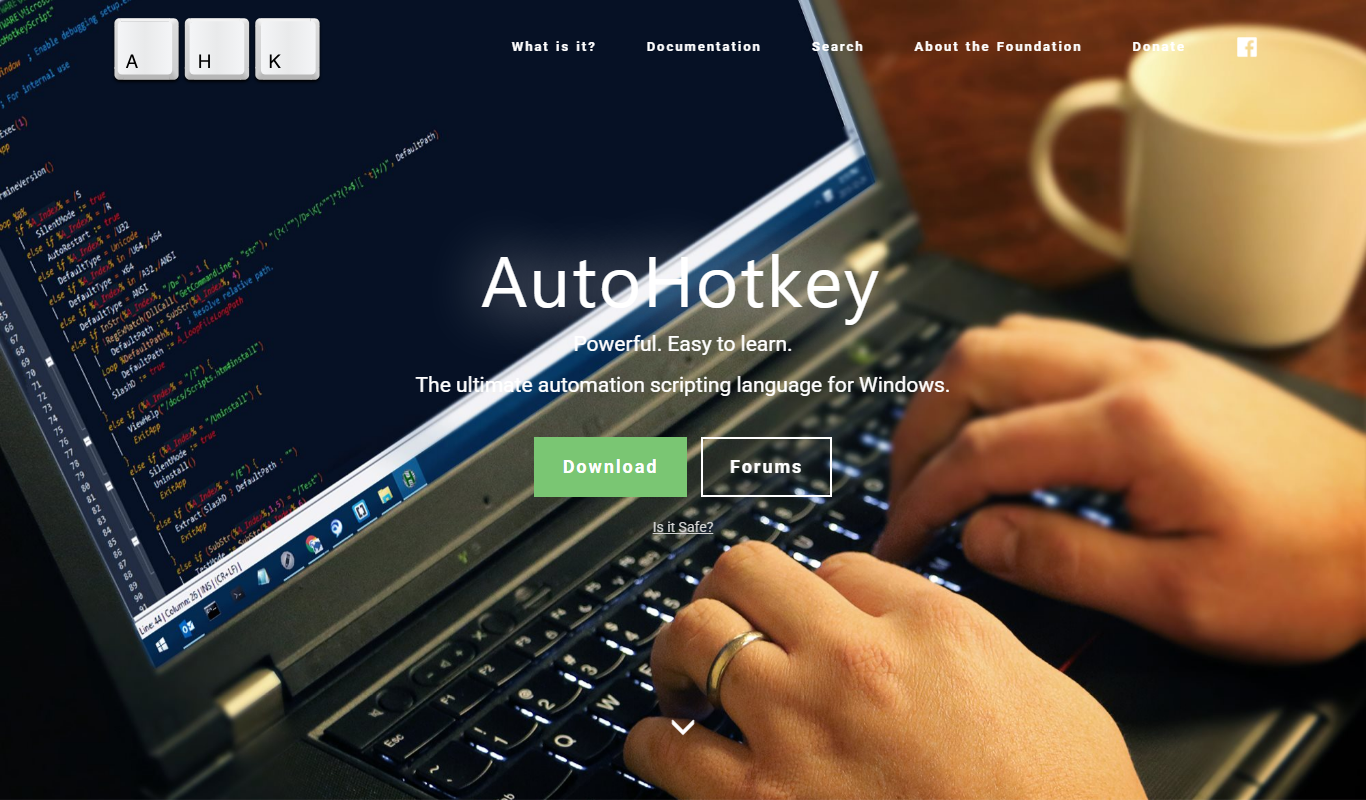
AutoHotkey
AutoHotkey is a free, open-source Windows scripting language that automates repetitive tasks by creating custom hotkeys, macros, and scripts to improve productivity.

Commission-based
Freelancer
Freelancer is an online platform that connects clients with freelancers worldwide to outsource projects through competitive bidding, secure payments, and project management tools.