

Free AI Presentation Maker for Quick and Professional Slide Creation
AI Presentation Maker by PoweredTemplate is a web tool that creates presentation slides with AI; export to PowerPoint or Google Slides needs premium.
- Best for
- Business Presentations
- Key capability
- AI-Powered Slide Generation
Save Free AI Presentation Maker, follow its updates and vote on it — everything stays in your account.
Sign in or create a free account
What is Free AI Presentation Maker?
Free AI Presentation Maker by PoweredTemplate is a web-based tool that leverages artificial intelligence to help users create professional and visually appealing presentation slides quickly. It simplifies the slide creation process by generating design suggestions and templates based on user input, enabling even non-designers to produce polished presentations without extensive design skills.
Key features of Free AI Presentation Maker
The tool offers AI-powered slide generation, a wide range of customizable templates, easy editing capabilities, and export options. It streamlines the creation of presentations by automating design tasks and providing intuitive user controls.
AI-Powered Slide Generation
Automatically creates slide layouts and content suggestions based on user input.
Extensive Template Library
Access a variety of professionally designed templates suitable for different presentation types.
User-Friendly Editor
Easily customize text, images, and design elements with an intuitive interface.
Free PDF Export
The free version exports PDF with a free theme; PowerPoint and Google Slides export needs premium.
Export Options
Download presentations as PDF; PowerPoint or Google Slides export needs premium.
Pros and cons of Free AI Presentation Maker
Pros
- AI simplifies slide creation for non-designers
- Wide variety of professional templates
- Easy-to-use web interface
- Supports exporting in multiple formats
Cons
- Limited advanced customization options compared to full-featured software
- No offline or desktop application available
Key use cases for Free AI Presentation Maker
Business Presentations
Create professional slides quickly for meetings, pitches, and reports using AI-generated designs.
Educational Content
Generate engaging presentations for lectures, workshops, and training sessions with minimal effort.
Marketing Materials
Design visually appealing marketing decks and promotional presentations using AI-assisted templates.
Event and Conference Slides
Prepare polished presentations for events, conferences, and webinars efficiently.
How Free AI Presentation Maker works
- 1
Access the Platform
Navigate to the Free AI Presentation Maker website to start creating presentations without any installation.
- 2
Input Presentation Details
Provide the topic, key points, or upload content to guide the AI in generating relevant slides.
- 3
Customize Slides
Edit the AI-generated slides by adjusting text, images, and layout to fit your specific needs.
- 4
Export and Share
Download the completed presentation in popular formats or share it directly from the platform.
Who is using Free AI Presentation Maker
Free AI Presentation Maker pricing
Free
$0
Free use exports PDF with a free theme only.
Premium
Needed to export to PowerPoint or Google Slides.
Plans and prices are as published by the vendor and can change. Check the official site before you buy. Open the pricing page (opens in a new tab)
Frequently asked questions about Free AI Presentation Maker
No. The free version exports PDF with a free theme only; export to PowerPoint or Google Slides needs premium.
No, the AI assists with design and layout, making it easy for users without design experience.
Yes. The free version exports PDF; export to PowerPoint or Google Slides needs premium.
Currently, there are no stated limits on the number of presentations you can create.
Some tools offer a free plan or trial with limited features. Availability can vary, so confirm on the official website.
Some tools offer a free plan or trial with limited features. Availability can vary, so confirm on the official website.
Some tools offer a free plan or trial with limited features. Availability can vary, so confirm on the official website.
Pricing depends on the plan and included features. For the most accurate and up-to-date details, check the official pricing page.
Conclusion
The workflow begins with a topic, key points or uploaded content, from which the AI creates slide layouts and content suggestions. Users then edit the slides by adjusting text, images and layout to fit their needs. Professionally designed templates cover different presentation types.
No design experience is needed, as the AI assists with design and layout. Business professionals, educators and trainers, and students are the groups it targets. Despite the name, the free version exports PDF with a free theme only, and export to PowerPoint or Google Slides needs premium.
Sources
Sign in to review this tool.
Sign In to ReviewNo reviews yet
Be the first to share how this tool worked for you.
Ask about pricing, limits, or how it compares — or answer someone else.
Sign In to AskNo questions yet
Have a question about using or paying for this tool? Be the first to ask.
Featured on TiorAI



Alternative Tools
Explore similar AI tools that might fit your needs

Visme
Visme is a web-based platform for creating presentations, infographics, and marketing visuals with customizable templates and data visualization tools.
More AI Ai Tools tools
Other tools in the same category, for when this one is not quite the fit.
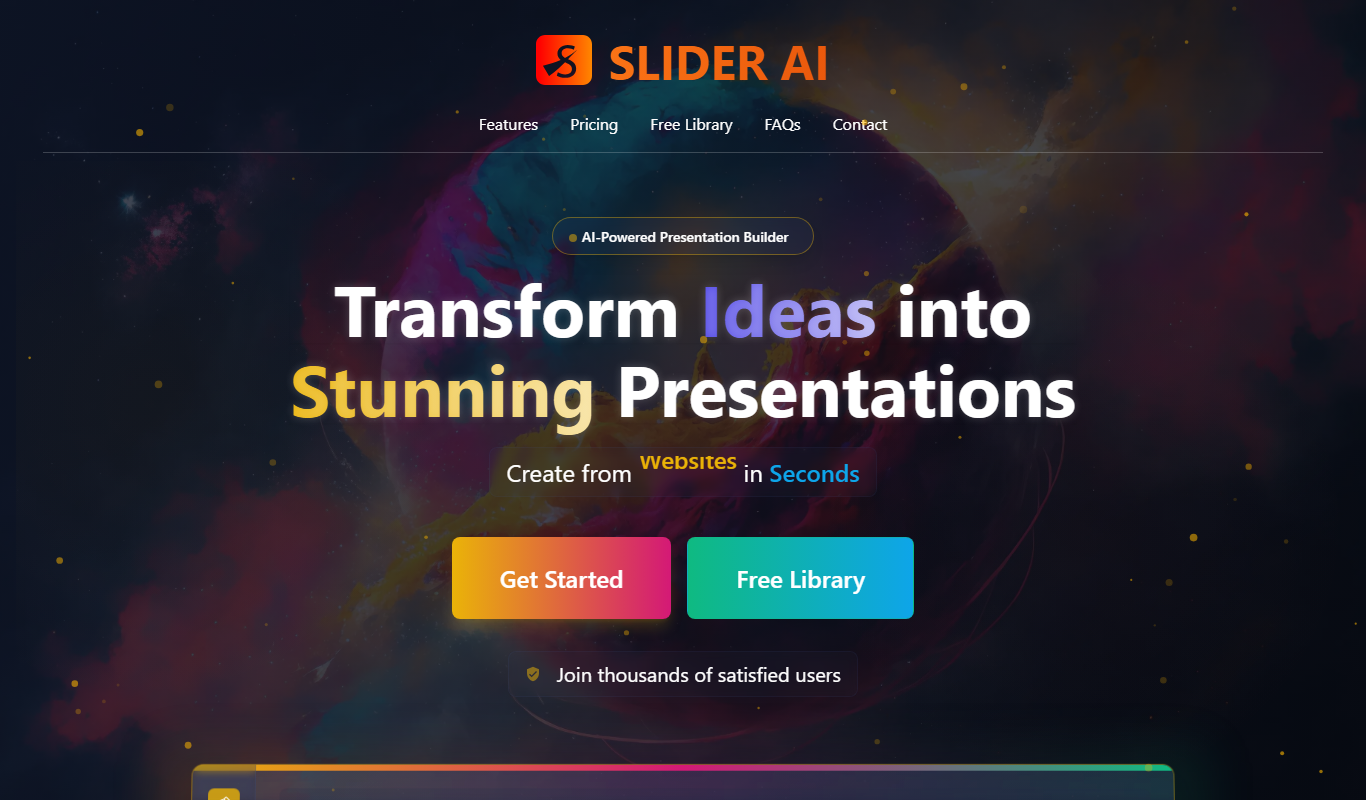
Slider AI
Slider AI is a web-based tool that uses AI to automatically generate presentation slides from text input, enabling fast and easy creation of professional slide decks.

Fathom
Fathom is an AI notetaker that captures, transcribes and summarizes Zoom, Google Meet and Microsoft Teams calls.

AskYourDatabase
AskYourDatabase is an AI platform that lets you query SQL databases using natural language, converting your questions into SQL and providing data insights without needing technical skills.

TipsterGPT
TipsterGPT offers AI-powered soccer betting predictions and expert tips, with daily predictions for Premier League, Champions League and top football leagues.

Noty.ai
Noty.ai is an AI-driven tool that automatically transcribes and summarizes meeting audio to generate clear, searchable notes and summaries, improving meeting productivity.
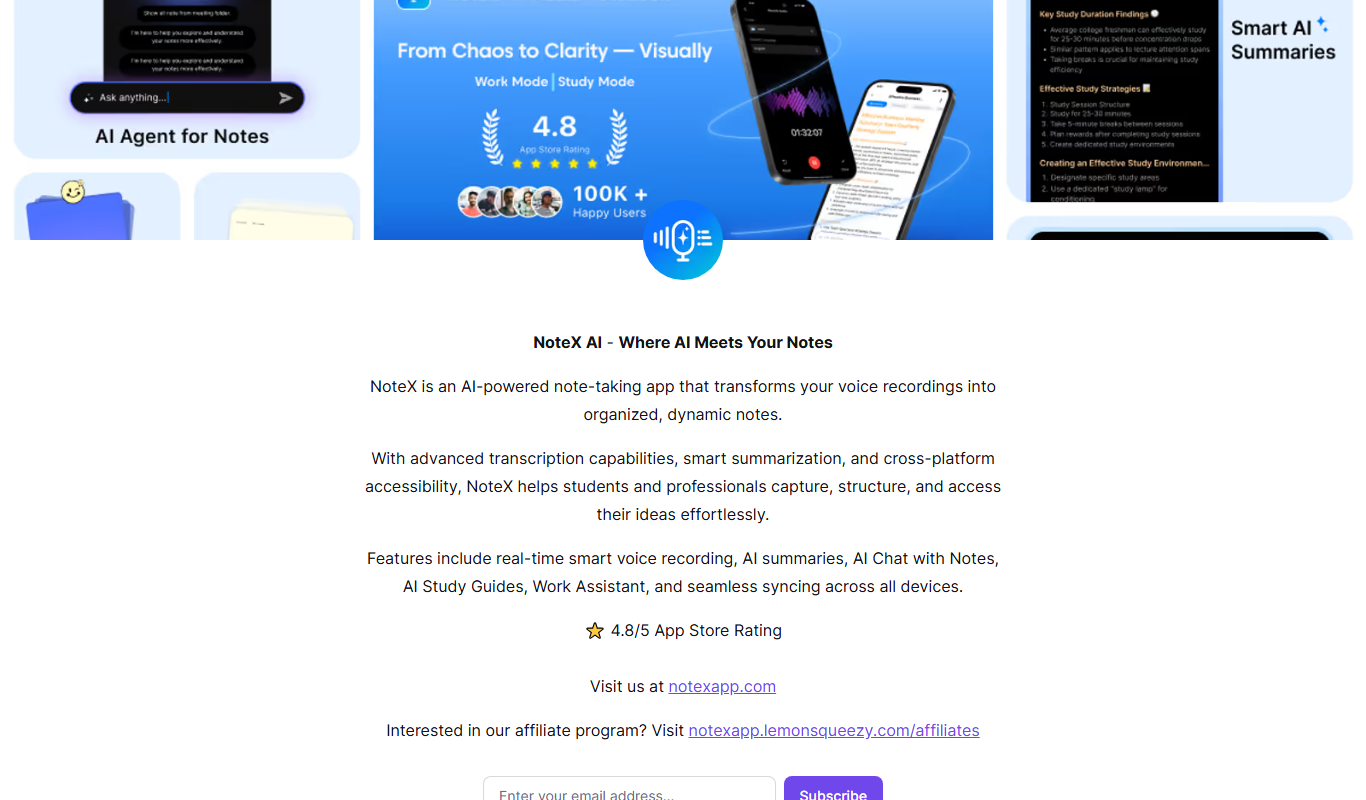
NoteX AI Notetaker, AI Notebook
NoteX is an AI meeting agent and note-taking app that transforms voice recordings into organized notes with transcription, smart summaries and syncing across all devices.

AI PPT Maker
AI PPT Maker is an online tool that uses artificial intelligence to automatically generate and design PowerPoint presentations based on your input, helping you create professional slides quickly and easily.

SnowSEO
SnowSEO is an SEO and AI search platform that combines keyword research, content creation, backlinks and AI tracking in one place.