

From my experience with Formularizer, it stands out for its straightforward drag-and-drop interface that makes form creation accessible to users without technical skills. The platform is particularly well-suited for small businesses and event organizers who need quick, customizable forms without complexity. While it lacks some advanced integrations and mobile apps found in larger competitors, its simplicity and real-time data collection make it a reliable choice for basic to intermediate form needs. If you want an easy-to-use tool for creating surveys, registrations, or lead capture forms, Formularizer delivers solid functionality with a gentle learning curve.
Formularizer - Online Form Builder for Custom Forms and Surveys
Formularizer is an online platform that enables users to create custom forms and surveys easily using a drag-and-drop interface, with features for real-time data collection and export.
- Best for
- Custom Form Creation
- Key capability
- Drag-and-Drop Form Builder
Your actions
Save Formularizer, follow its updates and vote on it — everything stays in your account.
Sign in or create a free account

What is Formularizer?
Formularizer is an intuitive online form builder designed to help users create custom forms and surveys without coding. It offers a user-friendly drag-and-drop interface to build forms for various purposes such as registrations, feedback collection, and lead generation. The platform focuses on simplicity and flexibility, enabling users to design forms that fit their specific needs and collect data efficiently.
Key features of Formularizer
Formularizer provides a range of features including customizable form fields, drag-and-drop form design, real-time data collection, and easy export options. It supports embedding forms on websites and sharing via direct links. The platform offers both free and premium plans, catering to individual users and businesses requiring advanced form functionalities.
Drag-and-Drop Form Builder
Easily create and customize forms without any coding knowledge.
Multiple Field Types
Supports text, multiple choice, dropdowns, checkboxes, and more.
Real-Time Data Collection
View form submissions instantly as users respond.
Form Embedding and Sharing
Embed forms on websites or share via direct links for easy access.
Data Export
Export collected data in CSV format for offline use or integration.
Pros and cons of Formularizer
Pros
- User-friendly drag-and-drop form builder
- Supports multiple field types for versatile forms
- Real-time response tracking
- Easy data export options
- Free plan available for basic use
Cons
- Limited advanced integrations compared to larger platforms
- No mobile app available, web-only access
Key use cases for Formularizer
Custom Form Creation
Create personalized forms for registrations, feedback, and data collection with ease.
Survey and Polls
Design surveys and polls to gather opinions and insights from your audience.
Event Registration
Manage event sign-ups and attendee information through custom registration forms.
Lead Generation
Capture potential customer information with tailored lead capture forms.
Data Collection and Analysis
Collect structured data for research or business needs and export results for analysis.
How Formularizer works
- 1
Sign Up
Create a free account on Formularizer’s website to access the form builder.
- 2
Build Your Form
Use the drag-and-drop interface to add and customize form fields according to your needs.
- 3
Publish and Share
Publish your form and share it via a direct link or embed it on your website.
- 4
Collect Responses
Monitor form submissions in real-time and manage collected data within the platform.
- 5
Export Data
Export collected responses in formats like CSV for further analysis or integration.
Who is using Formularizer
Small business owners
Event organizers
Educators and trainers
Marketing professionals
Researchers and data analysts
Formularizer pricing
Free
$0/month
Basic form creation with limited submissions and features.
Pro
$9/month
Advanced features including higher submission limits and priority support.
Plans and prices are as published by the vendor and can change. Check the official site before you buy. Open the pricing page (opens in a new tab)
Frequently asked questions about Formularizer
Yes, the free plan allows unlimited forms but limits the number of submissions per month.
No, Formularizer is designed with a drag-and-drop interface that requires no coding skills.
Yes, you can export form responses in CSV format for further analysis.
Yes, forms can be embedded on any website using provided embed codes.
It depends on your specific needs and how you plan to use the tool. The official website and documentation are the best sources for the latest details.
Some tools offer a free plan or trial with limited features. Availability can vary, so confirm on the official website.
Data handling and security practices vary by provider. Review the official privacy policy to understand how your data is stored and used.
Sign in to review this tool.
Sign In to ReviewNo reviews yet
Be the first to share how this tool worked for you.
Ask about pricing, limits, or how it compares — or answer someone else.
Sign In to AskNo questions yet
Have a question about using or paying for this tool? Be the first to ask.
Featured on TiorAI



Alternative Tools
Explore similar AI tools that might fit your needs
Free
Typeform
Typeform is an online platform that enables users to create interactive, conversational forms and surveys to collect data, feedback, and leads with customizable templates and logic jumps.

Free
JotForm
JotForm is an online form builder that allows users to create customizable forms for surveys, registrations, payments, and data collection without coding. It supports payment integrations, conditional logic, and workflow automation.
More AI Survey & Feedback Tools tools
Other tools in the same category, for when this one is not quite the fit.

Free
Tripetta
Tripetta is an online survey builder that enables users to create custom surveys with advanced conditional logic, multiple question types, and easy data export, suitable for market research, customer feedback, and academic studies.

Free
Block Survey
Block Survey is an online survey tool that uses blockchain and end-to-end encryption to provide secure, anonymous, and tamper-proof survey data collection.

Free
Tally AI
Tally AI is a no-code online form builder that lets users create customizable surveys and data collection forms with features like conditional logic, unlimited responses, and integrations.

Free Trial
Focus Group Simulator
Focus Group Simulator is a web-based tool that uses AI to simulate virtual focus group discussions, helping businesses conduct market research and gather consumer insights efficiently.

Free
Zigpoll AI
Zigpoll AI is a web-based survey platform that uses AI to help create, distribute, and analyze surveys in real time, enabling businesses to gather actionable customer feedback efficiently.
Free
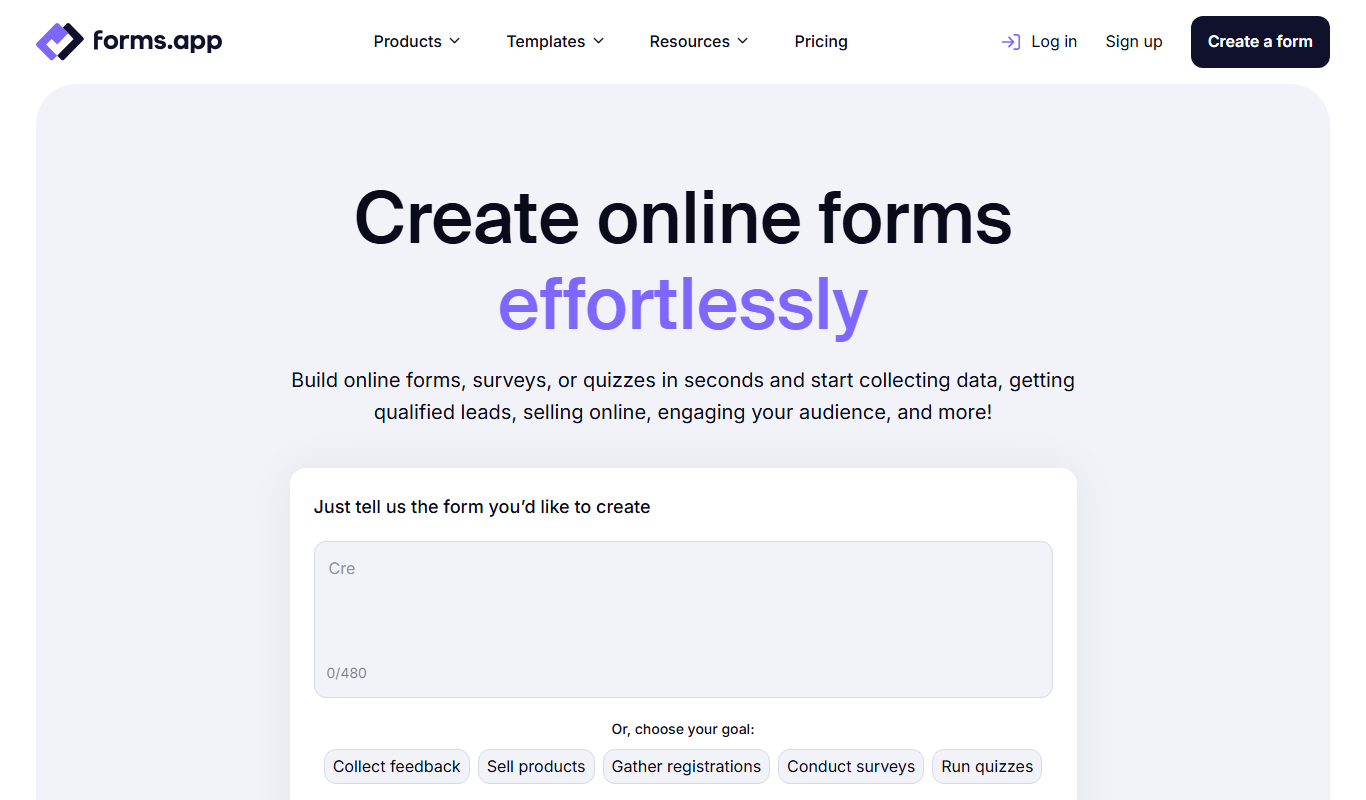
forms app
Forms App is an online form builder that allows users to create surveys, registrations, and payment-enabled forms with a drag-and-drop interface and multi-language support.

Free Trial
ngsurvey.com
NGSURVEY is an online survey platform that enables users to create customizable surveys with advanced branching logic, multi-language support, and real-time analytics to collect and analyze data effectively.
Free
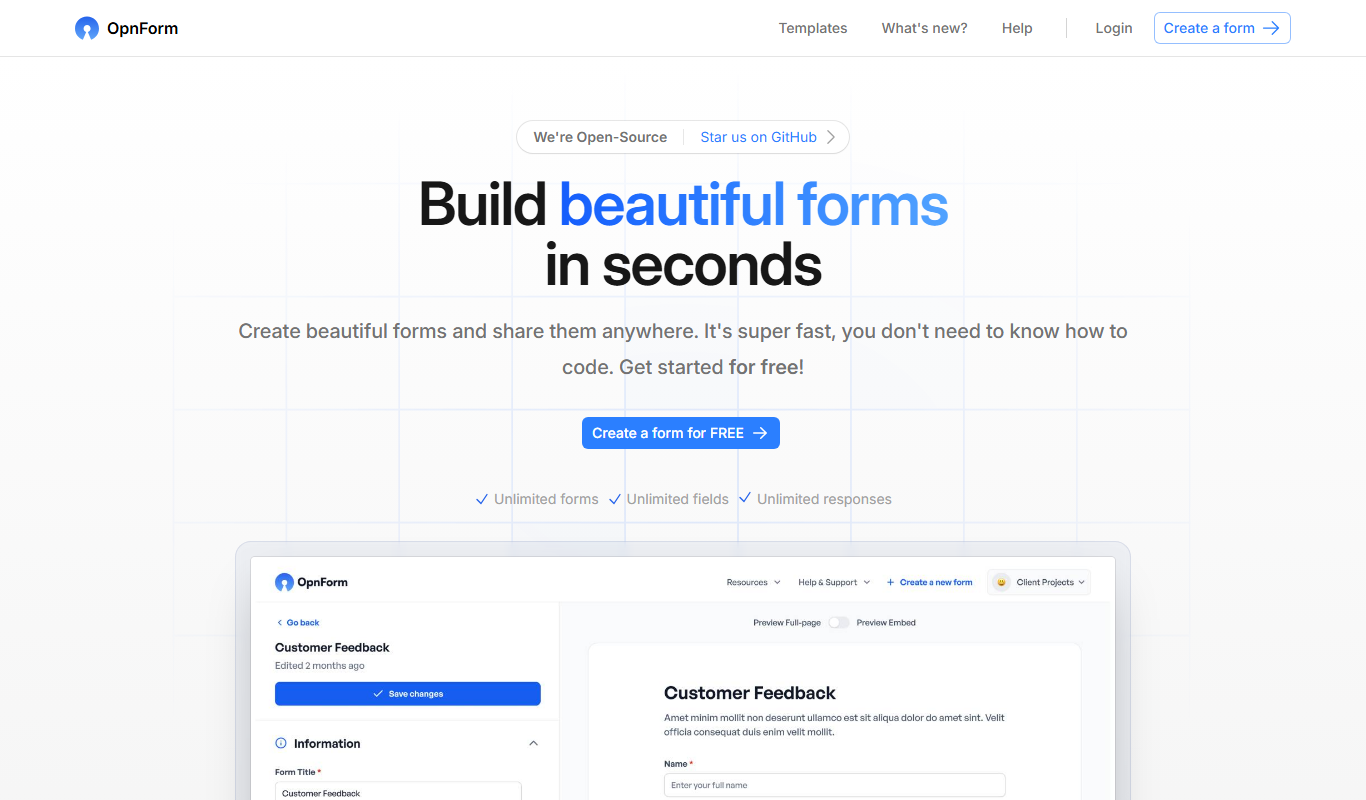
OpnForm
OpnForm is an online form builder that allows users to create custom forms for surveys, registrations, and data collection without coding, featuring drag-and-drop design, templates, and real-time analytics.