

From my experience with Fjorney, I found it excels at transforming complex customer feedback into clear, actionable insights using AI-driven sentiment analysis. The platform’s ability to aggregate data from multiple sources and benchmark against competitors provides a comprehensive view of customer experience. It’s particularly well-suited for product managers and customer experience teams seeking to prioritize improvements based on real customer voice. However, the platform currently supports only English and is web-based without a mobile app, which may limit accessibility for some users. Overall, if you need a robust tool to analyze and act on customer feedback, Fjorney delivers reliable, data-driven results.
Fjorney AI Customer Feedback Analysis Platform for Business Insights
Fjorney is an AI-driven platform that analyzes customer feedback from multiple sources to provide sentiment analysis, trend detection, and competitive benchmarking, helping businesses improve customer experience.
- Best for
- Customer Feedback Analysis
- Key capability
- Sentiment Analysis


Do you recommend this tool?
What is Fjorney?
Fjorney is an AI-powered customer feedback analysis platform designed to help businesses understand and improve their customer experience. It aggregates and analyzes customer reviews, surveys, and feedback from multiple sources, using natural language processing to identify sentiment, trends, and key themes. This enables companies to make data-driven decisions to enhance products, services, and customer satisfaction.
Key features of Fjorney
Fjorney offers automated sentiment analysis, trend detection, competitive benchmarking, and detailed reporting dashboards. Its AI algorithms extract meaningful insights from unstructured feedback, helping businesses quickly identify customer needs and areas for improvement.
Sentiment Analysis
Automatically classify customer feedback as positive, negative, or neutral.
Trend Detection
Identify emerging themes and changes in customer sentiment over time.
Competitive Benchmarking
Compare your customer feedback metrics against competitors in your industry.
Customizable Dashboards
Visualize data with interactive charts and reports tailored to your business needs.
Multi-Source Integration
Aggregate feedback from various platforms including review sites, surveys, and social media.
Pros and cons of Fjorney
Pros
- Automates complex sentiment and trend analysis
- Supports multiple feedback sources for comprehensive insights
- Customizable dashboards enhance data visualization
- Competitive benchmarking helps identify market position
Cons
- Limited language support currently (English only)
- Pricing may be high for very small businesses
- No mobile app available, web platform only
Key use cases for Fjorney
Customer Feedback Analysis
Automatically analyze customer reviews and feedback to extract actionable insights.
Sentiment Tracking
Track sentiment trends over time to understand customer satisfaction and pain points.
Competitive Benchmarking
Compare your customer feedback against competitors to identify strengths and weaknesses.
Product Improvement
Identify common product issues and feature requests to guide development priorities.
Customer Experience Optimization
Use AI-driven insights to enhance overall customer experience and retention.
How Fjorney works
- 1
Connect Data Sources
Integrate your customer feedback channels such as review sites, surveys, and social media.
- 2
AI Analysis
Fjorney’s AI processes the data to detect sentiment, categorize feedback, and highlight trends.
- 3
Review Insights
Access dashboards and reports that summarize customer sentiment and key issues.
- 4
Take Action
Use insights to improve products, services, and customer experience strategies.
Who is using Fjorney
Customer experience managers
Product managers
Marketing teams
Small to medium businesses
Enterprises focused on customer insights
Fjorney pricing
Free Trial
$0 for 14 days
Access full features for two weeks to evaluate the platform.
Professional
$99/month
Includes full analytics, integrations, and reporting for small to medium businesses.
Enterprise
Custom pricing
Advanced features, dedicated support, and tailored solutions for large organizations.
Plans and prices are as published by the vendor and can change. Check the official site before you buy. Open the pricing page (opens in a new tab)
Frequently asked questions about Fjorney
Fjorney supports integration with review sites, customer surveys, social media platforms, and other feedback channels.
Yes, Fjorney offers customizable dashboards to focus on metrics and insights relevant to your business.
Yes, Fjorney provides a 14-day free trial with access to all features.
Yes, you can compare your customer feedback metrics against competitors to identify opportunities.
It depends on your specific needs and how you plan to use the tool. The official website and documentation are the best sources for the latest details.
Integration support depends on the tool and its available connectors or API. Check the official documentation or integrations page to confirm what is supported.
Some tools offer a free plan or trial with limited features. Availability can vary, so confirm on the official website.
The best alternative depends on your workflow, features you need, and budget. Compare plans, integrations, and output quality to choose the closest fit.
Sign in to review this tool.
Sign In to ReviewNo reviews yet
Be the first to share how this tool worked for you.
Ask about pricing, limits, or how it compares — or answer someone else.
Sign In to AskNo questions yet
Have a question about using or paying for this tool? Be the first to ask.
Featured on TiorAI



Alternative Tools
Explore similar AI tools that might fit your needs

Custom Pricing
Medallia
Medallia is a customer experience management platform that collects and analyzes feedback across multiple channels using AI to provide actionable insights for businesses.

Enterprise
Qualtrics
Qualtrics is an experience management platform that enables organizations to design surveys, collect feedback, and analyze data using AI-powered tools to improve customer, employee, product, and brand experiences.
More AI Customer Experience Tools tools
Other tools in the same category, for when this one is not quite the fit.
Custom Pricing
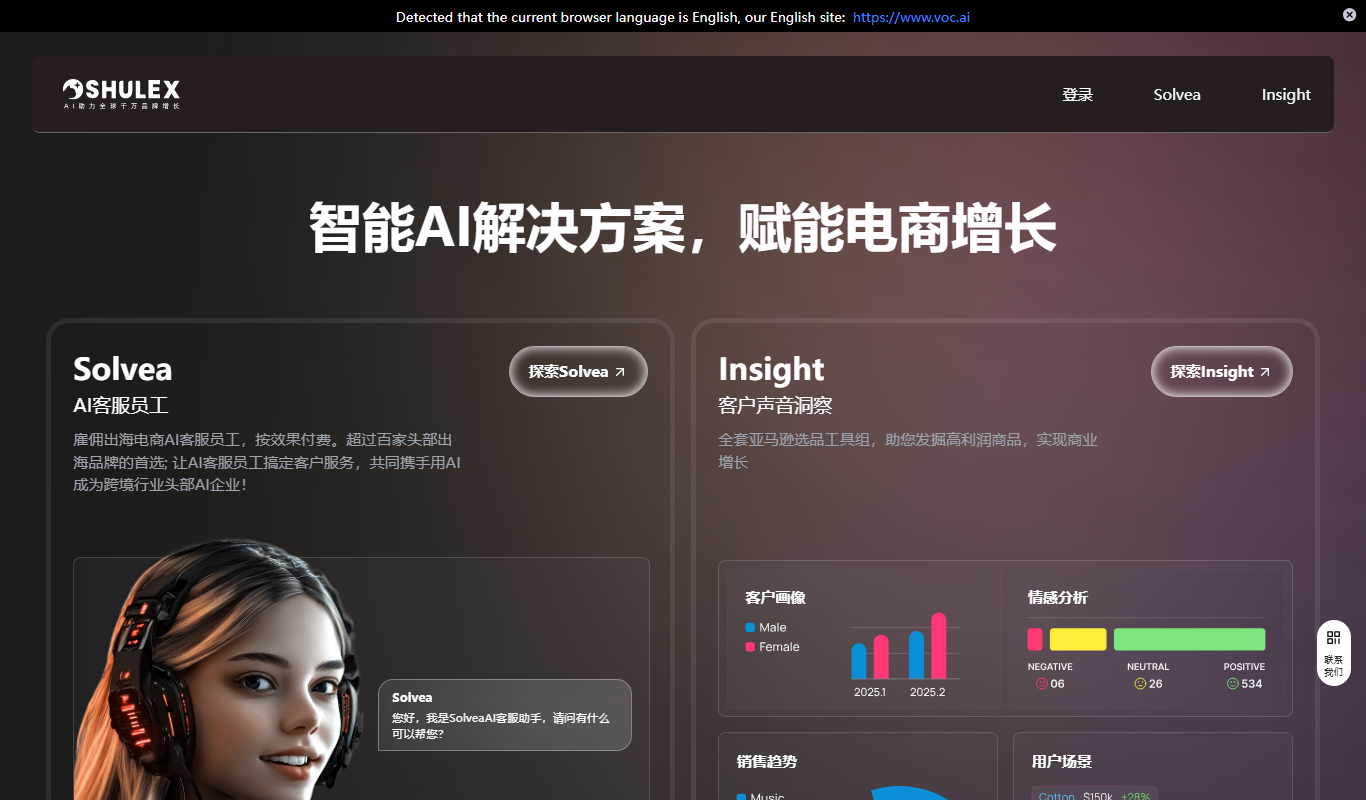
Shulex VOC
Shulex VOC is a cloud-based platform that helps businesses collect, analyze, and act on customer feedback using AI-driven sentiment analysis and customizable dashboards to improve customer experience.

Contact for pricing
ExperAI
ExperAI is an AI-driven platform that analyzes customer feedback from multiple channels to provide real-time insights and recommendations for improving customer experience.

Free Trial
sensehq.com
SenseHQ is a customer experience platform that collects real-time feedback and provides actionable insights to improve customer satisfaction and retention.

Custom Pricing
Content Squared
ContentSquare is an AI-driven digital analytics platform that helps businesses understand user behavior on websites and apps to improve customer experience and increase conversions.
Custom Pricing
Humanic AI
Humanic AI is a customer experience automation platform that uses conversational AI to automate support and sales interactions across multiple channels.
Custom Pricing
Content Squared
Content Squared is an AI-powered digital analytics platform that helps businesses analyze user behavior on websites and apps to improve customer experience and increase conversions.

Custom Pricing
ReSponse CX
ReSponse CX is a customer experience platform that collects and analyzes real-time feedback to help businesses improve customer satisfaction and operational efficiency.

Custom Pricing
Lava Metrics
Lava Metrics is an AI-driven platform that analyzes customer feedback from multiple sources using sentiment and emotion detection to help businesses improve customer experience.