

Fishbowl Inventory Software for Advanced Inventory and Order Management
Fishbowl Inventory is a comprehensive inventory management software that helps businesses automate inventory tracking, order processing, manufacturing, and warehouse operations with integration to accounting systems like QuickBooks.
- Best for
- Inventory Management
- Key capability
- Real-Time Inventory Tracking
Save Fishbowl Inventory, follow its updates and vote on it — everything stays in your account.
Sign in or create a free account
What is Fishbowl Inventory?
Fishbowl Inventory is a comprehensive inventory management software designed to help small to medium-sized businesses automate and optimize their inventory, order, manufacturing, and warehouse operations. It integrates with popular accounting platforms to provide a unified business management solution.
Key features of Fishbowl Inventory
Fishbowl offers features such as real-time inventory tracking, order management, manufacturing process control, warehouse automation, and integration with accounting systems, enabling businesses to reduce manual errors and improve operational efficiency.
Real-Time Inventory Tracking
Monitor stock levels and movements across multiple locations instantly.
Order Management Automation
Automate sales and purchase order workflows to reduce manual processing.
Manufacturing Module
Manage bills of materials, work orders, and production scheduling efficiently.
Warehouse Management Tools
Utilize barcode scanning and mobile apps to streamline warehouse tasks.
Accounting Integration
Sync inventory and order data with QuickBooks and other accounting software.
Pros and cons of Fishbowl Inventory
Pros
- Comprehensive inventory and order management features
- Strong integration with accounting software
- Manufacturing and warehouse modules included
- User-friendly interface with barcode scanning support
- Scalable for growing businesses
Cons
- Pricing is not transparent and requires contacting sales
- Learning curve for complex manufacturing features
- Primarily English language support
Key use cases for Fishbowl Inventory
Inventory Management
Track and manage inventory levels, locations, and stock movements in real time to optimize stock control.
Order Management
Streamline sales and purchase order processing with automated workflows and status tracking.
Manufacturing Management
Manage work orders, bill of materials, and production processes to improve manufacturing efficiency.
Warehouse Management
Optimize warehouse operations including barcode scanning, picking, packing, and shipping.
Accounting Integration
Seamlessly integrate inventory data with accounting software like QuickBooks for accurate financial reporting.
How Fishbowl Inventory works
- 1
Setup and Integration
Install Fishbowl software and connect it with your existing accounting system like QuickBooks.
- 2
Inventory Configuration
Input your inventory items, locations, and define reorder points and stock levels.
- 3
Order Processing
Create and manage sales and purchase orders with automated status updates and notifications.
- 4
Manufacturing and Warehouse Operations
Use Fishbowl to manage work orders, track production, and optimize warehouse workflows with barcode scanning.
- 5
Reporting and Analytics
Generate detailed reports on inventory status, order fulfillment, and manufacturing performance.
Who is using Fishbowl Inventory
Fishbowl Inventory pricing
Fishbowl Inventory
Contact for pricing
Custom pricing based on business size and requirements.
Plans and prices are as published by the vendor and can change. Check the official site before you buy. Open the pricing page (opens in a new tab)
Frequently asked questions about Fishbowl Inventory
Yes, Fishbowl offers seamless integration with QuickBooks Desktop and Online for synchronized accounting and inventory data.
Absolutely, Fishbowl includes manufacturing modules to manage work orders, bills of materials, and production workflows.
Yes, it supports inventory tracking and management across multiple warehouses and locations.
Fishbowl is available on web, desktop, and mobile platforms to support various business environments.
This tool is designed to help users accomplish its core tasks more efficiently. It is typically used by individuals or teams looking to improve productivity and workflow.
It depends on your specific needs and how you plan to use the tool. The official website and documentation are the best sources for the latest details.
Pricing depends on the plan and included features. For the most accurate and up-to-date details, check the official pricing page.
Conclusion
Setup for Fishbowl Inventory begins with installing the software and connecting it to an existing accounting system, with QuickBooks Desktop and Online both supported. Inventory items and locations are then entered along with reorder points and stock levels, and stock can be tracked across multiple warehouses and locations. Sales and purchase orders run through automated workflows with status updates and notifications, while inventory and order data sync back to the accounting software.
Manufacturing modules are included, handling work orders, bills of materials and production scheduling. On the warehouse side, barcode scanning and mobile apps support picking, packing and shipping. Reports then cover inventory status, order fulfillment and manufacturing performance. Real-time tracking of inventory levels, locations and stock movements is meant to optimize stock control.
It is designed for small to medium-sized businesses, including manufacturing companies and wholesale and distribution businesses, and it is available on web, desktop and mobile platforms. Accounting professionals can use the QuickBooks integration to bring inventory data into accurate financial reporting. Pricing is custom and requires contacting sales, and the more complex manufacturing features come with a learning curve.
Sources
Sign in to review this tool.
Sign In to ReviewNo reviews yet
Be the first to share how this tool worked for you.
Ask about pricing, limits, or how it compares — or answer someone else.
Sign In to AskNo questions yet
Have a question about using or paying for this tool? Be the first to ask.
Featured on TiorAI



Alternative Tools
Explore similar AI tools that might fit your needs
NetSuite ERP
NetSuite ERP is a cloud-based enterprise resource planning software by Oracle that integrates financial management, inventory control, CRM, and e-commerce to streamline business operations.
More AI CRM tools
Other tools in the same category, for when this one is not quite the fit.

Paddle Checkout
Paddle Checkout is a payment and subscription management platform designed for SaaS and digital product businesses, providing global payment processing, tax compliance, and customer analytics.
Fluxx Grant Management
Fluxx Grant Management is a cloud-based platform that helps foundations and nonprofits manage the entire grant lifecycle, including application processing, collaboration, compliance tracking, and reporting.

TenantCloud
TenantCloud is a cloud-based property management software that helps landlords and property managers handle rental listings, tenant screening, rent payments, maintenance requests, and financial reporting efficiently.
VinSolutions CRM
VinSolutions CRM is a specialized customer relationship management platform designed for automotive dealerships to manage leads, automate sales processes, and run targeted marketing campaigns.

DealerSocket
DealerSocket is an automotive dealership software platform that combines CRM, inventory management, marketing automation, and sales analytics to help dealerships manage operations and improve customer engagement.

Privy
Privy is an e-commerce marketing platform that helps online stores grow email lists, recover abandoned carts, and increase sales through targeted popups, automated emails, and SMS campaigns.
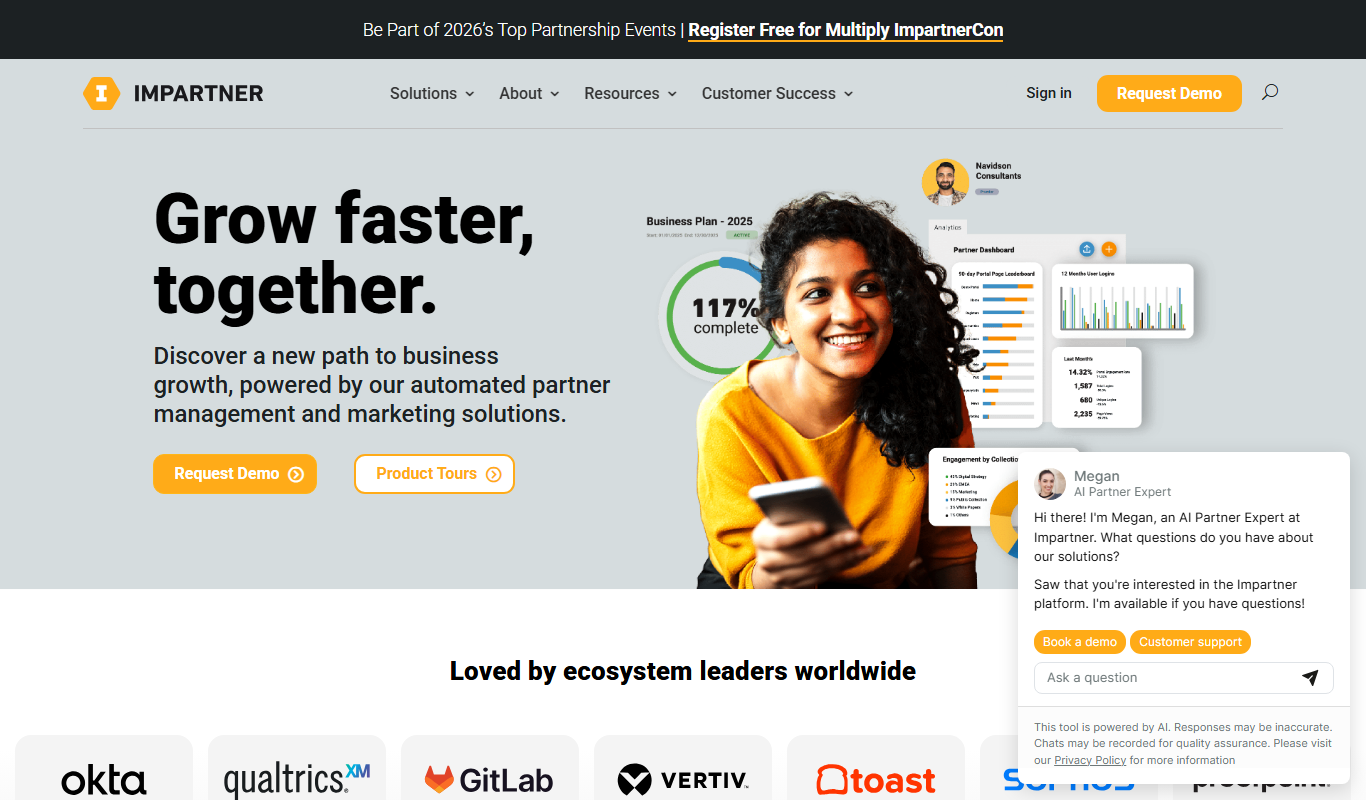
Impartner PRM
Impartner PRM is a partner relationship management platform that helps businesses manage channel partners, streamline onboarding, enable sales and marketing collaboration, and track partner performance.

Route4Me
Route4Me is a route planning and optimization software that helps businesses efficiently plan multi-stop routes, track drivers in real-time, and manage fleet operations to reduce costs and improve delivery speed.