

From my experience with Fillout.com, I found it excels at providing a straightforward, no-code form building experience with useful features like conditional logic and multi-step forms. The platform is particularly well-suited for small businesses and marketers who need to quickly create and deploy forms without technical overhead. However, the lack of multilingual support and absence of a dedicated mobile app might limit its use for some global or mobile-first users. Overall, if you need an easy-to-use, web-based form builder with solid integration options, Fillout.com delivers reliable and efficient results.
Fillout.com Form Builder - Easy Online Form Creation & Data Collection
Fillout.com is a web-based form builder that enables users to create customizable online forms with drag-and-drop tools, conditional logic, and integrations for efficient data collection.
- Best for
- Lead Generation
- Key capability
- Drag-and-Drop Editor
Your actions
Save Fillout.com, follow its updates and vote on it — everything stays in your account.
Sign in or create a free account

What is Fillout.com?
Fillout.com is an intuitive online form builder designed to help users create, customize, and deploy forms quickly without coding. It enables businesses and individuals to collect data efficiently through customizable forms, surveys, and questionnaires. The platform emphasizes ease of use, automation, and seamless integration with other tools.
Key features of Fillout.com
Fillout.com offers drag-and-drop form creation, customizable templates, conditional logic, multi-step forms, real-time analytics, and integrations with popular apps like Zapier and Google Sheets. It supports automation workflows to streamline data handling and improve user engagement.
Drag-and-Drop Editor
Easily build forms with a visual interface requiring no coding skills.
Conditional Logic
Show or hide fields based on user responses to create dynamic forms.
Multi-Step Forms
Break long forms into multiple pages to improve user experience.
Integrations
Connect with apps like Zapier, Google Sheets, and email marketing platforms.
Real-Time Analytics
Track form performance and submission data instantly.
Pros and cons of Fillout.com
Pros
- User-friendly drag-and-drop interface
- Flexible conditional logic and multi-step forms
- Good integration options with popular apps
- Real-time analytics for data tracking
- Free plan available for basic needs
Cons
- Limited language support (English only)
- No dedicated mobile app, web-only platform
- Advanced features require paid plans
Key use cases for Fillout.com
Lead Generation
Create custom forms to capture leads and integrate with CRM systems.
Customer Feedback
Build surveys and feedback forms to gather customer insights.
Event Registration
Design registration forms for events, webinars, and workshops.
Order Forms
Set up order and payment forms for products or services.
Data Collection for Research
Collect structured data for academic or market research projects.
How Fillout.com works
- 1
Sign Up
Create a free account on Fillout.com to access the form builder.
- 2
Choose or Create a Form
Select a template or start from scratch using the drag-and-drop editor.
- 3
Customize Fields and Logic
Add form fields, set conditional logic, and configure design settings.
- 4
Publish and Share
Deploy your form via direct link, embed on websites, or share through email.
- 5
Collect and Analyze Data
Monitor submissions in real-time and export or integrate data with other tools.
Who is using Fillout.com
Small to medium businesses
Marketing teams
Event organizers
Researchers and academics
Freelancers and consultants
Fillout.com pricing
Free
$0/month
Basic form creation with limited submissions and features.
Pro
$29/month
Advanced features including unlimited submissions, integrations, and priority support.
Business
$79/month
All Pro features plus team collaboration, custom branding, and enhanced security.
Plans and prices are as published by the vendor and can change. Check the official site before you buy. Open the pricing page (opens in a new tab)
Frequently asked questions about Fillout.com
Yes, you can embed forms on your website using provided embed codes.
Yes, you can create order forms with payment integrations.
The Free plan has submission limits; paid plans offer higher or unlimited submissions.
Yes, data can be exported in CSV format or integrated with other tools.
The best alternative depends on your workflow, features you need, and budget. Compare plans, integrations, and output quality to choose the closest fit.
Integration support depends on the tool and its available connectors or API. Check the official documentation or integrations page to confirm what is supported.
It depends on your specific needs and how you plan to use the tool. The official website and documentation are the best sources for the latest details.
Sign in to review this tool.
Sign In to ReviewNo reviews yet
Be the first to share how this tool worked for you.
Ask about pricing, limits, or how it compares — or answer someone else.
Sign In to AskNo questions yet
Have a question about using or paying for this tool? Be the first to ask.
Featured on TiorAI



Alternative Tools
Explore similar AI tools that might fit your needs
Free
Typeform
Typeform is an online platform that enables users to create interactive, conversational forms and surveys to collect data, feedback, and leads with customizable templates and logic jumps.

Free
JotForm
JotForm is an online form builder that allows users to create customizable forms for surveys, registrations, payments, and data collection without coding. It supports payment integrations, conditional logic, and workflow automation.
More AI Brochure Maker tools
Other tools in the same category, for when this one is not quite the fit.

Freemium
Logomaster
Logomaster is an AI-driven online logo maker that generates and customizes professional logos for businesses and individuals without design experience.
Custom Pricing
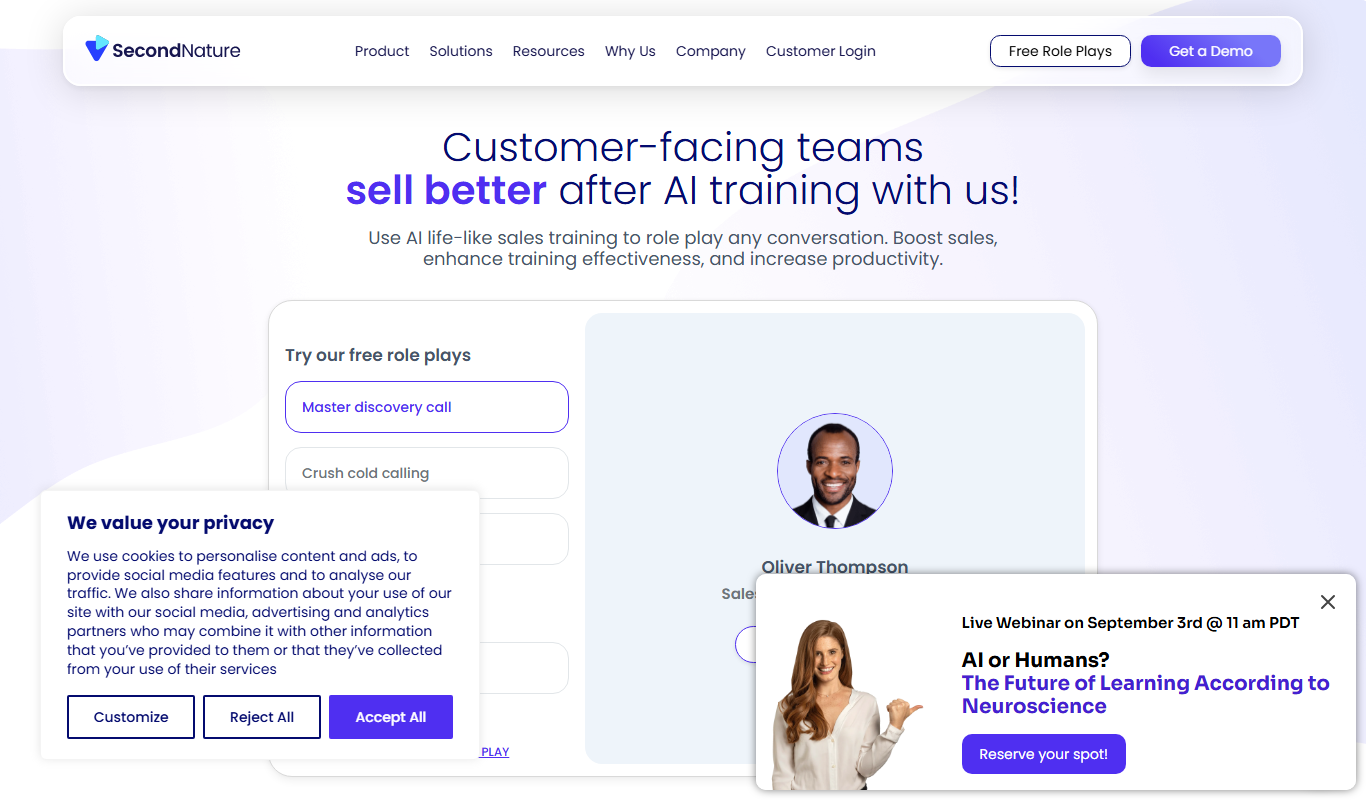
Second Nature AI
Second Nature AI is an AI-powered sales coaching platform that provides realistic conversation simulations and real-time feedback to help sales professionals improve their skills and close more deals.

Custom Pricing
salesken.ai
Salesken.ai is an AI-powered sales coaching platform that provides real-time guidance during calls, conversation analytics, and performance tracking to help sales teams improve effectiveness and close deals faster.

Custom Pricing
koncert.com
Koncert is a sales engagement platform that helps B2B sales teams automate outbound prospecting and multi-channel outreach to increase efficiency and pipeline growth.

Freemium
Blogbutler Ai
Blogbutler AI is an AI-driven writing assistant designed to help bloggers and content creators generate SEO-optimized articles and social media content efficiently through a user-friendly web platform.

Free
BixGPT ReleaseNotes
BixGPT ReleaseNotes is an AI-driven tool that automatically generates software release notes by analyzing commit messages and pull requests, primarily integrating with GitHub to streamline release documentation.

Freemium
CelebrateAlly AI
CelebrateAlly AI is a web platform that provides organizations with an inclusive holiday calendar and AI-driven event planning tools to celebrate diverse cultural and identity-based observances.

Freemium
Inksprout Video
Inksprout Video is an AI-driven platform that automates video creation by converting text content into customizable marketing videos optimized for social media.