

From my experience with Filliny, I found it excels at simplifying the tedious task of filling out online forms by leveraging AI to adapt to various form structures. The ability to create multiple profiles makes it versatile for both personal and professional use. While it currently supports only the Chrome browser and the free plan limits features, its secure local data storage and ease of use make it a practical choice for anyone looking to boost productivity in repetitive data entry tasks. Overall, Filliny is a solid tool for users who frequently interact with web forms and want to save time.
Filliny - AI-Powered Form Filling Automation Tool for Productivity
Filliny is an AI-driven Chrome extension that automates online form filling by securely storing your data and intelligently detecting form fields to save time and improve productivity.

Do you recommend this tool?
What is Filliny?
Filliny is an AI-powered browser extension designed to automate the process of filling out online forms. It saves users time by remembering and inputting personal or business information accurately across various websites. By leveraging artificial intelligence, Filliny enhances productivity and reduces the frustration of repetitive data entry tasks.
Frequently asked questions about Filliny
Currently, Filliny is available as a Chrome extension and does not support other browsers.
Filliny encrypts all stored data locally within the extension to ensure your information remains private and secure.
Yes, Filliny allows you to create and manage multiple profiles for personal, business, or other needs.
It depends on your specific needs and how you plan to use the tool. The official website and documentation are the best sources for the latest details.
Data handling and security practices vary by provider. Review the official privacy policy to understand how your data is stored and used.
Yes, it can help with that use case depending on how you configure it and what features are available. You’ll get the best results with clear inputs and a defined goal.
Sign in to review this tool.
Sign In to ReviewNo reviews yet
Be the first to share how this tool worked for you.
Ask about pricing, limits, or how it compares — or answer someone else.
Sign In to AskNo questions yet
Have a question about using or paying for this tool? Be the first to ask.
Featured on TiorAI



Alternative Tools
Explore similar AI tools that might fit your needs
Free
LastPass
LastPass is a password manager that securely stores and autofills your passwords, generates strong passwords, and supports multi-factor authentication to protect your online accounts.
Free
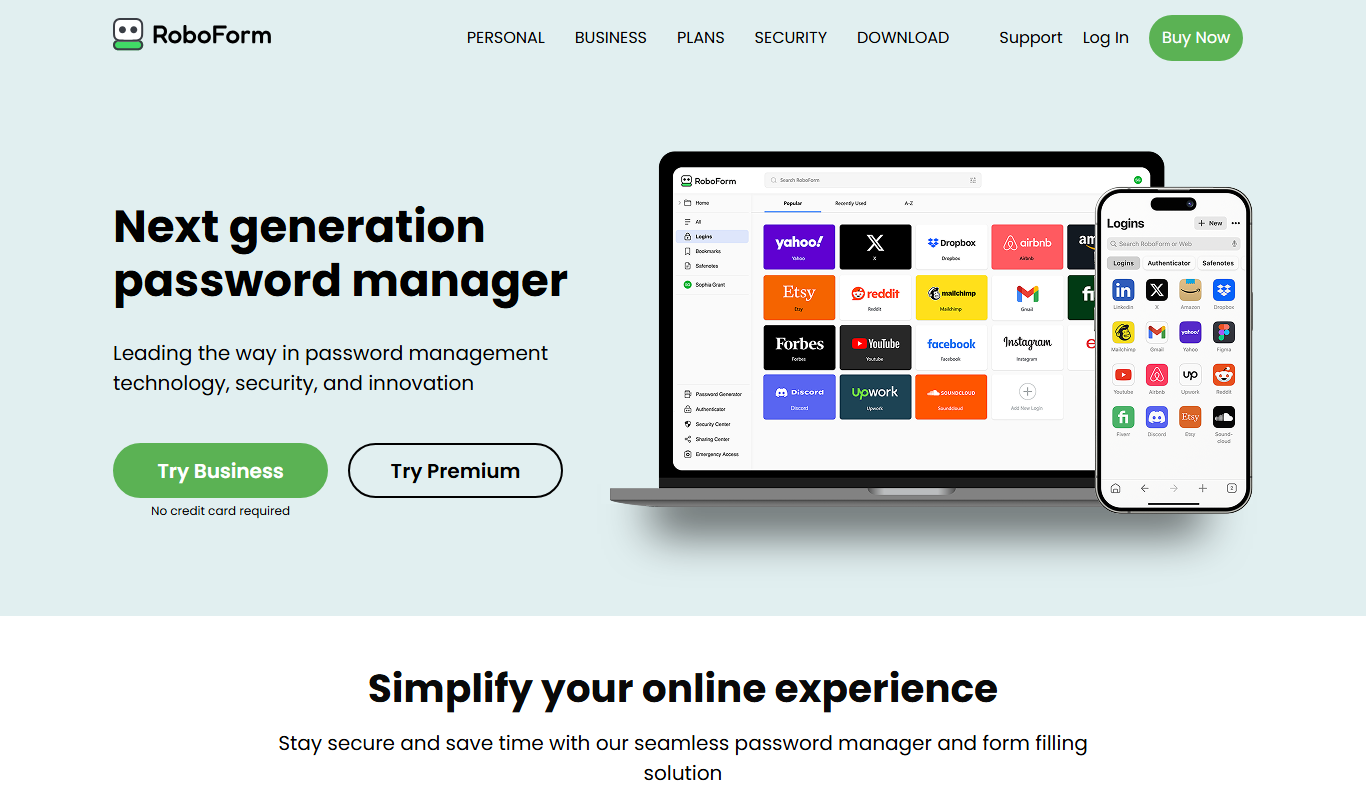
RoboForm
RoboForm is a password management tool that securely stores and autofills passwords and personal information across devices, enhancing online security and convenience.

Business
Dashlane
Dashlane is a password manager and digital wallet that securely stores and autofills passwords and payment details, offers password generation, security monitoring, and VPN services.
More AI Ai Tools tools
Other tools in the same category, for when this one is not quite the fit.

Free
Pogo Travel
Pogo Travel is an AI-driven platform that generates personalized travel itineraries based on your preferences, travel dates, and interests, offering collaborative planning and offline access.

Freemium
PlaninGo
PlaninGo is an AI travel planning tool that generates personalized trip itineraries and guides based on your preferences, helping you plan efficient and enjoyable trips.

Free
Travelwiz
Travelwiz is an AI-powered travel planning tool that creates personalized trip itineraries and offers tailored travel recommendations based on user preferences.

Free
Momo
Momo is an AI-powered assistant that automates workflows, manages tasks, and enhances team collaboration by integrating with popular productivity tools.

Free
Nextrip
Nextrip AI is an online travel planning tool that uses artificial intelligence to generate personalized trip itineraries based on your preferences, travel dates, and destinations.

Freemium
TravelBot AI Travel Assistant
TravelBot AI Travel Assistant is a web-based platform that uses artificial intelligence to help users create personalized travel itineraries, book flights and hotels, and receive tailored travel recommendations based on preferences and budget.

Freemium
AIreelity
AIreelity is an AI-driven video creation platform that transforms text scripts into engaging marketing videos with customizable templates and AI voiceovers.

Free
AIJOURNEY
AIJOURNEY is an AI-driven career development tool that provides personalized career path recommendations, identifies skill gaps, and offers curated learning resources to help users advance professionally.