
From my experience with Feedback Widget by Olvy, I found it excels at simplifying the process of collecting and managing user feedback directly on websites. The real-time analytics and feature request tracking provide practical insights that help prioritize product improvements effectively. After spending time with the platform, I can say it’s particularly well-suited for product managers and SaaS companies looking to engage users and streamline feedback workflows. However, the free plan’s response limit and lack of mobile app might be a constraint for some. Overall, if you need an easy-to-use, customizable feedback tool with solid integration options, Olvy delivers reliable results.
Feedback Widget by Olvy - User Feedback Collection & Analysis Tool
Feedback Widget by Olvy is a tool that enables businesses to collect, analyze, and manage user feedback directly on their websites or apps, helping prioritize product improvements and communicate updates.
What is Feedback Widget by Olvy?
Feedback Widget by Olvy is a lightweight, embeddable tool designed to help businesses collect, manage, and analyze user feedback directly on their websites or applications. It enables product teams to capture customer insights in real-time, prioritize feature requests, and communicate product updates effectively to their user base.

Key Features of Feedback Widget by Olvy
Customizable Feedback Widget
Easily customizable widget to match your brand and collect various types of feedback.
Real-Time Analytics
Dashboard providing insights into user feedback trends and sentiment.
Feature Request Management
Organize, track, and prioritize feature requests from your users.
User Segmentation
Segment feedback by user attributes to understand different customer groups.
Update Notifications
Communicate product updates and improvements directly through the widget.
Integrations
Connect with tools like Slack, Jira, and others to streamline your workflow.
Pros and Cons of Feedback Widget by Olvy
Pros
- Easy to embed and customize feedback widget
- Real-time analytics for actionable insights
- Effective feature request tracking and prioritization
- Supports user segmentation for targeted feedback
- Integrates with popular productivity tools
Cons
- Limited response quota on free plan
- No mobile app version available
- Primarily supports English language only
Key Use Cases for Feedback Widget by Olvy
Collect User Feedback
Easily gather feedback from website visitors or app users to understand their needs and pain points.
Analyze Customer Insights
Aggregate and analyze feedback data to identify trends and prioritize product improvements.
Manage Feature Requests
Organize and track feature requests from users to align product roadmap with customer demands.
Improve Customer Experience
Use real-time feedback to enhance user satisfaction and reduce churn.
Communicate Product Updates
Notify users about new features and improvements directly through the widget.
How Feedback Widget by Olvy Works
-
1
Embed the Widget
Add the Olvy feedback widget code snippet to your website or app to start collecting user feedback.
-
2
Collect Feedback
Users submit feedback, report bugs, or request features through the widget interface.
-
3
Analyze and Prioritize
Use the Olvy dashboard to review feedback, identify common themes, and prioritize product improvements.
-
4
Communicate Updates
Notify users about implemented features or fixes directly via the widget to keep them engaged.
Who's Using Feedback Widget by Olvy
Product managers
Customer support teams
SaaS companies
Marketing teams
Small to medium-sized businesses
Feedback Widget by Olvy Pricing
Free
$0/month
Basic feedback collection with limited features and up to 100 responses per month.
Pro
$29/month
Advanced features including unlimited responses, integrations, and priority support.
Enterprise
Custom pricing
Tailored solutions with dedicated support, custom integrations, and SLA guarantees.
Frequently Asked Questions About Feedback Widget by Olvy
Yes, Olvy allows you to customize the widget’s appearance to align with your brand colors and style.
Yes, Olvy integrates with popular tools like Slack, Jira, and others to help streamline your feedback management.
The Free plan limits you to 100 responses per month, while paid plans offer unlimited responses.
Yes, Olvy provides update notifications to keep your users informed about new features and fixes.
It depends on your specific needs and how you plan to use the tool. The official website and documentation are the best sources for the latest details.
Yes, it can help with that use case depending on how you configure it and what features are available. You’ll get the best results with clear inputs and a defined goal.
Integration support depends on the tool and its available connectors or API. Check the official documentation or integrations page to confirm what is supported.
Some tools offer a free plan or trial with limited features. Availability can vary, so confirm on the official website.
Share your review
Reviews are limited to one per logged-in user and are published after moderation.
You need an account to review this tool.
0.0
★
★
★
★
★
0 reviews
5 star
0
4 star
0
3 star
0
2 star
0
1 star
0
No reviews yet
Be the first to share how this tool worked for you.
Questions from the community
Read questions and answers about this tool, or ask your own.
No questions yet
Start the conversation by asking the first question about this tool.
Is this tool helpful?
Alternative Tools
Explore similar AI tools that might fit your needs

Free Trial
UserVoice
UserVoice is a customer feedback management tool that collects and prioritizes user suggestions to help product teams make informed decisions and improve customer satisfaction.

Free
Canny
Canny is a feedback management tool that helps businesses collect and prioritize customer feedback through voting boards and roadmap sharing to improve product development.

Free Trial
Featurely
Featurely is an AI-powered product management platform that helps teams prioritize features and build clear product roadmaps by analyzing customer feedback and business goals.

Free Trial
ViableView
ViableView is a web-based platform that collects and analyzes customer feedback from multiple sources using AI-powered sentiment analysis and trend detection to provide actionable insights for product and customer experience teams.

Free Trial
ChatPRD
ChatPRD is an AI tool that automates the creation of product requirement documents, helping product managers and agile teams save time and improve collaboration.

Freemium
Producta
Producta AI is an AI-powered product management platform that automates roadmap planning, feature prioritization, and customer feedback analysis to help teams make data-driven decisions.

Free Trial
Canny Autopilot
Canny Autopilot is a platform that helps product teams collect, prioritize, and act on customer feedback and feature requests through automated scoring and transparent roadmaps.
Free
InstantPersonas
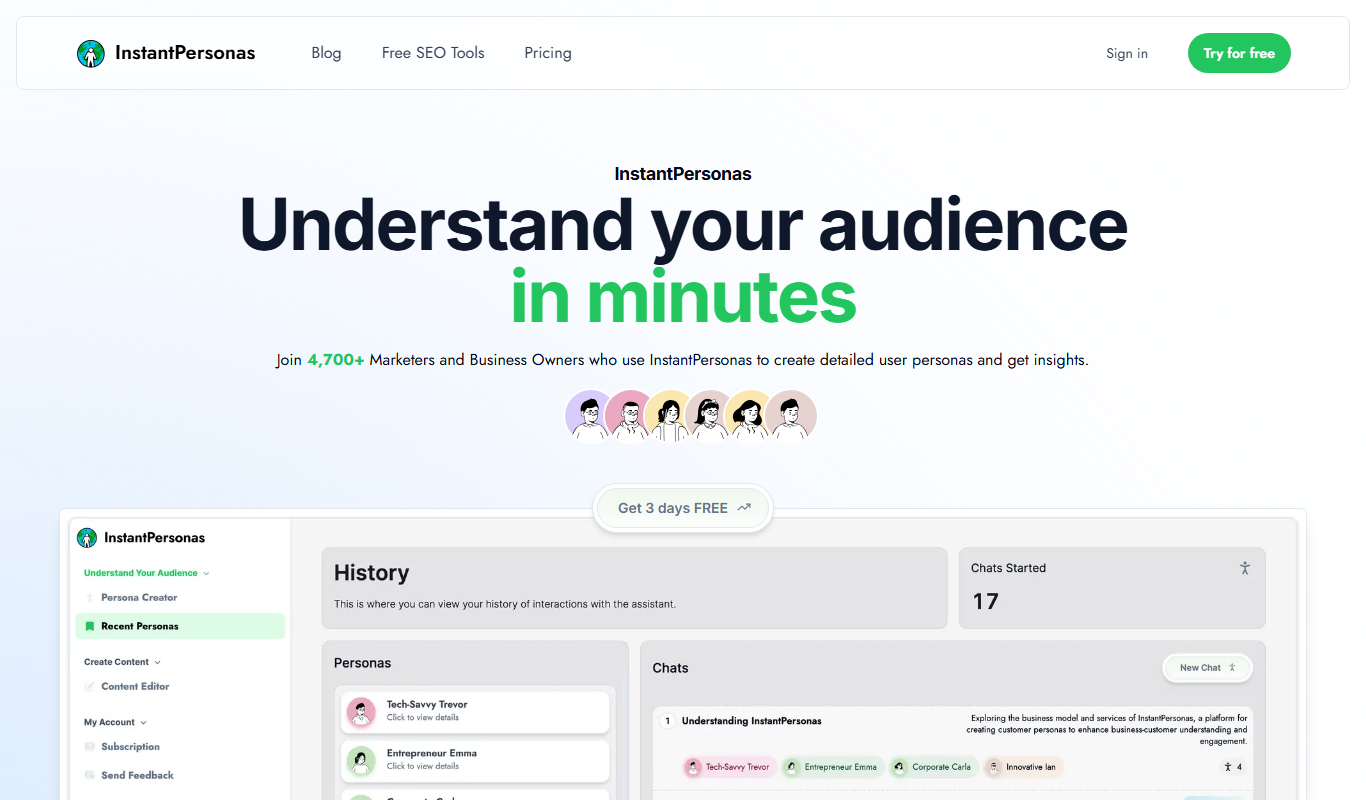
InstantPersonas is a web tool that helps marketing and product teams quickly generate detailed user personas using AI assistance and customizable templates.

Free Trial
Productroadmap.ai (by Ignition)
Productroadmap.ai is an AI-driven web platform by Ignition that helps product teams create, manage, and share strategic product roadmaps with AI-assisted prioritization and collaboration features.

Free
Product Manager OS
Product Manager OS is a Notion template designed to help product teams plan, track, and manage product roadmaps, tasks, and OKRs within a customizable workspace.