

From my experience with Feedback Sync, I found it excels at consolidating diverse customer feedback into a single, manageable platform while leveraging AI to surface the most critical insights. This makes it particularly well-suited for product managers and customer experience teams who need to prioritize improvements based on real user sentiment. However, the platform currently supports only English and is web-based without a mobile app, which may limit accessibility for some users. Overall, if your goal is to streamline feedback analysis and enhance product decision-making, Feedback Sync offers a practical and efficient solution.
Feedback Sync AI Tool for Streamlined Customer Feedback Management
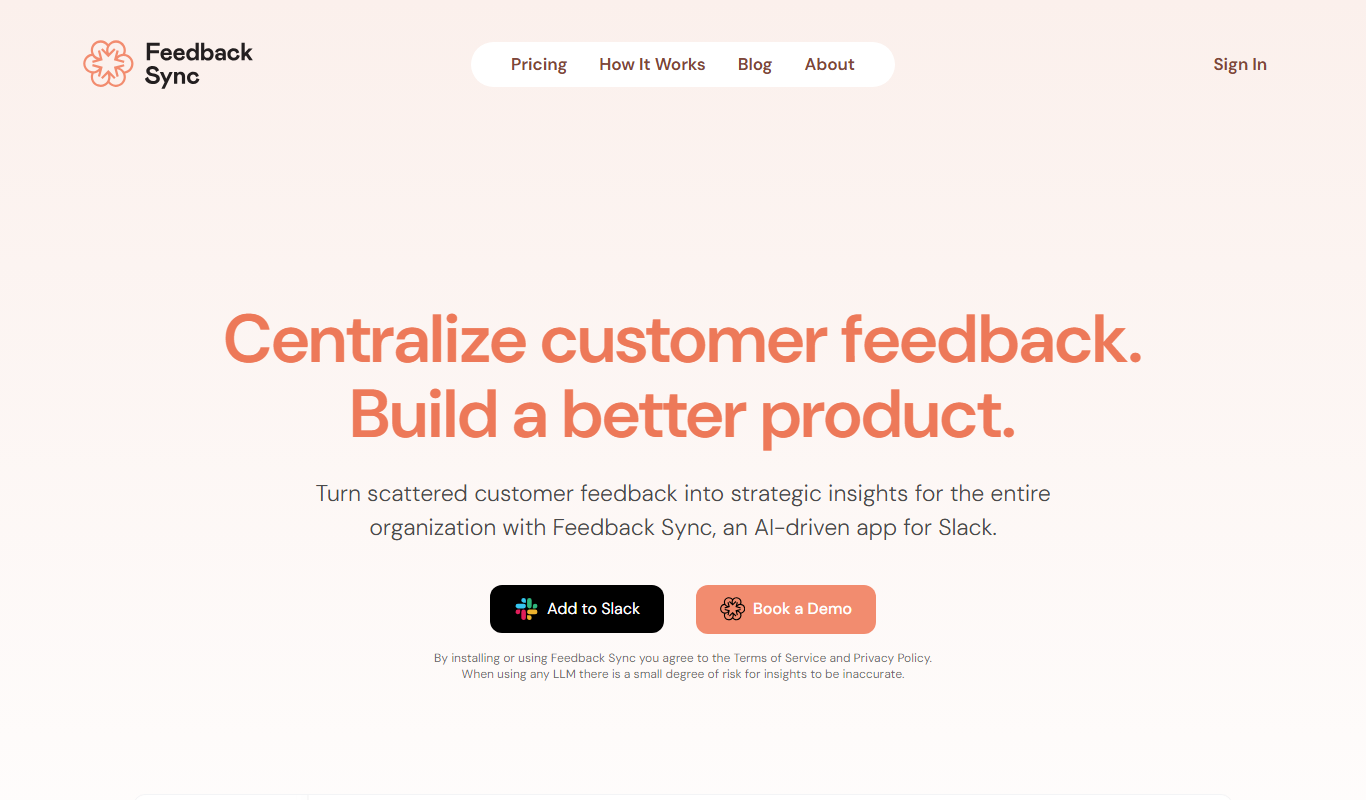
Feedback Sync is an AI-driven platform that centralizes and analyzes customer feedback from multiple channels, helping product teams prioritize improvements and enhance user experience.
- Best for
- Centralized Feedback Collection
- Key capability
- Multi-Channel Feedback Aggregation
Do you recommend this tool?
What is Feedback Sync?
Feedback Sync is an AI-powered customer feedback management platform designed to help product teams collect, analyze, and act on user feedback efficiently. It centralizes feedback from various sources and uses artificial intelligence to categorize and prioritize inputs, enabling teams to make informed decisions that enhance product development and customer satisfaction.
Key features of Feedback Sync
The platform offers centralized feedback aggregation, AI-driven sentiment analysis, automated categorization, prioritization of product improvements, and collaborative tools for teams to streamline feedback workflows and improve customer experience.
Multi-Channel Feedback Aggregation
Collect feedback from diverse sources into one unified dashboard.
AI-Powered Sentiment and Topic Analysis
Automatically understand customer emotions and categorize feedback topics.
Prioritization Engine
Rank feedback items by impact and urgency to focus on what matters most.
Collaboration Tools
Share insights and assign action items to team members seamlessly.
Customizable Reporting
Generate reports tailored to stakeholder needs for transparent communication.
Pros and cons of Feedback Sync
Pros
- Centralizes feedback from multiple channels
- AI automates categorization and sentiment analysis
- Helps prioritize product improvements effectively
- Facilitates team collaboration
- User-friendly and intuitive interface
Cons
- Currently supports only English language feedback
- No mobile app available, web platform only
- Custom pricing for enterprise plans may require negotiation
Key use cases for Feedback Sync
Centralized Feedback Collection
Aggregate customer feedback from multiple channels into a single dashboard for easier management.
AI-Powered Feedback Analysis
Leverage AI to automatically categorize, prioritize, and extract actionable insights from customer feedback.
Product Improvement Prioritization
Use data-driven insights to prioritize product features and bug fixes based on customer sentiment and frequency.
Team Collaboration
Enable product teams to collaborate effectively by sharing feedback insights and tracking progress on issues.
Customer Experience Enhancement
Identify pain points and opportunities to improve user experience through detailed feedback analysis.
How Feedback Sync works
- 1
Connect Feedback Channels
Integrate your customer feedback sources such as emails, surveys, social media, and support tickets into Feedback Sync.
- 2
AI Analysis
The platform automatically analyzes and categorizes feedback using natural language processing and sentiment analysis.
- 3
Prioritize Insights
Feedback Sync highlights the most critical issues and feature requests based on frequency and sentiment.
- 4
Collaborate and Act
Teams can discuss insights, assign tasks, and track progress within the platform to improve products effectively.
Who is using Feedback Sync
Product managers
Customer experience teams
Marketing agencies
Small to medium-sized businesses
Software development teams
Feedback Sync pricing
Free Trial
$0 for 14 days
Full access to all features for two weeks to evaluate the platform.
Pro
$49/month
Includes unlimited feedback collection, AI analysis, and collaboration tools.
Enterprise
Custom pricing
Advanced features, dedicated support, and integrations for large organizations.
Plans and prices are as published by the vendor and can change. Check the official site before you buy. Open the pricing page (opens in a new tab)
Frequently asked questions about Feedback Sync
You can integrate emails, surveys, social media platforms, support tickets, and other customer feedback channels.
Currently, Feedback Sync supports English language feedback analysis.
Yes, Feedback Sync provides collaboration features such as sharing insights, assigning tasks, and tracking progress.
Yes, Feedback Sync offers a 14-day free trial with full access to all features.
It depends on your specific needs and how you plan to use the tool. The official website and documentation are the best sources for the latest details.
Integration support depends on the tool and its available connectors or API. Check the official documentation or integrations page to confirm what is supported.
Some tools offer a free plan or trial with limited features. Availability can vary, so confirm on the official website.
Sign in to review this tool.
Sign In to ReviewNo reviews yet
Be the first to share how this tool worked for you.
Ask about pricing, limits, or how it compares — or answer someone else.
Sign In to AskNo questions yet
Have a question about using or paying for this tool? Be the first to ask.
Featured on TiorAI



Alternative Tools
Explore similar AI tools that might fit your needs

Free Trial
UserVoice
UserVoice is a customer feedback management tool that collects and prioritizes user suggestions to help product teams make informed decisions and improve customer satisfaction.

Free
Canny
Canny is a feedback management tool that helps businesses collect and prioritize customer feedback through voting boards and roadmap sharing to improve product development.

Free Trial
Productboard
Productboard is a product management platform that centralizes customer feedback, prioritizes features, and creates visual roadmaps to align teams and stakeholders.