

From my experience with Facetune, it stands out as an intuitive and powerful mobile app for quick selfie and portrait enhancements. Its user-friendly tools make it accessible for beginners while offering enough depth for more detailed retouching. I found it especially useful for social media content creators who need fast, polished results on the go. However, the reliance on a subscription model for full features and the risk of unnatural edits if overused are important considerations. Overall, Facetune is a solid choice if you want professional-looking photos without complex software.
Facetune Photo Editor App for Professional Face Retouching and Filters
Facetune is a mobile photo editing app that specializes in enhancing selfies and portraits with tools like skin smoothing, teeth whitening, and face reshaping.
- Best for
- Selfie Enhancement
- Key capability
- Skin Smoothing
Your actions
Save Facetune, follow its updates and vote on it — everything stays in your account.
Sign in or create a free account

What is Facetune?
Facetune is a mobile photo editing application designed primarily for portrait and selfie enhancement. It provides users with intuitive tools to retouch facial features, smooth skin, whiten teeth, and apply artistic filters. The app is popular among casual users and influencers who want to improve their photos quickly without professional software.
Key features of Facetune
Facetune offers a suite of easy-to-use editing tools including skin smoothing, blemish removal, teeth whitening, reshaping features, and adding makeup effects. It also includes filters and lighting adjustments to enhance overall photo quality.
Skin Smoothing
Remove wrinkles and blemishes for a flawless complexion.
Teeth Whitening
Brighten teeth to enhance smiles naturally.
Face Reshaping
Adjust facial contours including jawline, nose, and eyes.
Makeup Tools
Apply virtual makeup such as lipstick, blush, and eye shadow.
Filters and Lighting
Use preset filters and lighting effects to stylize photos.
Pros and cons of Facetune
Pros
- User-friendly interface for quick edits
- Wide range of portrait retouching tools
- Regular updates with new filters and effects
Cons
- Subscription required for full feature access
- Some edits can appear unnatural if overused
- Limited to mobile platforms only
Key use cases for Facetune
Selfie Enhancement
Users can smooth skin, whiten teeth, and remove blemishes to improve selfies.
Portrait Retouching
Professional and amateur photographers can refine facial features and details.
Social Media Content Creation
Content creators enhance photos quickly for Instagram, TikTok, and other platforms.
Creative Photo Editing
Apply artistic filters and effects to create unique images.
Makeup Simulation
Try virtual makeup looks and adjust facial highlights and shadows.
How Facetune works
- 1
Download and Install
Get the Facetune app from the iOS App Store or Google Play Store.
- 2
Import Photo
Select a photo from your device gallery or take a new selfie within the app.
- 3
Apply Edits
Use the various retouching tools to smooth skin, whiten teeth, and adjust facial features.
- 4
Add Filters and Effects
Enhance the photo further with artistic filters and lighting adjustments.
- 5
Save and Share
Save the edited photo to your device or share directly to social media platforms.
Who is using Facetune
Social media influencers
Casual smartphone photographers
Content creators
Beauty and fashion enthusiasts
Amateur photographers
Facetune pricing
Free
$0
Basic editing tools with limited access and watermark on exports.
Facetune Subscription
$5.99/month
Full access to all tools, filters, and watermark removal.
Plans and prices are as published by the vendor and can change. Check the official site before you buy. Open the pricing page (opens in a new tab)
Frequently asked questions about Facetune
Facetune offers a free version with basic tools, but full features require a subscription.
Yes, Facetune is available on both iOS and Android devices.
The free version adds a watermark; the subscription removes it.
Yes, you can use the free version to test basic features before upgrading.
It depends on your specific needs and how you plan to use the tool. The official website and documentation are the best sources for the latest details.
Some tools offer a free plan or trial with limited features. Availability can vary, so confirm on the official website.
Yes, it can help with that use case depending on how you configure it and what features are available. You’ll get the best results with clear inputs and a defined goal.
Yes, it can help with that use case depending on how you configure it and what features are available. You’ll get the best results with clear inputs and a defined goal.
Sign in to review this tool.
Sign In to ReviewNo reviews yet
Be the first to share how this tool worked for you.
Ask about pricing, limits, or how it compares — or answer someone else.
Sign In to AskNo questions yet
Have a question about using or paying for this tool? Be the first to ask.
Featured on TiorAI



Alternative Tools
Explore similar AI tools that might fit your needs

Free
YouCam Makeup
YouCam Makeup is an AI-powered beauty app by Perfect Corp. that enables virtual makeup try-on, skin analysis, hair color simulation, and photo enhancements using augmented reality technology.
More AI Face Swap Video tools
Other tools in the same category, for when this one is not quite the fit.

Freemium
LipDub AI
LipDub AI is an AI-driven platform that automatically synchronizes lip movements with dubbed audio in multiple languages, enabling realistic video dubbing for localization and content creation.
Freemium
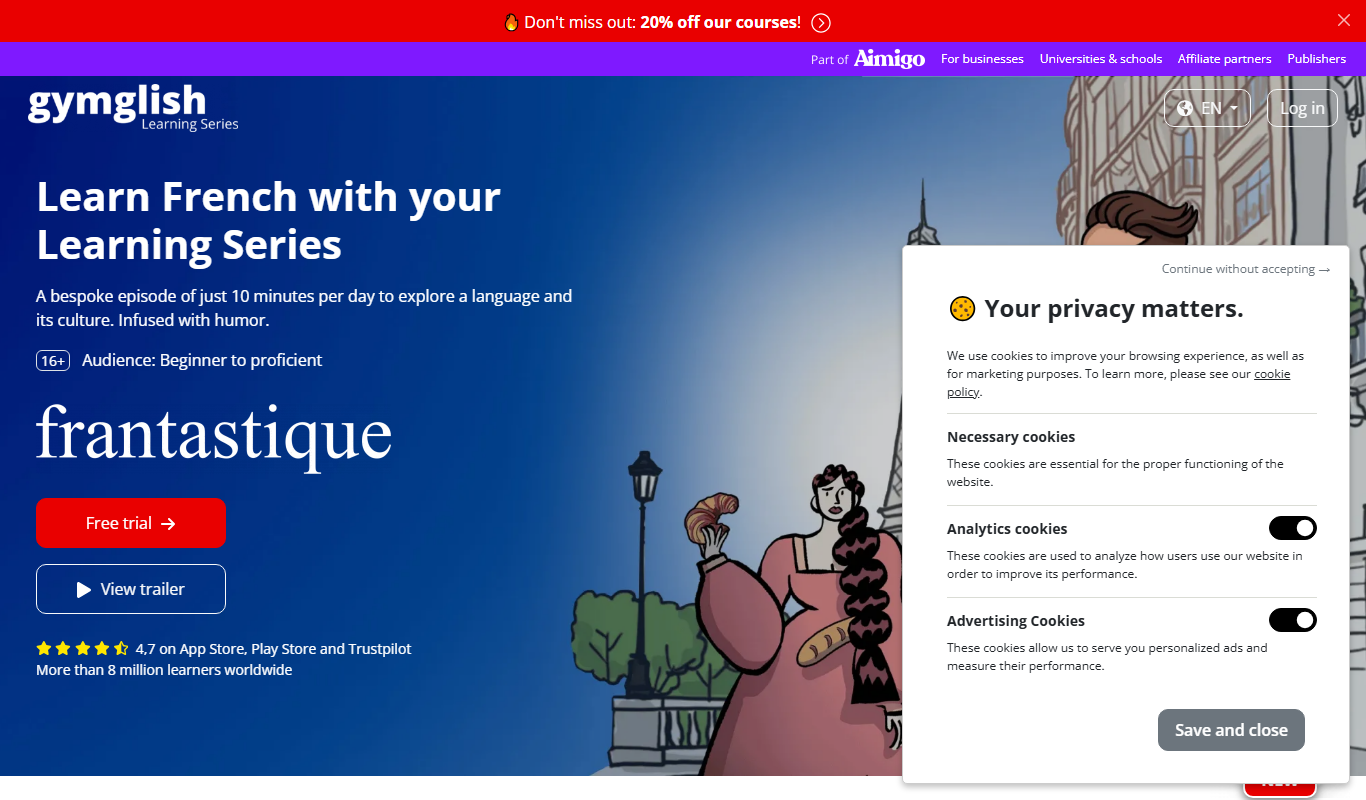
frantastique.com
Frantastique is an online platform offering personalized French language lessons that adapt to your level and interests, using humor and cultural content to enhance learning.
Free
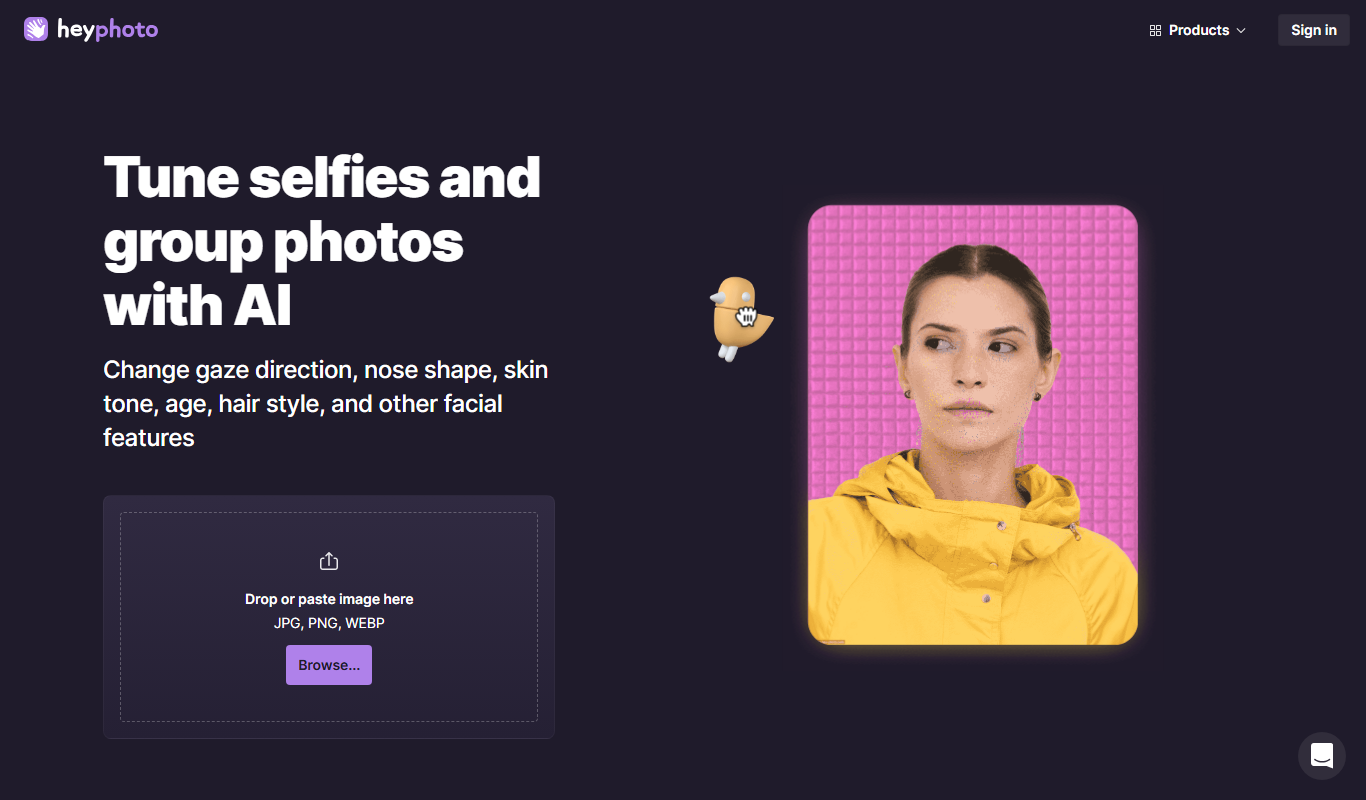
HeyPhoto
HeyPhoto is a web-based AI photo editing tool that specializes in automatic background removal, image enhancement, portrait retouching, and upscaling to improve photo quality quickly and easily.

Freemium
TimeSkip
TimeSkip is an AI video generation platform that automates editing by detecting highlights and producing polished videos quickly, ideal for marketers and content creators.
Freemium
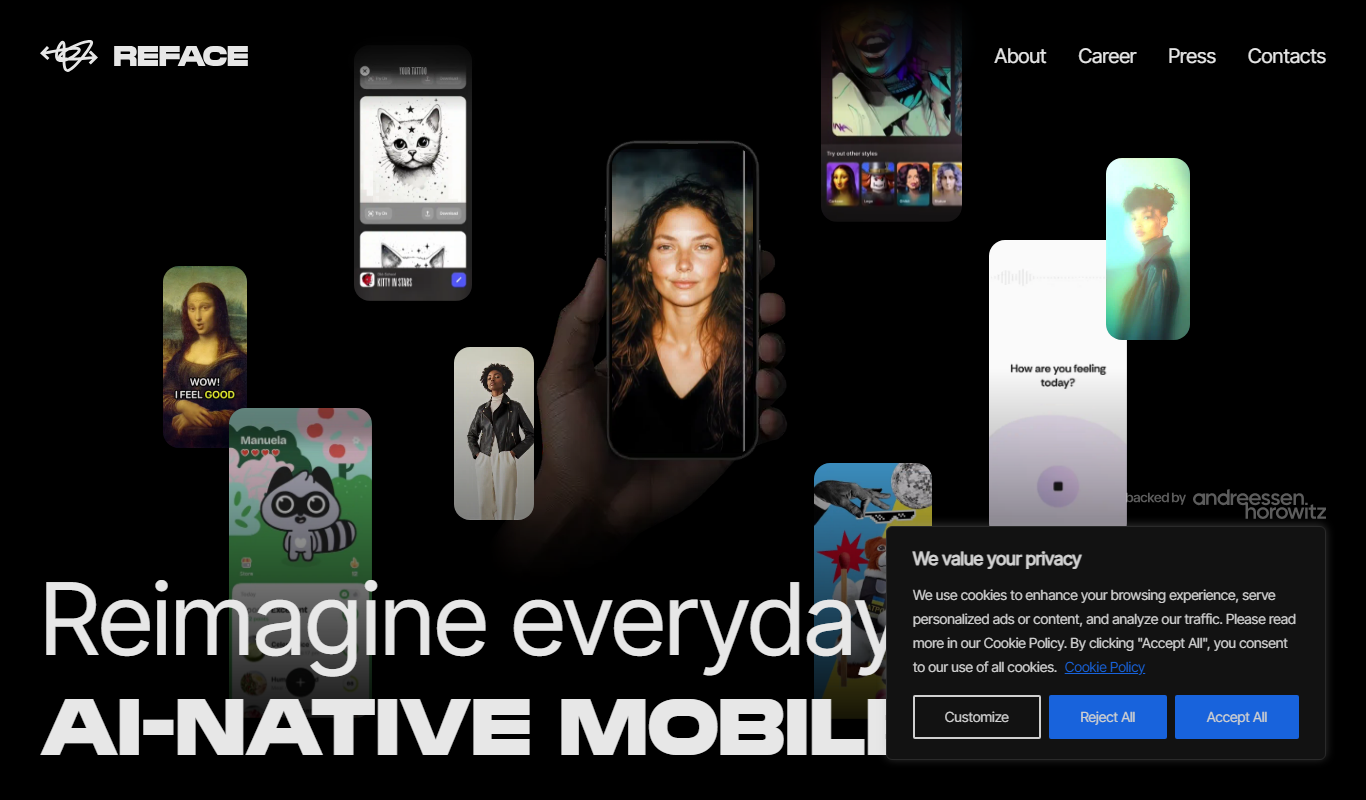
Reface AI
Reface AI is an AI-powered app that enables users to swap faces in videos and GIFs realistically, offering a fun and engaging way to create personalized content.

Freemium
Picsi.Ai – Powered by InsightFace
Picsi.Ai is a cloud-based face recognition API powered by InsightFace, providing developers with accurate face detection, verification, and identification services via RESTful API.

Freemium
Zeemo
Zeemo is an AI video creation platform that automates producing marketing and social media videos from text and media inputs, designed for users without video editing experience.

Freemium
Akool
Akool is an AI-powered writing assistant that helps users generate, edit, and improve written content efficiently through advanced AI suggestions and grammar correction.