

From my experience with Fable, I found it excels at enabling quick and effective remote user testing with real users. The platform’s diverse tester panel and video recording features provide rich qualitative insights that are invaluable for UX research and product iteration. It’s particularly well-suited for product teams and UX researchers who need to validate prototypes and gather authentic user feedback without logistical overhead. However, the pricing transparency could be improved, and mobile app testing is somewhat limited to web-based approaches. Overall, if you want a streamlined way to conduct remote usability tests and improve your product’s user experience, Fable delivers solid results.
Fable User Testing Platform for Rapid UX Feedback and Prototyping
Fable is a remote user testing platform that enables teams to conduct moderated and unmoderated usability tests with a diverse panel of users, capturing video feedback and analytics to improve product UX.
- Best for
- Remote User Testing
- Key capability
- Diverse Tester Panel
Your actions
Save Fable, follow its updates and vote on it — everything stays in your account.
Sign in or create a free account
What is Fable?
Fable is a user testing platform designed to help product teams quickly gather qualitative feedback from real users. It enables remote usability testing, allowing teams to validate prototypes, improve user experience, and make informed design decisions. Fable connects product teams with a diverse panel of testers and provides tools to conduct, record, and analyze user sessions efficiently.
Key features of Fable
Fable offers features such as remote moderated and unmoderated testing, a diverse tester panel, video session recording, detailed analytics, and integration capabilities to streamline UX research workflows.
Diverse Tester Panel
Access a broad range of testers with varied demographics to ensure inclusive feedback.
Remote Testing
Conduct usability tests remotely, enabling flexible scheduling and wider reach.
Video Session Recording
Capture user interactions and facial expressions for deeper qualitative analysis.
Moderated and Unmoderated Tests
Choose between live moderated sessions or automated unmoderated tests based on your needs.
Insightful Analytics
Analyze user behavior and feedback with built-in tools to identify pain points and opportunities.
Pros and cons of Fable
Pros
- Easy to set up and run remote user tests
- Access to a diverse and vetted tester panel
- Supports both moderated and unmoderated testing
- Detailed video recordings for qualitative insights
- Helpful analytics to identify usability issues
Cons
- Pricing details not fully transparent without contact
- Limited mobile app testing capabilities
- No dedicated desktop or mobile app, web-only platform
Key use cases for Fable
Remote User Testing
Conduct usability tests with real users remotely to gather authentic feedback on digital products.
UX Research
Gain insights into user behavior and preferences to inform design and development decisions.
Prototype Validation
Test early-stage prototypes with target users to validate concepts before full development.
Product Iteration
Iterate product designs based on user feedback to improve usability and user satisfaction.
Accessibility Testing
Evaluate product accessibility by including diverse user groups in testing sessions.
How Fable works
- 1
Create Test
Set up your user test by defining objectives, selecting tasks, and preparing your prototype or product.
- 2
Select Testers
Choose from Fable’s diverse panel of testers or invite your own users to participate.
- 3
Conduct Testing
Run moderated or unmoderated sessions remotely, capturing video and user interactions.
- 4
Analyze Results
Review recorded sessions, gather insights, and identify usability issues through Fable’s analytics tools.
- 5
Iterate Product
Use the feedback to refine your design and improve the overall user experience.
Who is using Fable
UX researchers
Product managers
Design teams
Startups and enterprises
Accessibility specialists
Fable pricing
Free Trial
$0
Limited access to test features for new users to evaluate the platform.
Standard
Contact for pricing
Full access to user testing features with flexible tester recruitment and analytics.
Plans and prices are as published by the vendor and can change. Check the official site before you buy. Open the pricing page (opens in a new tab)
Frequently asked questions about Fable
Yes, you can invite your own users to participate in tests alongside Fable’s tester panel.
Fable supports testing of mobile prototypes and apps through remote sessions, but primarily via web-based interfaces.
Limits depend on your subscription plan; contact Fable for specific details.
Fable maintains a diverse panel of testers across demographics to provide inclusive feedback.
This tool is designed to help users accomplish its core tasks more efficiently. It is typically used by individuals or teams looking to improve productivity and workflow.
It depends on your specific needs and how you plan to use the tool. The official website and documentation are the best sources for the latest details.
Yes, it can help with that use case depending on how you configure it and what features are available. You’ll get the best results with clear inputs and a defined goal.
It depends on your specific needs and how you plan to use the tool. The official website and documentation are the best sources for the latest details.
Sign in to review this tool.
Sign In to ReviewNo reviews yet
Be the first to share how this tool worked for you.
Ask about pricing, limits, or how it compares — or answer someone else.
Sign In to AskNo questions yet
Have a question about using or paying for this tool? Be the first to ask.
Featured on TiorAI



Alternative Tools
Explore similar AI tools that might fit your needs

Custom Pricing
UserTesting
UserTesting is a platform that provides video-based user feedback and usability testing to help businesses improve their digital products by understanding real user experiences.
Free
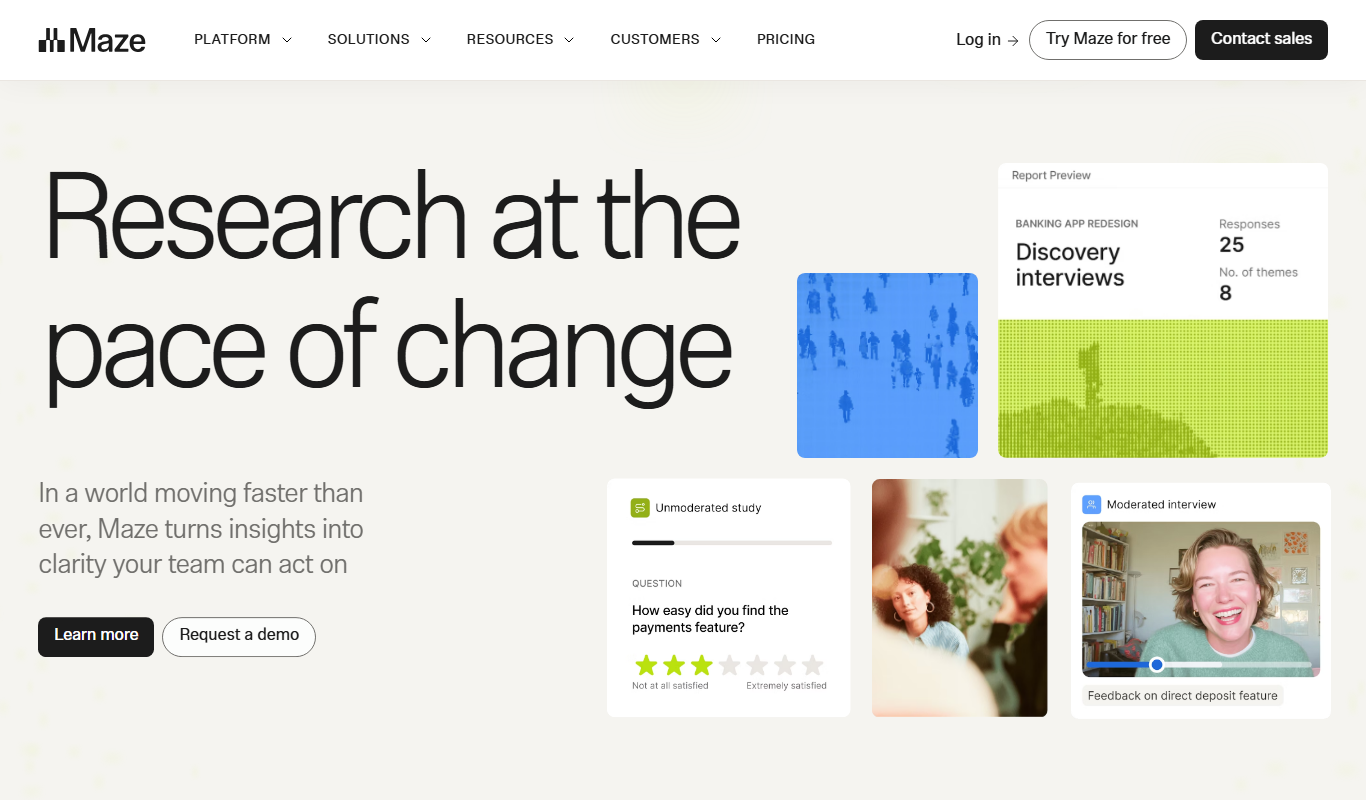
Maze
Maze is a user testing platform that helps teams validate prototypes and gather user feedback remotely through unmoderated tests integrated with popular design tools.
More AI Product Description Tools tools
Other tools in the same category, for when this one is not quite the fit.
Free
talksprout
TalkSProut is a podcast hosting and analytics platform that enables podcasters to upload episodes, distribute to major platforms, analyze listener data, and monetize their content.

Free Trial
Eight to Seven
Eight to Seven is an AI-powered writing assistant designed to help marketers and content creators generate SEO-friendly marketing copy, blog posts, emails, and social media content efficiently through a user-friendly web platform.
Free Trial
Flycom AI
Flycom AI is an AI-driven chatbot platform that automates customer support and engagement across multiple channels, offering customizable workflows, analytics, and API integrations.

Freemium
SubmitPro
SubmitPro is an AI-driven platform that automates content submission to multiple marketing and SEO platforms, streamlining backlink building and content distribution.