

From my experience with ExtractNinja, I found it excels at simplifying web data extraction for users without coding skills. The visual selector and scheduling features make it practical for automating repetitive scraping tasks, which is a big time-saver. It’s particularly well-suited for market researchers, small businesses, and content aggregators who need structured data quickly. However, it lacks some advanced customization options that power users might want, and pricing could be a consideration for casual users. Overall, if you need straightforward, no-code web scraping with automation, ExtractNinja delivers reliable results.
ExtractNinja Data Extraction Tool for Web Scraping and Automation
ExtractNinja is a cloud-based, no-code web scraping tool that allows users to extract structured data from websites using a visual interface, automate scraping tasks with scheduling, and export data in formats like CSV and JSON.
- Best for
- Web Data Extraction
- Key capability
- No-Code Visual Selector
Your actions

Do you recommend this tool?
What is ExtractNinja?
ExtractNinja is a web-based data extraction tool designed to simplify the process of scraping structured data from websites. It enables users to collect information without requiring programming skills, using a visual interface to select data elements. The tool supports automation of scraping tasks and exports data in common formats for further use.
Key features of ExtractNinja
ExtractNinja offers a no-code web scraping platform with features including point-and-click data selection, scheduling for automated scraping, multi-format data export, and cloud-based operation to avoid local resource use.
No-Code Visual Selector
Easily select data elements on web pages without writing any code.
Automated Scheduling
Set up recurring scraping tasks to keep data up-to-date automatically.
Multi-Format Export
Export data in CSV, JSON, and other formats compatible with various applications.
Cloud-Based Scraping
Run scraping tasks on ExtractNinja servers to avoid using local resources.
Pagination Handling
Automatically navigate through multiple pages to extract data from large datasets.
Pros and cons of ExtractNinja
Pros
- User-friendly no-code interface
- Automated scheduling for recurring tasks
- Supports multiple export formats
- Cloud-based, no local setup needed
- Handles pagination automatically
Cons
- Limited advanced customization options for complex scraping
- Pricing may be high for casual users
- No desktop or mobile app versions
Key use cases for ExtractNinja
Web Data Extraction
Extract structured data from websites without coding, useful for market research, price monitoring, and lead generation.
Automation of Data Collection
Automate repetitive data scraping tasks to save time and reduce manual effort.
Data Export and Integration
Export extracted data in multiple formats like CSV and JSON for easy integration with other tools and workflows.
Competitive Analysis
Gather competitor data such as pricing, product details, and reviews to inform business decisions.
Content Aggregation
Aggregate content from various sources for research, news monitoring, or content curation.
How ExtractNinja works
- 1
Create an Account
Sign up on the ExtractNinja website to access the platform.
- 2
Set Up a Scraping Project
Enter the target website URL and use the visual selector to choose data elements to extract.
- 3
Configure Extraction Settings
Define pagination, scheduling, and output format preferences.
- 4
Run and Automate Extraction
Execute the scraping task immediately or schedule it to run automatically at set intervals.
- 5
Export and Use Data
Download extracted data in CSV, JSON, or other supported formats for analysis or integration.
Who is using ExtractNinja
Market researchers
Small business owners
Data analysts
Content aggregators
Competitive intelligence professionals
ExtractNinja pricing
Free
$0/month
Basic scraping features with limited number of pages and projects.
Pro
$29/month
Increased limits, scheduling, and priority support for professional use.
Enterprise
Custom pricing
Tailored solutions with advanced features and dedicated support.
Plans and prices are as published by the vendor and can change. Check the official site before you buy. Open the pricing page (opens in a new tab)
Frequently asked questions about ExtractNinja
No, ExtractNinja is designed with a no-code visual interface that allows anyone to extract data without coding.
Yes, the platform supports automated scheduling to run scraping tasks at regular intervals.
ExtractNinja supports exporting data in CSV, JSON, and other common formats.
ExtractNinja is a cloud-based web application, so no installation is required.
It depends on your specific needs and how you plan to use the tool. The official website and documentation are the best sources for the latest details.
Some tools offer a free plan or trial with limited features. Availability can vary, so confirm on the official website.
Yes, it can help with that use case depending on how you configure it and what features are available. You’ll get the best results with clear inputs and a defined goal.
Yes, it can help with that use case depending on how you configure it and what features are available. You’ll get the best results with clear inputs and a defined goal.
Sign in to review this tool.
Sign In to ReviewNo reviews yet
Be the first to share how this tool worked for you.
Ask about pricing, limits, or how it compares — or answer someone else.
Sign In to AskNo questions yet
Have a question about using or paying for this tool? Be the first to ask.
Featured on TiorAI



Alternative Tools
Explore similar AI tools that might fit your needs

Free
ParseHub
ParseHub is a no-code web scraping tool that allows users to extract data from websites including dynamic content, automate scraping tasks, and access data via API.
Free Trial
WebHarvy
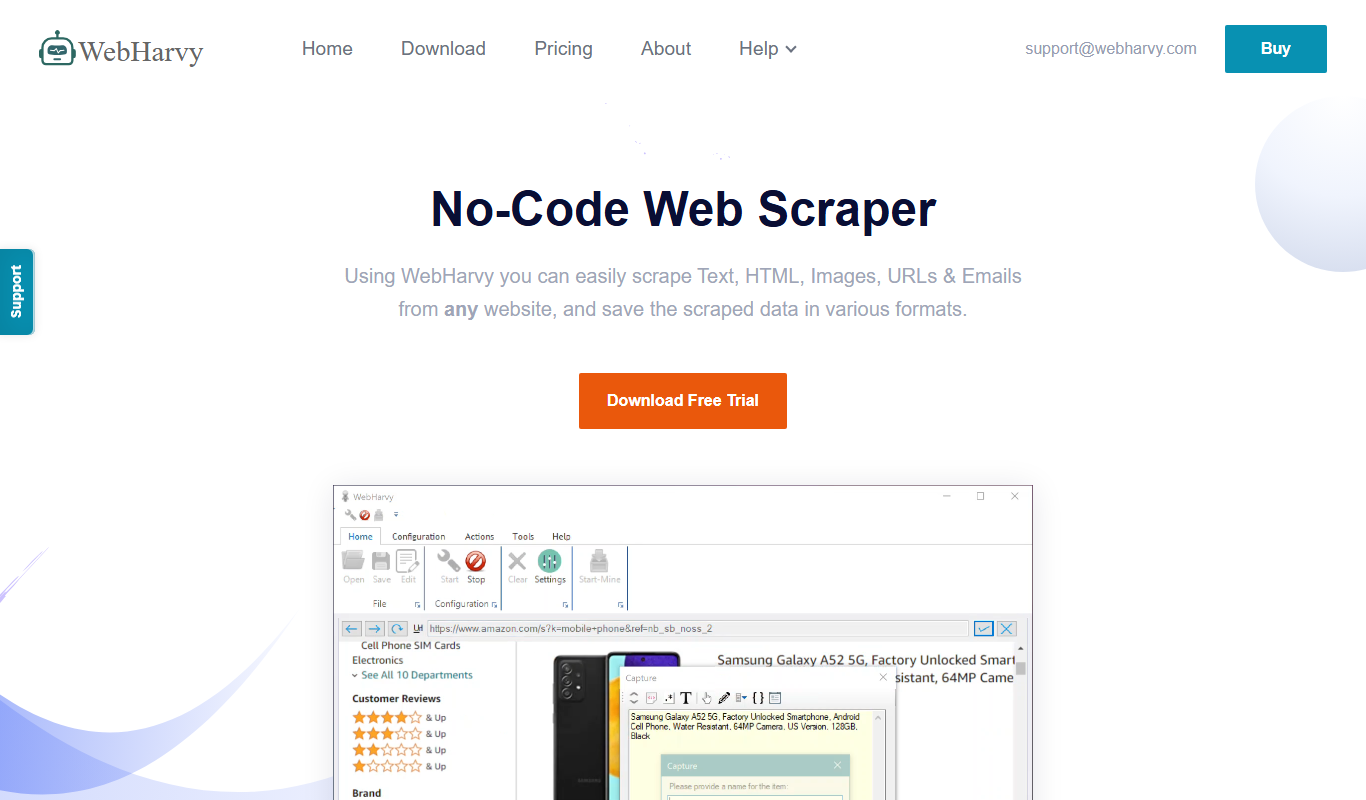
WebHarvy is a Windows-based visual web scraping tool that enables users to extract data from websites automatically using a point-and-click interface without programming skills.
More AI Automation & Workflow Tools tools
Other tools in the same category, for when this one is not quite the fit.

Free Trial
Journeai
Journeai is an AI-powered software that automatically maps customer journeys across multiple marketing channels, providing real-time analytics and insights to optimize marketing strategies.

Freemium
Meoweler
Meoweler is an AI chatbot platform that helps businesses automate customer support and engagement through no-code chatbot creation and natural language processing.

Free
Momo
Momo is an AI-powered assistant that automates workflows, manages tasks, and enhances team collaboration by integrating with popular productivity tools.

Contact for pricing
QUINETICS
Quinetics is an AI platform that provides businesses with advanced data analytics, workflow automation, and custom machine learning model development to optimize operations and decision-making.
Free Trial
RobotaLife
RobotaLife is an AI chatbot platform that enables businesses to automate customer interactions, generate leads, and improve support efficiency through customizable conversational agents.
Freemium
Ai & Stuff
Ai & Stuff is a web platform providing multiple AI-powered tools for generating text and images, automating content tasks, and assisting creative workflows.

Freemium
Saleswise | AI Tools for Real Estate Agents
Saleswise is an AI-driven sales assistant platform designed for real estate agents to automate lead qualification, follow-ups, and pipeline management, improving sales efficiency.

Free
ChatGBT
ChatGBT is an AI chatbot platform that helps businesses automate customer support and engagement through customizable chatbots integrated on websites.