

From my experience with Extract Agent by BRYTER, I found it excels at enabling users without programming skills to automate complex data extraction tasks efficiently. Its integration with BRYTER’s no-code automation platform makes it particularly well-suited for legal professionals and business users who want to streamline workflows involving data collection and processing. However, the lack of publicly available pricing information means organizations need to contact BRYTER directly to understand costs. Overall, if you need a reliable no-code solution for structured data extraction integrated into broader automation, Extract Agent delivers solid results.
Extract Agent by BRYTER - No-Code Data Extraction Automation Tool
Extract Agent is a no-code automation tool by BRYTER that enables users to extract structured data from websites and documents without programming, integrating seamlessly with BRYTER’s automation workflows.
- Best for
- Automated Data Extraction
- Key capability
- No-Code Data Extraction
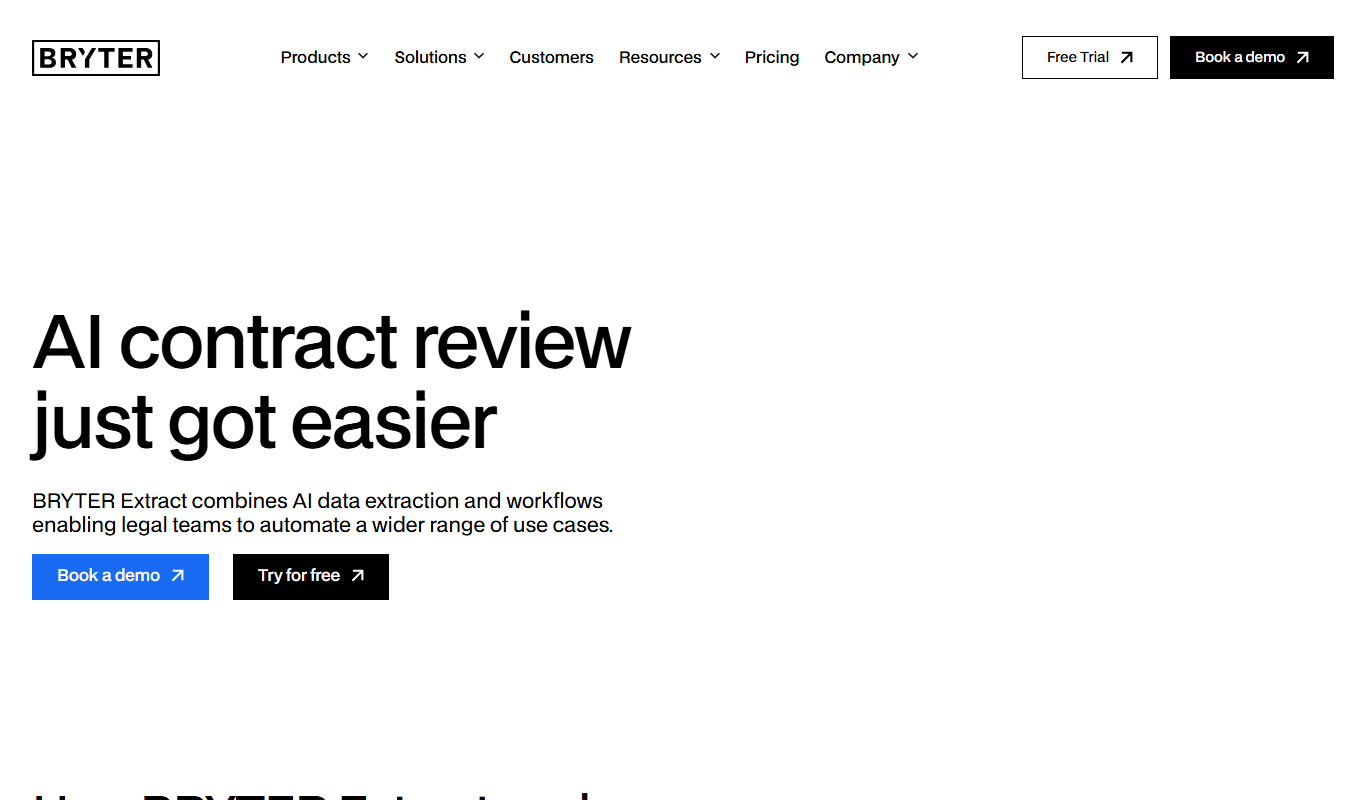
What is Extract Agent?
Extract Agent by BRYTER is a no-code automation tool designed to extract structured data from websites, documents, and other sources. It allows users, especially in legal and business domains, to automate data collection processes without requiring programming skills. The tool integrates into BRYTER’s broader no-code automation platform, enabling seamless workflows that combine data extraction with decision automation.
Key features of Extract Agent
Extract Agent offers features such as point-and-click data extraction, integration with BRYTER’s no-code platform, automated workflows, and support for complex data structures. It is tailored for legal and business users who need reliable, repeatable data extraction without coding.
No-Code Data Extraction
Extract data from websites and documents using an intuitive visual interface without programming.
Integration with BRYTER Platform
Seamlessly connect extraction outputs to BRYTER’s automation workflows for end-to-end process automation.
Automated Scheduling
Schedule extraction tasks to run automatically at defined intervals.
Support for Complex Data Structures
Handle nested and structured data extraction scenarios efficiently.
Pros and cons of Extract Agent
Pros
- No coding required for data extraction
- Strong integration with BRYTER automation workflows
- Supports complex and nested data extraction
- Automated scheduling for regular data updates
Cons
- Pricing details not publicly available
- Primarily focused on legal and business sectors
Key use cases for Extract Agent
Automated Data Extraction
Extract Agent enables users to automate the extraction of structured data from websites and documents without coding.
Legal Document Automation
Legal professionals can use Extract Agent to streamline data collection from contracts, regulations, and other legal documents.
Business Process Automation
Businesses can integrate Extract Agent to automate repetitive data gathering tasks, improving operational efficiency.
Compliance Monitoring
Extract Agent helps compliance teams automatically extract relevant data to monitor regulatory changes and ensure adherence.
How Extract Agent works
-
1
Define Extraction Targets
Users specify the websites or documents from which data needs to be extracted.
-
2
Configure Extraction Rules
Using a visual interface, users select data elements to extract via point-and-click, without coding.
-
3
Automate and Schedule
Set up automated runs and schedules to extract data regularly or on-demand.
-
4
Integrate with Workflows
Extracted data can be fed into BRYTER’s automation workflows for further processing or decision-making.
Who is using Extract Agent
Legal professionals
Compliance teams
Business analysts
Automation specialists
Small to large enterprises
Extract Agent pricing
Custom Pricing
Contact for pricing
Pricing tailored to organizational needs and scale.
Plans and prices are as published by the vendor and can change. Check the official site before you buy. Open the pricing page (opens in a new tab)
Frequently asked questions about Extract Agent
No, Extract Agent is designed as a no-code tool allowing users to extract data visually without coding.
Yes, it supports extraction from complex data structures and nested elements.
Yes, it integrates with BRYTER’s no-code automation platform for building complete workflows.
This tool is designed to help users accomplish its core tasks more efficiently. It is typically used by individuals or teams looking to improve productivity and workflow.
It depends on your specific needs and how you plan to use the tool. The official website and documentation are the best sources for the latest details.
Data handling and security practices vary by provider. Review the official privacy policy to understand how your data is stored and used.
Sign in to review this tool.
Sign In to ReviewNo reviews yet
Be the first to share how this tool worked for you.
Ask about pricing, limits, or how it compares — or answer someone else.
Sign In to AskNo questions yet
Have a question about using or paying for this tool? Be the first to ask.
Featured on TiorAI



Alternative Tools
Explore similar AI tools that might fit your needs

Enterprise
UiPath
UiPath is a robotic process automation platform that enables businesses to automate repetitive tasks and complex workflows using a visual drag-and-drop interface and AI integration.
Custom Pricing
Automation Anywhere
Automation Anywhere is a comprehensive RPA platform that uses AI and machine learning to automate business processes, enabling organizations to improve efficiency and reduce operational costs.
More Coding & Development tools
Other tools in the same category, for when this one is not quite the fit.

Custom Pricing
Andela
Andela is a platform that connects companies with vetted remote software developers globally, offering flexible hiring models and ongoing support to scale engineering teams efficiently.

Freemium
Claude
Claude is an AI assistant by Anthropic with a 200K token context window built on Constitutional AI for safer responses. Free tier available, Pro at $20/month.

Freemium
ChatGPT
ChatGPT is an AI chatbot by OpenAI powered by GPT-4o. It handles writing, coding, research, data analysis, and natural conversation. Free tier available, Plus at $20/month.

Free
Cohere
Cohere is an AI platform providing large language models accessible via API for natural language processing tasks such as text generation, semantic search, and classification, with support for fine-tuning and developer-friendly integration.

Free
Zapier AI
Zapier AI is an AI-powered automation tool that connects apps and automates workflows using natural language processing and intelligent triggers to improve productivity.

Free
Visily AI
Visily AI is a web-based no-code design tool that uses AI to help users quickly create UI wireframes and interactive prototypes without coding skills.

Free
Uizard
Uizard is an AI-driven design tool that converts sketches and screenshots into editable UI prototypes, enabling rapid app and website design without coding.

Free
10Web AI
10Web AI is an AI-powered platform that automates WordPress website creation, SEO optimization, and performance management, enabling users to build and maintain websites efficiently without coding skills.