

From my experience with Enkrypt AI, it stands out for combining robust end-to-end encryption with blockchain-based decentralized storage, which adds an extra layer of security and message integrity. The platform is straightforward to use, especially via its web and Chrome extension interfaces, making secure communication accessible without complexity. However, the absence of a dedicated mobile app currently limits on-the-go usage, and some advanced features require a paid subscription. Overall, for users and businesses prioritizing privacy and tamper-proof messaging, Enkrypt AI offers a compelling solution that balances security with usability.
Enkrypt AI Secure Messaging Platform with End-to-End Encryption Features
Enkrypt AI is a secure messaging platform that uses end-to-end encryption and blockchain technology to provide private, tamper-proof communication across web and Chrome extension platforms.
- Best for
- Private Communication
- Key capability
- End-to-End Encryption
Your actions
Save Enkrypt AI, follow its updates and vote on it — everything stays in your account.
Sign in or create a free account
What is Enkrypt AI?
Enkrypt AI is a secure messaging platform that uses end-to-end encryption and blockchain technology to provide private, tamper-proof communication. It offers users a decentralized environment to chat, share files, and collaborate without compromising data privacy. Designed for individuals and organizations prioritizing confidentiality, Enkrypt AI ensures that messages remain accessible only to intended recipients.
Key features of Enkrypt AI
Key features include end-to-end encrypted messaging, secure file sharing, decentralized message storage on blockchain, multi-platform support including web and Chrome extension, and user-friendly interface focused on privacy and security.
End-to-End Encryption
All messages and files are encrypted so only sender and receiver can access content.
Blockchain-Based Storage
Decentralized ledger technology ensures message integrity and prevents unauthorized access.
Multi-Platform Access
Available on web browsers and as a Chrome extension for seamless secure communication.
Secure File Sharing
Send and receive files securely within chats without risk of interception.
User-Friendly Interface
Intuitive design focused on ease of use while maintaining high security standards.
Pros and cons of Enkrypt AI
Pros
- Strong end-to-end encryption for privacy
- Decentralized blockchain storage enhances security
- Easy-to-use interface for secure communication
- Multi-platform support including Chrome extension
- Secure file sharing within chats
Cons
- No dedicated mobile app yet
- Pro plan required for advanced features and larger file sharing
- Relatively new platform with smaller user base
Key use cases for Enkrypt AI
Private Communication
Enable users to send messages that are encrypted end-to-end, ensuring privacy and security.
Secure File Sharing
Share files securely within conversations without risk of interception.
Decentralized Messaging
Leverage blockchain technology to avoid centralized data storage and improve message integrity.
Team Collaboration
Facilitate secure group chats and collaboration for teams requiring confidentiality.
Data Privacy Compliance
Help businesses comply with data privacy regulations by using encrypted communication channels.
How Enkrypt AI works
- 1
Create an Account
Sign up on Enkrypt AI via web or Chrome extension to start using secure messaging.
- 2
Add Contacts
Import or add contacts securely to initiate encrypted conversations.
- 3
Start Messaging
Send text messages, voice notes, or files with end-to-end encryption ensuring privacy.
- 4
Leverage Blockchain
Messages are stored and verified on a decentralized blockchain network to prevent tampering.
Who is using Enkrypt AI
Privacy-conscious individuals
Businesses requiring secure communication
Remote teams needing confidential collaboration
Legal and financial professionals
Tech-savvy users interested in blockchain security
Enkrypt AI pricing
Free
$0/month
Basic messaging features with end-to-end encryption and limited file sharing.
Pro
$9.99/month
Advanced features including increased file size limits, priority support, and enhanced collaboration tools.
Plans and prices are as published by the vendor and can change. Check the official site before you buy. Open the pricing page (opens in a new tab)
Frequently asked questions about Enkrypt AI
Yes, all messages and files are encrypted on the sender’s device and decrypted only on the recipient’s device.
Messages are stored on a decentralized blockchain network, not on centralized servers, enhancing security.
Currently, Enkrypt AI supports web and Chrome extension platforms; mobile apps are planned for future releases.
Blockchain ensures message integrity by preventing tampering and unauthorized access through decentralized storage.
Data handling and security practices vary by provider. Review the official privacy policy to understand how your data is stored and used.
It depends on your specific needs and how you plan to use the tool. The official website and documentation are the best sources for the latest details.
It depends on your specific needs and how you plan to use the tool. The official website and documentation are the best sources for the latest details.
Sign in to review this tool.
Sign In to ReviewNo reviews yet
Be the first to share how this tool worked for you.
Ask about pricing, limits, or how it compares — or answer someone else.
Sign In to AskNo questions yet
Have a question about using or paying for this tool? Be the first to ask.
Featured on TiorAI



Alternative Tools
Explore similar AI tools that might fit your needs

Free
Signal
Signal is a free, open-source messaging app that provides end-to-end encryption for text, voice, and video communication, ensuring user privacy and security.

Free
Wire
Wire is a secure collaboration platform providing end-to-end encrypted messaging, voice and video calls, and file sharing for businesses and teams.

One-time purchase
Threema
Threema is a secure messaging app that provides end-to-end encryption and anonymous communication without requiring phone numbers or emails.
More AI Transcription Tools tools
Other tools in the same category, for when this one is not quite the fit.

Freemium
YouTube Scribe
YouTube Scribe is an AI tool that transcribes and summarizes YouTube videos automatically, helping creators generate captions and concise content summaries.
Freemium
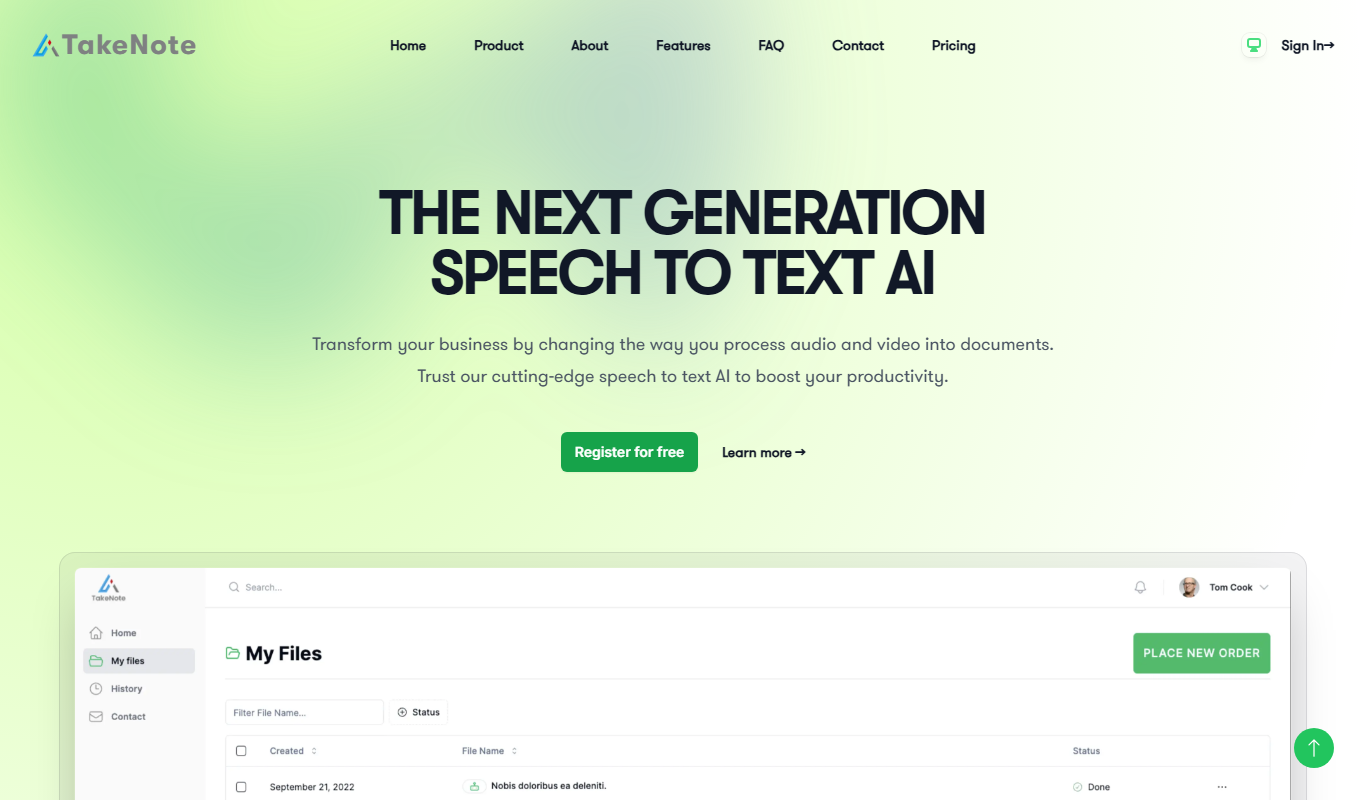
TakeNote
TakeNote is an AI-driven meeting notes software that automatically transcribes and summarizes virtual meetings, helping teams save time and improve collaboration.

Freemium
Submagic
Submagic is an AI-powered tool that automatically generates accurate subtitles and transcripts for videos, supporting multiple languages and easy editing.
Freemium
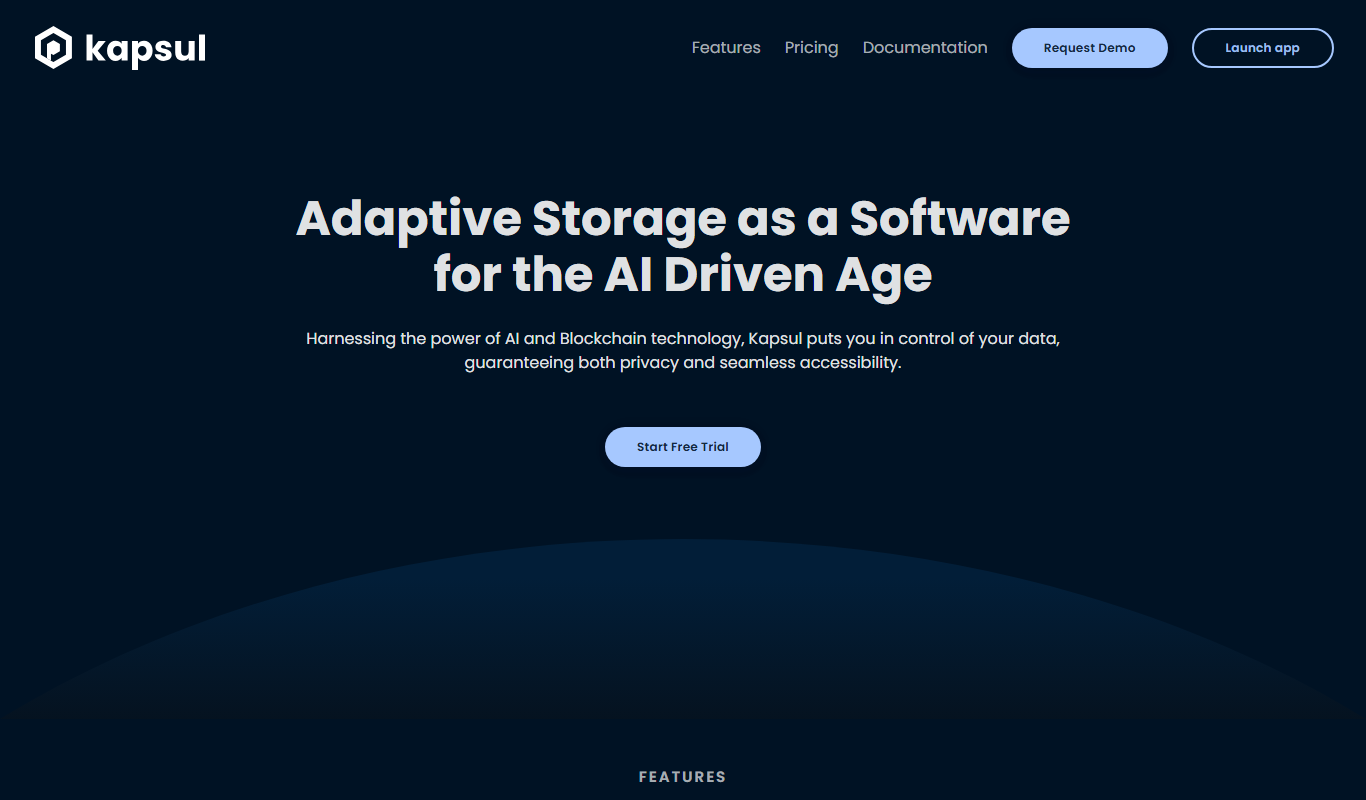
Kapsul
Kapsul is an AI meeting assistant that provides automated transcription and summarization of meetings, helping teams save time and improve collaboration.

Free
TensorFlow
TensorFlow is an open-source machine learning framework developed by Google Brain that enables building, training, and deploying AI models across various platforms with support for hardware acceleration.

Freemium
NeuralText
NeuralText is an AI-driven platform that assists marketers and SEO specialists in generating SEO-friendly content, performing keyword research, and creating content briefs to streamline content marketing workflows.

Freemium
tulz.AI
tulz.AI is an AI-powered writing assistant designed to help marketers and content creators generate high-quality, SEO-optimized content efficiently through AI-generated drafts and marketing templates.
Freemium
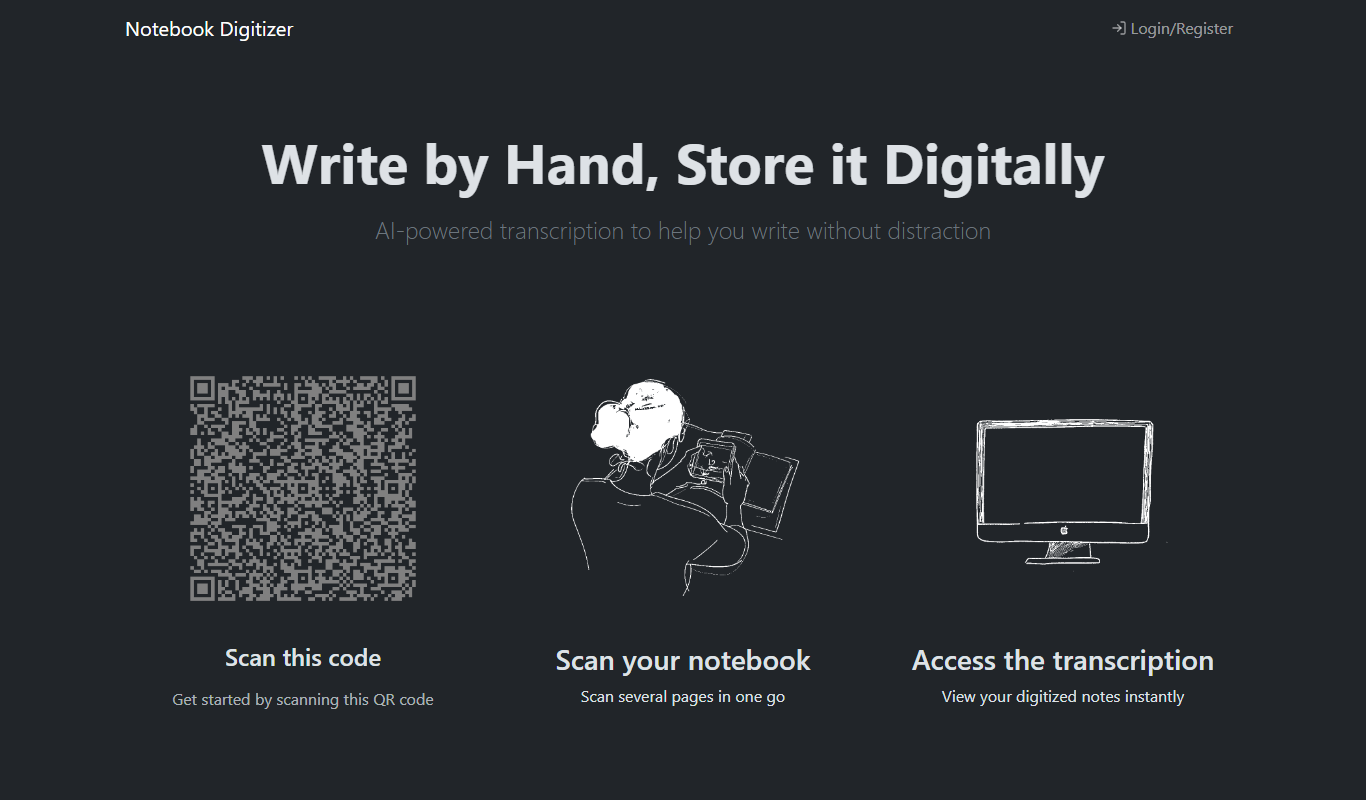
Notebook Digitizer
Notebook Digitizer is an app that converts handwritten notes into editable digital text using AI-powered OCR technology, supporting multiple languages and cloud sync.