

From my experience with Ello, I found it excels at providing a clean, ad-free environment tailored specifically for creatives and artists. The platform’s focus on portfolio sharing and community engagement makes it a valuable space for professionals seeking to showcase their work without distractions. However, the trade-off is a smaller user base and limited direct sales or monetization options compared to larger social networks. Overall, if you want a focused platform to connect with other creatives and present your art professionally, Ello delivers a straightforward and user-friendly experience.
Ello Social Network Platform for Creatives and Artists Online
Ello is a free, ad-free social network platform focused on artists and creative professionals to share portfolios and connect with a like-minded community.
- Best for
- Creative Portfolio Sharing
- Key capability
- Ad-Free Platform
Your actions
Do you recommend this tool?
What is Ello?
Ello is a social networking platform designed primarily for artists, designers, and creative professionals. It emphasizes an ad-free experience and a community-driven environment where users can share their creative work, build portfolios, and connect with like-minded individuals.
Key features of Ello
Ello offers features such as portfolio creation, content discovery, community engagement, and an ad-free interface tailored to creatives seeking a focused social platform.
Ad-Free Platform
Ello provides a social network experience without advertisements, focusing on user content.
Creative Portfolio
Users can create and customize portfolios to display their artwork and projects.
Community Interaction
Tools for following, commenting, and sharing within a creative community.
Content Discovery
Curated feeds and trending sections to explore creative content.
Pros and cons of Ello
Pros
- Ad-free social networking experience
- Focused on creative professionals and artists
- Easy portfolio creation and sharing
- Community centered around art and design
Cons
- Limited monetization or e-commerce features
- Smaller user base compared to mainstream social networks
- Primarily web-based with no dedicated mobile apps
Key use cases for Ello
Creative Portfolio Sharing
Artists and designers can showcase their work in a visually appealing portfolio format to connect with potential clients and collaborators.
Networking for Creatives
Users can network with other creatives, discover new artists, and engage in a community focused on art and design.
Ad-Free Social Experience
Ello offers a social platform free from advertisements, providing a distraction-free environment for creative expression.
Content Discovery
Users can explore curated content and trending creative works across various artistic disciplines.
How Ello works
- 1
Create an Account
Sign up on Ello’s website to start building your creative profile.
- 2
Build Your Portfolio
Upload images, videos, and other creative content to showcase your work.
- 3
Engage with Community
Follow other creatives, comment on posts, and participate in discussions.
- 4
Discover Content
Explore trending and curated creative works to find inspiration.
Who is using Ello
Artists
Graphic designers
Photographers
Creative professionals
Art enthusiasts
Ello pricing
Free
$0
Full access to Ello's social network features without ads.
Plans and prices are as published by the vendor and can change. Check the official site before you buy. Open the pricing page (opens in a new tab)
Frequently asked questions about Ello
Yes, Ello is completely free and does not charge users for access.
No, Ello is an ad-free social network focused on creative content.
Ello primarily serves as a portfolio and networking platform; direct sales features are limited.
This tool is designed to help users accomplish its core tasks more efficiently. It is typically used by individuals or teams looking to improve productivity and workflow.
It depends on your specific needs and how you plan to use the tool. The official website and documentation are the best sources for the latest details.
Sign in to review this tool.
Sign In to ReviewNo reviews yet
Be the first to share how this tool worked for you.
Ask about pricing, limits, or how it compares — or answer someone else.
Sign In to AskNo questions yet
Have a question about using or paying for this tool? Be the first to ask.
Featured on TiorAI



Alternative Tools
Explore similar AI tools that might fit your needs

Free
Dribbble
Dribbble is a creative design platform and community where designers showcase portfolios, find inspiration, and access freelance and full-time job opportunities.
Free
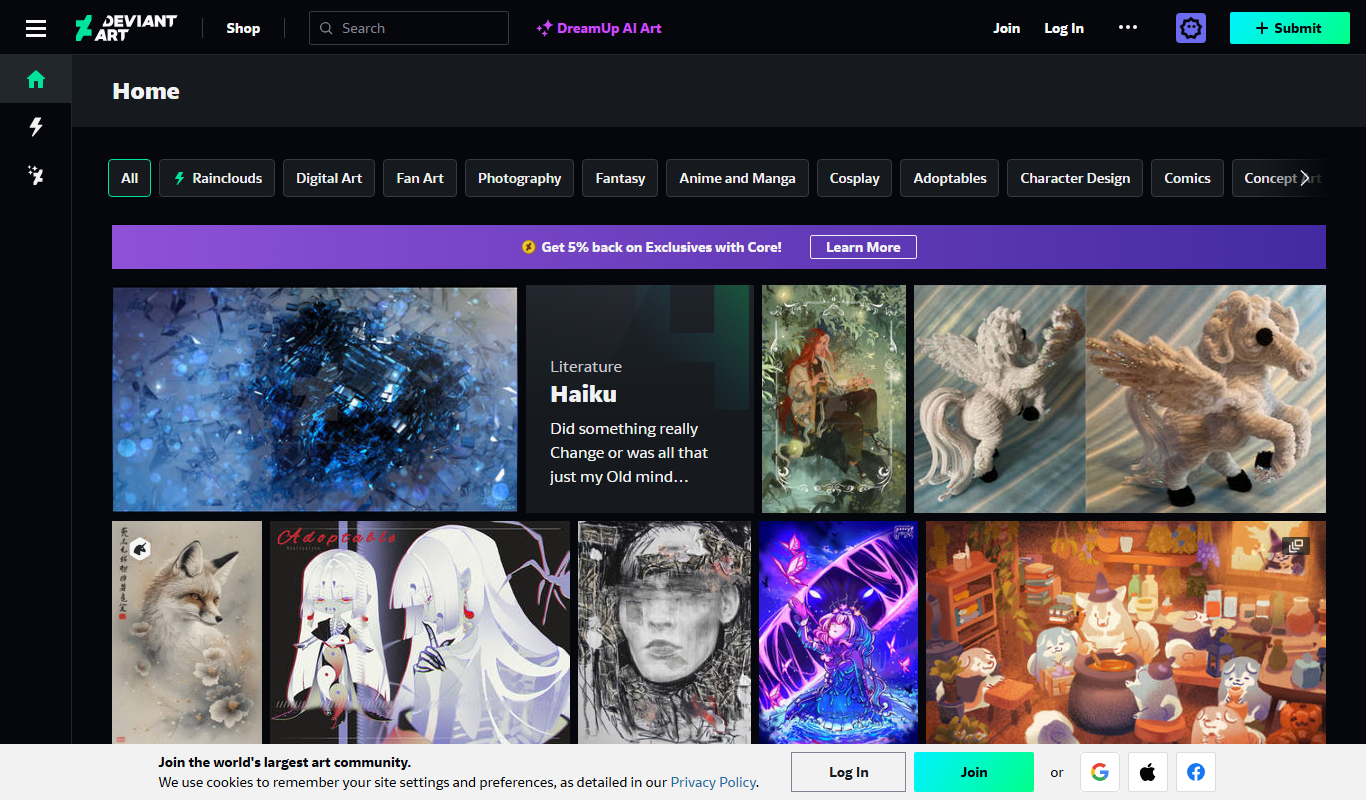
DeviantArt
DeviantArt is an online platform where artists can upload, share, and sell their artwork while connecting with a global creative community.
More AI Lesson Plan Generator Lite tools
Other tools in the same category, for when this one is not quite the fit.
Free
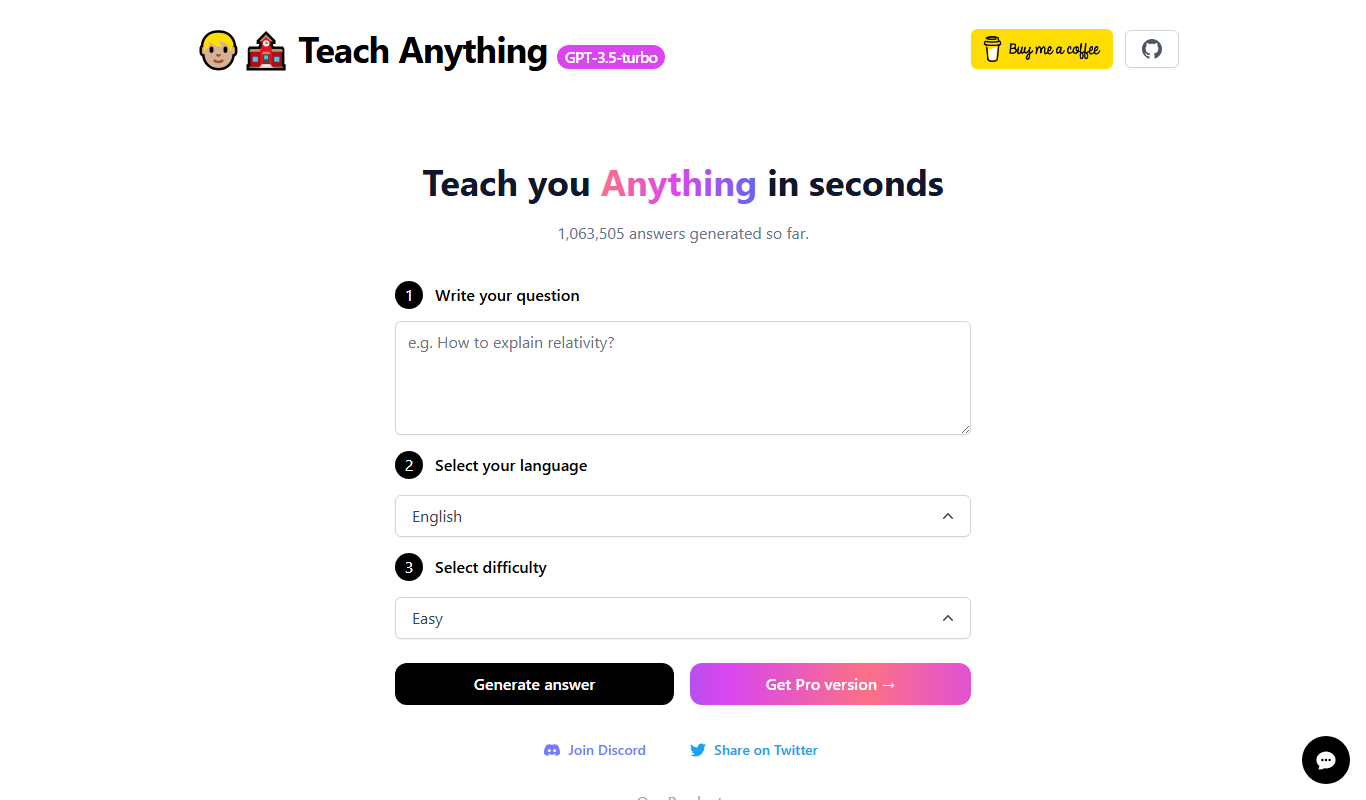
Teach Anything
Teach Anything is an AI-driven tutoring platform that provides personalized learning assistance through interactive chat, supporting multiple subjects and study needs.
Free Trial
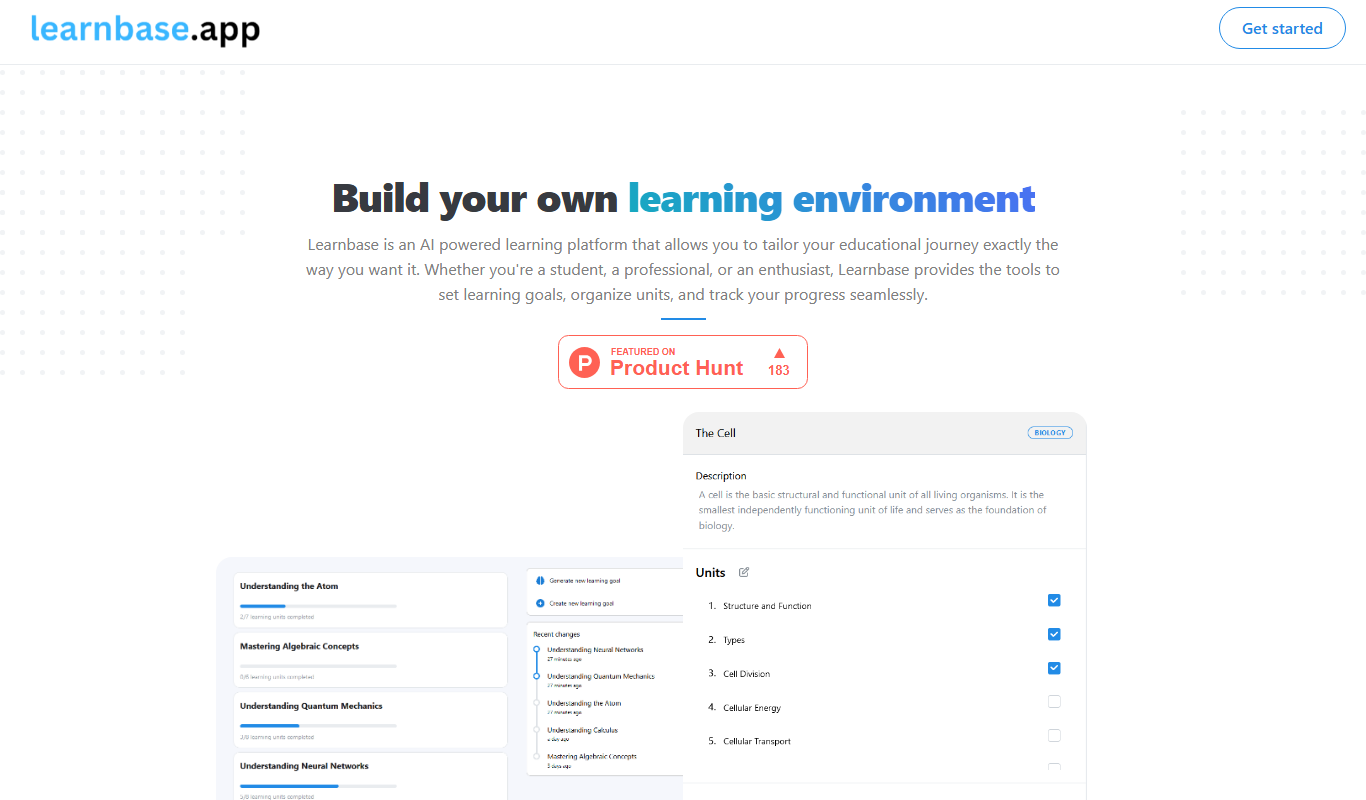
Learnbase
Learnbase is a web-based knowledge management platform designed to help teams create, organize, and share internal documentation and knowledge bases collaboratively.

Free
knowt.com
Knowt is an AI-driven platform that automatically generates study notes and flashcards from text inputs, helping students study more effectively by simplifying content and supporting active recall.

Freemium
Lune AI
Lune AI is an AI-driven personalized learning platform that adapts educational content to individual learners' needs, enhancing skill development and engagement.

Freemium
AssignmentGPT AI
AssignmentGPT AI is an AI-driven platform that assists students by generating essays, assignments, and homework help content through natural language processing.
Freemium
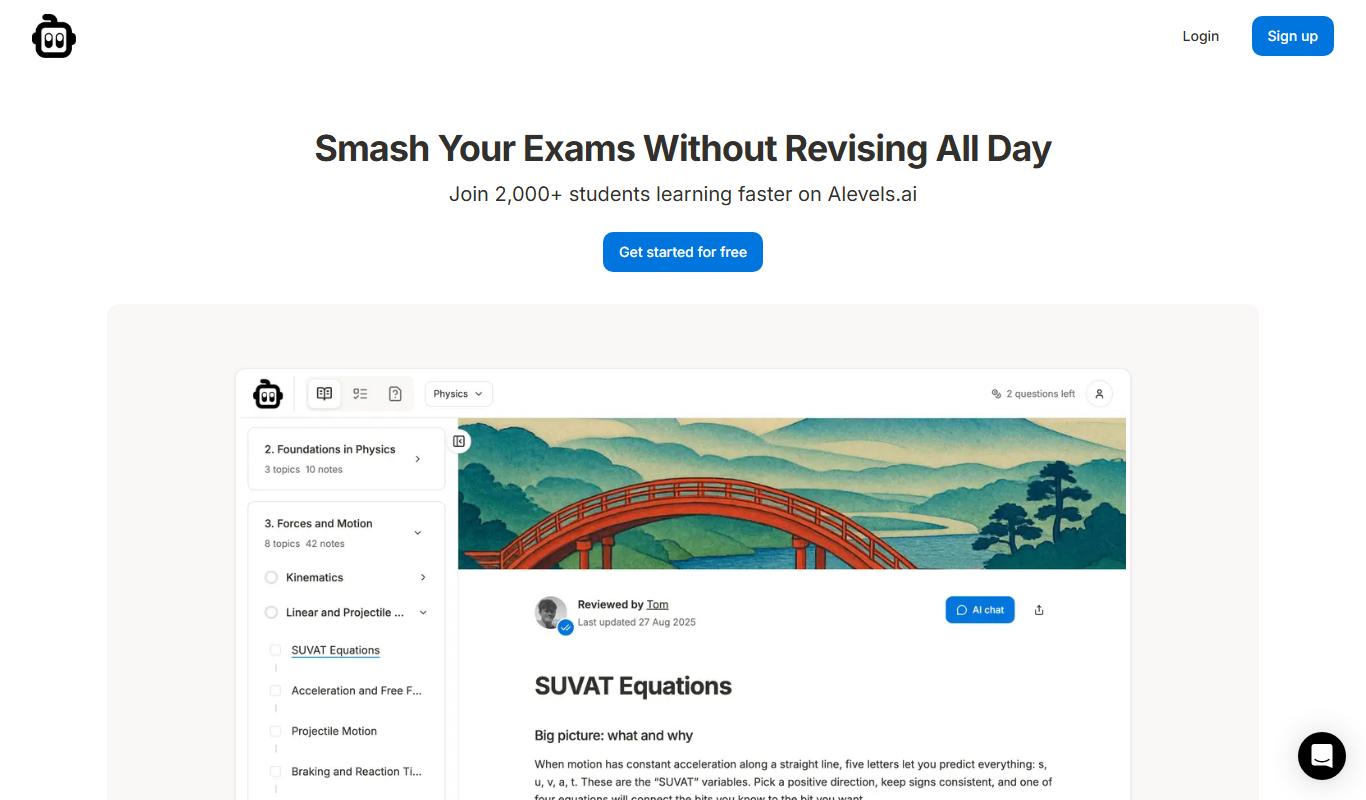
alevels.ai
alevels.ai is an AI-driven platform that helps A-Level students prepare for exams through personalized study plans, AI-generated practice questions, and instant doubt resolution.

Subscription
StudySync
StudySync is a digital education platform focused on improving literacy and writing skills for middle and high school students through interactive lessons, scaffolded writing assignments, and teacher tools for assessment and curriculum planning.
Free
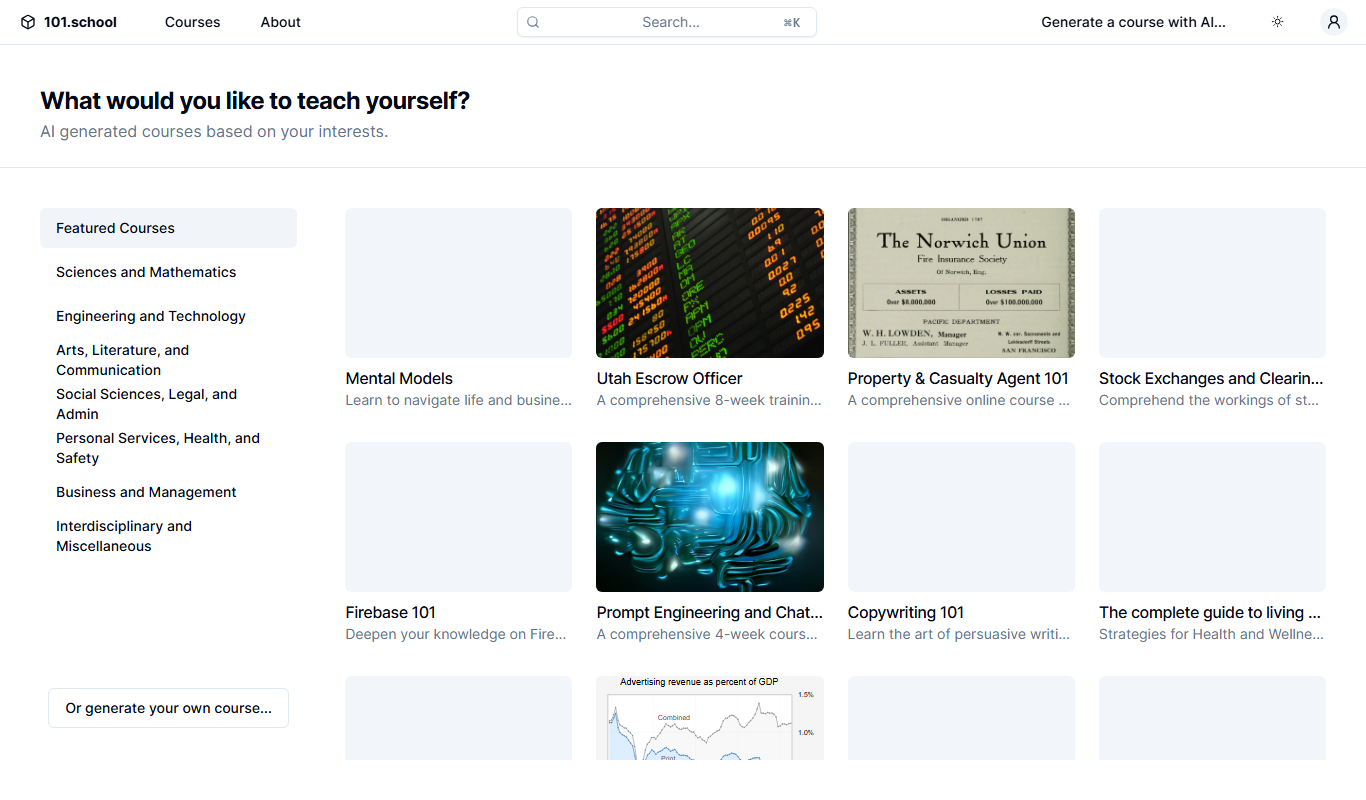
101.school
101.school is a web-based interactive education platform that enables teachers to create and assign digital exercises and assessments, supporting both in-person and remote learning environments.