

From my experience with Elephas, I found it excels at integrating GPT-3 AI writing capabilities directly into the Mac environment, making it a natural fit for Mac users who want to boost productivity without switching apps. Its customizable prompts and note-taking enhancements are particularly useful for content creators and students. However, the need to provide your own OpenAI API key can add complexity and cost, which might deter casual users. Overall, if you are a Mac user looking for a powerful AI writing assistant that blends seamlessly with your workflow, Elephas offers a solid, focused solution.
Elephas AI Writing Assistant for Mac - Boost Productivity with GPT-3
Elephas is a Mac-focused AI writing assistant that uses GPT-3 to help users generate, edit, and enhance text within native Mac applications, improving productivity and creativity.
- Best for
- Content Creation
- Key capability
- GPT-3 Integration

Do you recommend this tool?
What is Elephas?
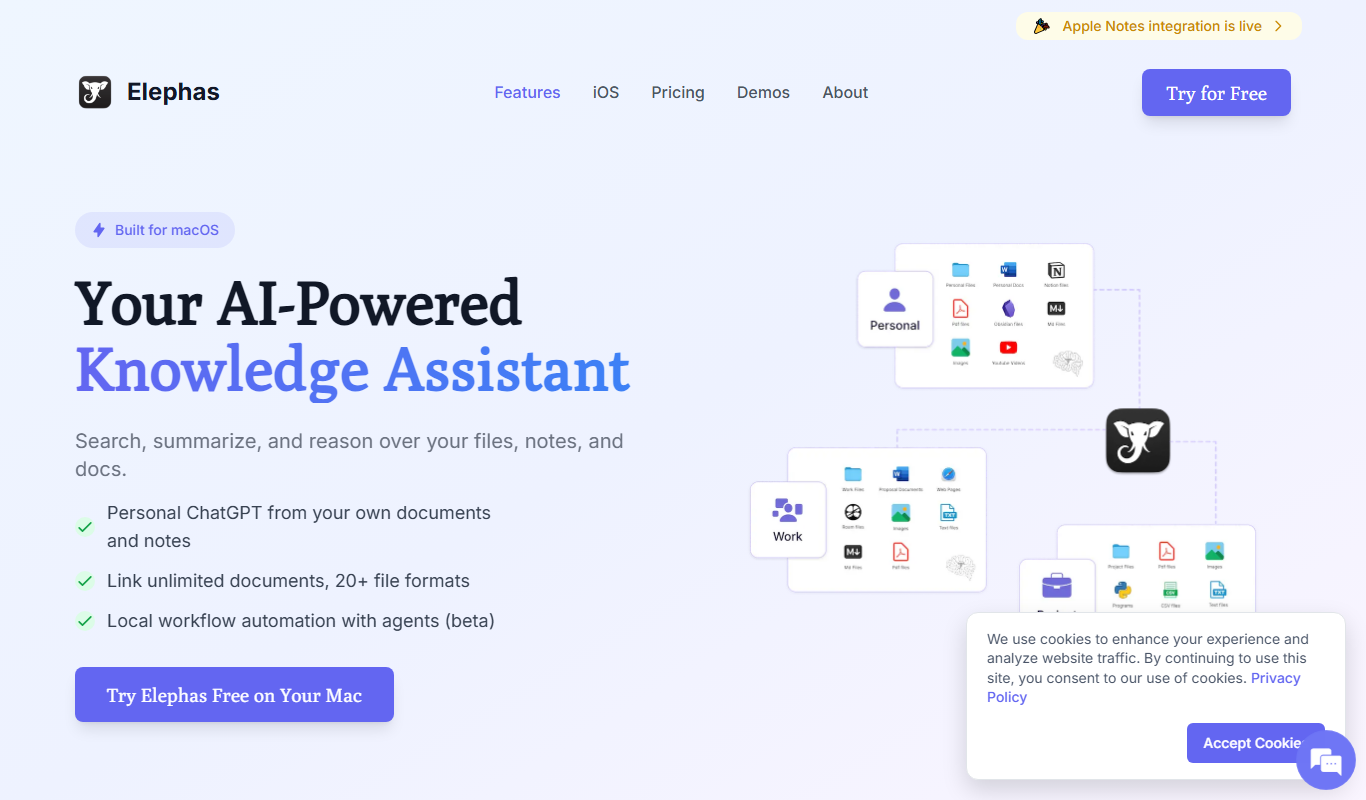
Elephas is an AI-powered writing assistant designed specifically for Mac users. It integrates GPT-3 technology to help users generate, edit, and enhance written content directly on their Mac devices. Elephas aims to boost productivity by providing AI-driven suggestions, content generation, and note-taking enhancements within native Mac applications.
Key features of Elephas
Elephas offers seamless integration with Mac apps, GPT-3 powered content generation, AI-assisted editing, note-taking improvements, and customizable workflows to streamline writing and creative tasks.
GPT-3 Integration
Leverages OpenAI's GPT-3 model for advanced natural language generation.
Mac Native App
Designed specifically for MacOS with smooth integration into native apps.
AI-Powered Note Taking
Enhances notes by summarizing, expanding, and organizing ideas.
Customizable Prompts
Allows users to create and save personalized AI prompts for various writing tasks.
Multi-Platform Support
Available on Mac and iOS, with API access for developers.
Pros and cons of Elephas
Pros
- Seamless Mac integration for native experience
- Powerful GPT-3 AI writing capabilities
- Customizable prompts to fit diverse writing needs
- Supports note-taking and content creation
- Available on Mac and iOS platforms
Cons
- Requires OpenAI API key, which may incur extra cost
- Limited integration outside Mac ecosystem
- Free plan has usage restrictions
Key use cases for Elephas
Content Creation
Generate articles, blog posts, and creative writing with AI assistance.
Note Taking
Enhance note-taking by summarizing and expanding ideas using AI.
Productivity Enhancement
Use AI to speed up writing tasks and improve workflow on Mac devices.
Idea Generation
Brainstorm and develop ideas with AI-powered suggestions.
Editing and Proofreading
Refine text by leveraging AI to correct grammar and improve clarity.
How Elephas works
- 1
Install Elephas on Mac
Download and install the Elephas app from the official website or Mac App Store.
- 2
Connect to GPT-3
Link your OpenAI API key within Elephas to enable AI-powered features.
- 3
Start Writing
Use Elephas within your favorite Mac apps to generate, edit, or enhance text.
- 4
Customize Workflow
Adjust settings and prompts to tailor AI assistance to your writing style and needs.
Who is using Elephas
Mac users seeking AI writing assistance
Content creators and bloggers
Students and researchers
Productivity enthusiasts
Writers needing note-taking enhancements
Elephas pricing
Free
$0/month
Basic access with limited AI usage and features.
Pro
$14.99/month
Unlimited AI usage, advanced features, and priority support.
Plans and prices are as published by the vendor and can change. Check the official site before you buy. Open the pricing page (opens in a new tab)
Frequently asked questions about Elephas
Yes, Elephas requires you to connect your own OpenAI API key to access GPT-3 features.
Elephas works best with text-based Mac apps but may not integrate with every application.
Yes, Elephas offers an iOS app for mobile AI writing assistance.
Elephas provides a free tier with limited features; check their website for any trial offers.
It depends on your specific needs and how you plan to use the tool. The official website and documentation are the best sources for the latest details.
Integration support depends on the tool and its available connectors or API. Check the official documentation or integrations page to confirm what is supported.
Some tools offer a free plan or trial with limited features. Availability can vary, so confirm on the official website.
Yes, it can help with that use case depending on how you configure it and what features are available. You’ll get the best results with clear inputs and a defined goal.
Sign in to review this tool.
Sign In to ReviewNo reviews yet
Be the first to share how this tool worked for you.
Ask about pricing, limits, or how it compares — or answer someone else.
Sign In to AskNo questions yet
Have a question about using or paying for this tool? Be the first to ask.
Featured on TiorAI



Alternative Tools
Explore similar AI tools that might fit your needs

Free
MacGPT
MacGPT is a native macOS application that integrates OpenAI's ChatGPT, providing quick AI chatbot access via the Mac menu bar and customizable shortcuts for enhanced productivity.
More AI Presentation Generator Lite tools
Other tools in the same category, for when this one is not quite the fit.
Free
Piggy To
Piggy To Magic is an AI-powered writing assistant that helps users generate creative and marketing content quickly by providing AI-driven text completions and prompts.
Freemium
Glimmer
Glimmer is an AI-driven video enhancement platform that improves video quality in real-time and post-production using noise reduction, color correction, and filters accessible via web and API.

Free Trial
Slides Orator
Slides Orator is an AI-powered tool that automatically creates professional slide presentations from text or outlines, offering customizable templates and export options.

Free
Powerpresent AI
Powerpresent AI is a web-based tool that uses artificial intelligence to automatically generate professional presentation slides from user input, offering customizable templates and easy editing.
Free
Smallppt
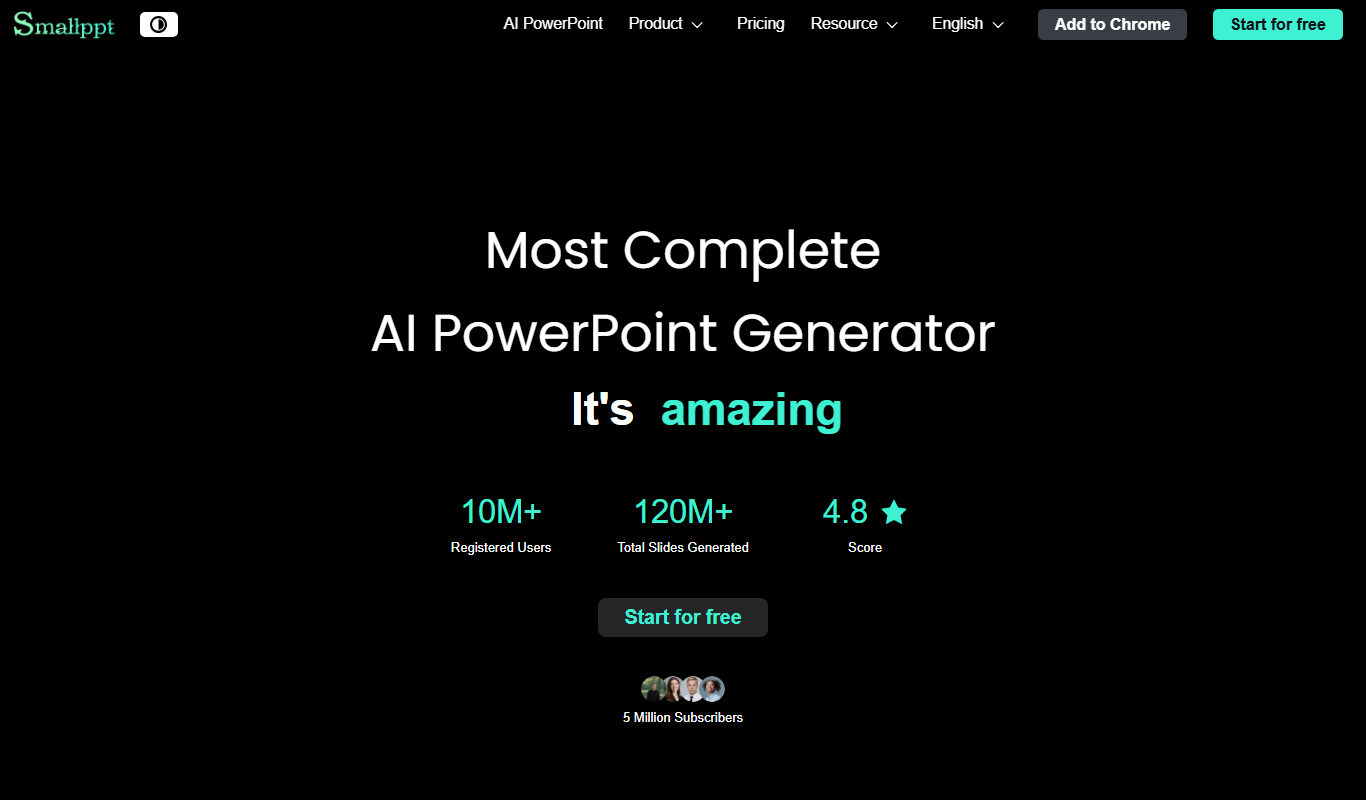
Smallppt is an online tool by Smallpdf GmbH that converts PDF documents into editable PowerPoint presentations quickly and securely without software installation.

Free Trial
PageOn.ai
PageOn.ai is an AI-powered no-code website builder that enables users to create landing pages and simple websites quickly using AI-generated templates and drag-and-drop customization.

Free
Supademo 2.0
Supademo 2.0 is a no-code platform that enables SaaS companies to build interactive product demos and guided tours without coding, helping accelerate sales and marketing efforts.

Free
WorkPPT
WorkPPT is a web-based presentation tool by SoftTooler that uses AI to help users create and customize professional slides quickly, supporting collaboration and export in PPTX and PDF formats.