

From my experience with Easy Posters AI, I found it excels at making poster design accessible to users without any graphic design background. The AI-driven template recommendations and real-time design suggestions help create professional-looking posters quickly, which is a huge time saver for marketers and small business owners. However, the platform trades off some advanced customization options that professional designers might expect, and it currently lacks a mobile app. Overall, if you need to produce marketing or event posters efficiently with minimal effort, Easy Posters AI delivers solid, user-friendly results.
Easy Posters AI - Automated Poster Design Tool for Marketing and Events
Easy Posters AI is an online tool that uses artificial intelligence to help users create professional posters quickly through customizable templates and AI design suggestions.
- Best for
- Event Promotion
- Key capability
- AI-Powered Template Recommendations

Do you recommend this tool?
What is Easy Posters AI?
Easy Posters AI is an online platform that leverages artificial intelligence to simplify and speed up the creation of professional-quality posters. It offers users a variety of customizable templates and design elements, enabling even those without graphic design experience to produce eye-catching posters for marketing, events, and personal use.
Key features of Easy Posters AI
The tool provides AI-powered design suggestions, a wide range of templates, easy drag-and-drop customization, and export options suitable for both digital and print formats. Its intuitive interface makes poster creation accessible and efficient.
AI-Powered Template Recommendations
The platform suggests the most suitable poster templates based on your input and goals.
Drag-and-Drop Editor
An intuitive editor that allows easy customization of all design elements without prior design skills.
Extensive Template Library
Access to a wide variety of professionally designed templates for multiple industries and occasions.
Multi-Format Export
Download posters in high-resolution formats optimized for both print and online use.
Real-Time AI Design Enhancements
Receive instant AI-driven suggestions to improve layout, color harmony, and typography.
Pros and cons of Easy Posters AI
Pros
- User-friendly interface with no design skills required
- AI suggestions improve design quality automatically
- Wide variety of customizable templates
- Affordable pricing with a free tier
- Quick export options for multiple formats
Cons
- Limited advanced customization compared to professional design software
- No dedicated mobile app available
- Some features locked behind Pro subscription
Key use cases for Easy Posters AI
Event Promotion
Create visually appealing posters quickly to promote events such as concerts, workshops, and conferences.
Marketing Campaigns
Design marketing posters for social media, print, and digital advertising to boost brand visibility.
Small Business Branding
Help small businesses create professional posters for sales, announcements, and product launches without hiring a designer.
Educational Materials
Generate posters for schools and educational institutions to communicate important information and events.
Personal Projects
Design custom posters for personal use such as invitations, celebrations, or creative projects.
How Easy Posters AI works
- 1
Select a Template
Choose from a diverse collection of AI-curated poster templates tailored for different purposes.
- 2
Customize Design
Use the drag-and-drop editor to modify text, images, colors, and layout to fit your specific needs.
- 3
Generate AI Suggestions
Leverage AI to receive design improvement recommendations and automatic adjustments.
- 4
Download and Share
Export your finished poster in various formats for print or digital distribution.
Who is using Easy Posters AI
Small business owners
Event organizers
Marketing professionals
Educators and schools
Individuals creating personal posters
Easy Posters AI pricing
Free
$0/month
Access to basic templates and limited downloads with watermark.
Pro
$15/month
Unlimited downloads, full template library access, watermark removal, and priority support.
Plans and prices are as published by the vendor and can change. Check the official site before you buy. Open the pricing page (opens in a new tab)
Frequently asked questions about Easy Posters AI
No, the platform is designed for users of all skill levels with AI assistance and easy customization.
Yes, posters created can be used for both personal and commercial projects.
You can download posters in PNG, JPG, and PDF formats suitable for print and digital use.
Currently, Easy Posters AI is accessible via web browsers; there is no dedicated mobile app.
It depends on your specific needs and how you plan to use the tool. The official website and documentation are the best sources for the latest details.
Yes, it can help with that use case depending on how you configure it and what features are available. You’ll get the best results with clear inputs and a defined goal.
It depends on your specific needs and how you plan to use the tool. The official website and documentation are the best sources for the latest details.
Pricing depends on the plan and included features. For the most accurate and up-to-date details, check the official pricing page.
Sign in to review this tool.
Sign In to ReviewNo reviews yet
Be the first to share how this tool worked for you.
Ask about pricing, limits, or how it compares — or answer someone else.
Sign In to AskNo questions yet
Have a question about using or paying for this tool? Be the first to ask.
Featured on TiorAI



More AI Ad Creative tools
Other tools in the same category, for when this one is not quite the fit.

Freemium
lipsyncer.ai
Lipsyncer AI is a web-based tool that uses artificial intelligence to automatically generate lip sync animations from audio, helping video creators and animators produce realistic mouth movements quickly.

Free
Blizzy
Blizzy is an AI-powered writing assistant that helps users generate various types of content quickly and efficiently through customizable templates and AI text generation.
Free Trial
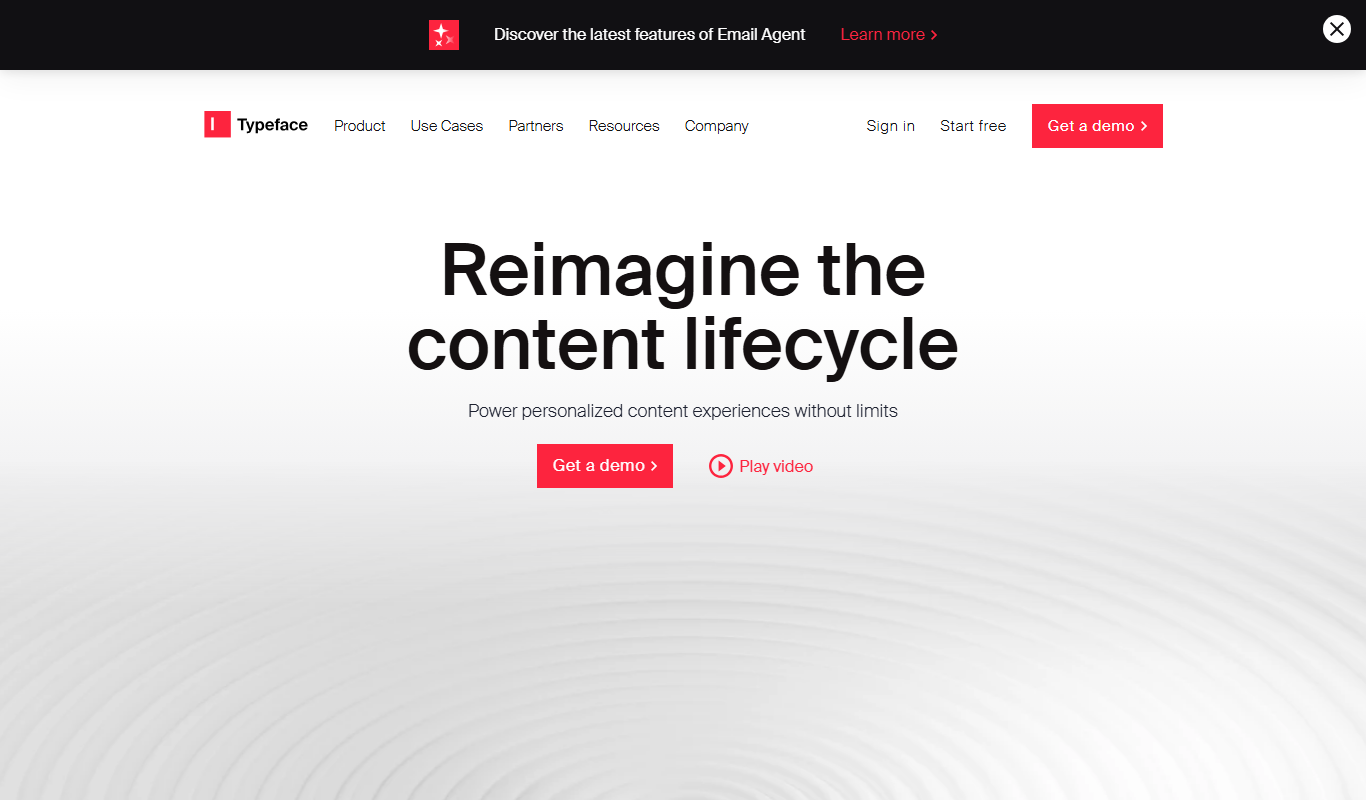
Typeface
Typeface AI is a web-based platform that uses artificial intelligence to generate custom fonts, allowing users to create unique typefaces tailored for branding and design without advanced skills.

Free
Airpost
Airpost is an AI email assistant that automates inbox management, reply drafting, and workflow automation to help users handle emails more efficiently.

Free
LoopGenius
LoopGenius is an AI-powered writing assistant that helps users create and improve written content efficiently through real-time grammar corrections, style suggestions, and content generation.

Freemium
MetaMuse
MetaMuse is an AI-driven platform that helps marketers generate SEO-optimized marketing content such as blog posts, ads, and social media copy efficiently.

Free
Etereel
Etereel is a free web-based AI writing assistant designed to help users generate creative stories and content by providing AI-powered text generation based on user prompts.
Free
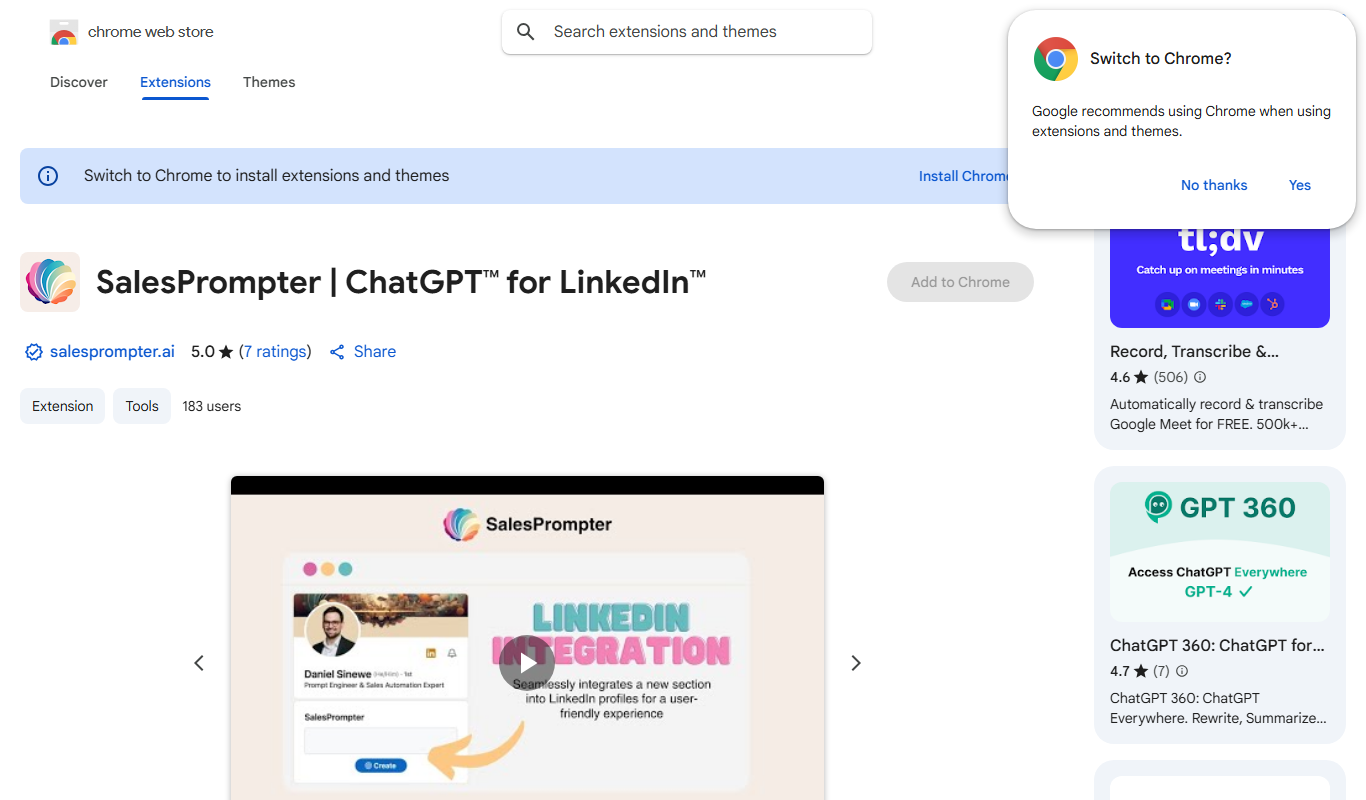
SalesPrompter
SalesPrompter is a Chrome extension that leverages AI, specifically ChatGPT, to help sales professionals generate personalized sales emails quickly and efficiently within Gmail and other webmail platforms.